- CSV Viewer
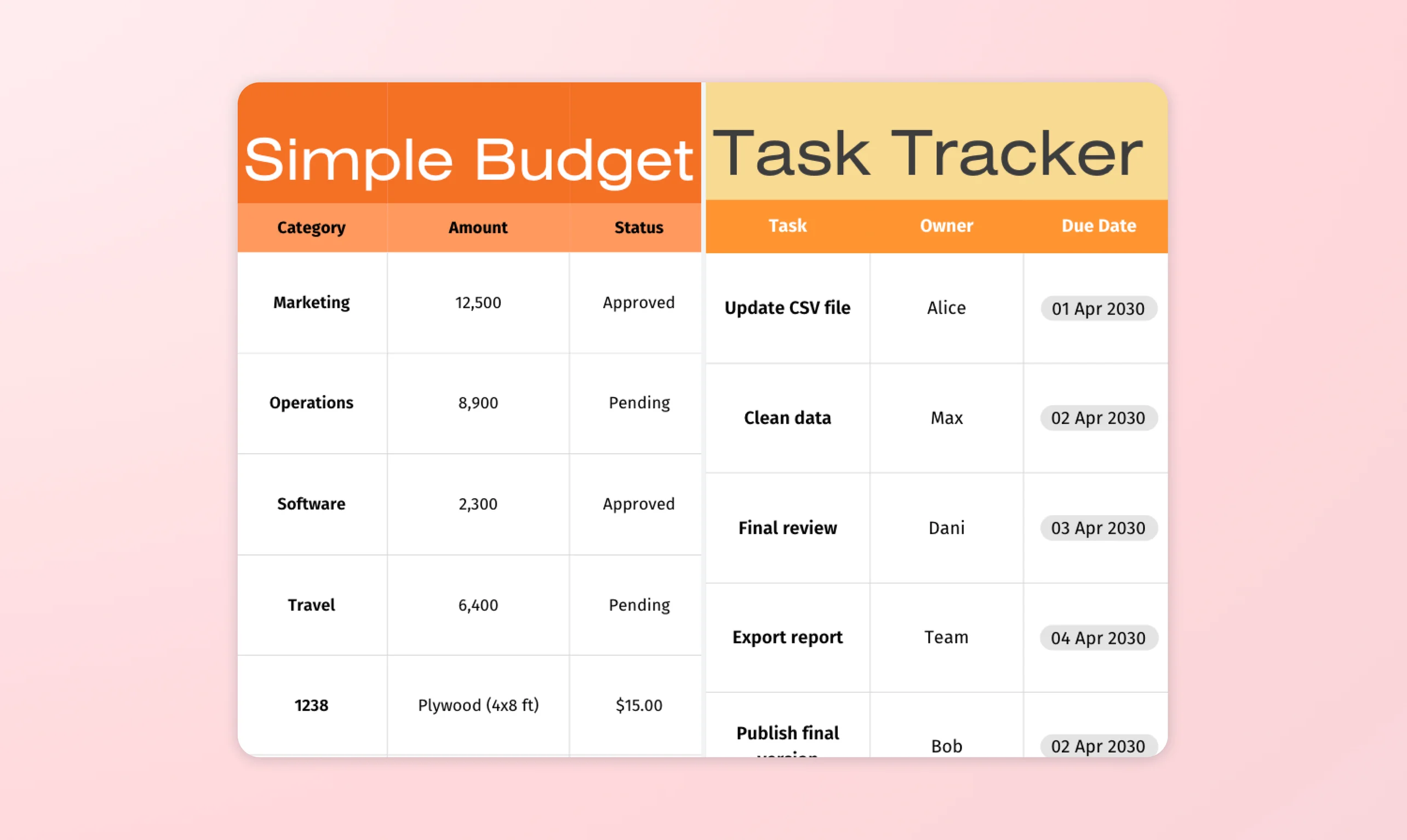
Free Online CSV Viewer
Access your important files conveniently with Canva’s free CSV file viewer. Open and view reports with no need for expensive software and then collaborate seamlessly with your team in real time.
or drop it here
Learn about Canva's upload formats and requirements. See how we use your content in our Privacy Policy.
How to view CSV files
Upload your file
Select the “Upload your file” button or easily drag and drop your files into the section.
View or edit your spreadsheet
View your file or make some quick updates using our beginner-friendly editor.
Download or share your file
Finally, you can download your file for free in CSV, XLSX, or PDF format, or create a shareable link.
Open CSV files for free

View important CSV files without installing expensive software. Canva Sheets(opens in a new tab or window) lets you open and view files for free on every device. Get access to your most pressing data wherever you are. Whether you’re on the go and need a quick glance at leads or reports, you don’t need any extra tools.
Enjoy familiar spreadsheet features

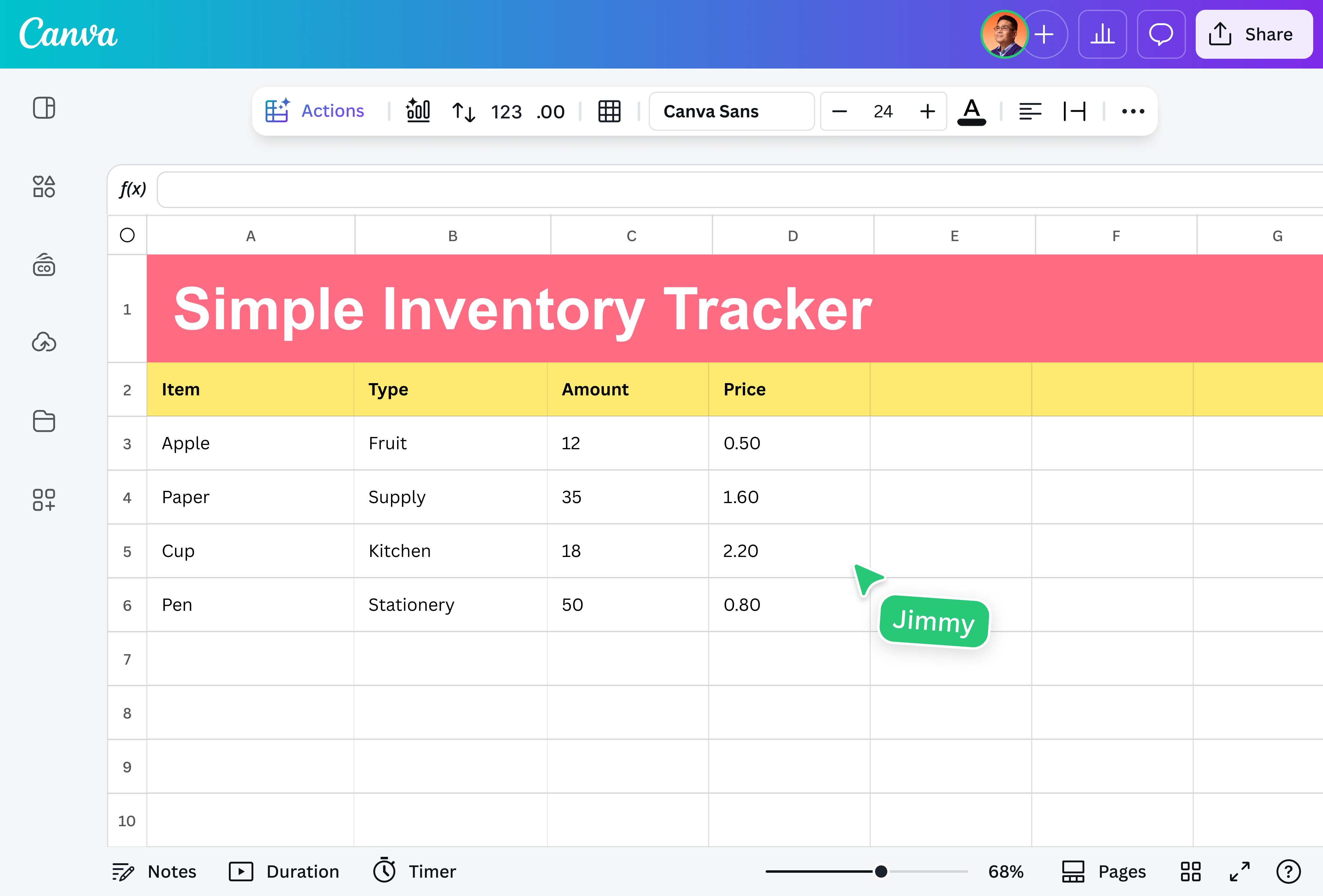
Do more than just read a report. Edit your file intuitively with our familiar spreadsheet interface and features. You can sort and format numbers and even add new data. Our powerful tool lets you turn your data into stories. Using AI, you can generate quick insights through Magic Insights (Pro(opens in a new tab or window)) and instantly visualize your data through Magic Charts(opens in a new tab or window).
Convenient collaboration

When creating a report takes a village, Canva makes teamwork easy through seamless collaboration. Share access to your file with your team and work on important data together. You can tag them in cells, leave comments, or just work simultaneously—even on different devices. Plus, Canva autosaves your work so you can jump from one device to another.
Send or share anywhere

Download your file in multiple formats, such as CSV, XLSX, or PDF. In just a few clicks, you can also share a link for viewing or collaboration via email or messaging platforms to easily manage your workflow.
How to view CSV files

Frequently asked questions
- A CSV viewer is an application or a tool that lets users open CSV (Comma-Separated Values) files in a tabular format. This lets you handle large data sets as well without crashing down. It provides a quick and efficient way to view and search data.
- You can open a CSV file even without Microsoft Excel using free and paid tools on your computer, mobile device, or online. Our free online CSV viewer is a powerful alternative to Excel and lets you open, view, and edit CSV files from any device. It is a convenient way to view files with an internet connection.
- Absolutely! Our free CSV viewer is an online tool for opening and accessing your data without having to install or pay for software. It displays your data in a clean and organized way.

@navneet4