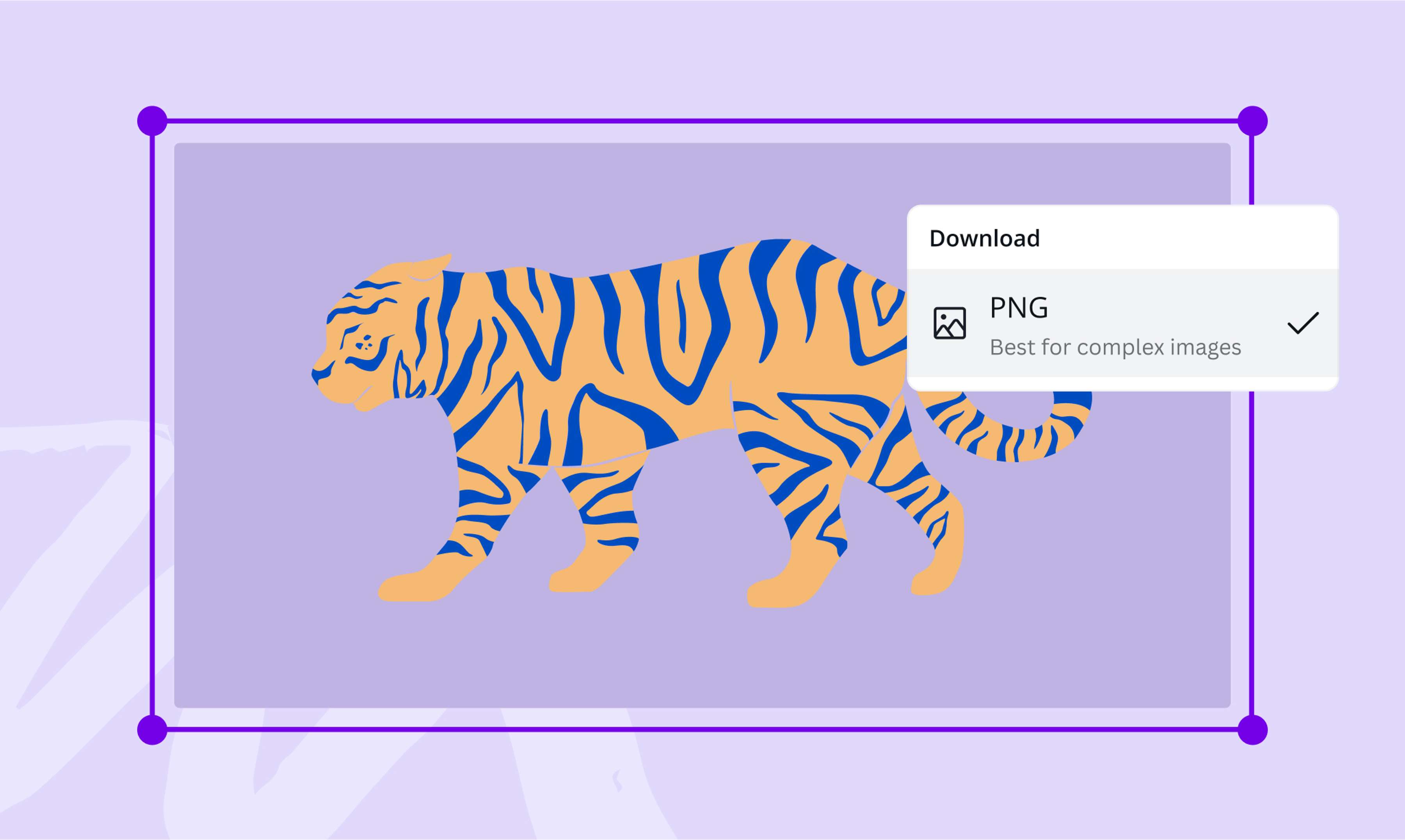
Free SVG to PNG converter
Make vector files more accessible across all platforms when you convert SVG to PNG. Use Canva’s SVG to PNG online converter to produce complex, non-animated images for print or web—no sign-ups or software installations required.
or drop it here
Learn about Canva’s upload formats and requirements. See how we use your content in our Privacy Policy.
Try these image converter tools
Edit and convert images and more. All the photo editing tools you need!
How to convert SVG to PNG
1
Upload your image
Select the “Upload your image” button or easily drag and drop your files into the section.
2
Edit your design
Make some quick touch-ups on your images using our beginner-friendly editor.
3
Download your design
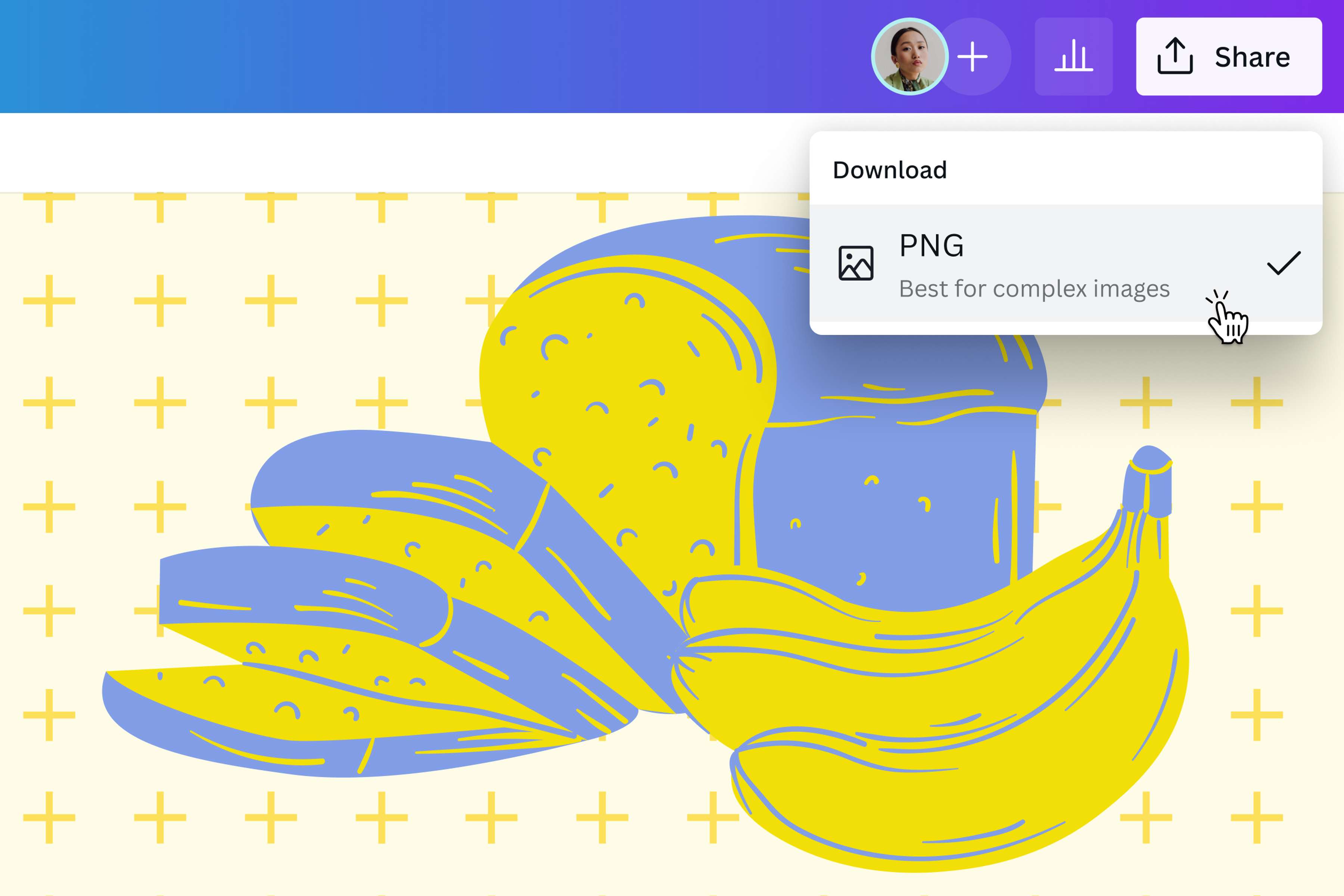
Finally, convert from SVG to PNG for free by downloading your design as a PNG image.
Convert simply, without the frills
While SVG images provide excellent quality for vectors, they’re not always compatible with browsers and applications. Skip the hassle of downloading additional software when you convert SVG to PNG or PNG maker online on Canva. Save your newly converted PNG in a high-resolution image output format, with every detail preserved in its original quality.
Apply touch-ups for an impressive finish
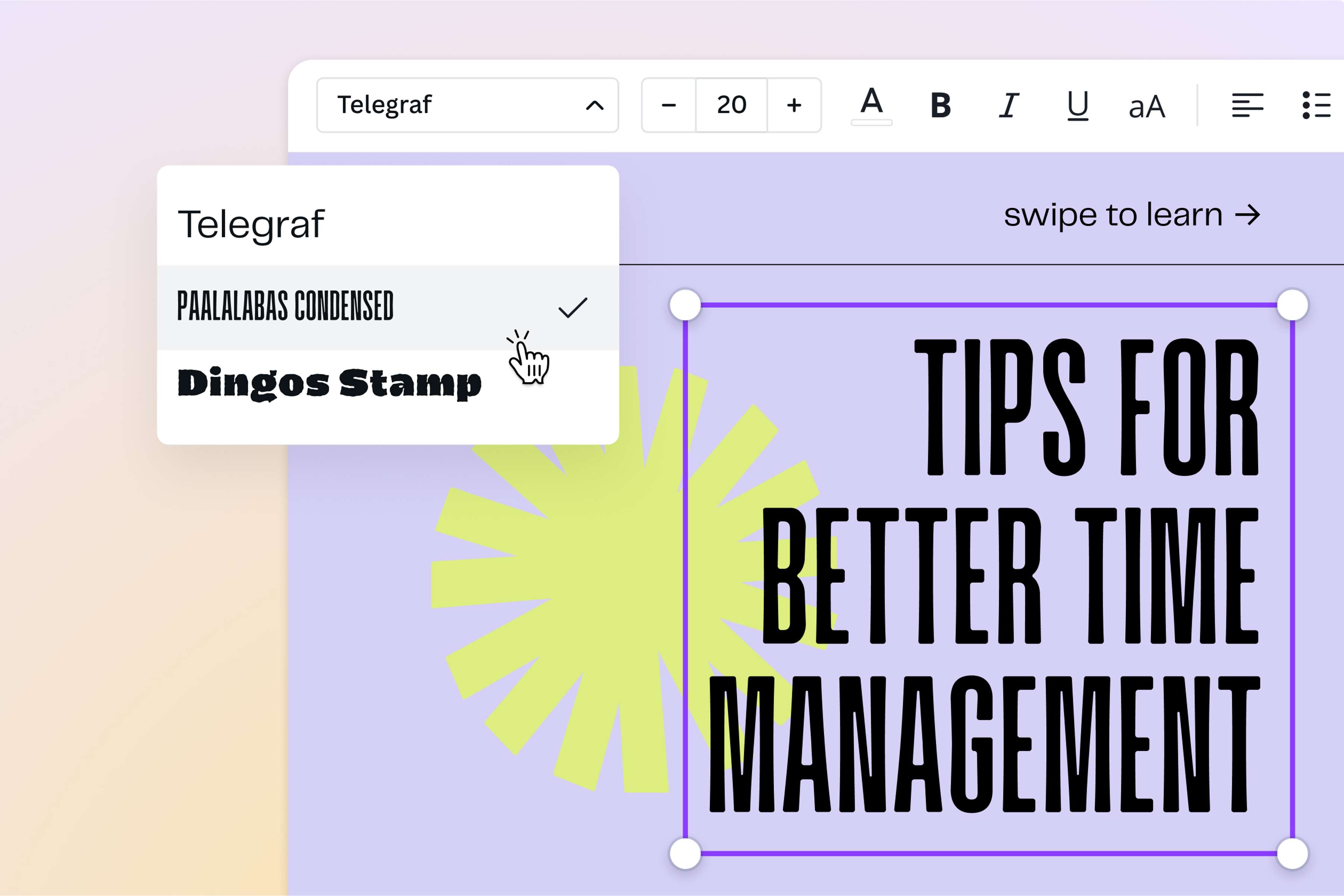
Go beyond converting your SVG file to PNG—turn it into a design project to achieve the perfect image. Generate vectors with just a few clicks with the AI vector generator, image translator, and edit to your heart’s content. Crop, flip, or scale your original vector to rearrange its composition. Add text or apply filters and effects for a more professional look. With Canva’s Background Remover, you can also remove distracting backgrounds and create a transparent image you can use for everything, from product mockups and logos to text overlays for social media posts.
Produce versatile images for every platform
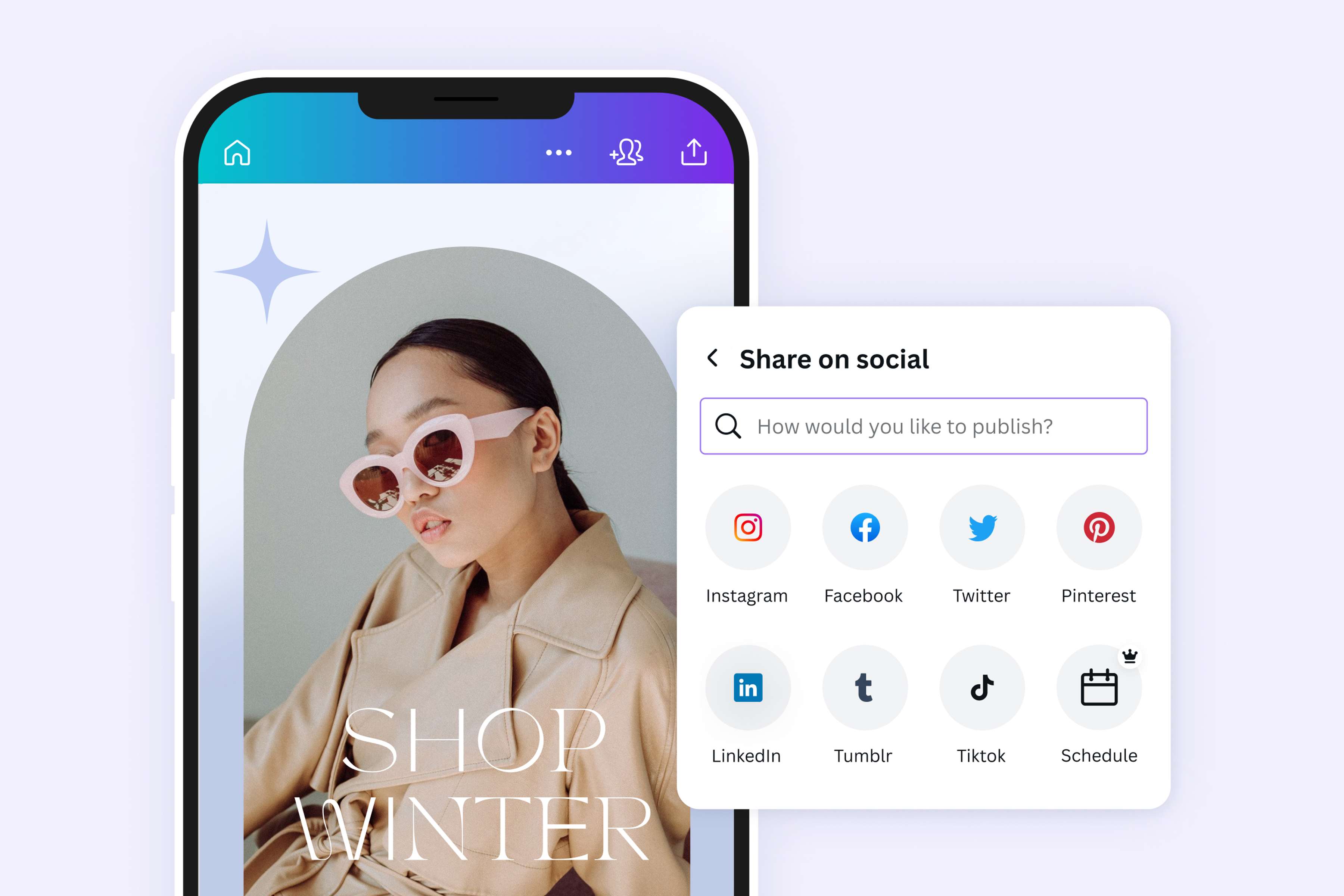
PNG images are powerful because you can use them across print, digital, and web mediums. From static photos and website icons to high-resolution print posters, you can convert your SVG to transparent PNG and retain its original high quality. Share your downloaded PNG image in an email, publish it on your social media profiles, or keep it in your local folder for future design projects.
How to convert SVG to PNG
Open Canva
Launch Canva from your mobile app or desktop browser to start your SVG to PNG conversion.Upload your SVG image
Upload your SVG file on the editor by selecting it from your device or dragging and dropping it onto the page. Canva will automatically turn your file into an editable design.Edit your file
Spice up your image using our free, beginner-friendly photo editor(opens in a new tab or window). Crop, resize, or mirror(opens in a new tab or window) your image. Adjust brightness(opens in a new tab or window), bring up contrast, or add frames(opens in a new tab or window) or text(opens in a new tab or window). You can also explore our massive media library and find additional graphic elements to enhance your design.Convert SVG to PNG
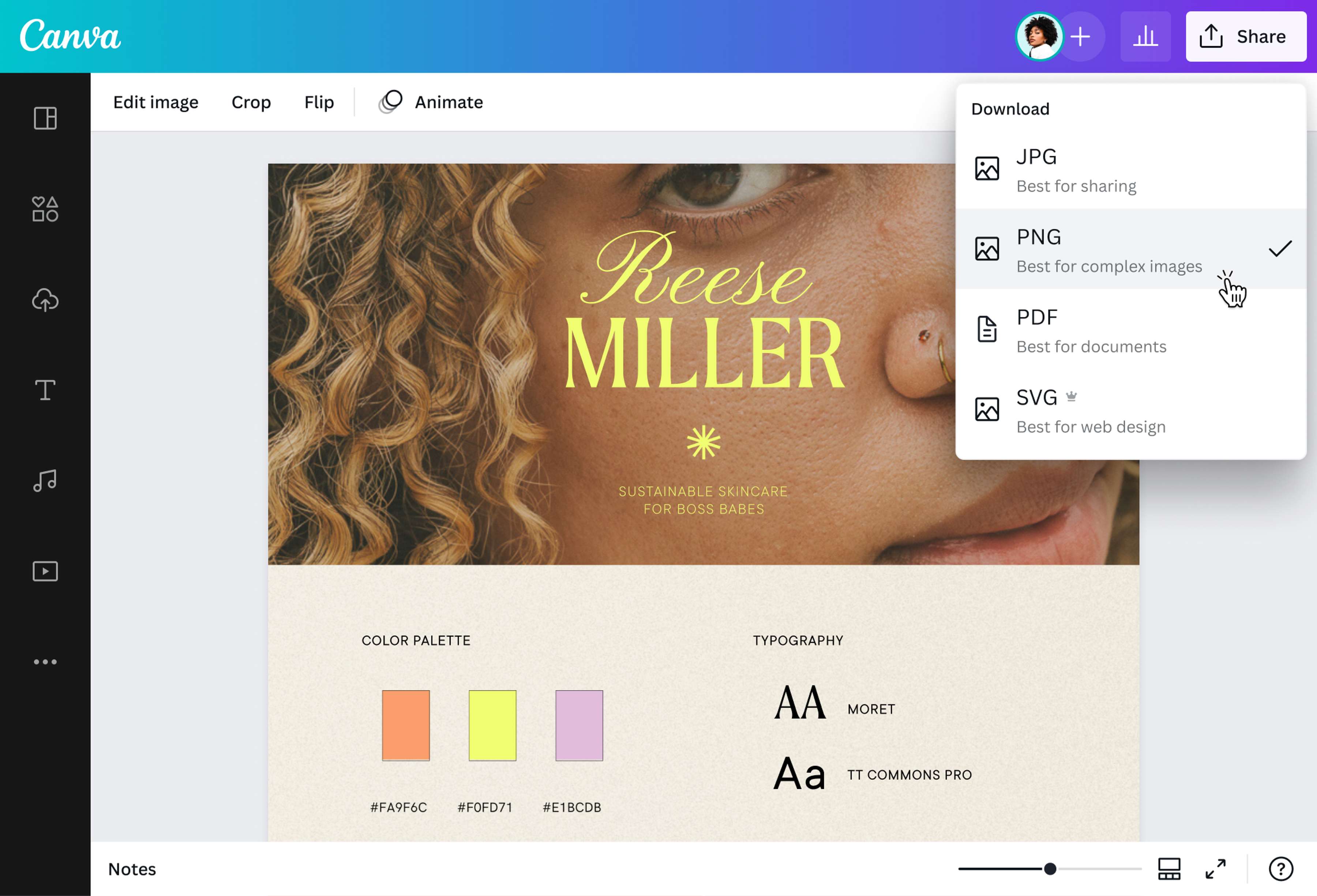
After making your edits, click Share in the upper right corner of the editor. Select Download, then choose “PNG” from the drop-down list of file types. Finally, save your work as a high-quality PNG image.Share your PNG image
There are many ways for you to use your newly converted PNG image. Share it as an attachment via email or messaging apps, add it to your presentations, or use it for your branded collaterals.
Frequently asked questions
- SVG files are vector-based images normally used for illustrations and logos. Though it supports animations and can be scaled to any size without losing its quality, not all browsers and image readers can open SVG files. PNGs, on the other hand, are more accessible for any platform. It’s pixel-based, and although it can’t be scaled as much as SVG, it nevertheless offers a high-quality resolution.