- PPTX Viewer

Online PPTX viewer
Instantly review any .pptx file for free online. Through Canva’s free PPTX viewer, you can seamlessly access and collaborate on any PowerPoint presentation in your browser without extra software.
or drop it here
Learn about Canva's upload formats and requirements. See how we use your content in our Privacy Policy.
Try these document editing tools
View, edit, and convert presentations, documents, and more. All the editing tools you need!
How to open PPTX files
Upload your PPTX
Select the “Upload” button or easily drag and drop your file into the section.
Edit your design
Make some quick touch-ups on your PPTX file using our beginner-friendly editor.
Download your design
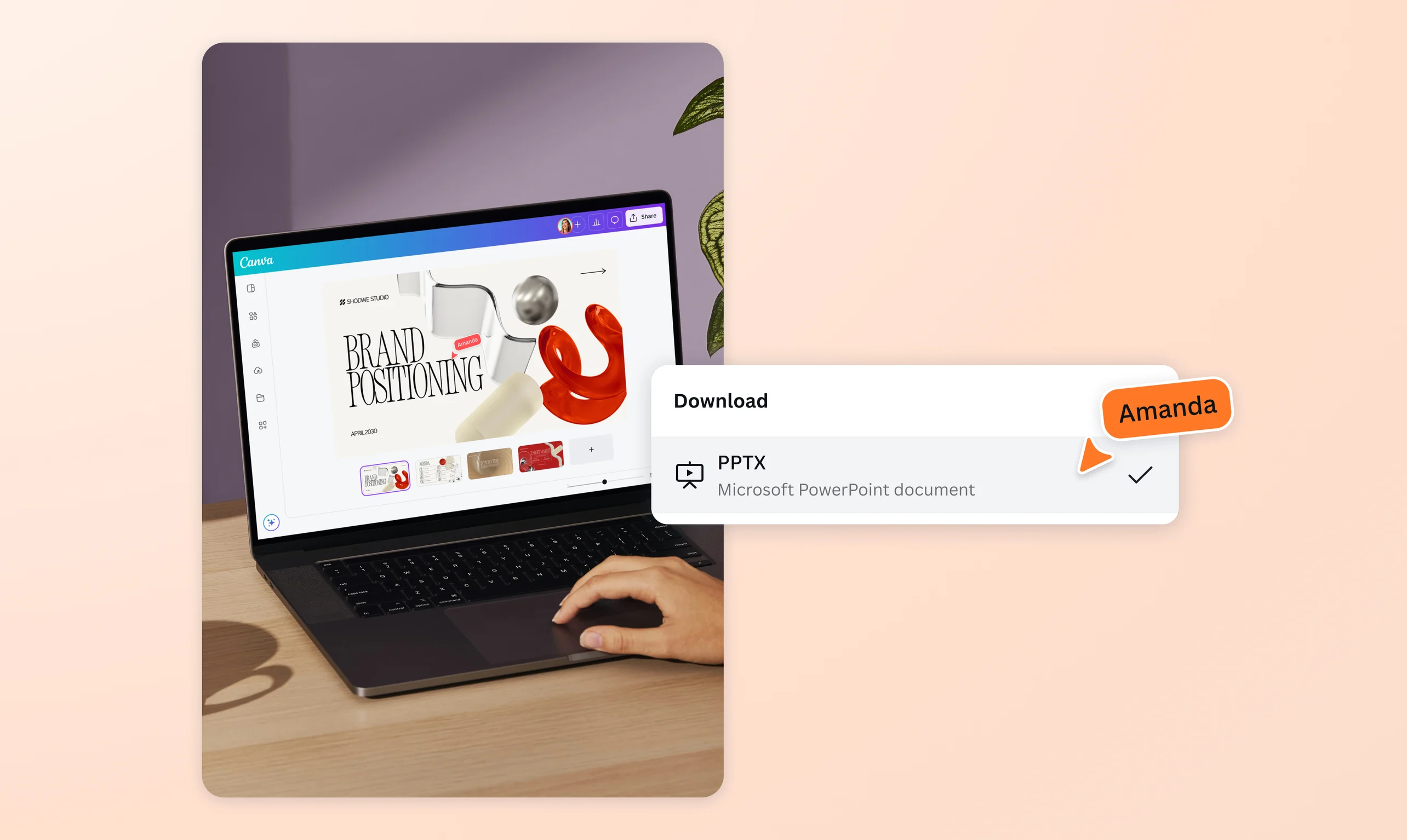
Finally, you can download your PPTX file for free as a PDF, PPTX, and more.
View decks without installing software

Received a PPTX file that needs to be reviewed ASAP? No need to buy expensive software or download an app just to read it. Canva allows students, educators, and professionals a chance to open their PPTX by simply uploading it on the web browser or mobile app.
Effortlessly check presentations across devices

Whether you’re stuck at the office, waiting at the airport, or on the way to a presentation, access your PPTX files anywhere and on any device with our reliable online viewer.
Improve your deck with the help of Canva’s library of graphics(opens in a new tab or window), photos(opens in a new tab or window), videos(opens in a new tab or window), and fonts. Or apply effects and animations to specific details. The best part? You can see your updates reflected on all devices in real time.
Share and collaborate on your PPTX

Opening a PPTX file in Canva is just the start of a smooth and fun process. With just a few clicks, you control who sees, comments on, and edits the presentation. Let fellow students revise their assigned sections. Tag colleagues about missing stats. Ask a mentor for initial feedback.
When everyone’s done contributing to the deck, share the final output via a quick link or a downloaded file.
Present slides with ease

From researched-backed insights to compelling visuals, presenting is half the battle when you’re confident about your deck.
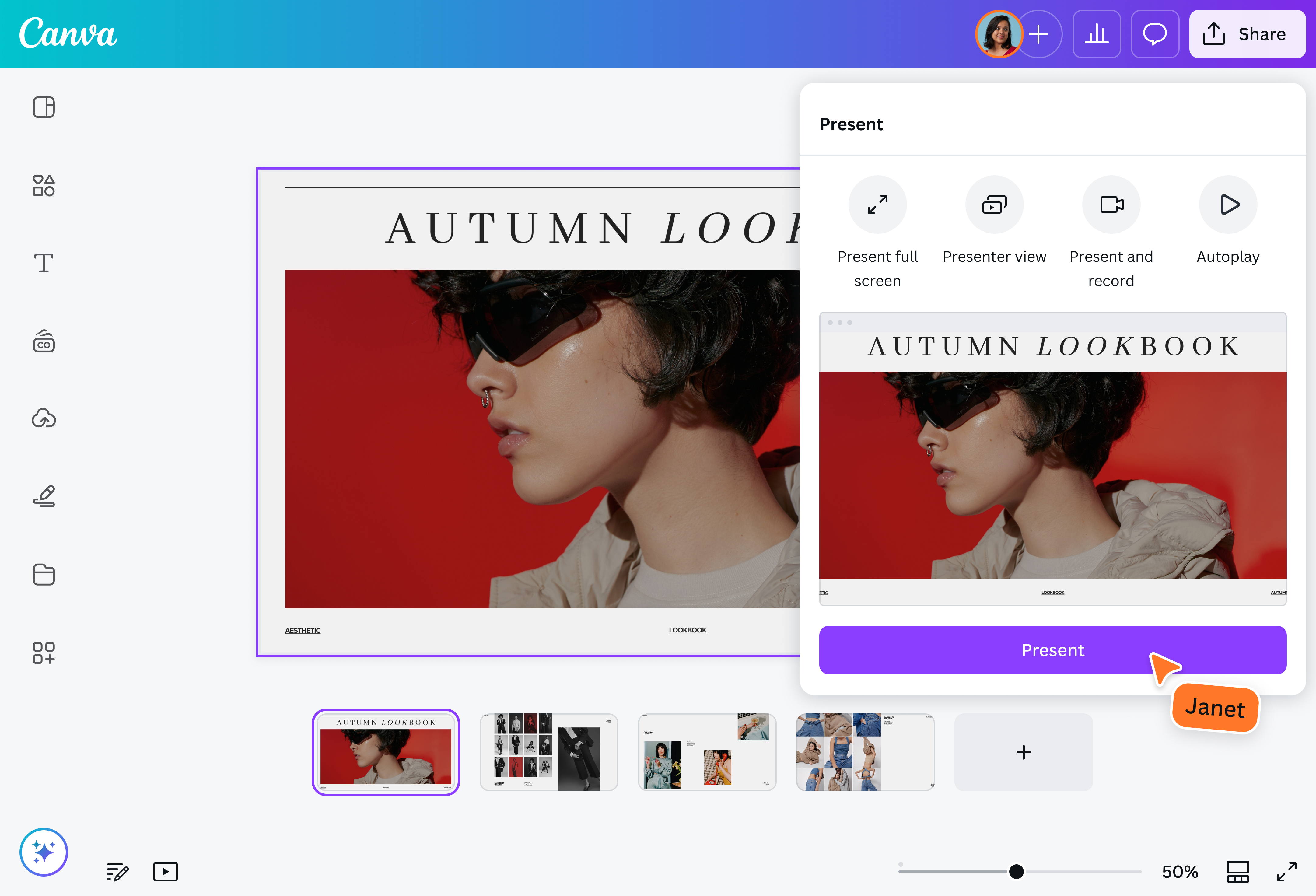
Discuss your presentation in Standard (widescreen) or Presenter (fullscreen) view mode without leaving our visual suite. Translate(opens in a new tab or window) your deck into other languages. Control the slides from your mobile as you deliver the essential points at your next meeting or lecture.
How to view a PPTX file

Frequently asked questions
- Yes, you can view PPTX files online without installing complex software. Our online PPTX viewer is a free tool that can be accessed through any device. More than just opening PPTX, it allows users to edit and share the file with other collaborators.
- Yes, you can view PPTX files on your phone or tablet depending on which app or tool you use. Our visual suite gives both Free and Pro users a chance to open their PPTX on any device, whether it’s through their desktop browser, mobile phone, or tablet.
PPT and PPTX are different file formats. PPT is an older, binary-based PowerPoint file that’s larger in size and prone to corruption. PPTX, on the other hand, is a modern alternative that supports advanced features such as complex animation and cross-platform compatibility. It also offers faster loading due to efficient compression.
Our free online viewer supports both .pptx and .ppt file types.

@navneet4