- Edit Text in Image
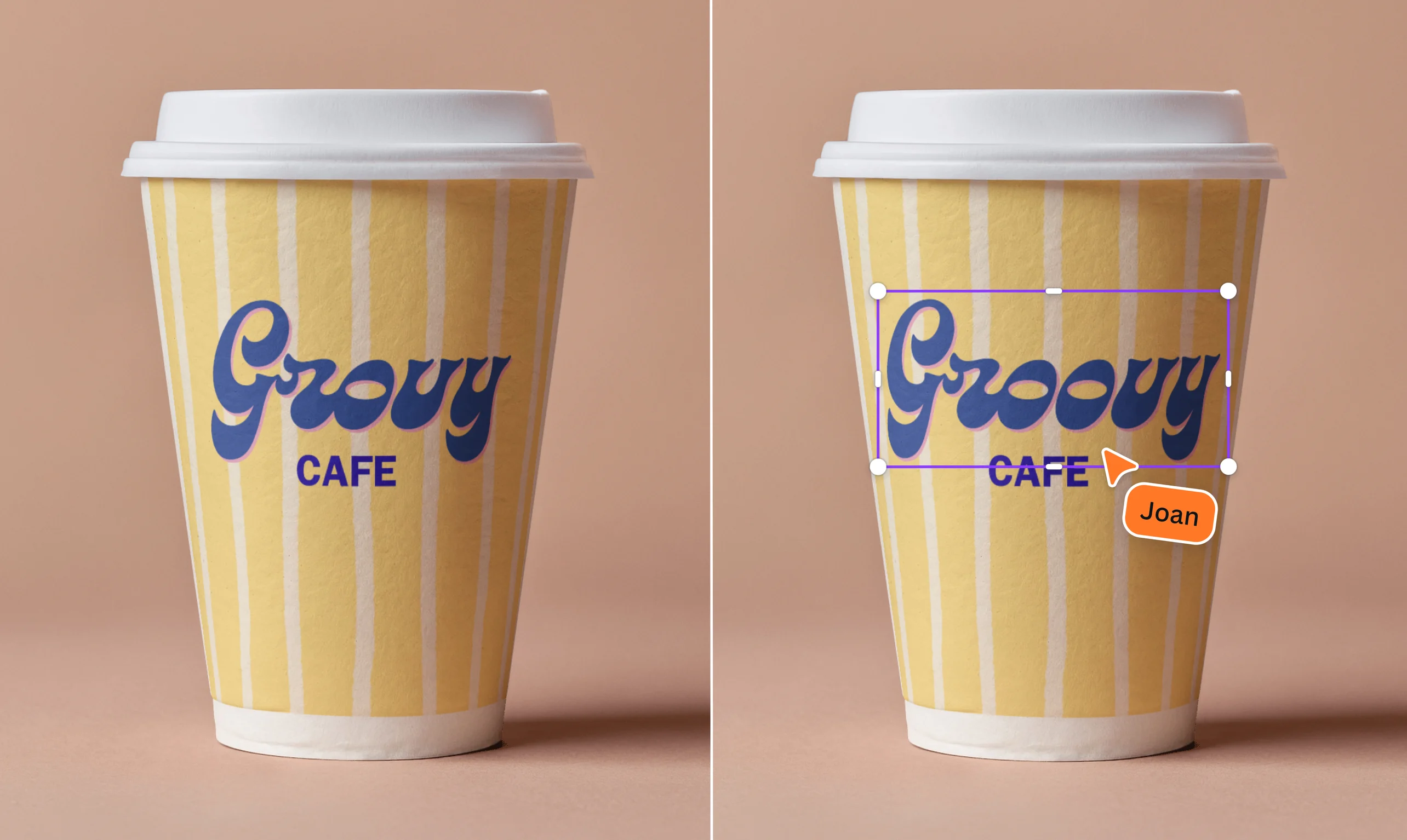
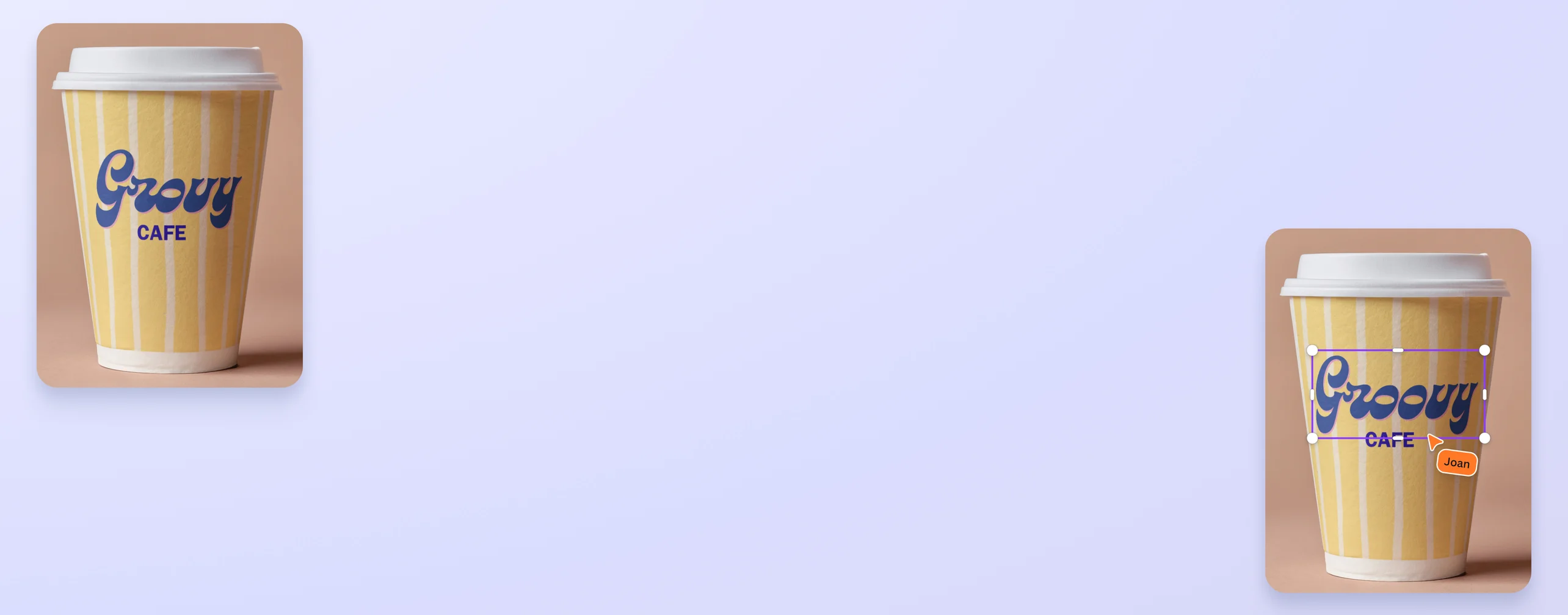
Edit text in your image with Canva’s Grab Text
Change the text on an image in just a few clicks with Canva’s Grab Text. Just select the text you want to edit, and watch as AI instantly turns it into an editable layer.
or drop it here
Learn about Canva's upload formats and requirements. See how we use your content in our Privacy Policy.
How to edit text in an image
Upload your image
Select the “Upload files” button in “Uploads” or easily drag and drop your files into the section.
Edit your design
Edit the text in your image by using Grab Text, then make some quick touch-ups using our beginner-friendly editor.
Download your design
Finally, download your design as PNG, JPG, or PDF.
Edit an image’s text instantly—no design skills needed

Need a quick way to change the text on your photo? It’s possible with Canva’s Grab Text. Powered by AI, our tool allows you to pull text from any image and edit it in seconds. It’s as easy as selecting the words you want to change, typing something new, and customizing the text to your liking. No need for expensive software or complex tools!
Breathe new life into old content

Our Grab Text tool is a beginner-friendly way to refresh old designs without starting from scratch—whether you need to update statistics, fix a typo, or repurpose an infographic into new content. Once you get to edit the text in your image, you can easily download it as a PNG, JPG, GIF, or even a PDF. Alternatively, you can share it directly on your social media platforms or via email.
Create personalized graphics for different projects

Turn any image into something uniquely yours. Edit text in an image online by adding a personal quote, changing the date, or tweaking the wording to match your style or mood. It’s perfect for thoughtful gifts, fun social media posts, or just experimenting with your design skills. Once your text is editable, you can also mix and match fonts, change text colors, or add 3D text(opens in a new tab or window) effects to create an even more stunning design.
Polish your design with powerful editing tools

Canva is more than just a photo text editor. Use other AI tools like our one-click Background Remover(opens in a new tab or window) to eliminate distracting visual clutter in seconds, or resize your design into an Instagram post, a poster, or a banner using Magic Resize™(opens in a new tab or window). You can even use Magic Edit to add or remove elements in your image just by using a text prompt.
Whether you’re making small tweaks or big changes, Canva gives you everything you need for polished and professional designs.
How to edit text in an image

Frequently asked questions
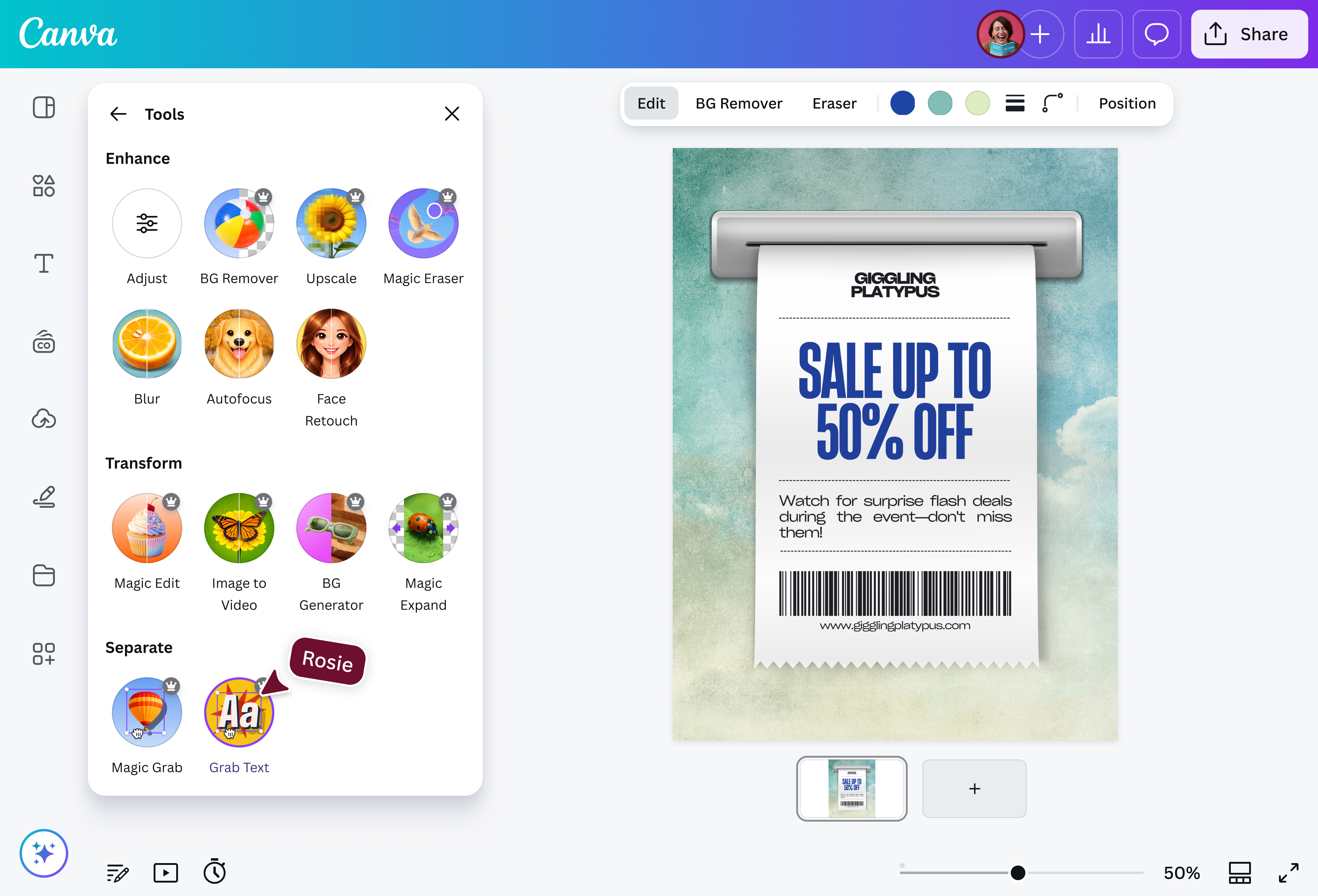
Using our Grab Text tool, you can easily lift text from a flat image and edit it. Fix a typo, tweak a quote, or update contact details in just a click, no redos or manual erasing needed.
Once you change the text on an image, you can style it however you want—change the font, size, or color, add effects or animations, and move it around the design. It’s fast, flexible, and hassle-free.
No. When editing text in an image using AI on our platform, you won’t be sacrificing the image’s quality. With Grab Text, you’re not overwriting the image or lowering the resolution—you’re simply layering fresh, editable text on top.
Do keep in mind that Grab Text works best when the text is straight and not skewed. To reduce perspective distortion, take the photo from directly overhead so the text looks flat. You can also scan the document and upload it to Canva instead.
Want to do a bit more? You can adjust brightness, contrast, sharpness, and more, all without messing with your original design. Your content stays crisp and ready to share.
Yes, if the original font used in your image is in our library. If the exact font isn’t there, our platform chooses the font that’s closest to the original. Alternatively, you can scroll through our extensive library of fonts to find one that you like, or upload your own fonts to your Brand Kit.
Note that enhanced text formatting options such as bold, italic, or underlined are not yet available. Thus, some text may not be recognized on an image or document. Grab Text may also leave little articles of text in the image. When that happens, you can use Magic Eraser to remove them.

@navneet4