- 5 Things we learned at ISTELive 21
5 Things we learned at ISTELive 21
ISTELive (June 26-30, 2021), the largest edtech conference in the US, was all about inspiring stories and designing a new learning landscape. Common themes included social emotional learning, recovering from learning loss and insights from a school year like no other. Here are some highlights from our Canva Education workshops and conversations with teachers, curriculum specialists, instructional technologists and district leaders.
Canva Education makes it easy for students to collaborate
George Lee, a veteran educator with over 26 years teaching experience, shared how his students use Canva to collaborate in real-time. Educators can push the boundaries of what’s possible in creative collaboration by encouraging students to work together.
He demonstrated Canva’s collaboration functionality by sharing a Canva template link with hundreds of educators who joined his interactive session. Together, they added photos, colors, text and other elements to create an exciting design. Canva Education comes with ready-to-use group work templates(opens in a new tab or window) if you’re looking for ways to get started with your students. Check out George's presentation slides here(opens in a new tab or window).
New to Canva Education? Browse our teacher guide(opens in a new tab or window) to get started, or check out these quick video tutorials(opens in a new tab or window). Prefer a hands on approach? Register for one of our free, weekly introductory webinars(opens in a new tab or window) to Canva Education.
Canva Education is available for entire K-12 districts — for FREE!
Dozens of district leaders joined Jason Wilmot, Head of Canva Education, as he shared how districts can get set-up. Canva Education integrates with popular Learning Management Systems (LMS) including Google Classroom, Microsoft Teams, Schoology and Canvas with D2L, Blackboard and others coming soon. For those wondering about privacy policies, be assured that Canva meets COPPA and FERPA compliance and is used by some of the largest districts in the country. Check out Jason's presentation slides here(opens in a new tab or window).
If you’re a teacher and want to approach your district admin about Canva Education, use this handy guide(opens in a new tab or window)!
Design across subject areas
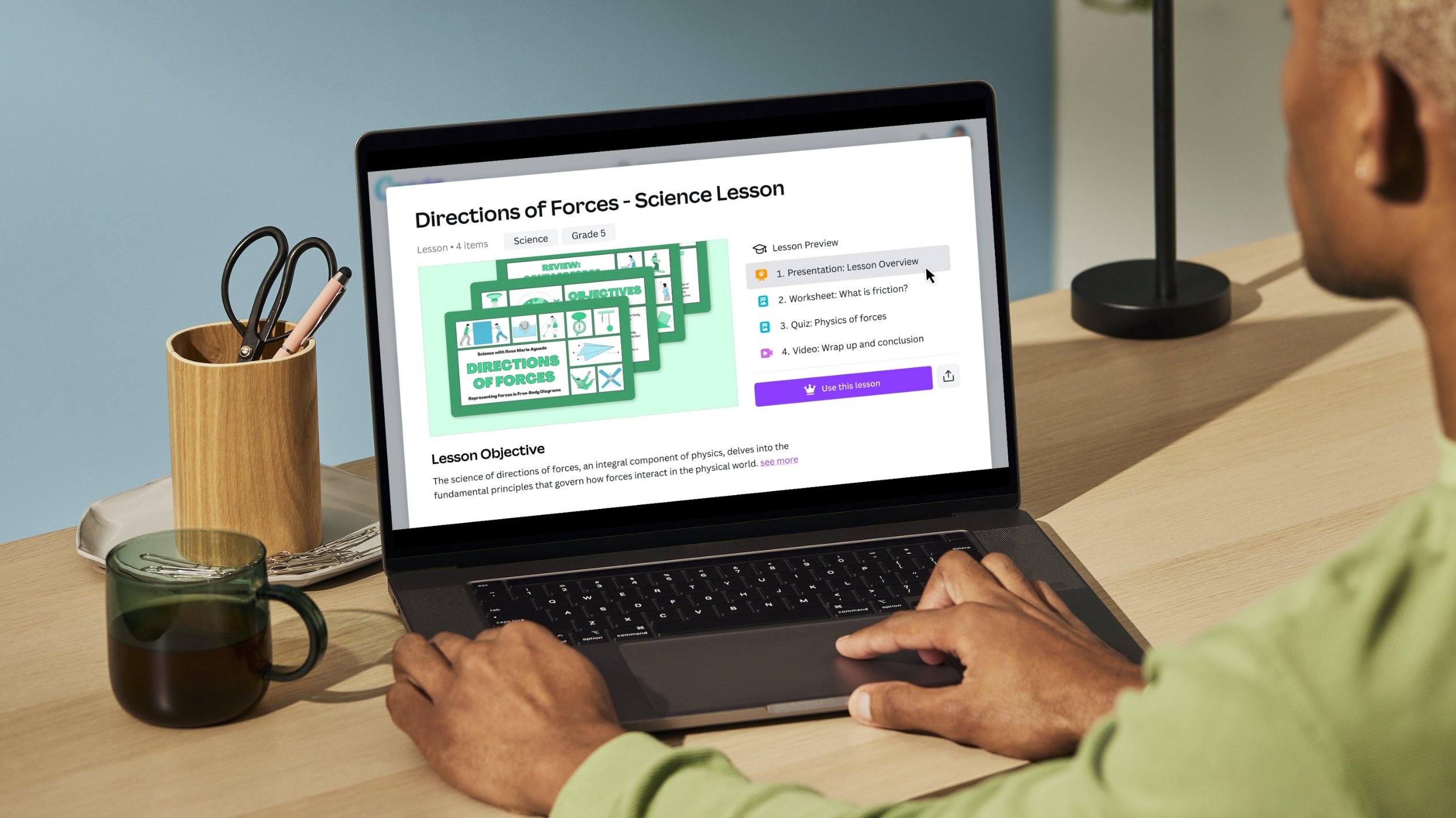
Education influencer (@iteachalgebra) and High School Math Teacher, Rory Yakubov uses Canva for her lesson planning, classroom setup, social media posts and even math class! Hundreds of educators joined Rory as she shared how Canva can be used across subject areas. For those who are new to Canva Education, it comes with over 60,000+ educational templates from presentations, posters, newsletters, worksheets, lesson plans(opens in a new tab or window) and more. Check out Rory's presentation slides here(opens in a new tab or window).
Appsmash with Canva Education
We enjoyed hearing all the creative ways that teachers are combining Canva Education with their favorite edtech apps. Teachers shared how they’re making designs on Canva and then adding interactive features using Flipgrid, Wizer, ThingLink, PearDeck and more! What incredible ingenuity!
Kick start your experience with Canva Education templates
Teachers are already thinking about heading back to the classroom. Canva Education has tons of incredible templates to make this back to school season easier than ever, from classroom decor kits to about me activities to talking presentations and more. Once the kids are back in session, keep them engaged with our library of infographics, mind maps, storyboards, book covers, subject quizzes, and more - all available completely for free to Canva Education users.
Individual teachers can sign up for Canva Education (forever free for K-12 teachers) NOW at this link.
If you’re interested in getting your school district set up on Canva Education, fill out this form(opens in a new tab or window) OR contact andyshaw@canva.com or jwilmot@canva.com. It's still 100% free for K12 districts.
For more resources, updates, and to connect with other Canva educators, join our private Facebook group(opens in a new tab or window) for educators. You can also follow us on Twitter(opens in a new tab or window).

Written by
daniella