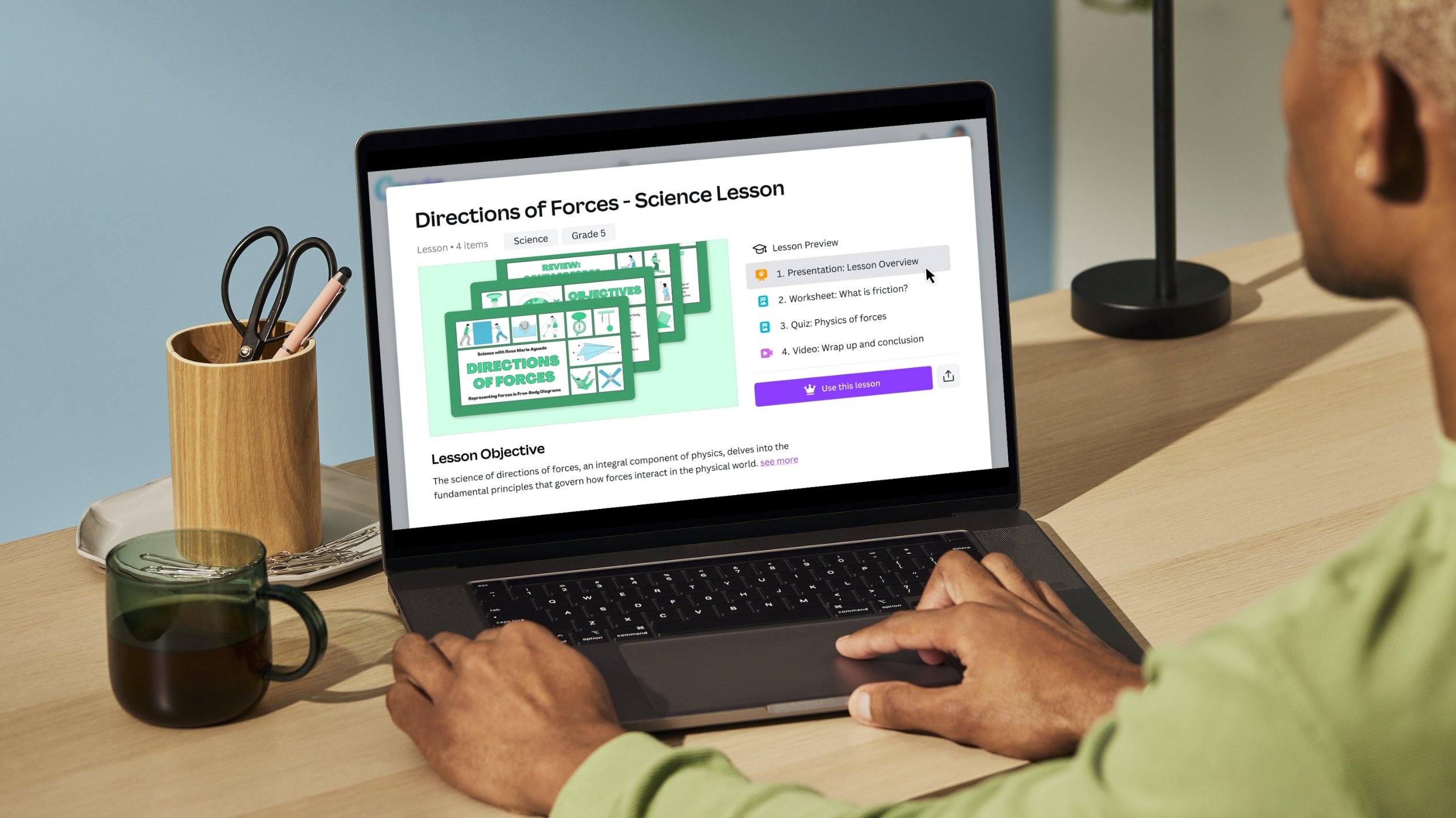
- App smash Canva and ThingLink to make your designs interactive and engaging
App smash Canva and ThingLink to make your designs interactive and engaging
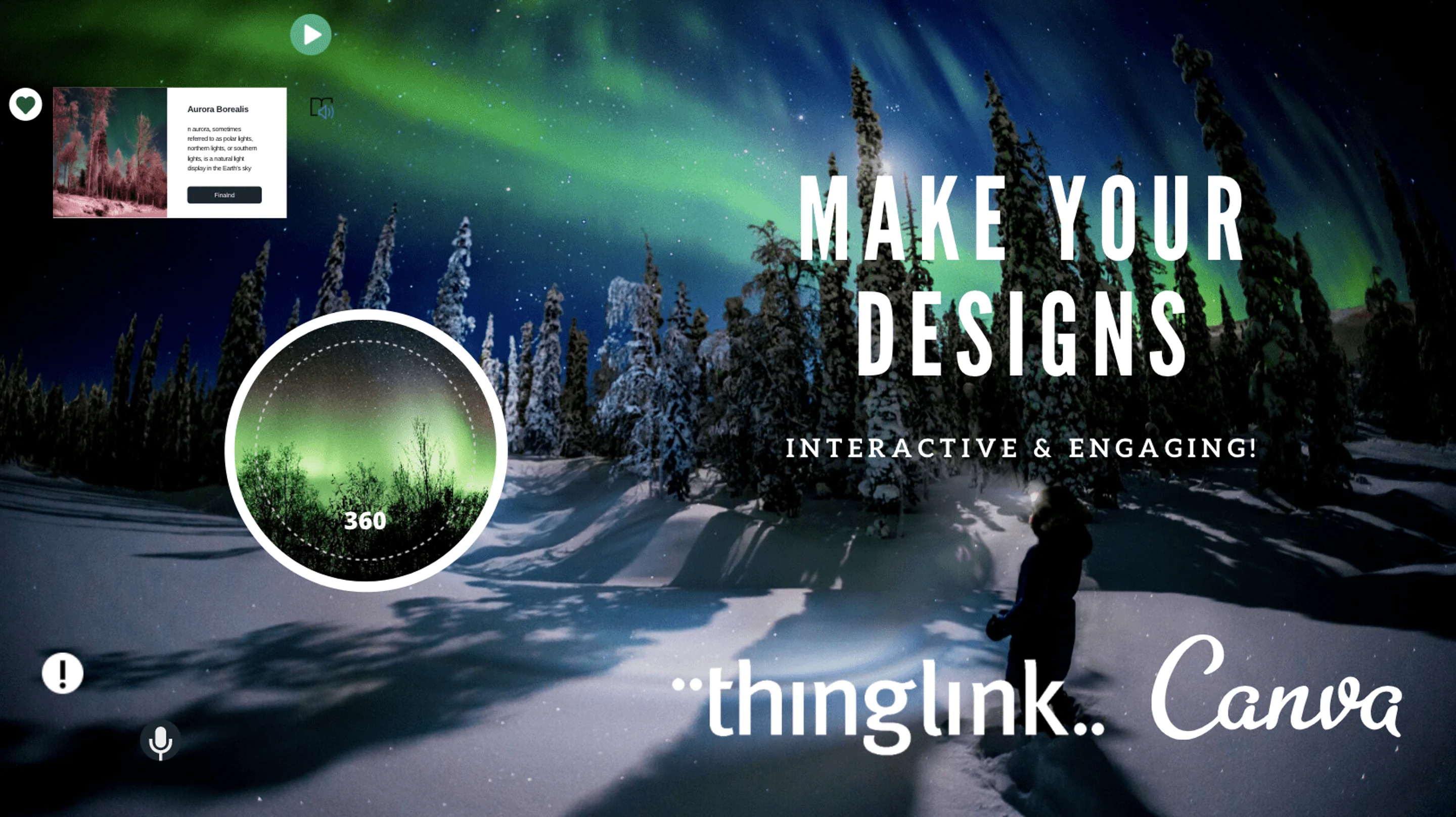
We’re excited to share our new integration with ThingLink, the popular platform for creating engaging and accessible visual experiences with images, videos and 360 media. We know many teachers are already app smashing Canva and ThingLink together to create amazing resources, and now it’s never been easier to use the two together.
Here's how to transform your Canva designs into interactive ThingLink experiences, in your classroom and beyond.
- Login to your ThingLink account
- Click Create, and choose the interactive content you want to make
- Click Upload, and choose Design with Canva
- Once in the Canva editor, you can search for a ThingLink background in Templates to use as a base image, or, search graphics and images to choose from
- Add elements, text, buttons, and other graphics - you can even include Bitmoji!
- Click Save to ThingLink, and you’ll be directed back to the Thinglink platform
- Edit your design in ThingLink to make it interactive - add tags, text, and other media Save and share your work!

Get inspired with these app smashing ideas
Here are some top ways to get started with ThingLink and Canva!
- Infographic - perfect to visualize more technical subjects such as science or math, and link out to data sources and other resources. Check out how Teach for America(opens in a new tab or window) use ThingLink and Canva together!
- Class calendar or daily agenda - linking to lesson plans(opens in a new tab or window), activities, videos, etc. (link to case study. Take a deep dive into how this teacher created her very own choice board(opens in a new tab or window) to help families access resources at a wide range of levels.

- Virtual tour - create an interactive tour of your school, or other real-world space with links to key info and resources. Get inspired by ICS Budapest’s example(opens in a new tab or window), or use this Canva template(opens in a new tab or window) to get started.
- Interactive resume - great for high school students to create their own portfolios, linking to work and projects they are proud of. An interactive resume allows employers to go beyond traditional print to experience a more immersive level of exposure to a person's skills and qualifications. Young people can express their qualifications in a more demonstrative way. Get more tips on how to help students visualize their skills(opens in a new tab or window)!
You can also get inspired by this collection of ideas(opens in a new tab or window) on how to use ThingLink in your classroom and in professional development(opens in a new tab or window).
Upgrade now to Canva Education
If you’re a K12 educator, you can access Canva Education - our free offering. With it, you get all the benefits of premium features such as millions of images, fonts, graphics, videos, animations, and templates. You also get a dedicated classroom space to invite students and teachers to share, review, and manage your work.
You can sign up here(opens in a new tab or window) using your school, Dept. Ed’s, or Google-certified email domain. Please note, you’ll be asked to verify your teaching credentials so you can access Canva Education.

Written by
daniella