- New to photography? Here are 5 common mistakes every beginner makes and how to avoid them
New to photography? Here are 5 common mistakes every beginner makes and how to avoid them

When you’re learning how to do anything, you’re bound to make mistakes along the way—and digital photography is no exception.
Here are the five most common errors beginner photographers make (from shooting with the wrong white balance to over-processing) and how to best avoid them.
01. Always shooting in JPEG
There’s no rule that says you have to shoot in RAW, but there’s also a good reason that most of them do.

Photo by Hiva Sharifi
When you shoot in JPEG(opens in a new tab or window), your camera automatically applies presets for white balance, sharpening, saturation, and contrast. It also compresses your image into a smaller file that can be instantly shared online and is compatible with almost all cameras, computers, and mobile phones.

Photo by Le Buzz
RAW, on the other hand, preserves more image data and allows more detail to be recovered from shadows and highlights. Rather than processing the image in-camera, you have to process the image file later using software like Adobe Photoshop or Affinity Photo. Shooting in RAW may not be as convenient as JPEG, but it can yield higher-quality pictures.

Photo by rawpixel
A popular complaint from people who aren’t fond of shooting in RAW is that the file size is much larger, and they don’t have enough hard drive space. However, external memory is very affordable these days, so there’s really no excuse not to take the extra step for potentially better images.
02. Using the wrong white balance
As previously discussed, white balance is an important yet often misunderstood element in photography.

Photo by Jesse Orrico
Basically, light—the foundation of photography—has different color temperatures at different times of the day. Our eyes are better at processing these colors compared to digital cameras, and a white object will always appear white to us despite the lighting conditions. Cameras, on the other hand, use white balance to remove color casts produced by different temperatures and help make white look, well, white.
Automatic White Balance
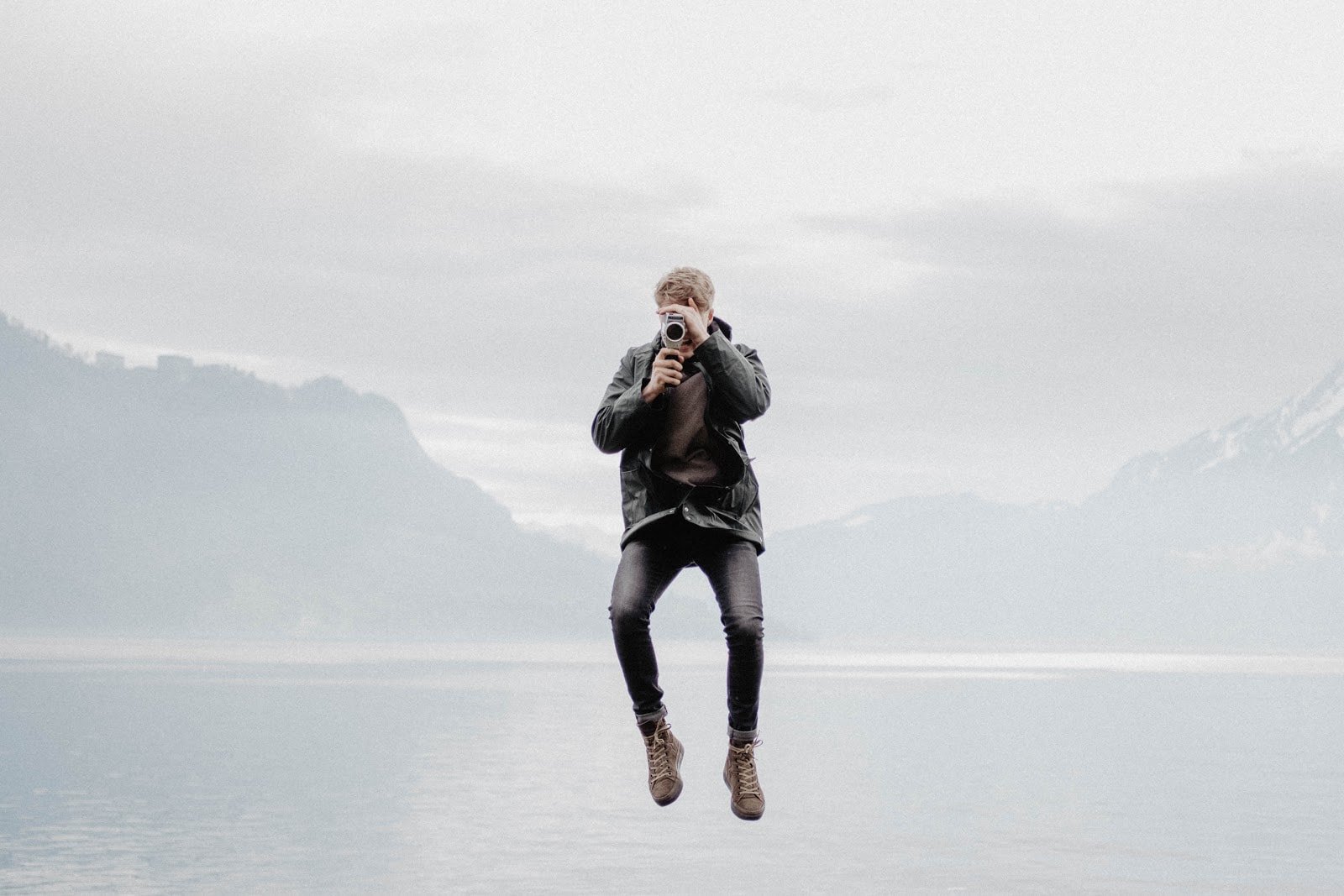
Photo by Yanapi Senaud
The Automatic White Balance (AWB) setting helps your camera “guess” the best option for your photo. Most digital cameras have AWB presets: daylight, cloudy, shade, tungsten, and fluorescent.
For example, if you’re indoors, it’s best to choose the tungsten preset for incandescent lighting and fluorescent if you’re in an area with fluorescent lights. These presets are relatively easy to remember, thanks to their straightforward names.
Custom White Balance

Photo by Kelly Sikkema
Do your photos look a bit too warm or too cool? Sometimes, you can get odd color casts in your photos because the camera reads white balance incorrectly. AWB can determine the best setting for the situation, but the best way to get it right is to set a custom white balance value.
Here’s how: you’ll need a white piece of paper or card to set your custom white balance. In the same lighting situation as your subject, take a photo of the card so that it fills most of the frame. Go to your camera menu and look for a custom white balance option. Select the photo of the white card that you just took, and set it as the custom reading. Photos from here on out should look much more realistic.
03. Forgetting the basics
Take the time to learn about ISO, shutter speed, and aperture—after all, these three form the foundation for most great photographs.
Not raising your ISO

Photo by Chang Liu at ISO1000
When you first went through your camera’s manual, you probably learned that the higher the ISO, the more digital noise there would be, and that leads to bad image quality. So, naturally, you would try to keep the ISO as low as possible, maybe around 100-200. You might notice that a lot of your photos turn out underexposed. The truth is, ISO isn’t your enemy. A high ISO could be useful in all kinds of photographic situations.
Using a shutter speed that’s too slow

Photo by Tom Holmes at ƒ/1.8, 1/1600s, and ISO400
Shooting subjects in motion requires a relatively fast shutter speed, especially when it comes to taking photos of vehicles and people. Remember: your aperture and shutter speed need to maintain a good balance. The more you close down the aperture, the slower shutter speed will be required to keep the exposure balanced.
Choose a large enough aperture to keep your shutter speed over the minimum. If it's too slow you can either open up your aperture or increase the ISO, or a combination of both, until you reach a certain level.
04. Limiting yourself when it comes to composition

Photo by Rodion Kutsaev
We’ve all heard the most basic commandment of photography composition: the rule of thirds. It’s all about dividing your shot into nine equal sections by a set of vertical and horizontal lines. With this imaginary frame, you should place the most important element or elements in your shot on one of the lines or where the lines meet.

Photo by Simon Couball
But it’s important not to let the rule of thirds—or other “laws”—limit your creativity! You can use frames such as bridges, arches, and trees to isolate your subject or draw attention to it. Look for patterns, textures, and lines to improve your shot’s composition. Don’t be afraid to fill the frame by closing in on your subject as well.
05. Relying on post-processing to fix errors
Adobe Lightroom and Photoshop are pretty good tools for beginner and amateur photographers alike. There’s nothing wrong with post-processing—except when you become entirely dependent on it to fix your errors. Remember: the purpose of post-processing is not to fix bad photos; it’s to enhance and bring out the best in (already) good photos.

Photo by Christopher Gower
Here are some tips to avoid unrealistic-looking shots:
- Never oversharpen, trying to fix a photo that’s out of focus. It doesn’t work that way! No amount of sharpening can fix blur. Oversharpening also leads to unnecessary amounts of noise.
- Be careful of the saturation slider! Saturated colors can really make a photo “pop,” but if you boost the saturation too high, it results in photos that look overdone. Extreme HDR processing also robs images of their shadows and highlights.
- Don’t get too fond of the crop tool. You could use it to refine your composition, remove unwanted elements on the edges of the frame, and make sure your horizon line is straight, but don’t use it to remove all the “negative space” in your scene.

Photo by Luo Ping
It all boils down to this: you’re bound to make mistakes and that’s fine. You just have to keep working on your photography, and invest time and effort to improve your skills. Know your camera inside and out, go on photography walks, and find out what photography style best suits you!

Written by
Lily Grace Taberna