Free Stationery Mockup Generator

Easy drag-and-drop editor

1M+ professionally-designed templates

Design from any device

Download or share designs easily
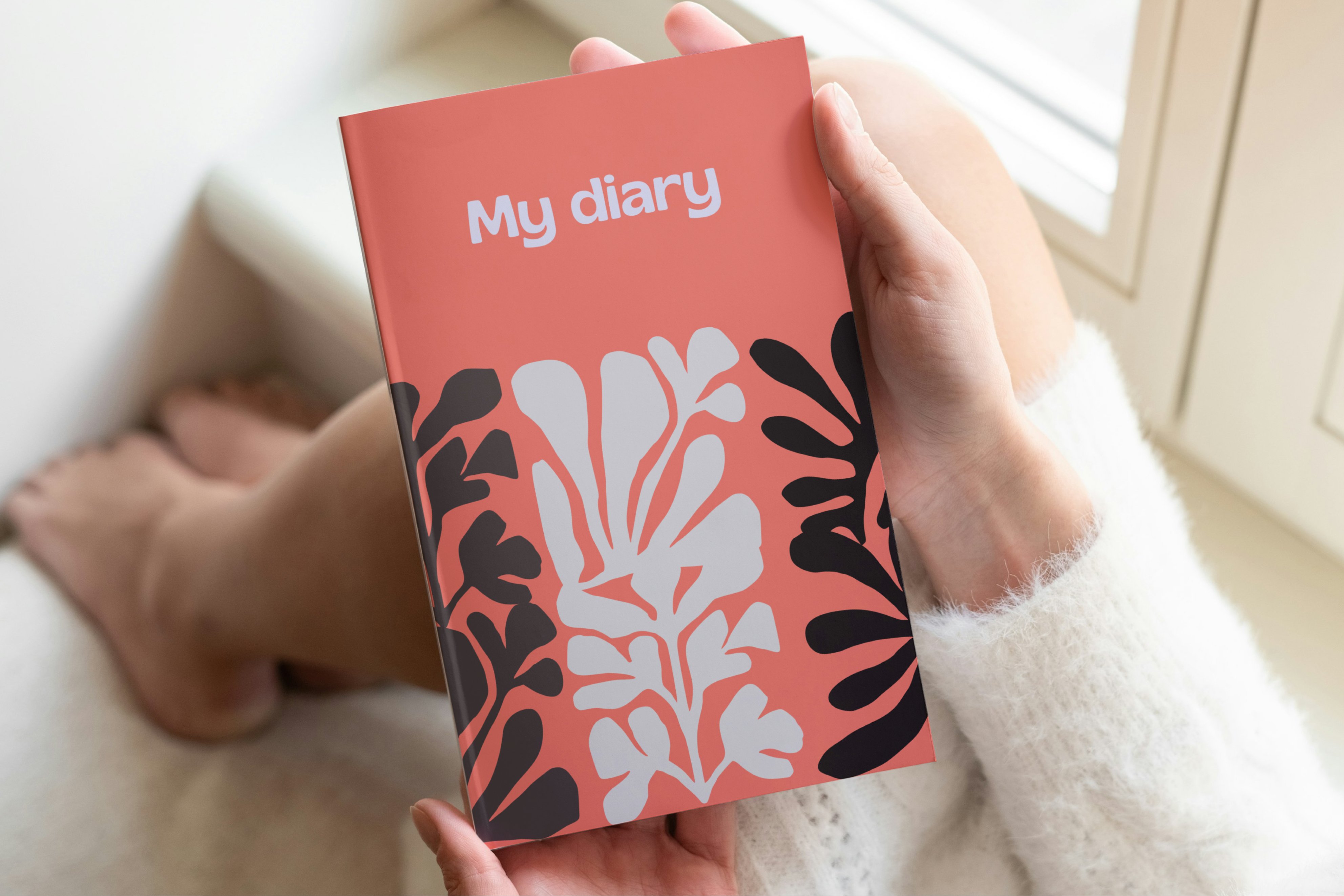
Show your brand at its best on sleek stationery. Upload your design to create realistic stationery mockups you can personalize and download instantly.
How to create a stationery mockup
1
Open Canva
Open an existing Canva design or start a new one. Go to Elements and select Mockups. You can browse through our Print mockup layouts or search "stationery mockup" you can choose and personalize quickly.
2
Upload your stationery design
Head over to Uploads to choose an existing image or upload a new JPG or PNG file. Then, drag and drop it onto your chosen stationery mockup.
3
Share with ease
Adjust the fit and alignment of your mockup, then download it as a high-resolution image for easy sharing. You can also add it to a new design or present it right from the editor.
Benefits of a stationery mockup generator
Stationery mockups crafted for any brand identity
Make every stationery detail your own
With Canva’s free stationery mockup generator, it all starts with drag and drop. Pick a blank stationery mockup, add your design, and use AI-powered tools to refine every detail. Transform elements with Magic Edit (Pro), clear unwanted backgrounds with the Background Remover, or expand your layout with Magic Expand (Pro). Create polished results in minutes and update them anytime as your brand evolves.
Keep every stationery mockup on-brand and ready to share
Once your layout is ready, Canva keeps every stationery mockup perfectly on-brand. Apply your Brand Kit (Pro) to instantly refresh colors, logos, and fonts. Designing for teams or clients? Share a link so teammates can comment, suggest tweaks, or review variations in real time. After final approval, add your mockup to social media designs or export images for high-quality custom stationery prints.