Free Business Card Mockup Generator

Easy drag-and-drop editor
3M+ free stock photos and graphics
Try our design and work apps
Download or share designs easily
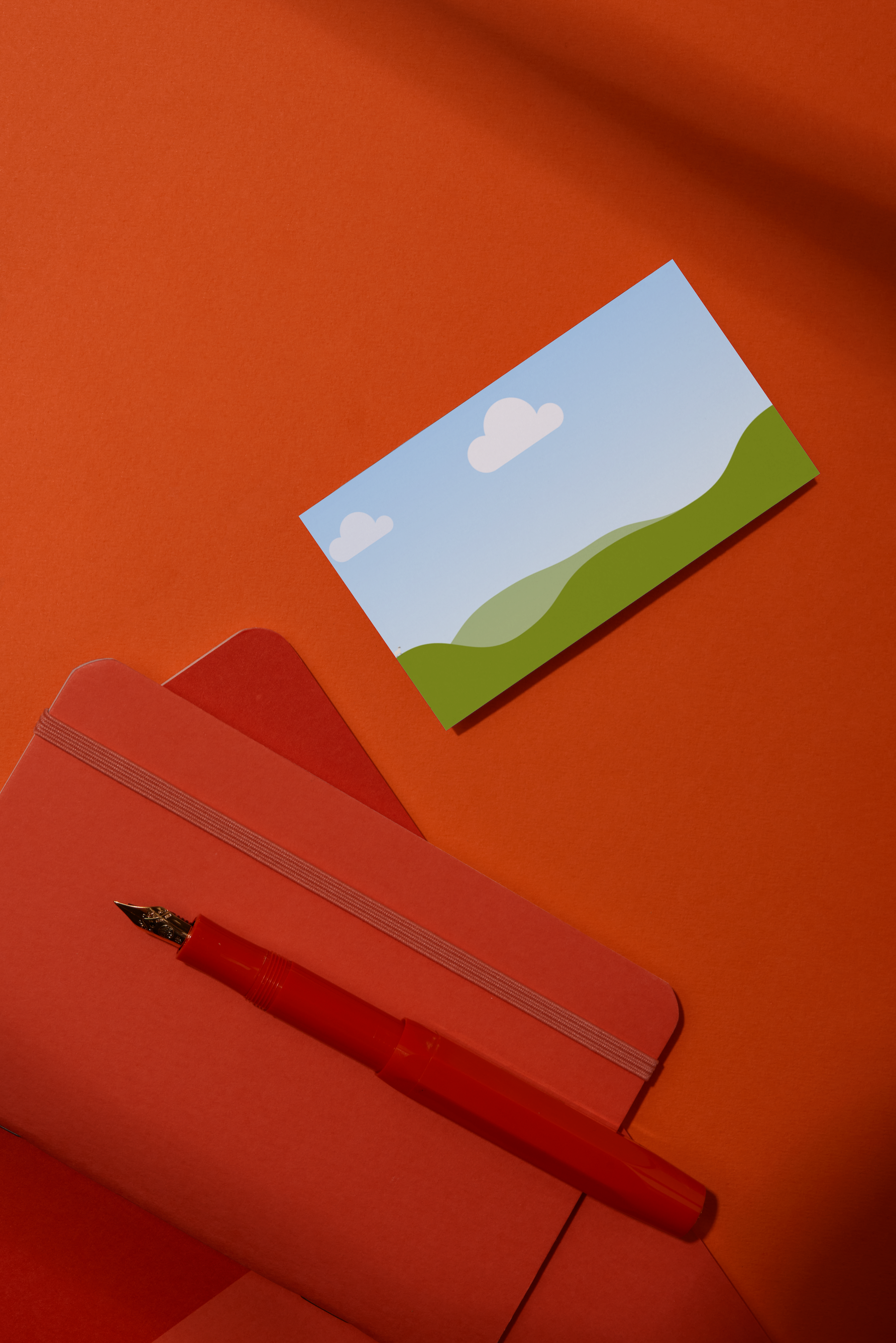
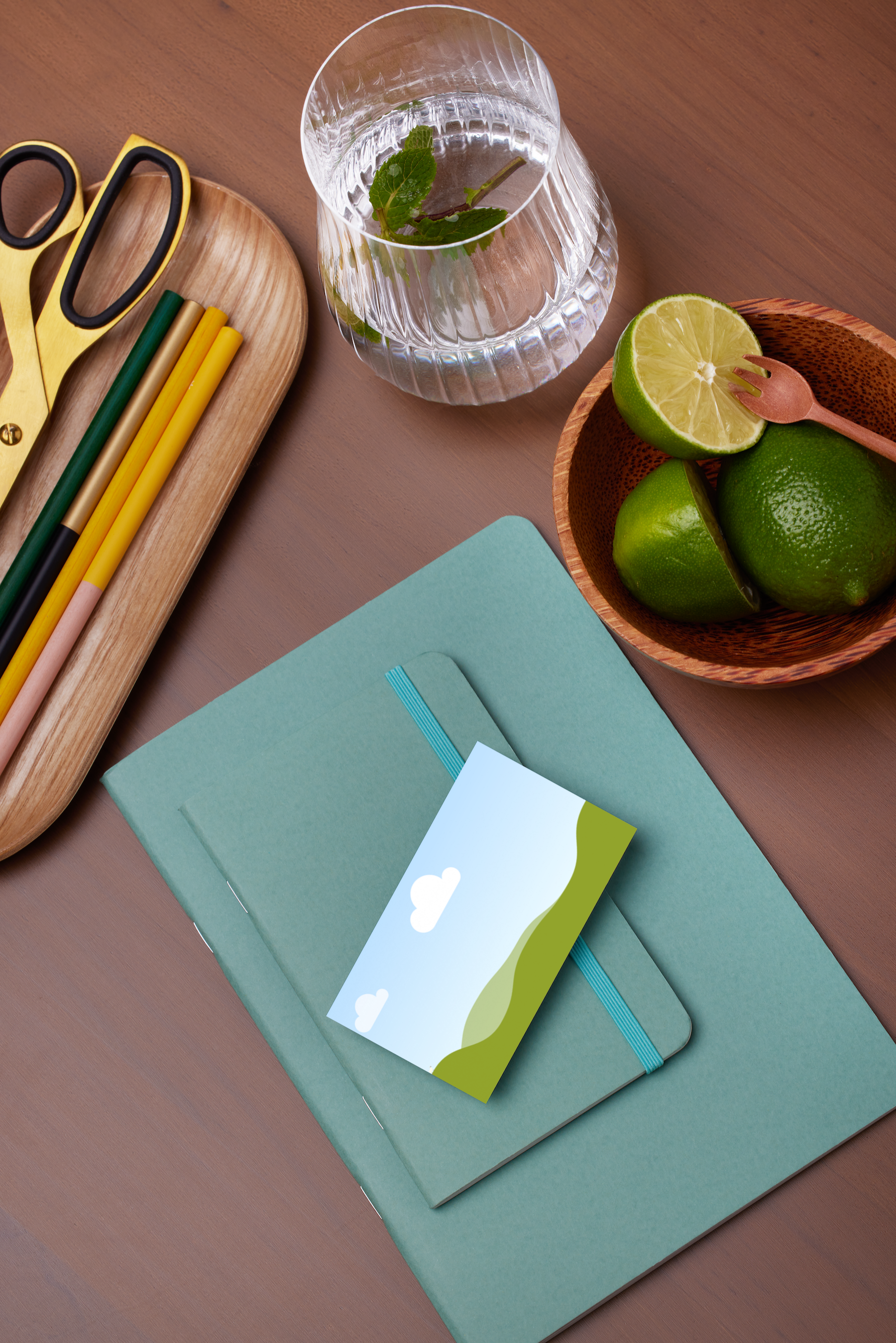
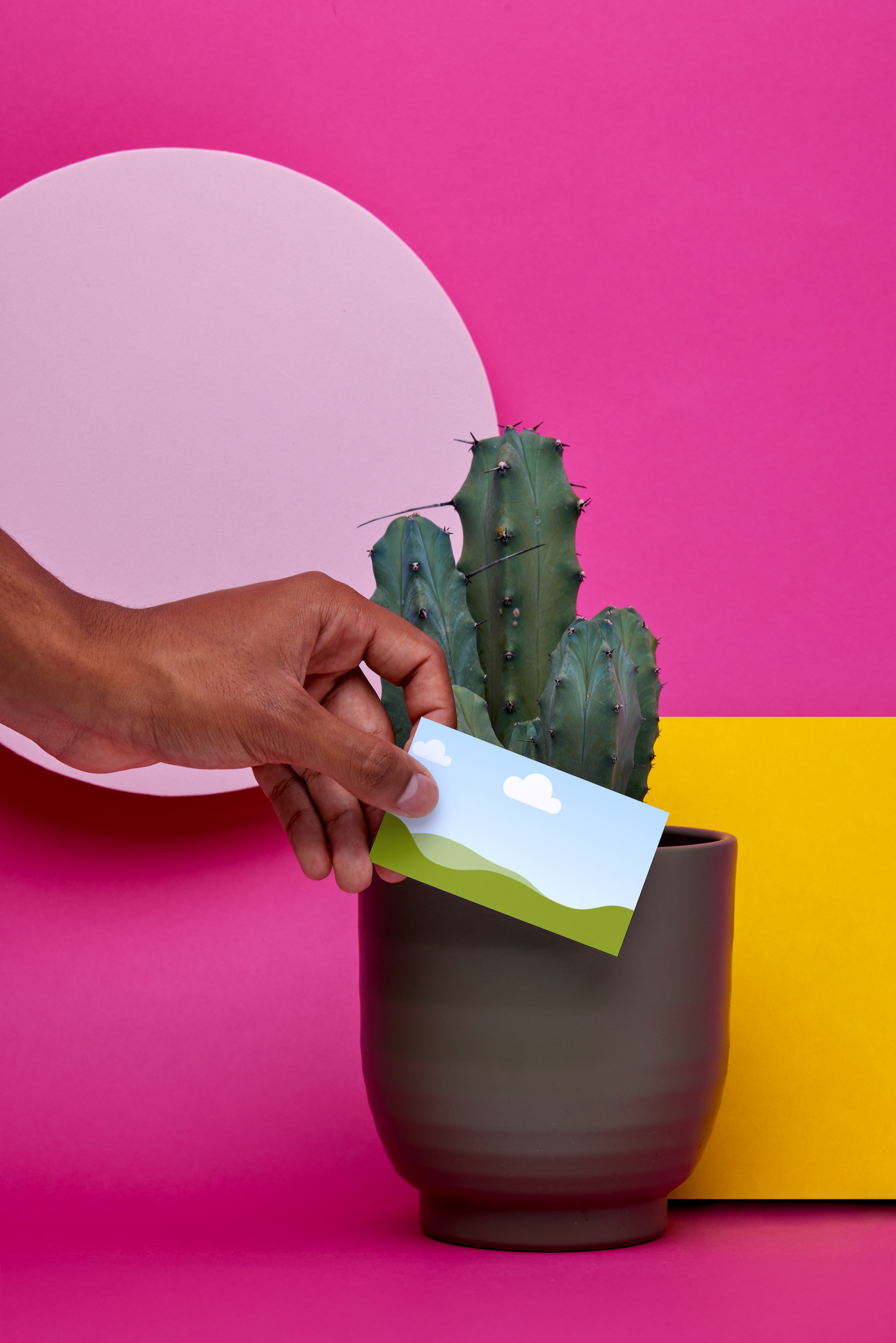
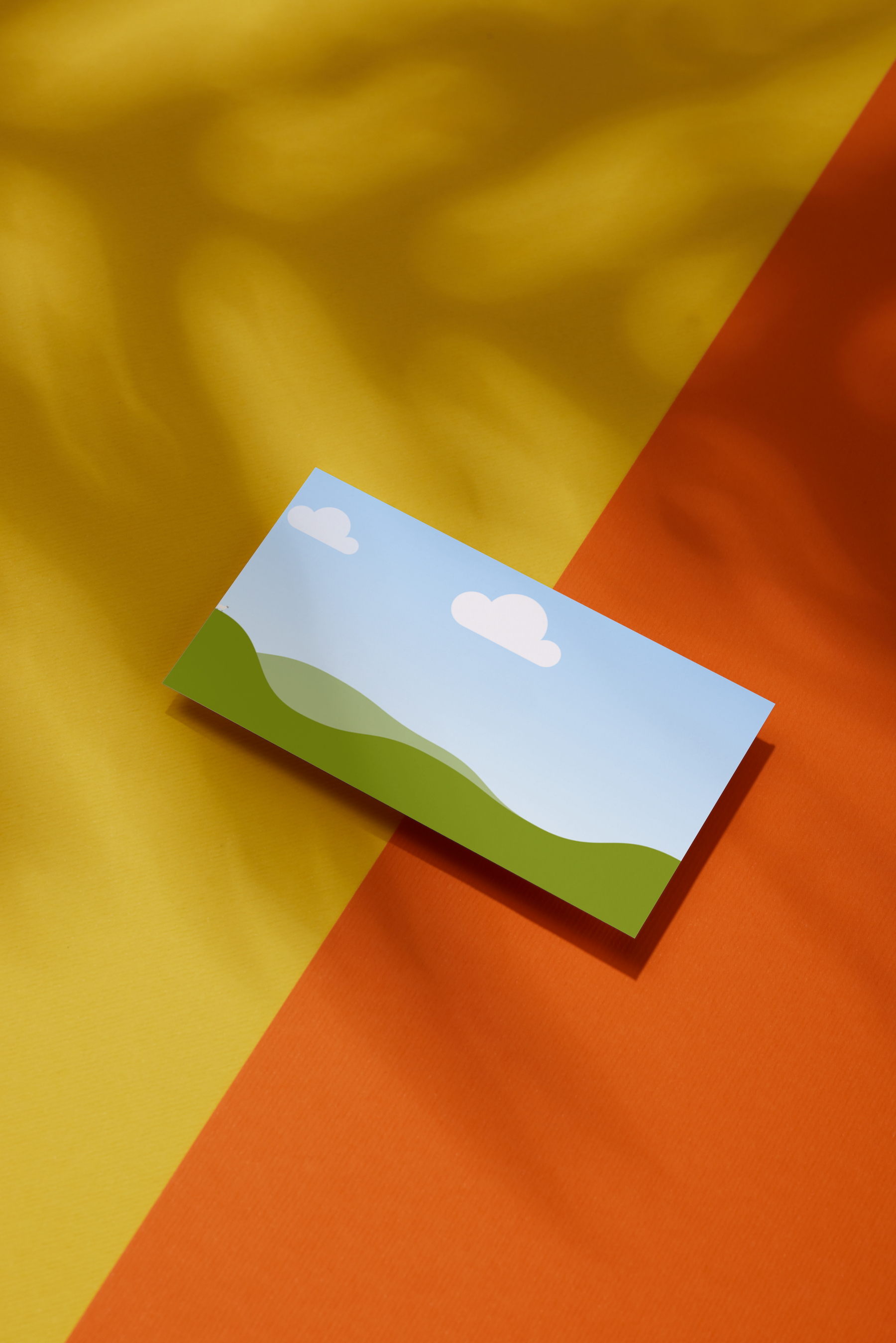
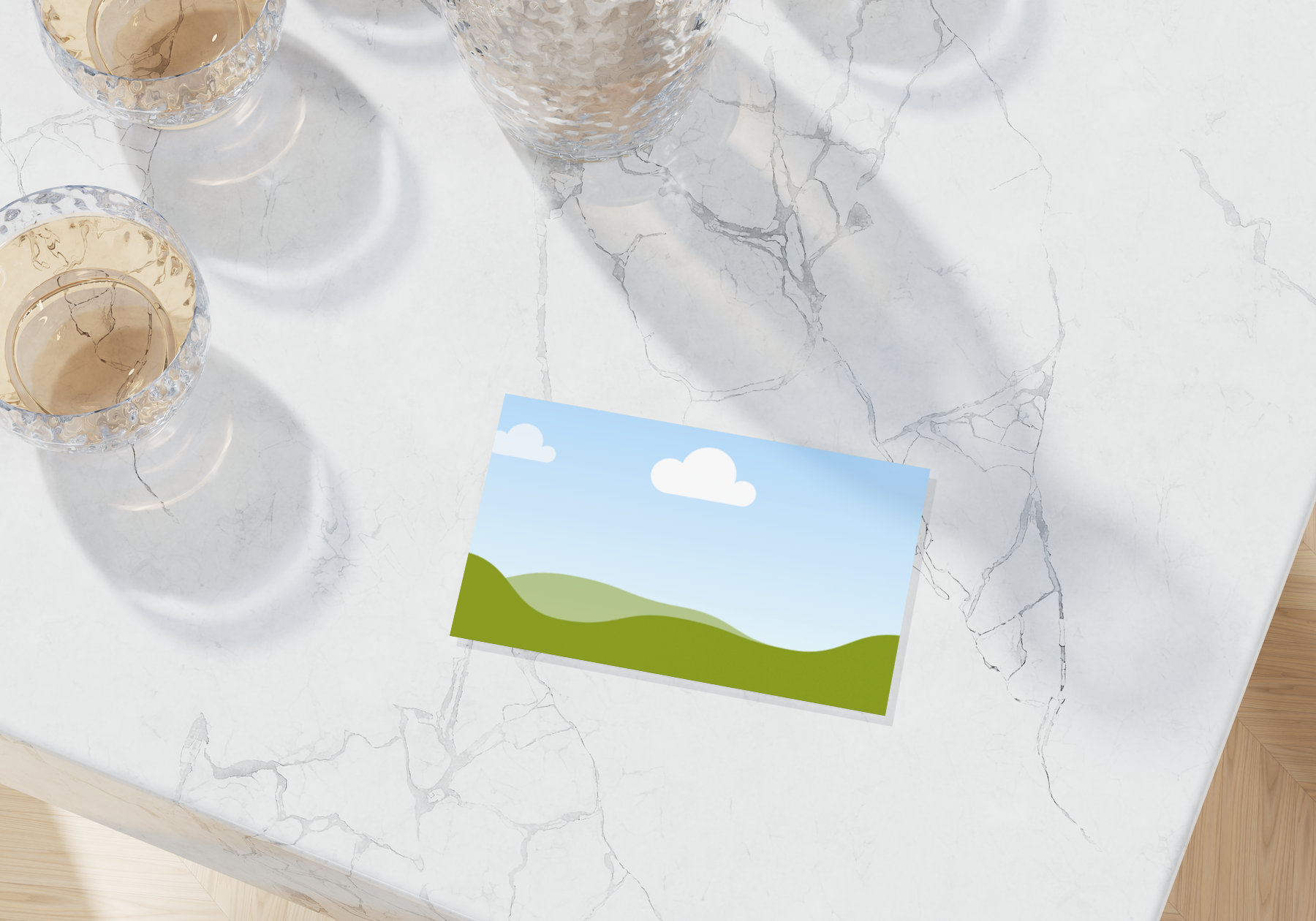
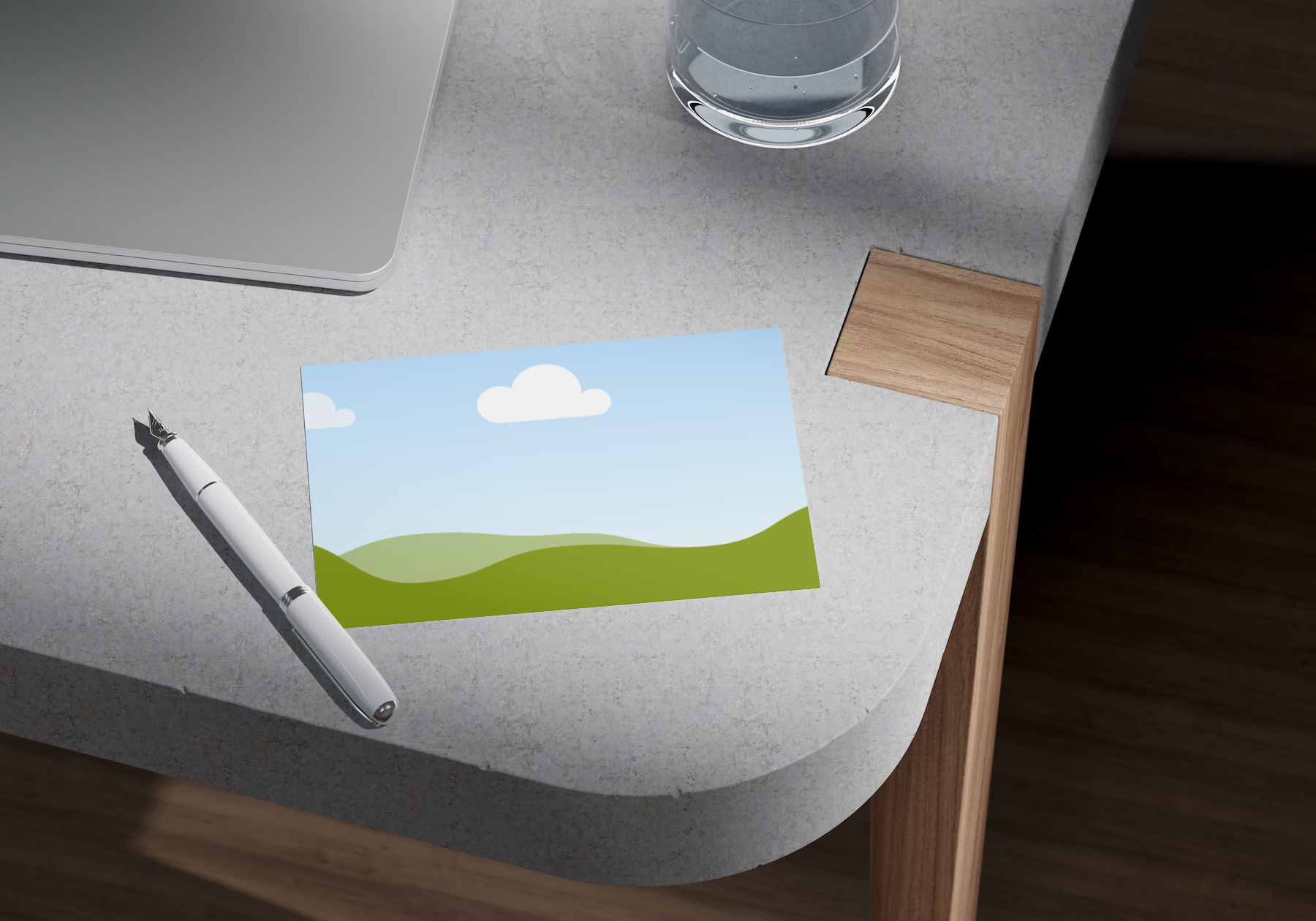
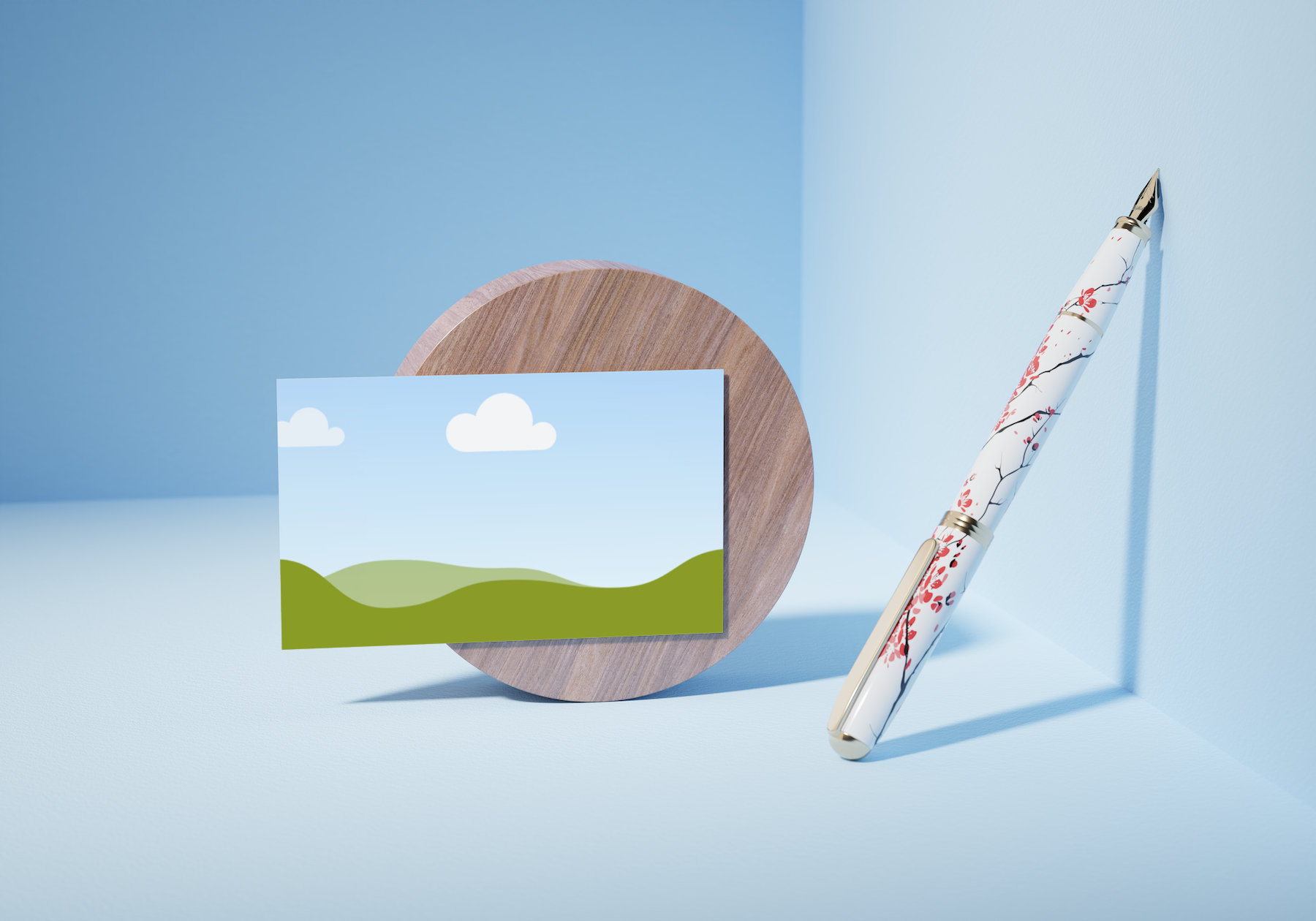
Confidently represent your brand and exhibit your creativity and professionalism with a beautifully realistic mockup for your business card. Design one yourself with Canva’s free business card or phone mockup generator(opens in a new tab or window). Whether you’re meeting with potential partners, securing investors, or presenting to clients, a readily available business card mockup is a surefire way to leave a lasting impression.

Showcase your visual identity with business card mockups
When building your brand or maintaining your established name, it’s important to present yourself with visuals that reflect what you stand for. This is true for every element of your business, from the logo you choose to the mockups you present to clients, partners, or investors and everything in between.
Canva’s free online business card mockup generator is ideal for marketing pros, designers, and small-to-medium business owners. Thanks to our quick and easy-to-use tool, it’s easy to craft high-quality business card mockups in any style and for any purpose. Create one in seconds and have it ready for your meetings, presentations, and more.
How to make a business card mockup


Represent your brand with confidence
With or without design know-how, easily create a business card mockup for free online with Canva. As long as you stay true to your brand aesthetics, you can easily customize your mockup with our drag-and-drop tools, a rich library of design elements, and the widest selection of mockup templates at your disposal.
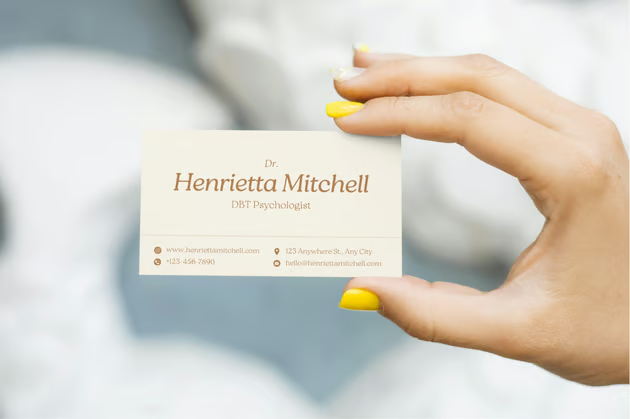
Create different mockup iterations for your business card to find which format suits your brand best. Insert your business card design on a minimalist flat lay, a detailed scene with a human model, or a colored backdrop. Don’t hesitate to experiment before deciding on an online business card mockup that best represents your brand.
Achieve realistic mockups effortlessly
When creating a free mockup of your business card, it’s important to polish your design to look as lifelike as possible. Canva’s business card mockup generator offers AI-powered tools to help you easily achieve your goals. Use Magic Edit(opens in a new tab or window) to add or replace any element in your mockup or Magic Expand (Pro)(opens in a new tab or window) to extend your image. Magic Eraser (Pro)(opens in a new tab or window) brushes away unwanted details, while Background Remover(opens in a new tab or window) erases backgrounds in one click.
From idea to execution, all in one platform
With Canva, you can seamlessly go from creating business mockups, sticker mockups(opens in a new tab or window), or iphone mockup(opens in a new tab or window) to using your design in various layouts. No need to switch apps—you can easily insert your finished mock business card in presentation decks, marketing collaterals, and other materials in one design platform.
And once you finish your mockup card and other designs, Canva can help you share your creation with your intended audience. Digitally display your mockup on a Canva website(opens in a new tab or window), post to social media, or present to clients and investors through a presentation(opens in a new tab or window). Want copies on hand? Print your posters, flyers, or brochures with Canva Print(opens in a new tab or window). Let us help you with all aspects of your brand visuals, so you can effortlessly get everyone on board with your products and services.
FAQ

@navneet4