- Create Sticker Mockup

Free Sticker Mockup Generator
Easy to create and customize
Beautifully designed templates
Upload your own images
Easily download or share
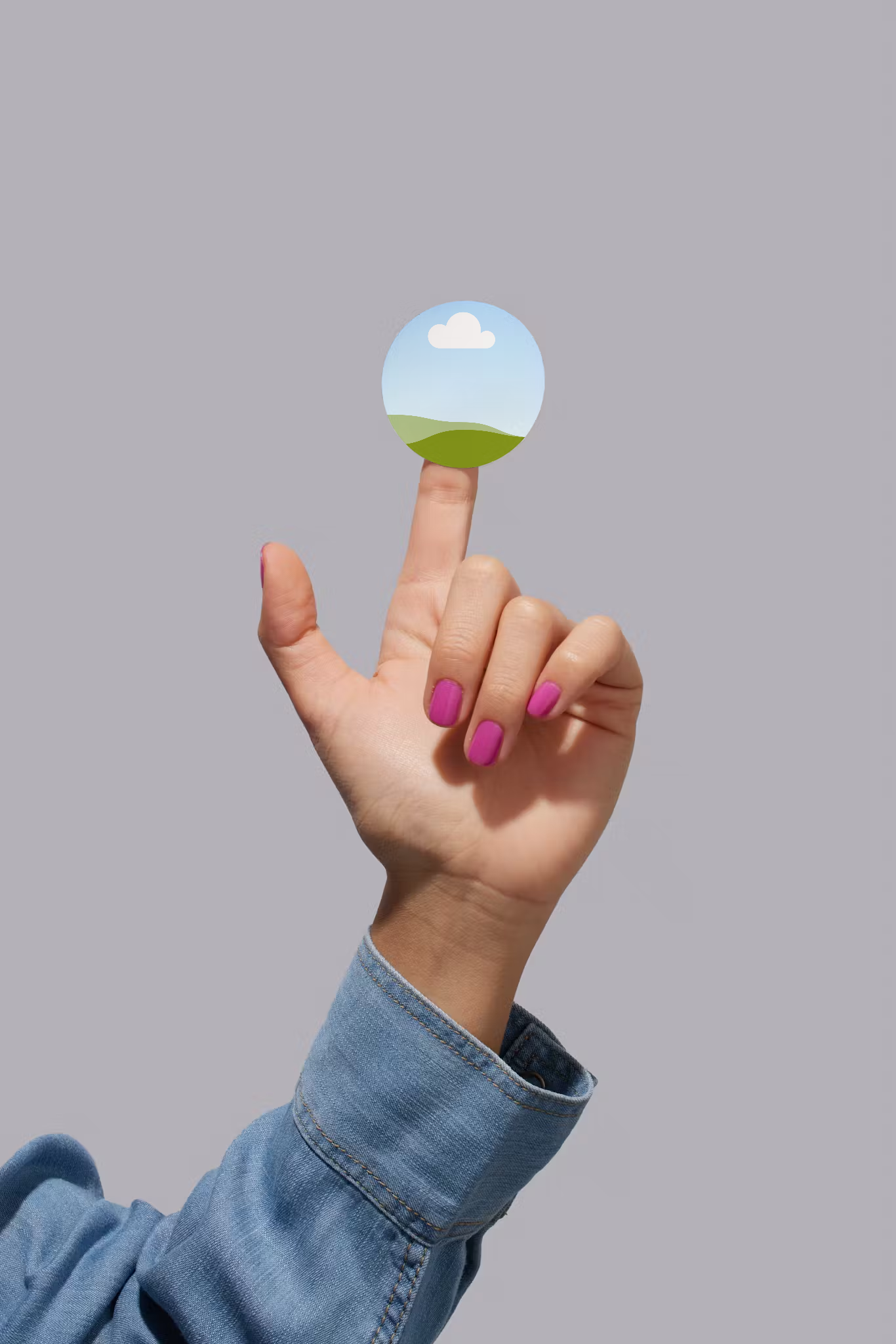
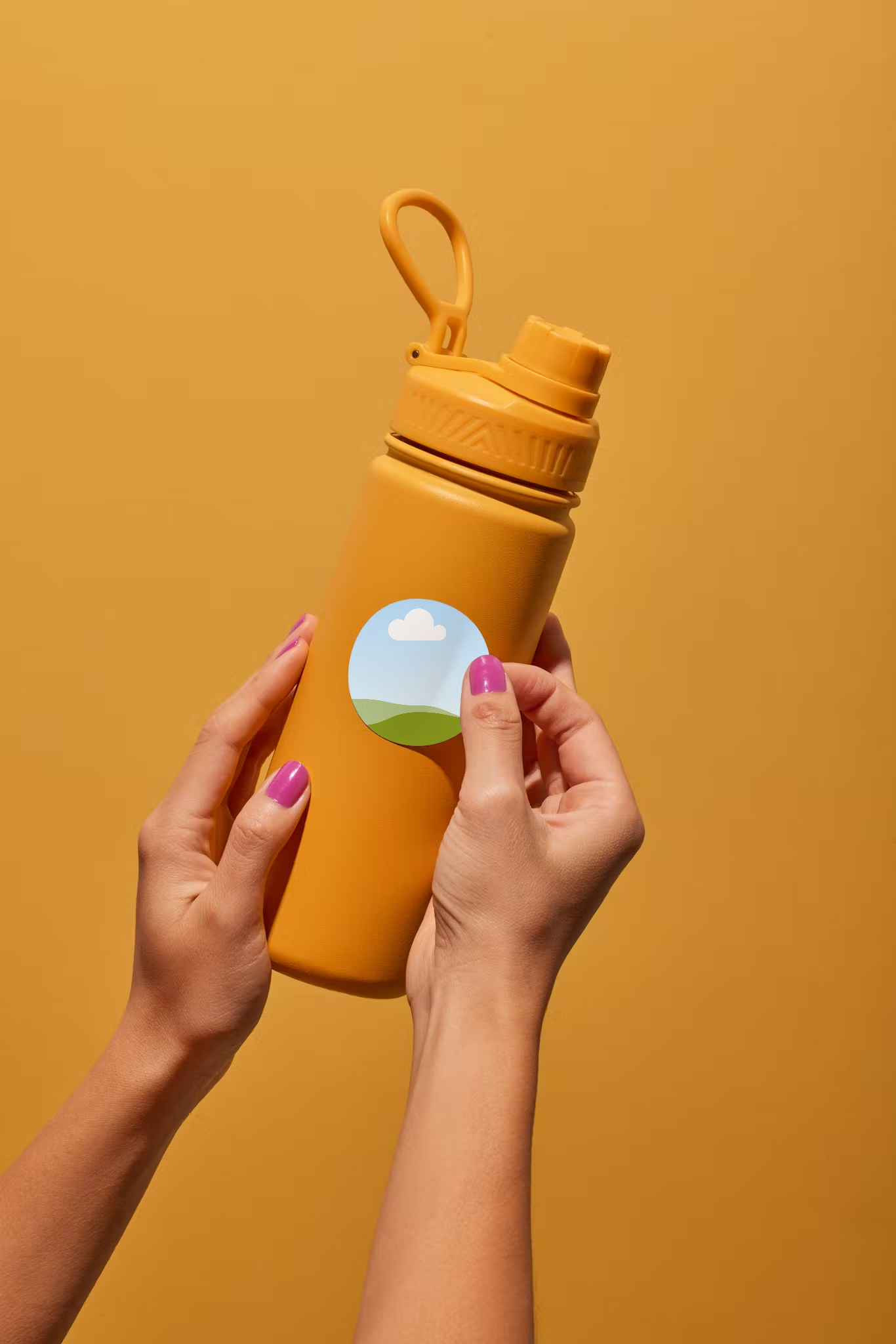
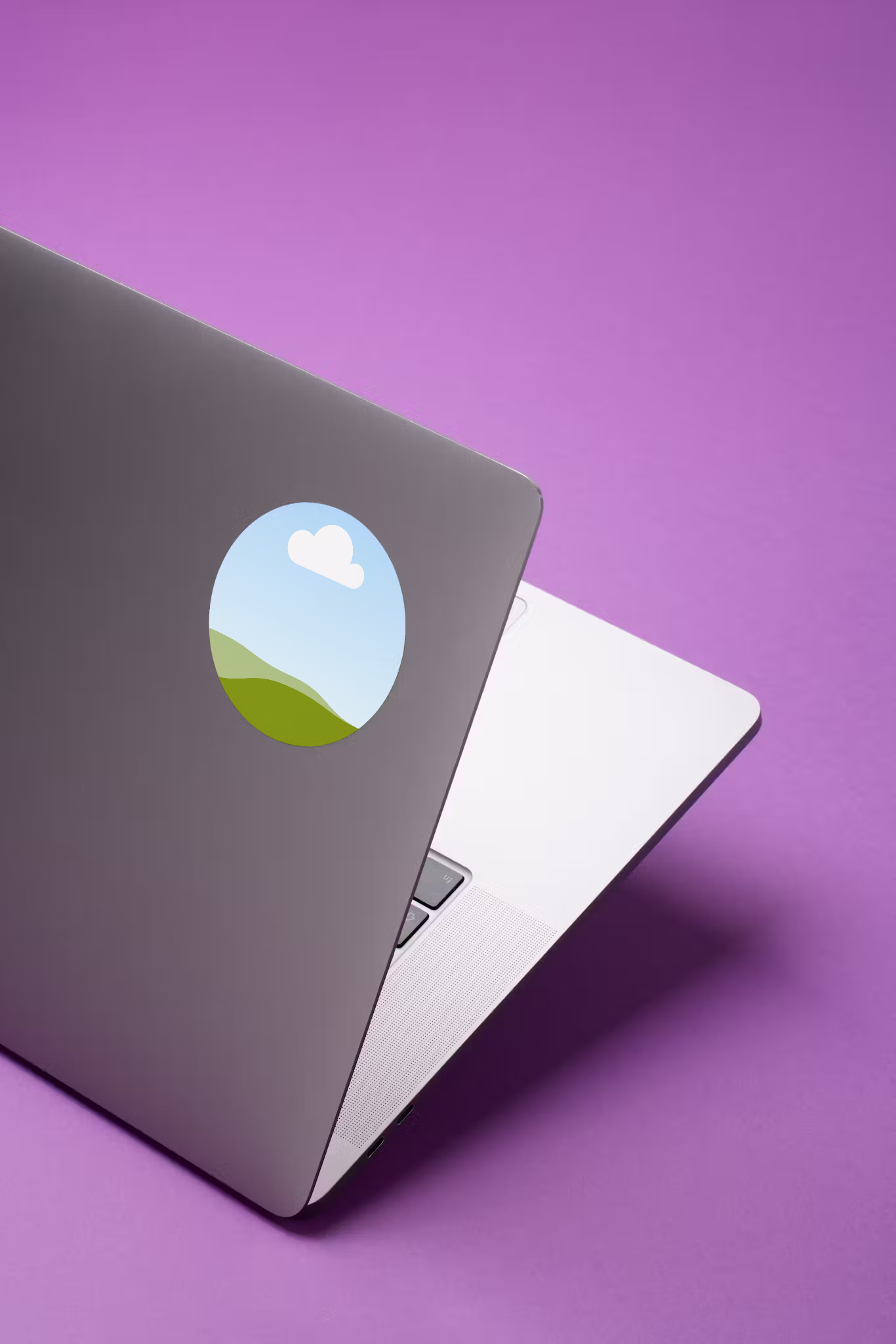
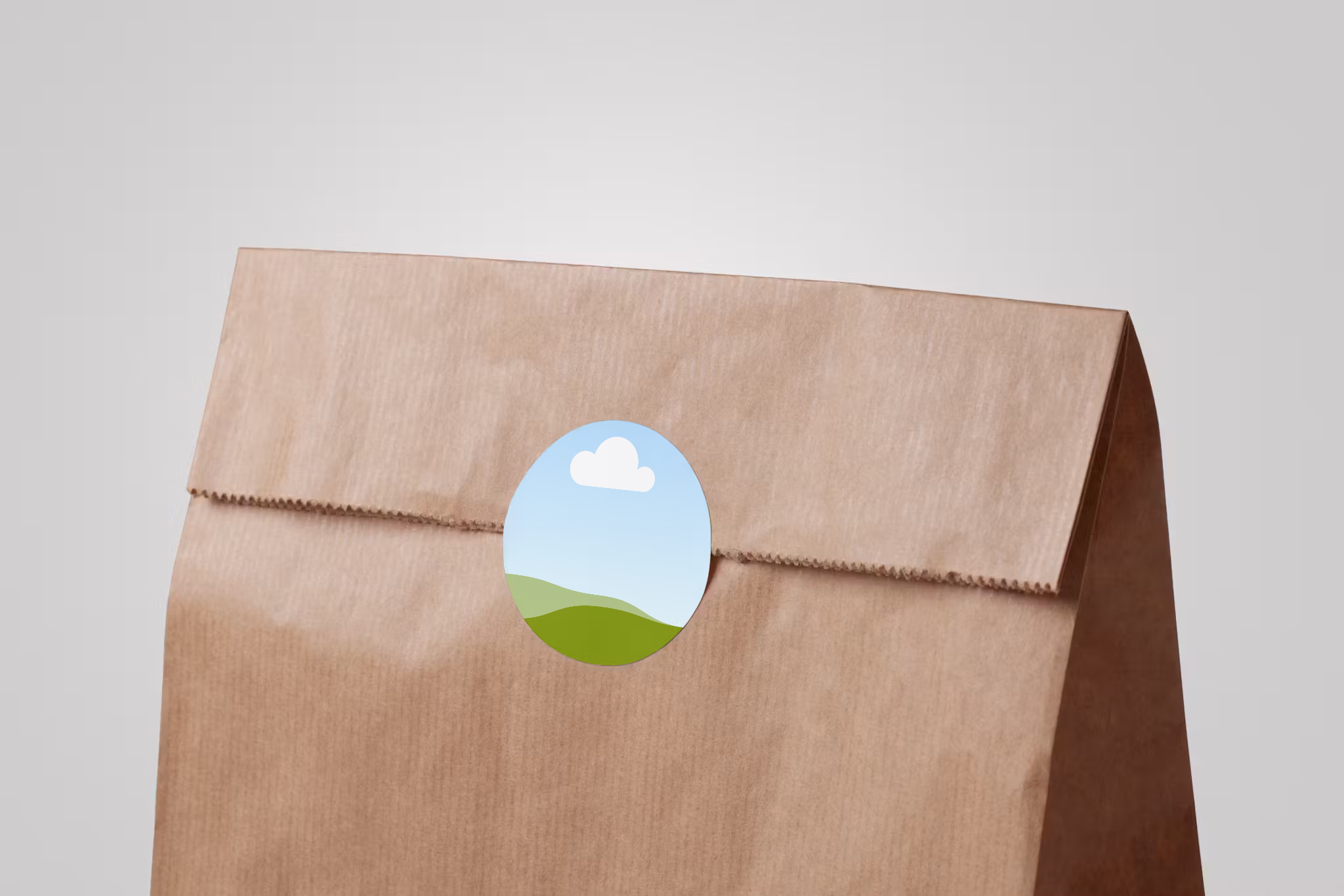
Get a realistic preview of your sticker designs on notebooks, tumblers, envelopes, and more—all before printing. Canva’s free sticker mockup generator is a user-friendly tool for visualizing designs in the real world.

Create realistic sticker mockups in seconds
Whether you’re pitching sticker ideas to your team or managing an online sticker business, it pays to have realistic mockups at the ready.
With Canva’s free, online sticker mockup generator, there’s no need to spend on complicated design platforms. Just pick a mockup from our library and watch your sticker(opens in a new tab or window) designs come to life in a few clicks.
How to create a sticker mockup


Creating mockups has never been easier
Gone are the days of using expensive and time-consuming software to generate realistic mockups. Whether you’re making custom merch or campaign stickers, you can easily preview your designs in a real-world setting before hitting print. Access Canva’s sticker mockup generator in your browser or on your phone whenever and wherever you need to.
Choose from a range of mockups
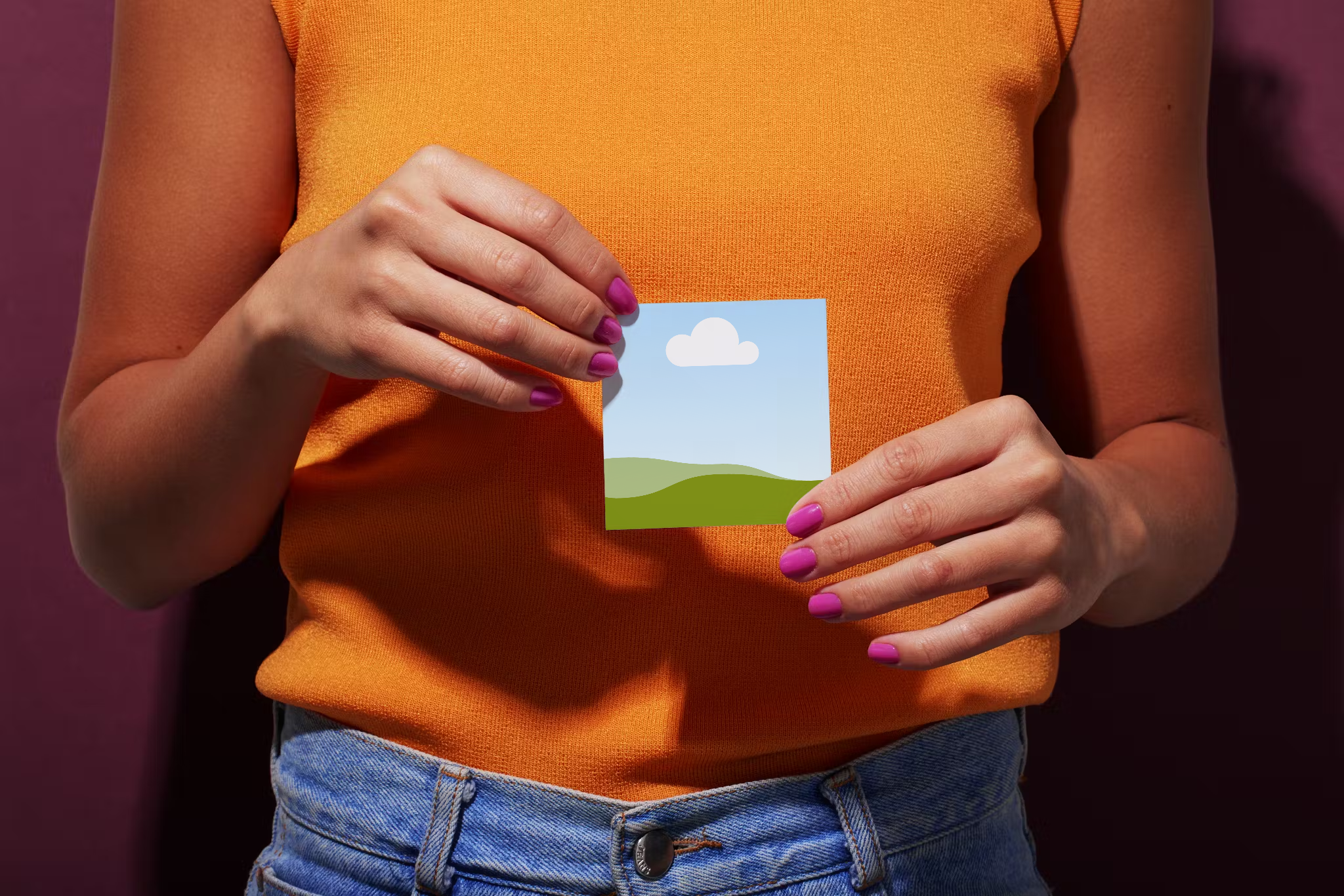
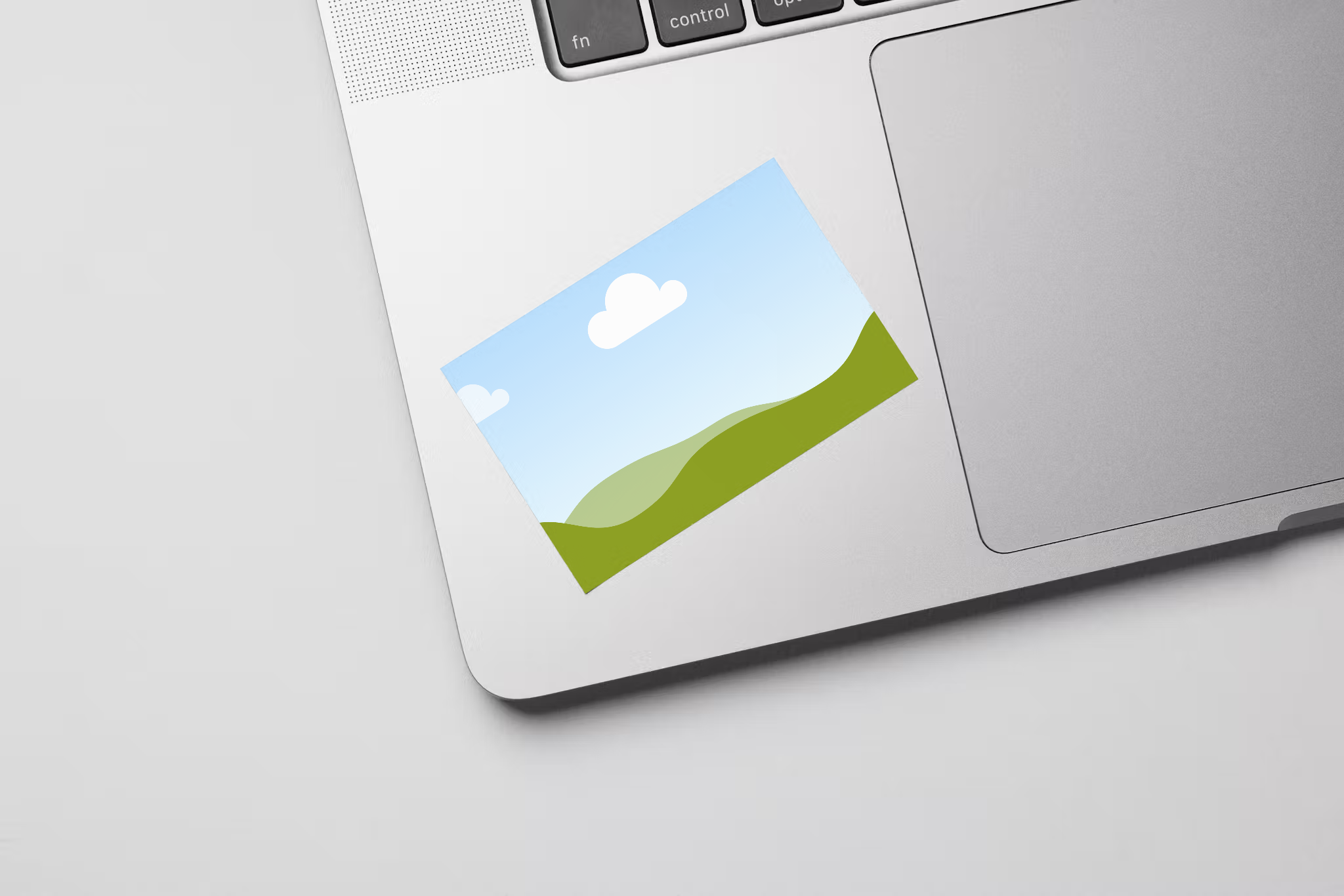
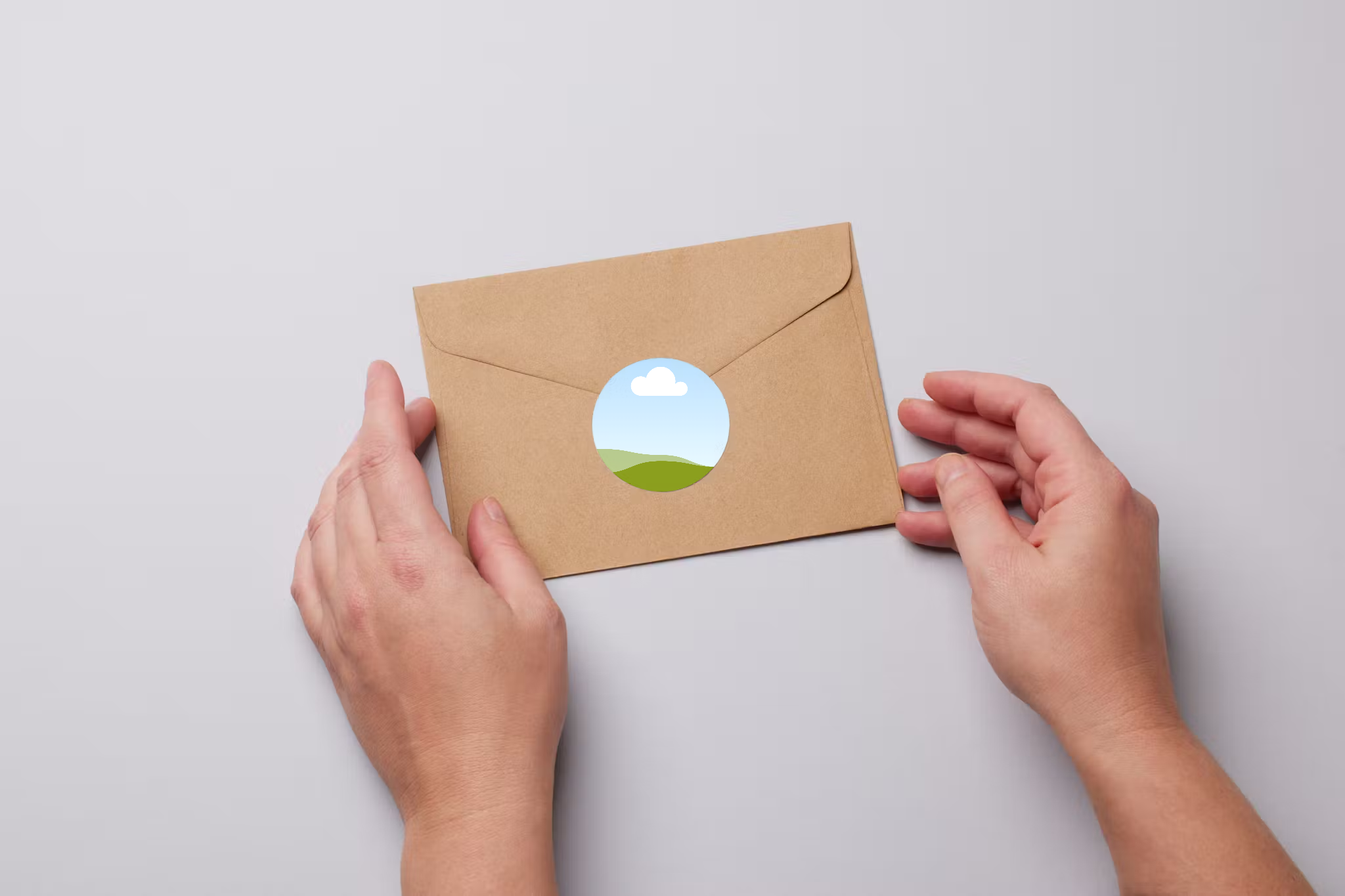
Explore Canva’s mockup library to find sticker mockups in various shapes, including circle(opens in a new tab or window), oval, square(opens in a new tab or window), and rectangular sticker mockups. Select the best setting and background to suit your brand, and go beyond stickers and reimagine your designs on apparel, signages, and packaging.
Refine and customize in a jiffy
Use Canva’s intuitive, drag-and-drop editor to tweak your designs and turn ordinary templates into your very own custom sticker mockups. Play with fonts and graphic elements, enhance your photo, and make changes to turn an ordinary mockup into your very own creation.
Supercharge your design with AI
Take your sticker mockups, hoodie mockups(opens in a new tab or window), tote bag mockups(opens in a new tab or window), logo mockups(opens in a new tab or window), or video mockup(opens in a new tab or window) to the next level with Canva’s AI-powered tools. Use Magic Edit (Pro)(opens in a new tab or window) to replace elements in your mockup without fuss, or Magic Eraser (Pro)(opens in a new tab or window) to get rid of unwanted elements. Background Remover(opens in a new tab or window) removes the background of an image in one click. Magic Expand (Pro)(opens in a new tab or window) extends photos in any direction without compromising quality.
FAQ

@navneet4