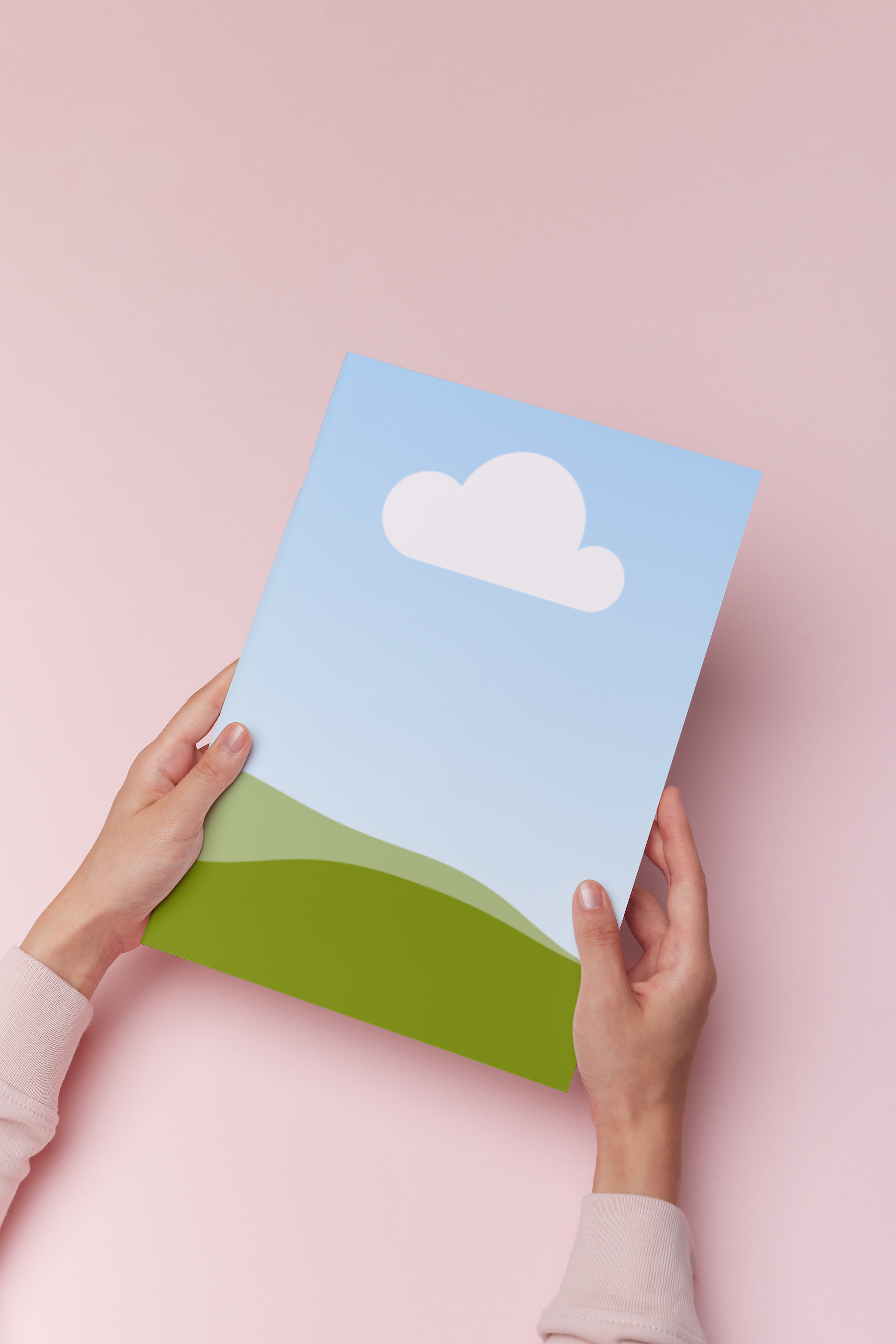
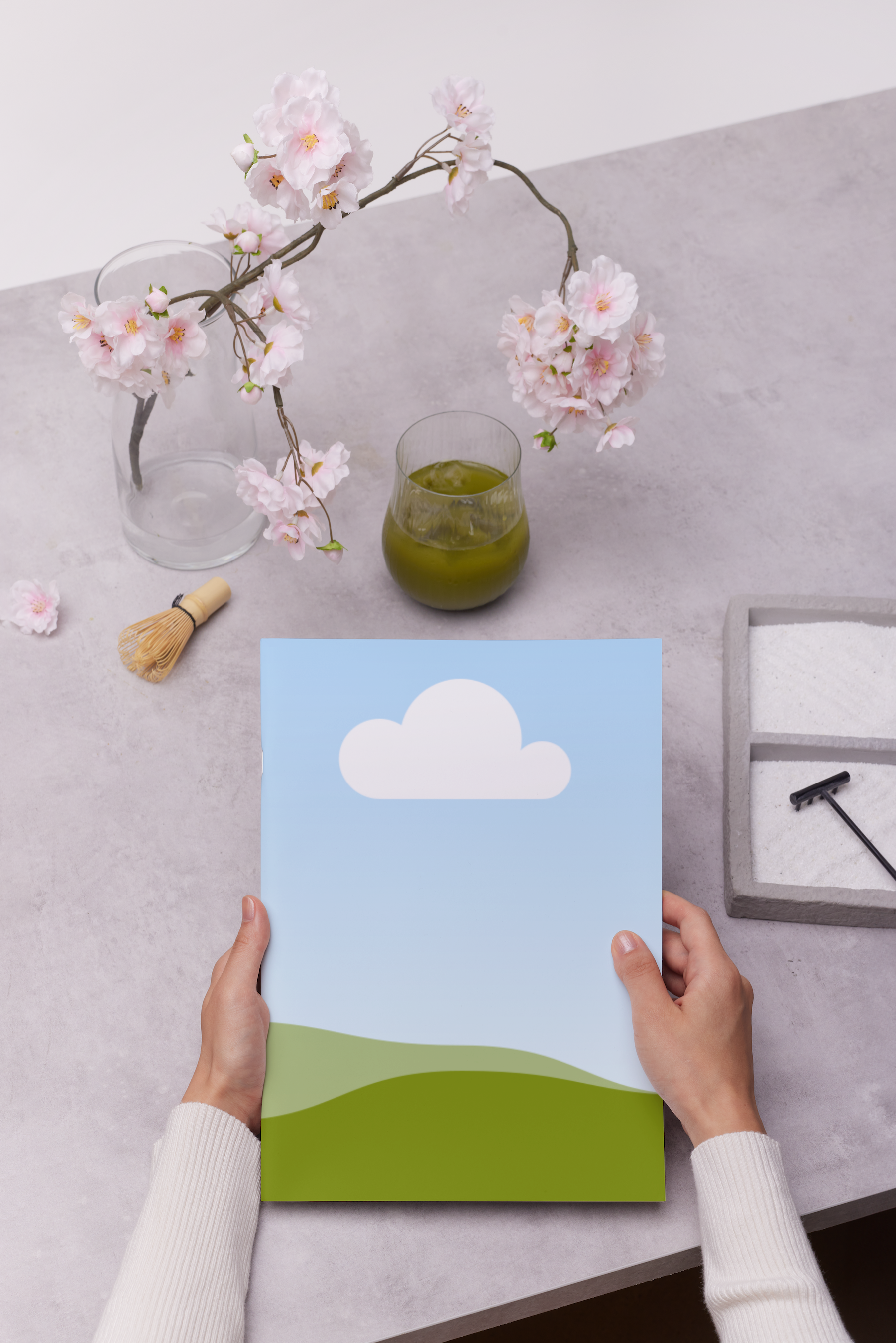
Free paper mockup generator


Easy drag-and-drop editor
3M+ free stock photos and graphics
Design from any device
Download or share designs easily
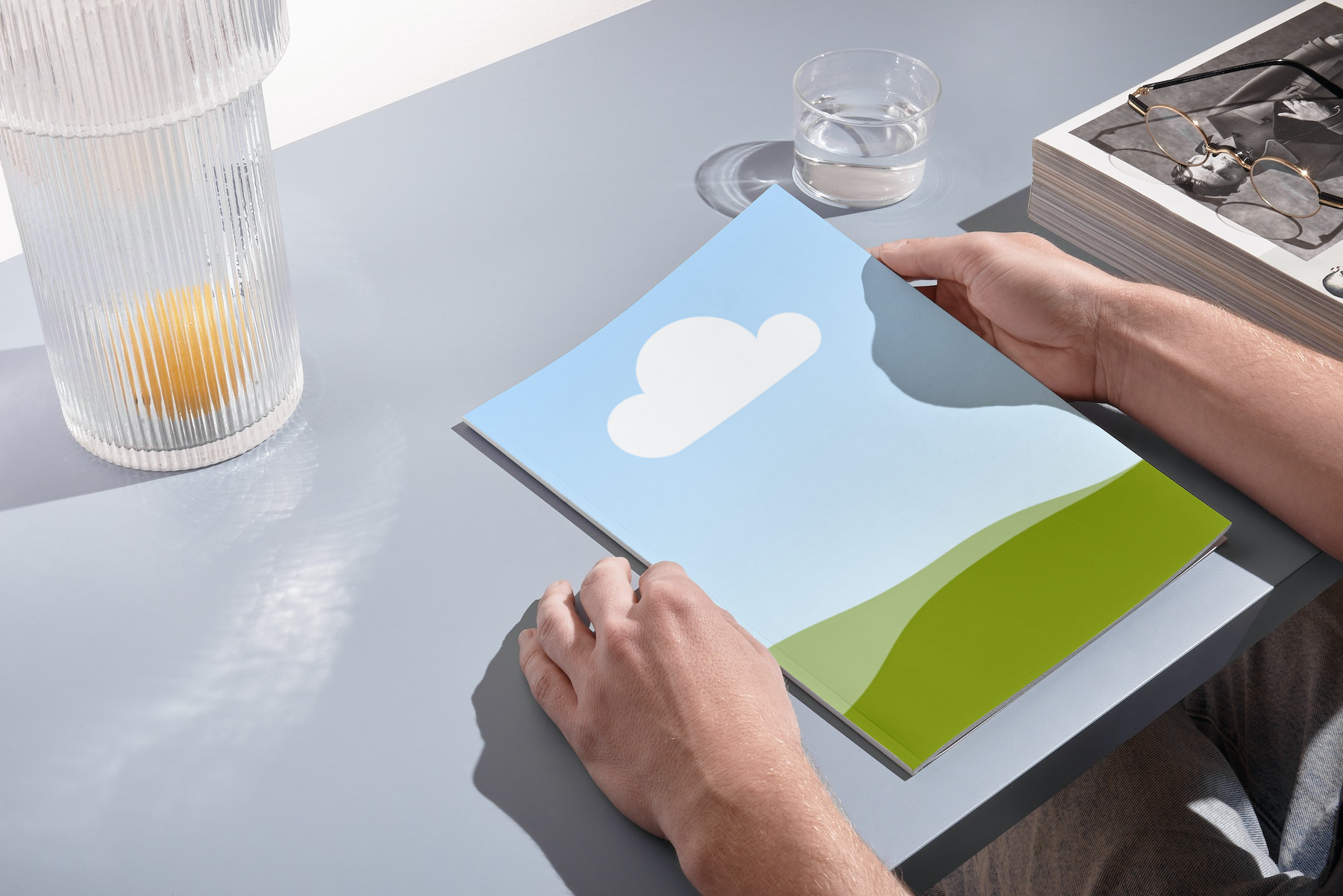
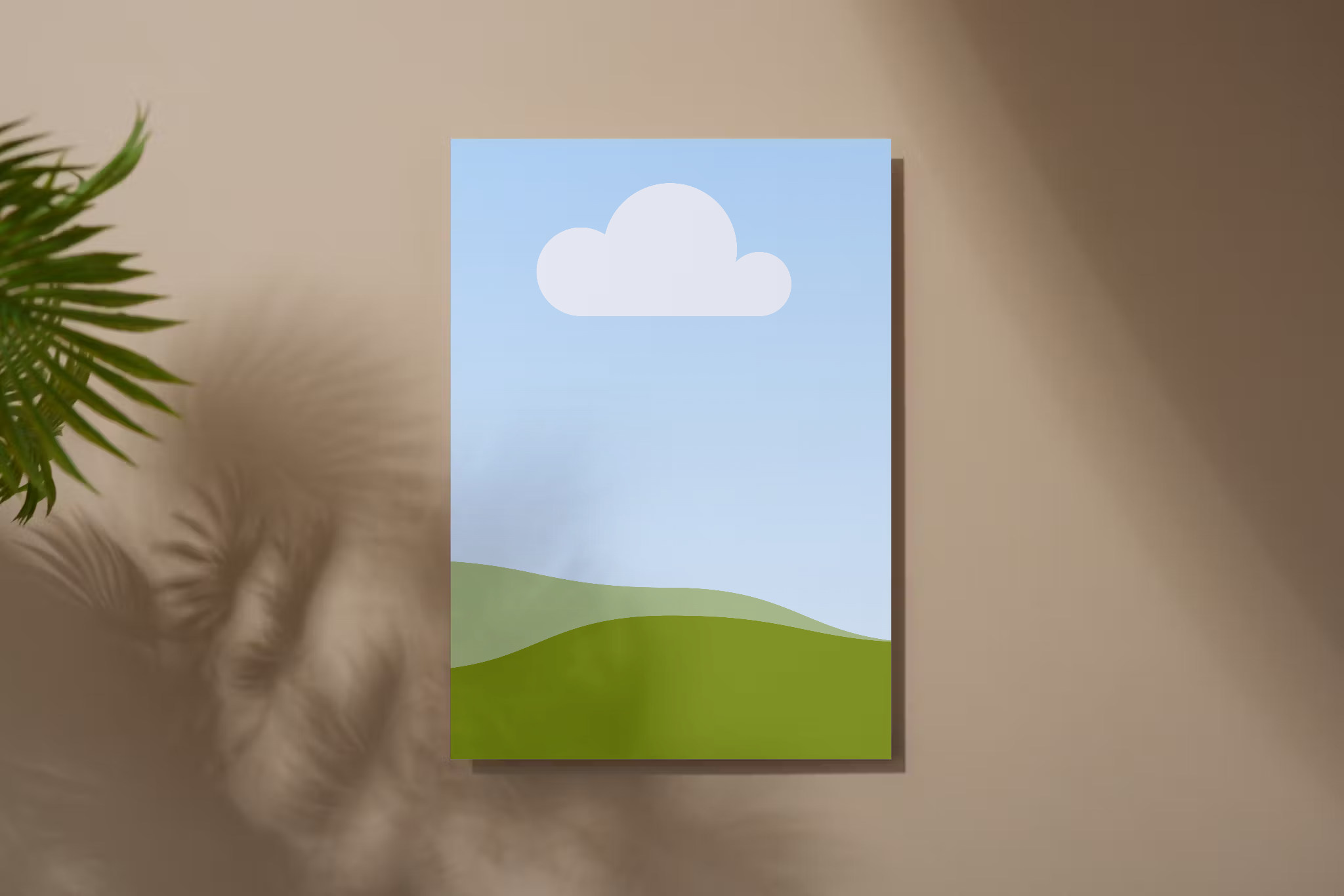
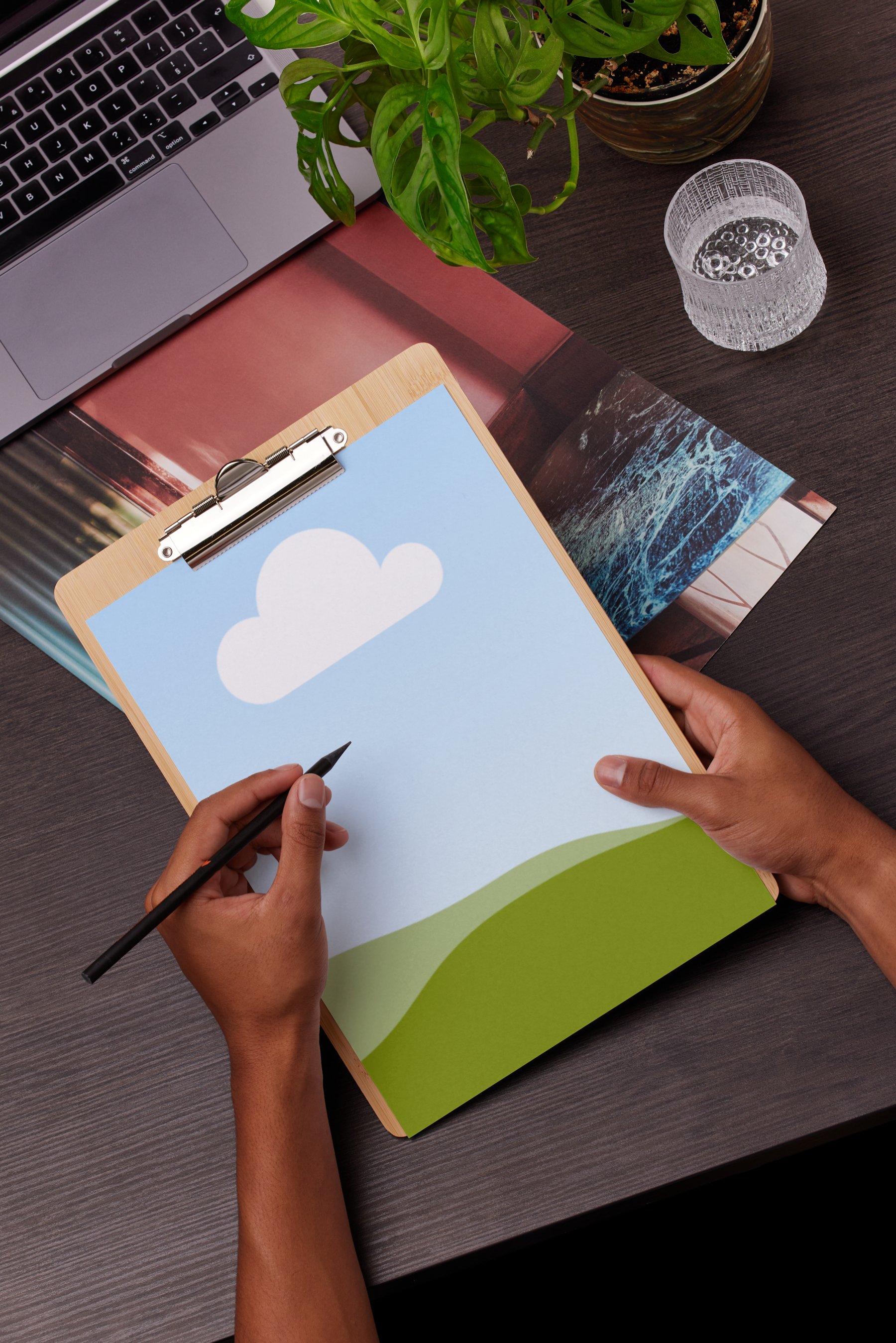
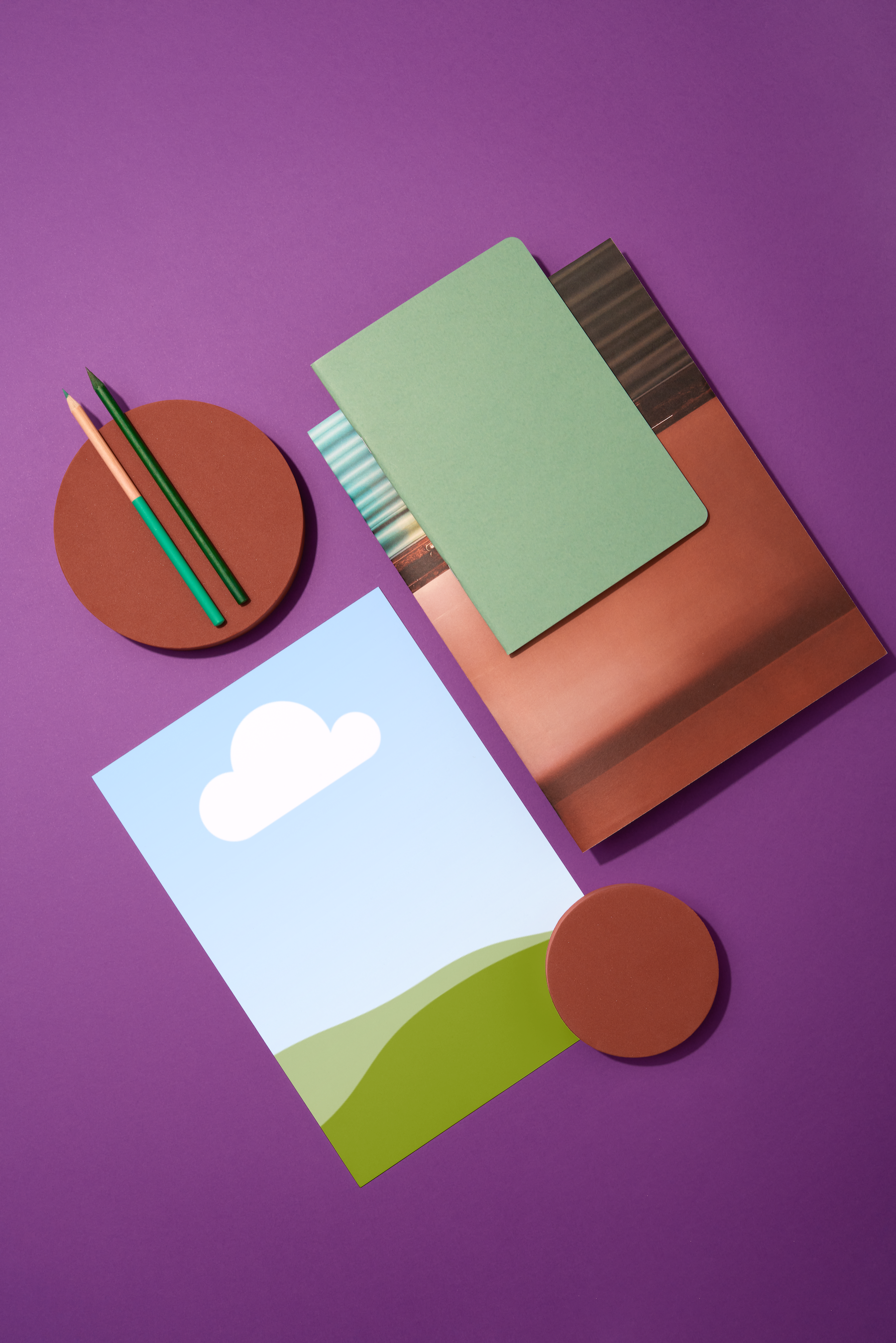
Craft a paper mockup to showcase your printable design without wasting a single piece of paper. Preview your invites, promo materials, and artwork in a realistic environment with Canva’s free paper mockup generator.

Visualize your design in print with paper mockups
With paper mockups, you can see how your design looks once printed even without printing a single thing. Whether you’re presenting flyer studies to a client, creating social media posts to promote your illustrations, or checking how your invite design looks before printing, you can find a stunning paper mockup template that fits the bill.
How to create a paper mockup


Meet Magic Studio™: All the power of Canva’s AI
Magic Studio™ brings together the best AI-powered tools for you and your team to help you design with more ease, speed, and creativity.


Explore many creative possibilities with your printables
With Canva’s paper mockup generator, you can freely experiment with different looks for your printables before going to print. Instantly check which formats best suit your design. With Canva’s array of ready-made paper mockup templates, you can easily play around with all sorts of layouts to find the best one to fit your needs.
In just a few clicks, you can see your printables on A4 paper, folded paper, and even crumpled paper mockups. No need to print your prototypes unless you’re 100% sure.
Power up your paper mockups with AI
Using AI, the Mockups app lets you find the perfect placement for your design on all kinds of paper mockups. Get more done without having to sacrifice perfection.
And with Canva Pro’s Magic Studio(opens in a new tab or window), you can harness the power of AI to achieve your vision with ease. Type a prompt to add or replace elements in your paper mockup with Magic Edit(opens in a new tab or window). Get a cleaner edit and remove unnecessary elements with Magic Eraser(opens in a new tab or window) or the entire background with the Background Remover(opens in a new tab or window). Automatically expand your paper mockup setup with Magic Expand(opens in a new tab or window).
Present and share your polished paper mockups
Ready to showcase your paper and document mockups to the world? No need to transfer your design to another platform. Do everything on Canva. Drag and drop your paper mockups to your client pitch deck(opens in a new tab or window), resize your mockups for your brand’s social media(opens in a new tab or window) platforms, or post them directly to your portfolio website(opens in a new tab or window).
Creating document mockups for your brand? Effortlessly stay consistent with Brand Kit (Pro)(opens in a new tab or window). Keep your branding requirements all in one place so that you and your team can apply them across your designs, including your paper mockups.
Go from mockups to print in one platform
Did a great job with your paper mockups? Get ready to turn your designs into printed reality. Canva will print your invites, flyers, and posters for you — no need to leave the platform to place an order. Access Canva Print to get your mockup designs printed in your format of choice. Receive your prints in high-quality, eco-friendly paper, delivered right to your doorstep — customer happiness guaranteed.
FAQ
When you access Mockups on the Apps tab, you’ll be able to find the mockups categorized. Scroll further down to get to the Print mockups where you’ll find all kinds of formats for your paper mockups.

@navneet4