- AI TikTok Video Generator

Free AI TikTok Video Generator
Engage with your audience by creating fun short-form content using Canva’s free AI video generator for TikTok—the perfect tool for hopping on trends, promoting products, and sharing your brand story.
Effortlessly turn ideas into TikTok videos with AI
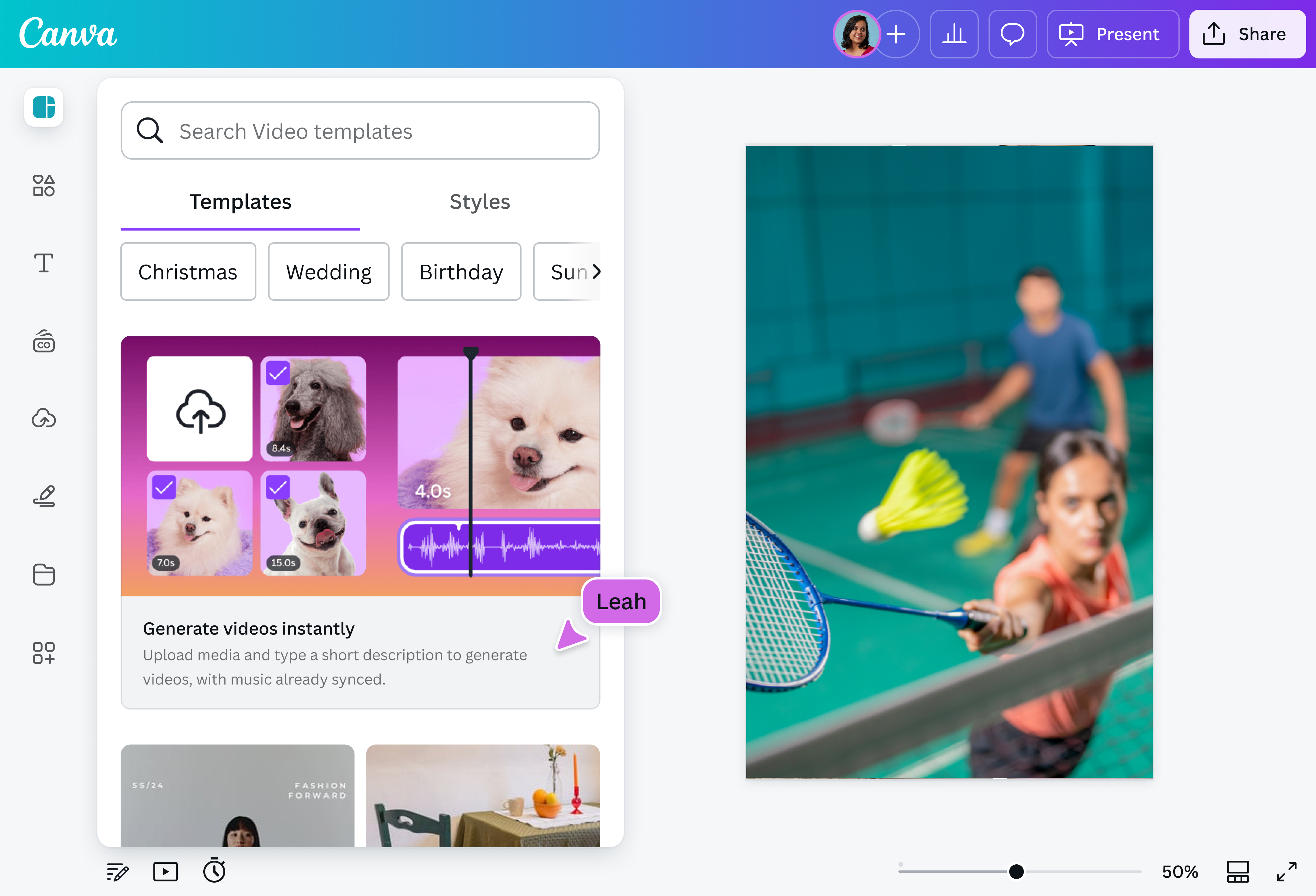
Say goodbye to hours of manual editing and video creation. With Canva's AI TikTok Generator, you can make dynamic short-form videos in just a few clicks. Simply provide a text prompt that describes your ideal video, and watch as it comes to life. Alternatively, you can upload your own clips and use our AI script to video(opens in a new tab or window) tools to create an eye-catching video in seconds. You can even enhance videos(opens in a new tab or window) to improve their quality.
Generate thumb-stopping TikToks for different projects

You don’t need any editing experience to create engaging TikTok videos. Whether you’re a budding content creator who wants to hop on a trend, a social media manager expanding their brand’s reach, or a small business owner making product feature videos, creating professional videos is quick and easy with our AI TikTok Video Generator.
Make TikToks together

Creating videos is more fun when you’re not alone. Share your design so that your team can be part of the editing process. Assign tasks, leave comments for revisions, and see any changes in real time. Plus, use Canva’s Brand Kit (Pro)(opens in a new tab or window) to ensure that your video is aligned with your brand’s overall look and feel.
Refine your TikTok videos with other AI-powered tools

Consistently produce professional, high-quality TikToks by leveraging our other AI-powered tools. Use the Auto-trim (Pro)(opens in a new tab or window) feature to remove awkward pauses or dead space in your video. Need to find the best parts of a long video? Try our Highlights (Pro)(opens in a new tab or window) tool, which identifies key moments in your video and generates concise clips from it.
If you want to make your TikTok more engaging, you can use our AI Voice Generator(opens in a new tab or window) to instantly produce natural-sounding voiceovers, or try the TikTok text-to-speech(opens in a new tab or window) feature for platform-specific voice styles. Access all of these and more on Canva.
How to make TikTok videos with AI

Frequently asked questions
- Yes, you can use AI to make TikTok videos. There are several AI generators available online that can help you do just that, including the ones on our platform.
The best AI video generator for TikTok may vary depending on the creator’s needs. Our AI video generator for TikTok is best for those who can provide the generator with a visual or text prompt, and those who are looking for a quick and easy way to generate AI video content.
One advantage of creating AI-generated videos on our platform is that you can create, polish, and share content all in one place—no need to use more than one app!
- You can edit AI-generated content using our AI tools and built-in video editor. They allow you to customize the TikTok video you generated, from adding music and sound effects to putting customized elements and text.

@navneet4