Turn text into quizzes with an AI Quiz Generator
Generate a multiple-choice quiz with AI based on your content in seconds. Make information retention, audience participation, and personal study more fun and engaging with custom quizzes.
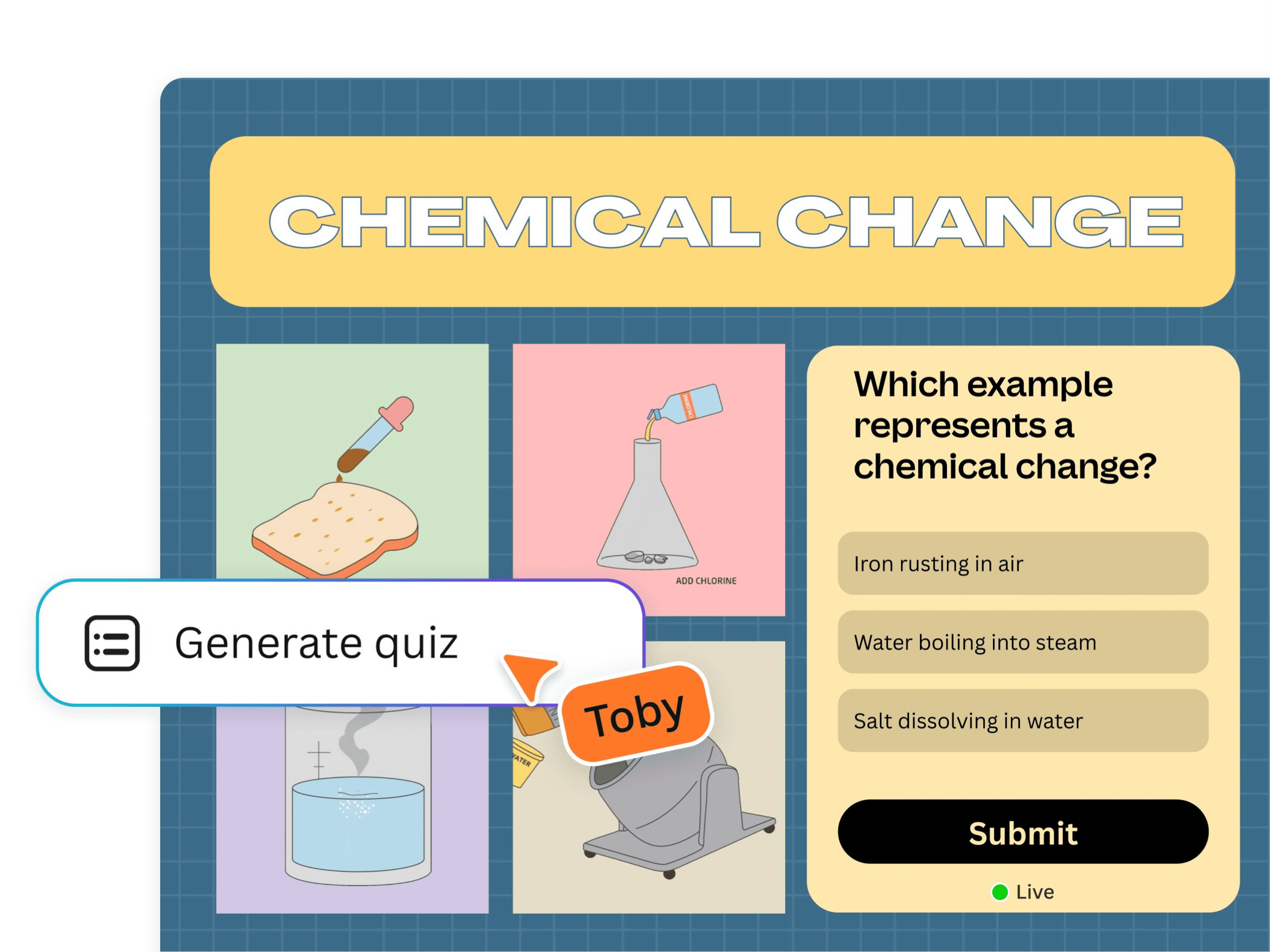
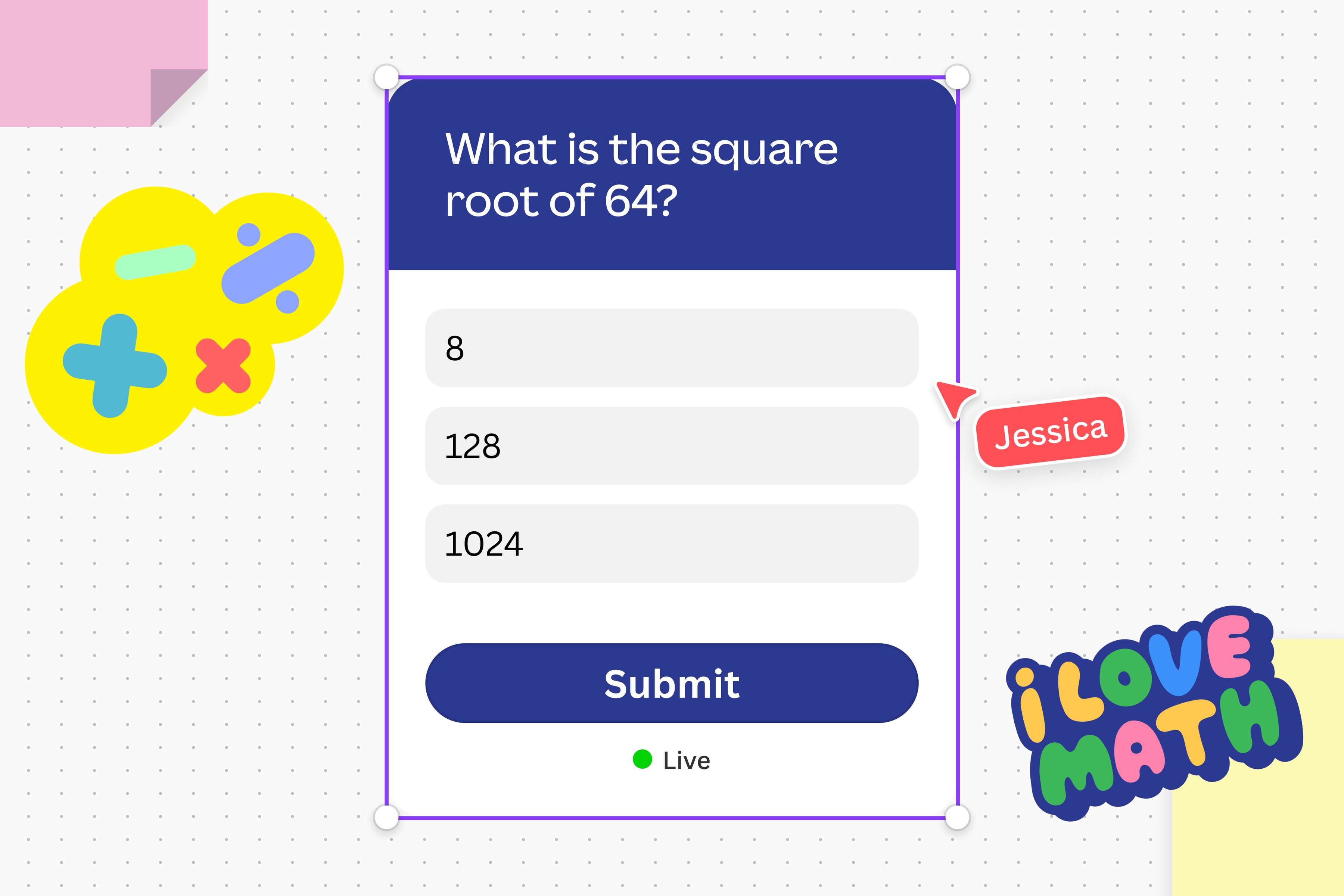
Instantly create an AI-generated quiz
Save time and effort by using AI to generate quizzes from your content instead of starting from scratch. With Canva’s AI quiz maker, you can turn any text element from Canva designs, sticky notes with text, shapes with text, and even lines with text into quizzes, in seconds.
Ace any event with custom quizzes
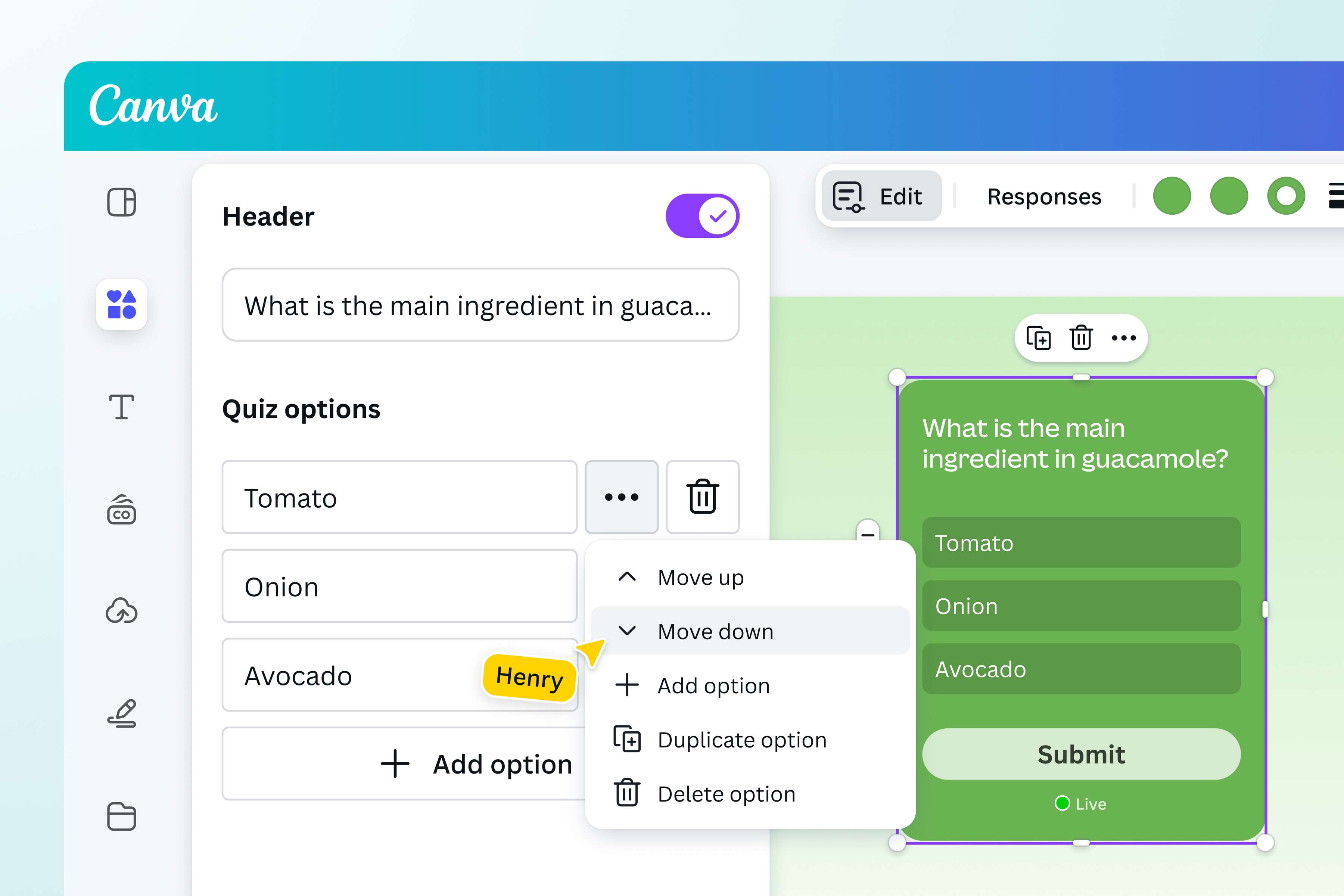
Personalize your quizzes to suit any occasion – whether it’s a classroom lesson, workplace ice breaker, or a fun game night with friends.
Edit every aspect of your quiz, from the question and quiz options to the correct answer. Take it to the next level by customizing your AI quiz with colors from your Brand Kit.
Share, collaborate, and whiz through quizzes together
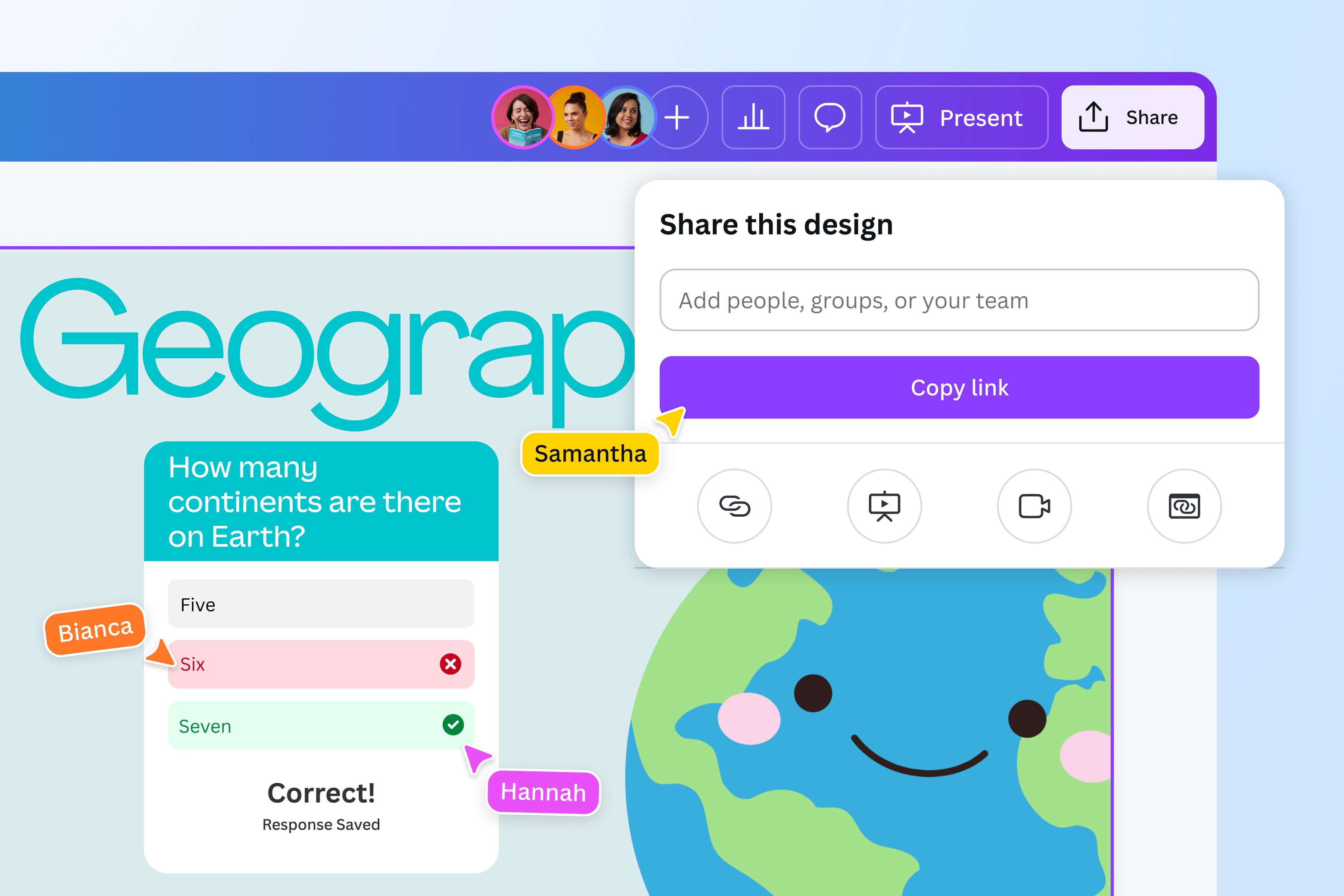
Boost collaboration, connection, and teamwork by sharing the fun quizzes you’ve created using the quiz generator.
Add an AI exam or quiz to your design, and present it to your audience to test their knowledge. You can also create interactive polls to gather opinions and feedback. Alternatively, you can share the link to your team and see any edits made in real time. Access your design anytime, anywhere via desktop or mobile.
How to generate a quiz with AI
Launch Canva
Open Canva on the app or a web browser. Then, open the Canva project that needs a quiz.Select your text
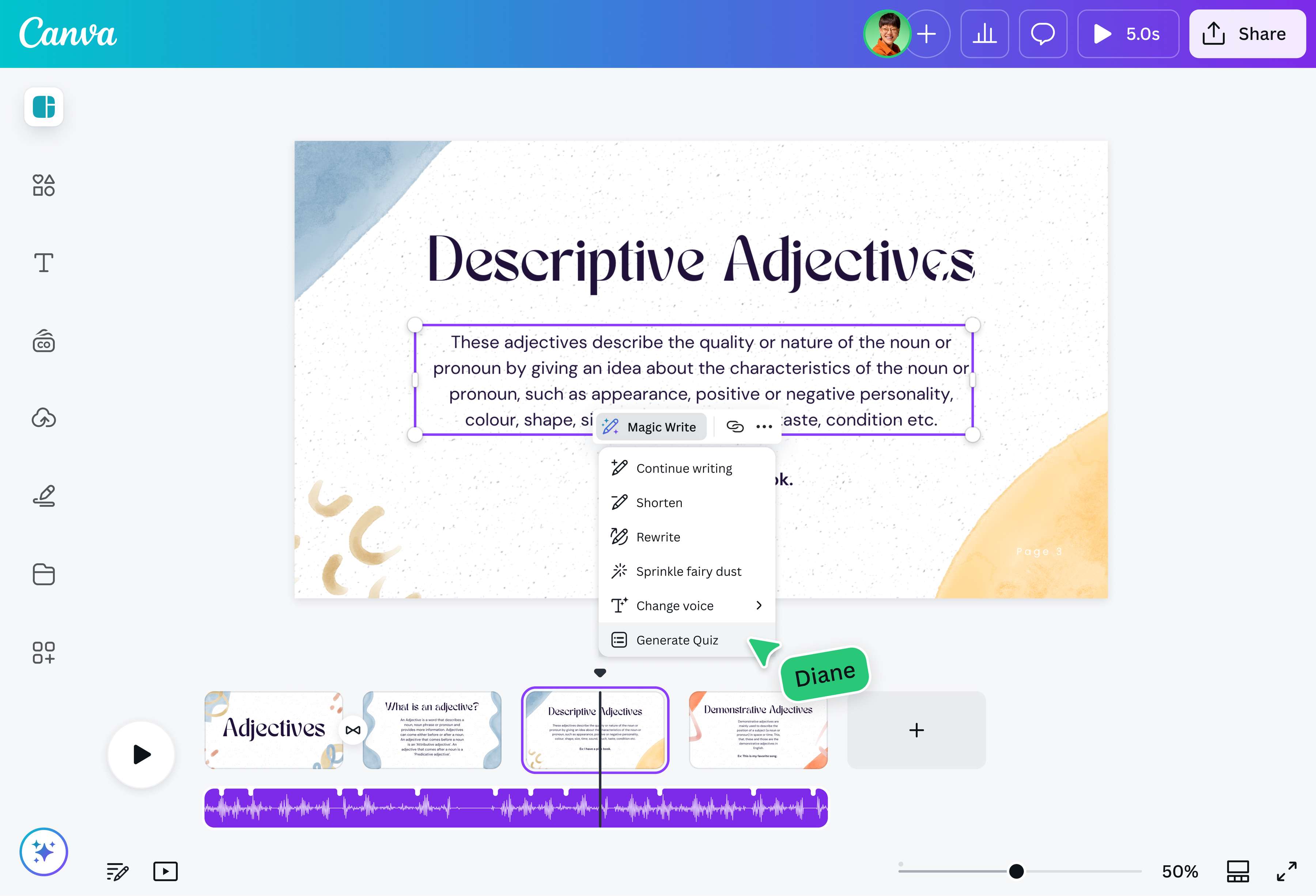
Select the text element you want to use the AI quiz creator on. Highlight the specific section of the text you want the quiz the cover.Generate your quiz
Click the Magic Write icon and select Generate Quiz from the menu options to instantly make a quiz. Each quiz comes with a question, three answer options, and a marking of the correct answer.Add a personal touch
You can edit the text on your quiz, as well as other elements like the color, border style, and position.Share the quiz
Once you’re happy with your AI quiz, you can share your design through a link, embed it on an email, or present it directly to your audience.
Frequently asked questions
- Yes, the AI quiz generator is free; it uses your Magic Write credits. This means that free users can create up to 50 free quizzes, while Pro users and teachers can create up to 500 quizzes with their accounts. One quiz generation uses one credit.