- AI Script Generator
AI Script Generator
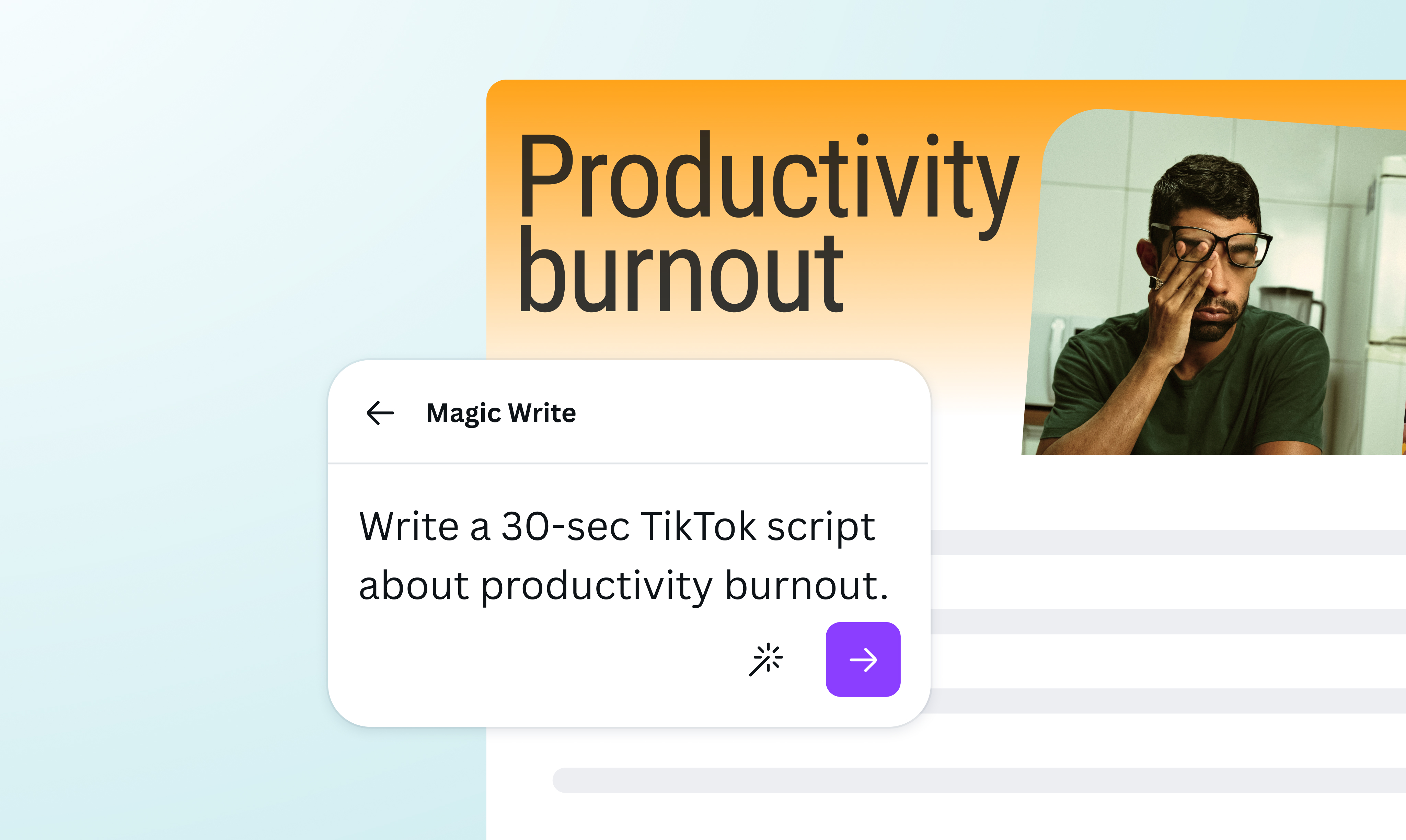
Create a script for a video, podcast, or presentation with Magic Write™, powered by Open AI. Turn a simple text prompt into a compelling narrative in just a few seconds.
Hook your audience with a captivating script

Skip the blank page and get straight to polishing your script in seconds. Use Magic Write™(opens in a new tab or window), powered by OpenAI, to create a powerful narrative with just a text prompt, perfect for videos, podcasts, promotional materials, e-learning courses, and more. Start with 50 queries from our free AI script generator and unlock more with Canva Pro.
Tailor your script to your voice

Create a script that reflects your individual personality and voice. Magic Write’s AI script generator lets you add and save up to three voices to use on any text. Whether you’re building a compelling narrative for stakeholders, or looking to make your audience laugh with a funny vlog dialogue, easily craft a script that perfectly matches your brand voice.
Build stronger narratives on the go

Effortlessly refine your script with Canva’s built-in AI tools to better suit your style, purpose, and audience. Tweak the generated script for smoother phrasing with the AI sentence rewriter(opens in a new tab or window). Or, use the text summarizer(opens in a new tab or window) to create a synopsis of your script that highlights the main talking points. With Magic Write, you can do all of this whenever the inspiration strikes, across any device.
Pair scripts with stand-out visuals

Why stop at text? Add charts(opens in a new tab or window), graphics or even scrollable animations to take your script to the next level. Canva Docs(opens in a new tab or window) is built with visuals at its core, giving you the freedom to create attention-grabbing educational materials, polished presentation scripts, and stunning video campaigns that inform and inspire.
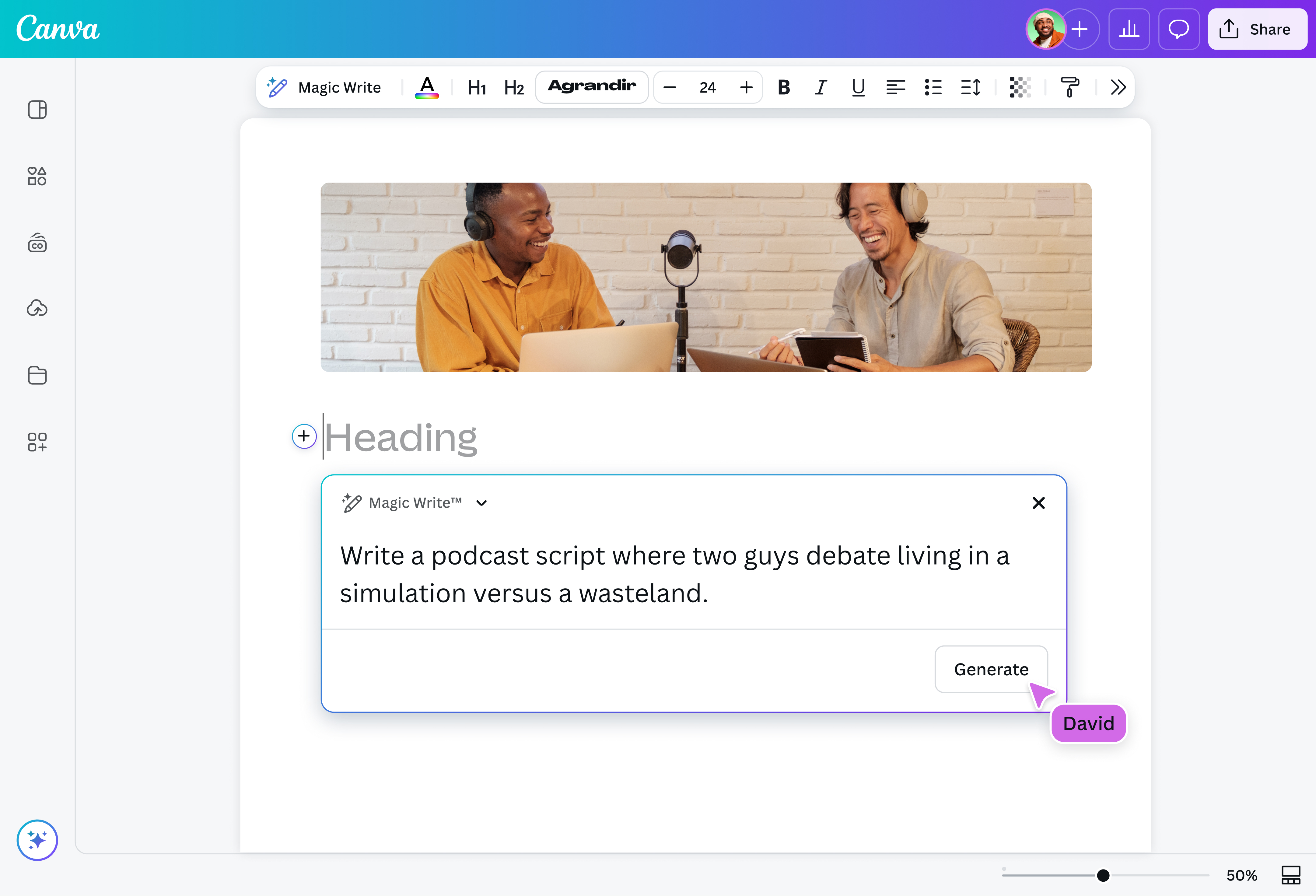
How to generate a script

Frequently Asked Questions
- An AI script generator is a tool that uses artificial intelligence to generate scripts from text prompts. The generated text will be based on details you provide, like themes, characters, tones, stories, purpose, or tone. An AI script generator is designed to spark inspiration for scriptwriters, marketers, educators, filmmakers, and content creators.
- An AI script generator works by using a Large Language Model (LLM). It analyzes your prompt, understands the context, generates the script piece by piece, and presents the whole thing to you as a draft. The outcome is based on your criteria and instructions but can be revised to match your preferences.
- The features you should look for in an AI script generator include ease of use, the ability to generate clear and natural language, and options to adjust tone. A good AI script writer should also provide you with the option to rewrite sections, expand ideas, or even translate into other languages.
- Yes, AI can write a full script. Even from a short prompt, it will generate an entire draft that may include a title, a subtitle, settings, parentheticals, and even character names and descriptions.
- To use an AI to write a script, access our AI script generator and input your prompt, like “Write a three-minute video script for a book review podcast.” You may add more details to guide the output. Our AI script generator will instantly generate a structured draft with an opening, body, and closing that you can build on. From there, you can tweak it until it meets your style or suits your target audience.

@navneet4