- Speech to Text
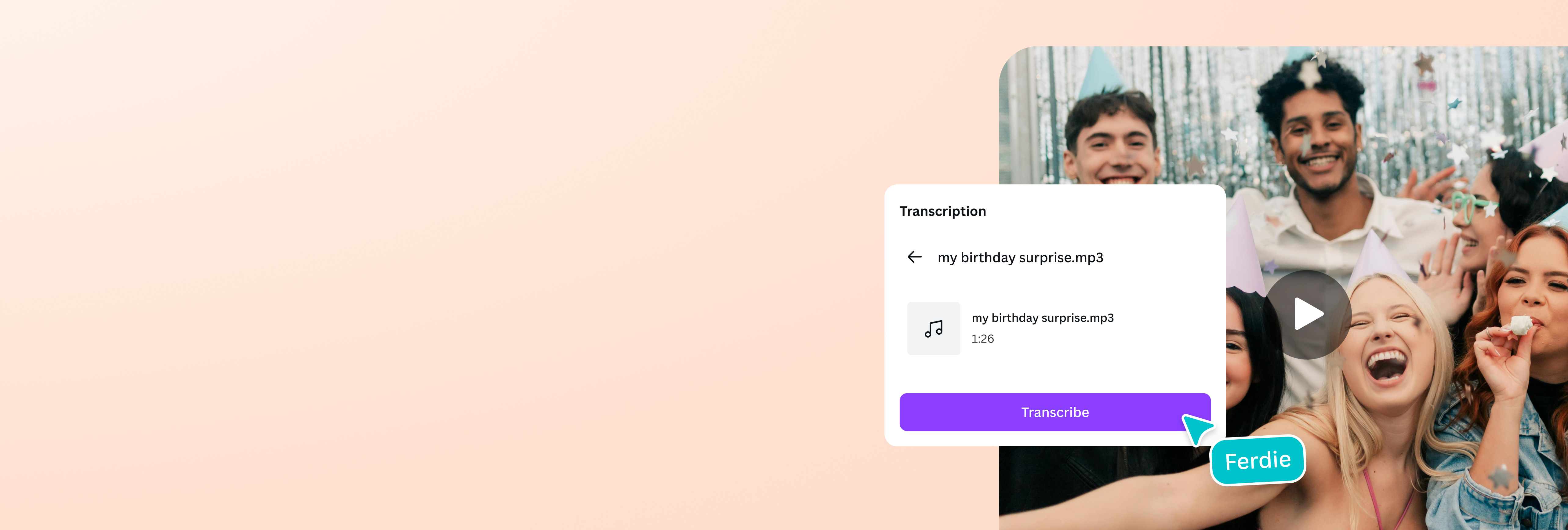
Convert speech to text instantly with AI
Easily turn spoken language into readable, editable text with the speech to text converter on Canva. Transcribe recordings, meetings, or voiceovers in just a few clicks.
Quickly turn any speech into written text

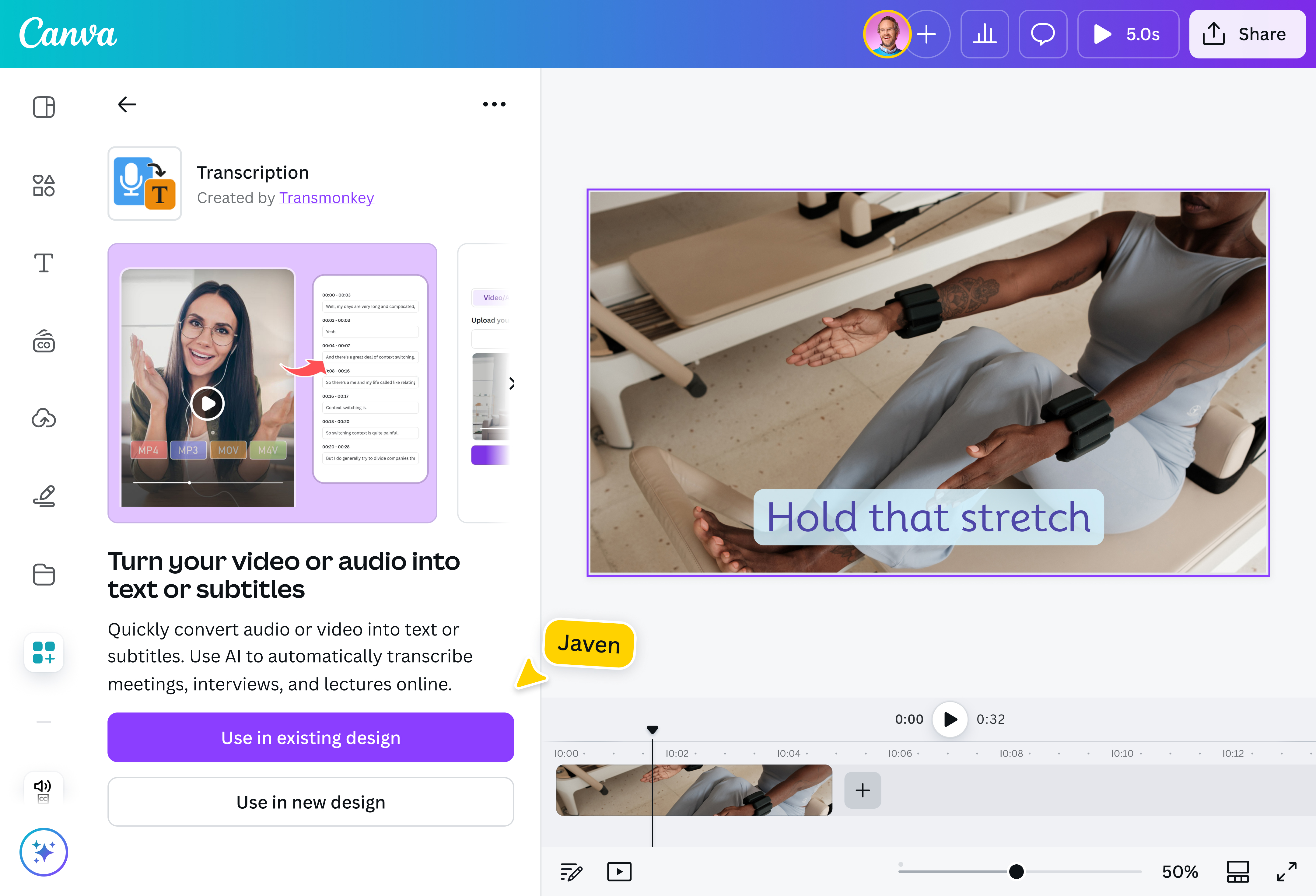
Why spend all your energy manually transcribing important interviews, lectures, or meetings? Save time and stay focused by converting audio and video recordings in seconds. Just upload your file or paste your YouTube video URL, click transcribe, and get accurate and readable transcriptions with zero effort.
Improve accessibility and boost engagement

Your message deserves to be heard—and seen—by everyone. Use Canva’s auto caption generator(opens in a new tab or window) to instantly generate captions for your videos. Be it for accessibility or engagement, make sure your video’s message gets across, even with the sound off.
Connect with more people worldwide

Break the barrier of communication by converting your transcription into multiple languages. Once you've used the audio-to-text converter(opens in a new tab or window) to create your transcript, use the Translate(opens in a new tab or window) app to localize your podcast or webinar’s captions to keep international audiences in the loop without the need for additional software or apps.
Refine, reuse, or repurpose your words

Your ideas shouldn't stop at transcription. Refine your text and polish the rough edges for blogs, or create multiple versions for quotes and social media posts. You can also reuse the transcribed text to create new videos using Canva’s AI video generator(opens in a new tab or window). Enjoy a streamlined and simplified creative process, all in one platform.
How to convert speech to text

Frequently asked questions
- Speech to text is an AI-powered technology that detects and recognizes spoken language then translates it into written text. It is also known as automatic speech recognition (ASR) or voice-to-text. This technology is often used in dictations, note-taking, generating subtitles, and processing voice commands.
- Speech-to-text is a process that relies on machine learning and linguistic algorithms. To simplify it, AI captures the user's speech, converts the sound waves into digital signals, and breaks the audio down into tiny segments that are then run through acoustic and language models that recognize sound patterns and predict words and sentences.
- Speech-to-text offers numerous benefits for professional, educational, and even personal applications, some of which are:
- Increased efficiency and speed as compared to manual transcription.
- Better alternative for generating interactive and engaging content for people with limitations and disabilities.
- Helps people focus purely on content and flow, without having to type or write.
- Improves searchability (SEO) and reach.
- Modern speech-to-text technology, especially those powered by AI, is highly accurate. However, the accuracy of the output will depend on several factors, such as audio quality (background noise, echoes) and speech elements (accent, vocabulary, speed).
- The speech to text converter app on Canva supports MP4, MOV, M4V, and audio formats that are under 500 MB and less than 90 minutes long. The app also supports YouTube videos under 90 minutes long. YouTube Shorts aren’t supported yet.

@navneet4