- Script to Video AI
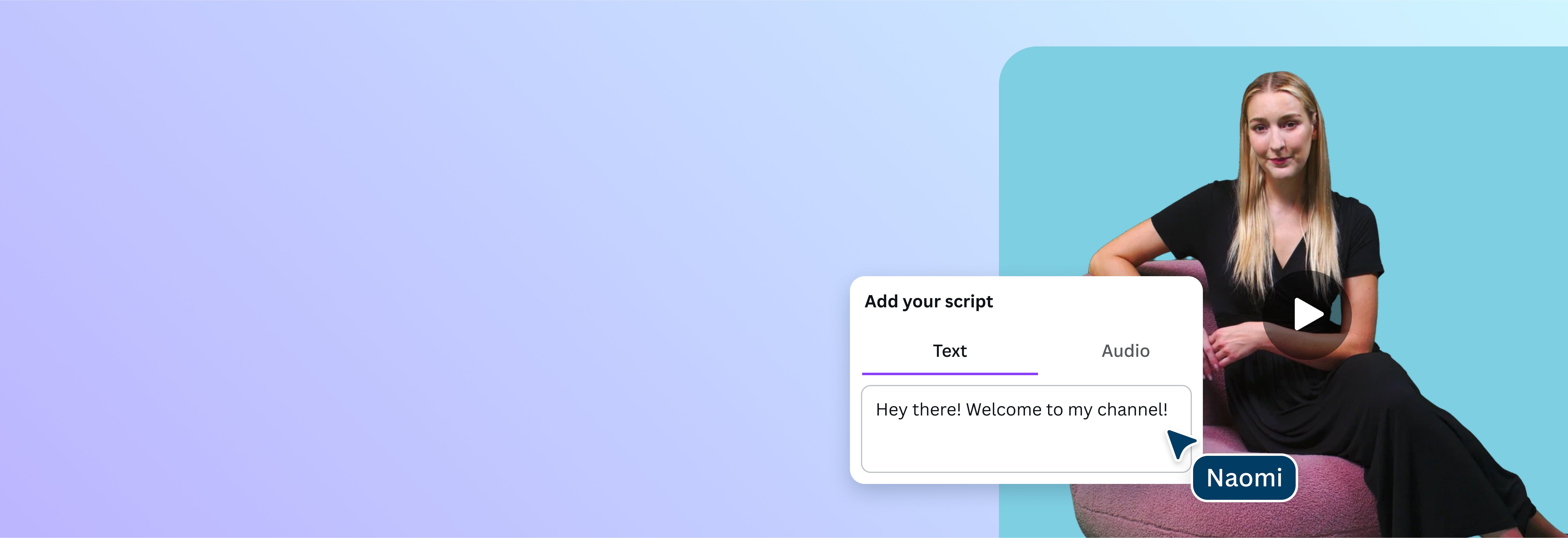
Produce high-quality content with the AI script to video generator
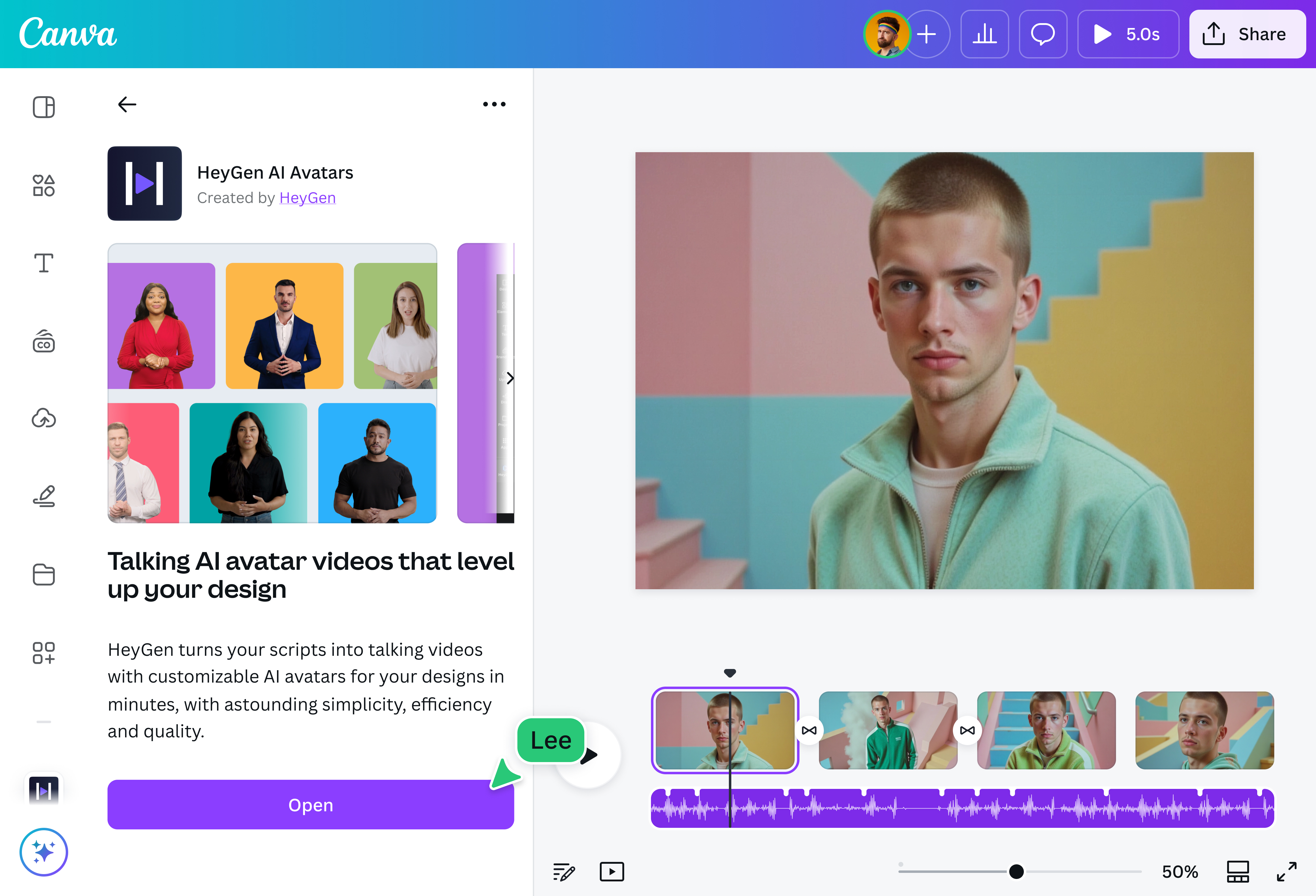
Upload your script to turn it into a talking head video with the AI-powered HeyGen app. With custom avatars and voices to choose from, you get professional results instantly without the added costs.
How to convert script to video
Upload your script
On the HeyGen app, paste your script onto the text box, then select an avatar and AI voice type. Click “Generate AI video”.
Edit your design
Make some quick touch-ups on your video using our beginner-friendly editor.
Download your design
Finally, download the video project for free or share it to your social media pages.
Your all-in-one production crew

Need to create video content with limited resources? Producing content comes quick and easy with HeyGen’s free AI script to video generator. Turn articles and blog posts into engaging short form videos on social media, or create informative tutorials and FAQs for your lean and efficient small business. Just upload the script and the app will generate a talking head video instantly. You can also convert video to text(opens in a new tab or window) for captions or repurposing content.
Reflect the tone you need

Need someone who can sell your campaign to a British audience? Or an older, authoritative avatar to narrate elearning modules and corporate policies? The free script to video maker offers a wide range of talking avatars and voices to capture the essence of your video. You can even upload your own photo and audio for a more realistic effect, and change the background color to suit your branding.
AI assistance from content creation to post-production

There’s a lot more you can do beyond script to video generation on Canva. Our platform hosts many AI tools to help craft your video from start to finish. Use Magic Write(opens in a new tab or window) to write your script or improve your outline. Magic Media generates videos from simple text prompts. Then, accelerate your editing process with Magic Design for Video(opens in a new tab or window), which combines clips and images into a short video. You can also use our AI reel maker(opens in a new tab or window) to create engaging reels for social media.
Easy editing for a perfect finish

Get your creative juices flowing and have a go at editing the video yourself. Add unique clips for your sales outreach presentations to meet your goals, or add fun transitions on your short form content to make it more engaging. Add background music then use Beat Sync(opens in a new tab or window) to time the clips to the music. Once you’re happy with the polished video, download and share!
How to make a video from a script with AI

Frequently asked questions
- The script to video AI app, HeyGen, is free with limited use on our platform. All you need to do is sign in to your HeyGen account. You will be given three video credits to create three-minute long videos per month.
- The AI script to video generator on our platform is the HeyGen app, which reads a script you upload in the tone of voice of your liking. You can also select a range of AI avatars to create a talking head video of your script.
- A talking avatar is a machine-generated character that is able to read your script with human-like features, expressions, and intonations. The AI script to video app on our platform hosts a range of avatars and voice options, or you can upload your own photo and narration to generate a talking avatar of yourself.
- Absolutely! All you need is a HeyGen account, which will give you three credits per month to create videos with a maximum length of three minutes. To use Premium stock footage on your video with no watermarks, sign up for Canva Pro.

@curlyfrosista