- AI Voice Cloning

Bring your own words to life with AI voice cloning
Create realistic AI voices that sound exactly like you with this AI voice cloning tool from Canva. Record yourself once, upload, and make unlimited voiceovers without ever picking up a mic again.
Say it once, say it right

Before, no budget for expensive audio equipment meant sweltering in a closet under a thick blanket, recording lines over and over until they sounded right. Not anymore! With this AI voice cloning tool, you don’t even need to sound perfect – you just need to sound clear. Use whatever voice recording you already have and create your very own, pitch-perfect, digital voicebox, ready to make all the narrations and voiceovers you need.
Speak in your native tongue

The AI voice cloning tool can automatically recognize languages, giving you a truly global platform. Why lose things in translation when you can connect with your audience in their native tongue? Whether it’s grandparents in a quaint Spanish pueblo or Japanese schoolkids hanging out at the konbini, you won’t be limited to just English speakers thanks to this multilingual voice cloning tool.
Produce on-the-go

Get clean, polished, and professional voiceovers every time in minutes. Canva’s AI voice cloning tool is perfect for high-speed, large-scale productions, from journalists covering the action on the ground to content creators churning out a jam-packed calendar. Generate voiceovers on the fly, update scripts whenever and wherever, and push new content in a matter of minutes.
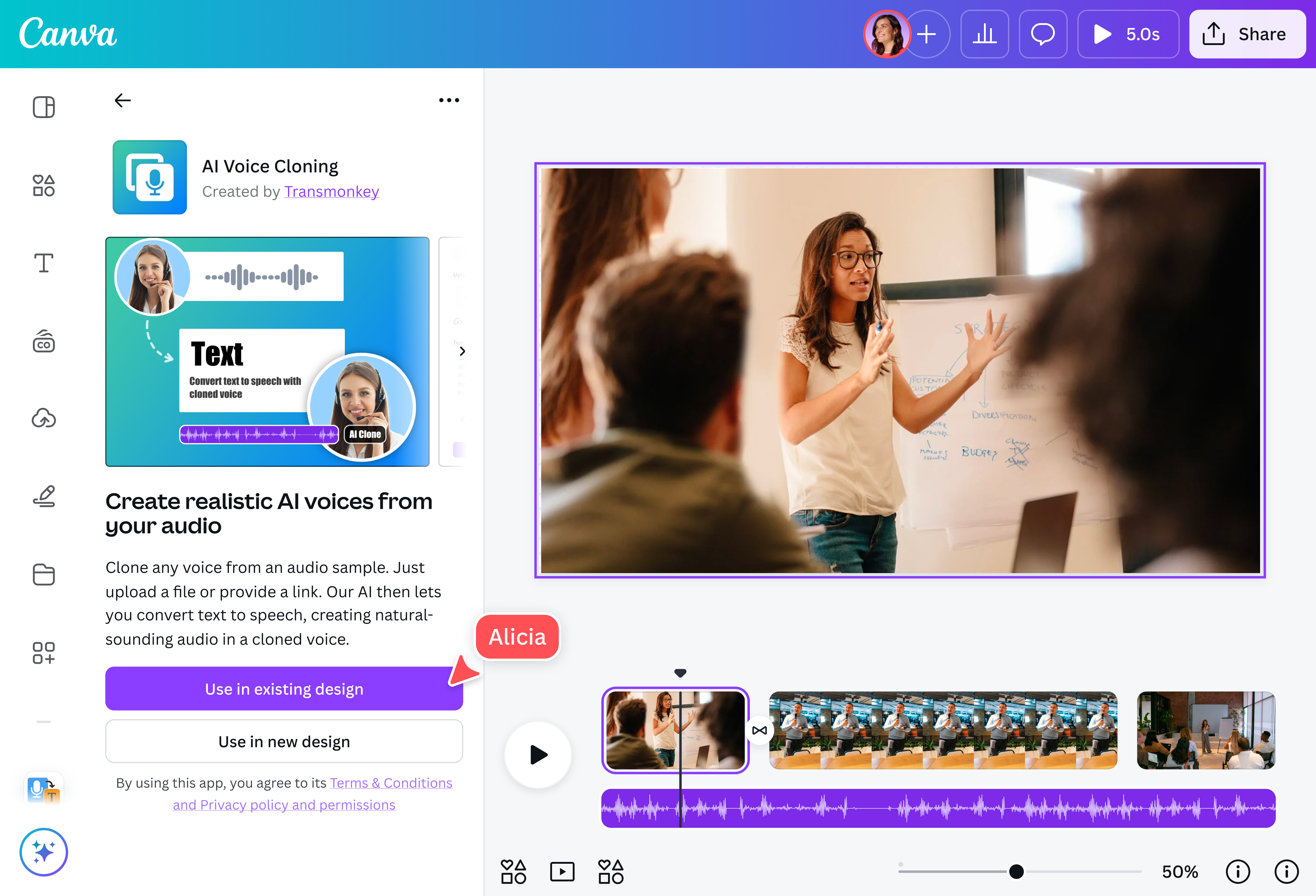
How to clone your voice with AI

Frequently asked questions
- AI voice cloning is the process of recreating a real person’s voice using machine learning to analyze their speech, including pitch, tone, rhythm, accent, and pronunciation. The technology then uses this information to produce a synthetic version of the speaker’s voice that sounds nearly identical to the original.
AI voice cloning has been used for years in movies and media (like recreating the voices of actors who have passed away), in customer service to make automated assistants sound more human, in assistive technology, and in many other areas.
- Please use the AI voice cloning tool responsibly. Don’t use it to create harmful content, violate anyone’s rights, or impersonate or defame others. You must always disclose that the voice is AI-generated. You can read our Acceptable Use Policy here.
- Audio files for voice cloning must be between 10 seconds and 5 minutes long and must not exceed 15 MB. This range provides the AI with sufficient speech data to accurately analyze voice characteristics, including tone, pitch, cadence, and emotional patterns. Shorter files may not have enough information for reliable cloning, while the 15 MB limit helps maintain efficient processing and high-quality results.
- The AI voice cloning tool supports over 130 languages, enabling you to create natural, high-quality voice output for global audiences and multilingual projects. With advanced AI models powering the tool, you can expect accurate and context-aware translations.

@navneet4