- AI Sound Effect Generator

Speak volumes with the best AI sound effect generator
Engage your audience with attention-grabbing sound effects. Set the perfect mood for both personal and professional projects in just a few clicks using the AI sound effect maker on Canva.
The perfect sound, just a few clicks away

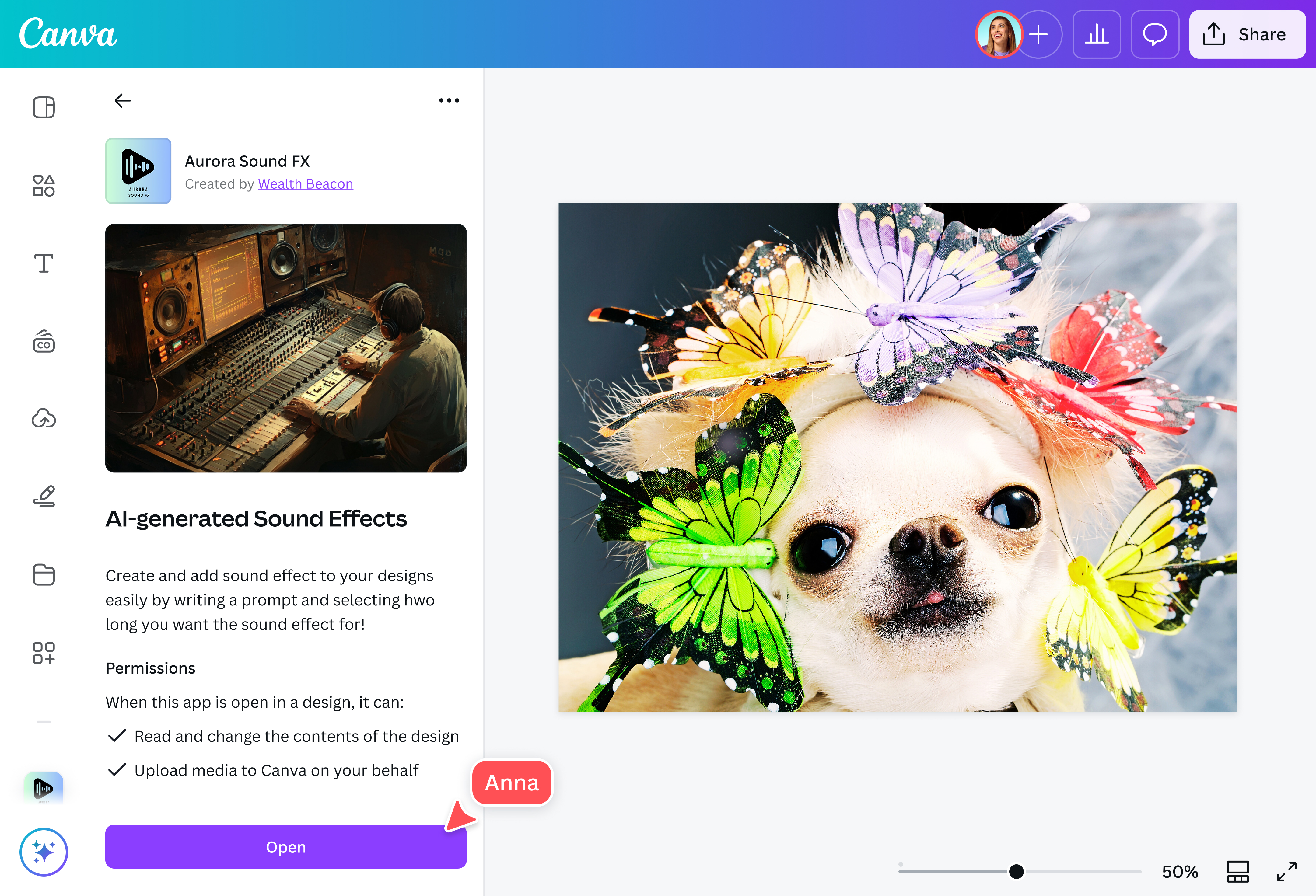
Save time scouring the internet for stock audio or manually recording background noises for your passion project. With the AI sound effect generator on Canva, you can easily create all the sound effects you want in just a few clicks. Simply provide a text prompt describing the sound you need, set the time duration and intensity, and watch it do the rest.
Make dynamic sound effects for any project

Use the AI sound effect creator on Canva to design the perfect soundscape for any project. Whether you’re working on a vlog for social media(opens in a new tab or window), a product advertisement for your business, a short film for family and friends, or a tutorial video for employees, the right sounds can amplify your message and make your content resonate with your audience.
Realistic sounds in an instant

Sound effects further immerse viewers into the world on the screen, making them hear and experience what the subjects do. With the AI sound effect generator online, you, too, can elevate your audience’s viewing experience with hyper-realistic sound effects. Whether it’s the sound of a baby crying in the distance or some silly, comical noise to punctuate a funny moment, the perfect sound is just a few clicks away.
Take your video content to another level

On Canva, you have a suite of AI-powered tools(opens in a new tab or window) aside from the AI audio sound effect generator to fine-tune your video content. Use the AI video generator(opens in a new tab or window) to turn text prompts into videos in an instant. Or, convert your written content into videos with the script to video generator(opens in a new tab or window). Automatically apply transitions and animations to your work with Magic Animate (Pro)(opens in a new tab or window). Looking to change your video background with minimal effort? The video background remover (Pro)(opens in a new tab or window) can do that in just a click. You can also reach a global audience by using AI dubbing(opens in a new tab or window) to translate your videos into any language.
How to generate AI sound effect

Frequently asked questions
- An AI sound effect generator harnesses the power of artificial intelligence (AI) to create custom and realistic audio effects based on written prompts provided by the user. These sounds can range from nature soundscapes to urban noises to human sounds.
- AI sound effect generators online use complex algorithms and machine learning techniques to simulate various sounds based on the text prompt provided. They’re ideal for multiple projects, including vlogs, films, educational materials, gaming, and advertisements.
- The AI sound effect maker on our platform provides one (1) free credit equating to one free, custom sound effect regardless of your subscription plan. To create more sound effects, you need to purchase additional credits by clicking “Purchase more.”

@IGchef_andrewb