- Audio to Text
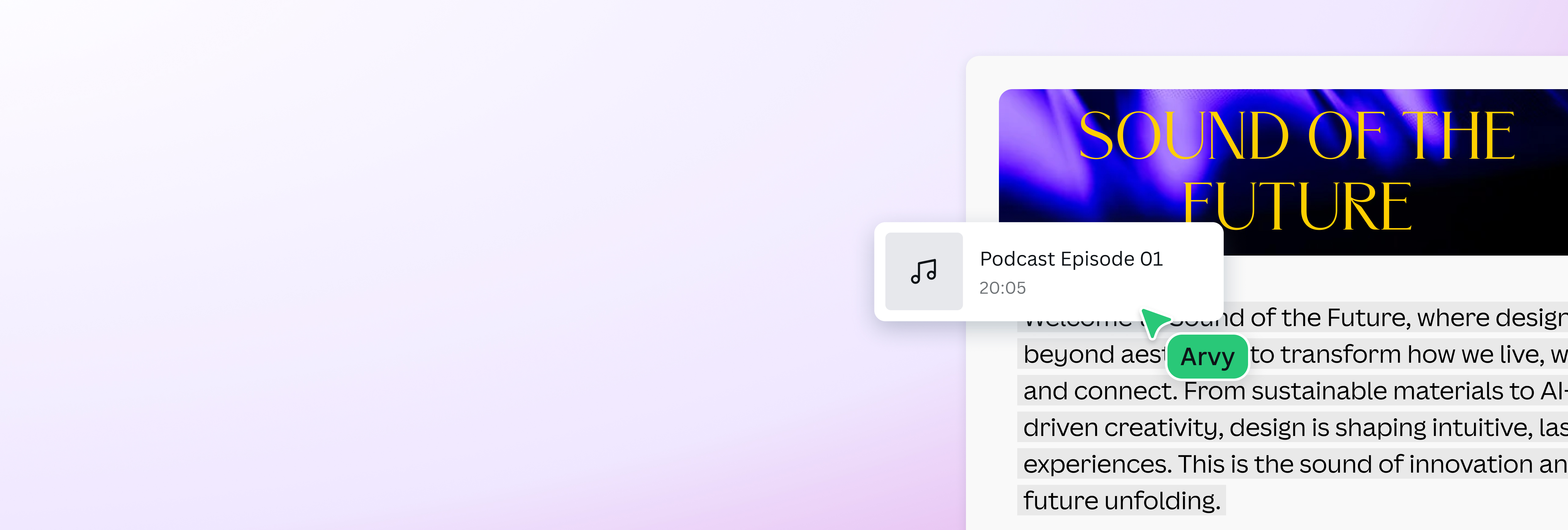
Instantly convert audio to text in a few clicks
Make transcribing a breeze and turn interviews, lectures, voice notes, and other speech recordings into written text with the audio to text converter on Canva.
No more manual transcription

Anyone who’s done research or field work can attest to how tedious and exhausting transcription could be, especially when you’re looking at hours worth of recordings. But with the audio to text converter on Canva, you can skip the manual work and turn any audio or video into editable text within seconds. This way, you can focus on what really matters: refining your content to perfection.
Elevate videos with captions

Captions help make your content more accessible and engaging, but they’re not always the easiest to make, especially when you’re producing multiple videos. On Canva, you can use the audio to text app or the auto caption generator(opens in a new tab or window), which works specifically with video files, to generate captions in a few clicks. All that’s left is to double check its accuracy, and your video is ready to go viral.
Make studying more efficient

Make the audio to text transcription app on Canva your study buddy and take notes without worrying you might miss something vital. Just upload your recorded lecture or seminar and get a complete and accurate transcript within seconds. Use it to compare and complete your notes, pull verbatim citations, and recall key moments without manually scrubbing through the entire session again.
Do more with AI-powered tools

Fine-tune your content with AI-powered tools right inside Canva’s Magic Studio(opens in a new tab or window). Remove noise from your video recordings with the AI audio enhancer(opens in a new tab or window) or change backgrounds with the Video Background Remover (Pro)(opens in a new tab or window). Want to reach a wider audience? Use Magic Resize(opens in a new tab or window) to translate your design into different languages without breaking a single sweat.
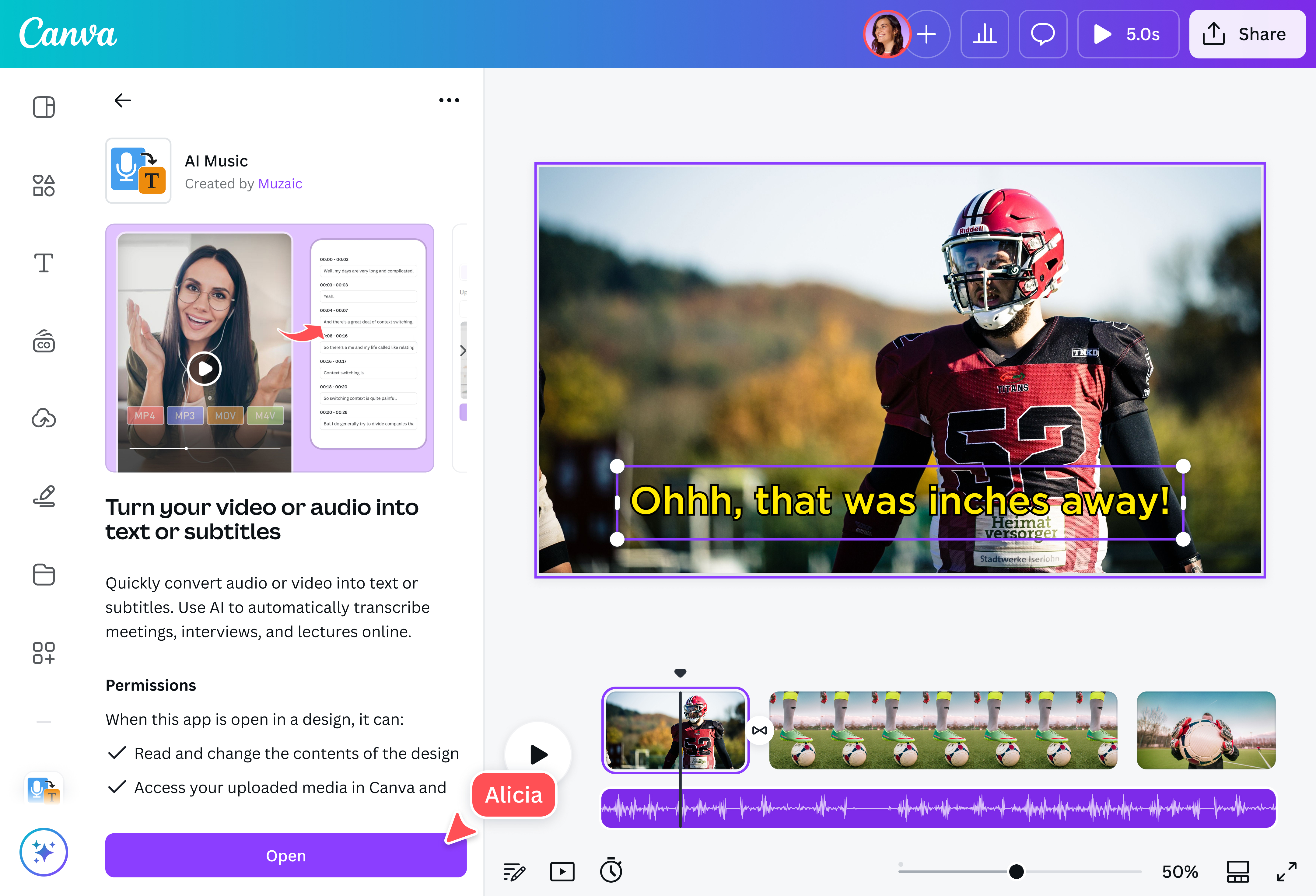
How to convert audio to text

Frequently asked questions
- Use the audio to text transcription app on our platform to effortlessly transcribe your audio or video files. You have one minute in your free Transcription plan, and if that’s not enough, you can buy more credits to turn hours of recordings into accurate text.
The “best” solution is the one that fits your needs.
Most publicly available automatic transcription tools are fairly accurate and reliable at converting English-based audio, thanks to advances in AI and the technology needed to process sounds and human speech.
That said, a multi-functional platform might be a better fit for you than a basic audio to text converter. For instance, an editing tool with a built-in caption generator would be great if you’re using your transcriptions to make captions for a video you’re editing.
- The audio to text converter on our platform is powered by cutting-edge AI models to generate highly-accurate and context-aware transcription. It also uses an advanced voice recognition software to capture speech with precision, even in noisy environments.

@navneet4