- Voice Changer
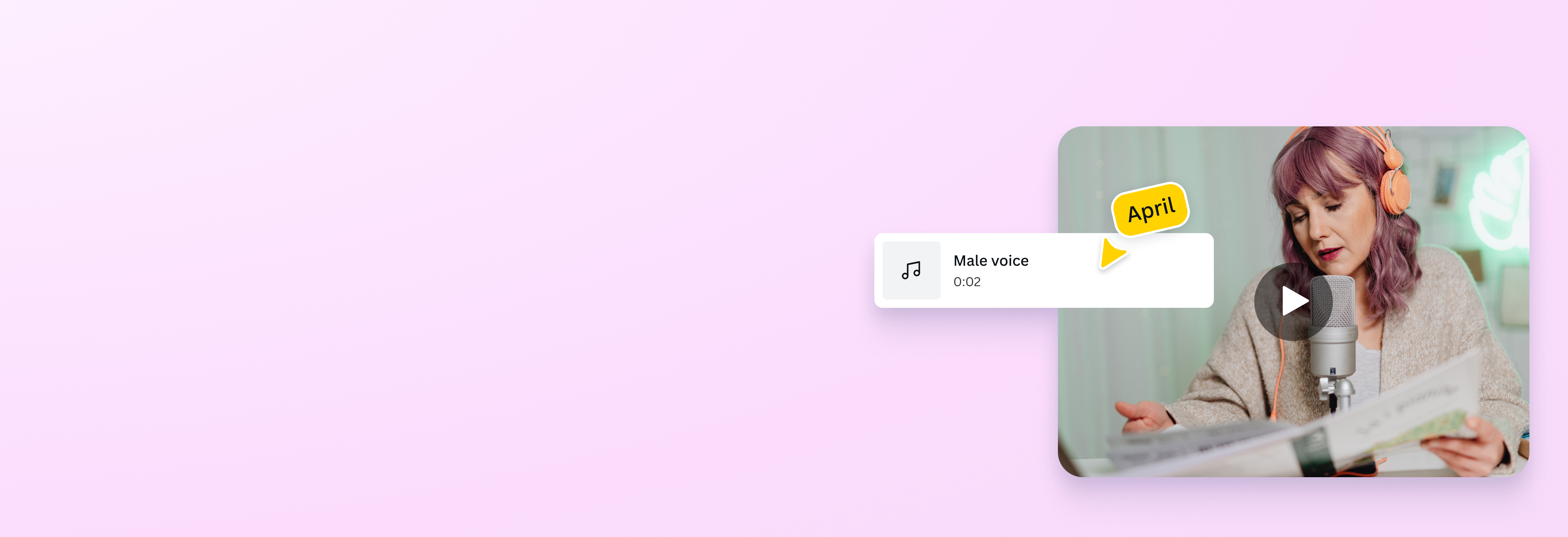
Create new personas and add effects using a voice changer
Transform your voice with an easy-to-use, AI-powered voice changer in Canva. Effortlessly modify recorded voices and create engaging content that sounds exactly how you imagined.
Change voices instantly

Preparing e-learning modules, role-playing characters, or hiding your identity during live games? Whatever the case, use an online AI voice changer(opens in a new tab or window) to elevate your video and audio projects.
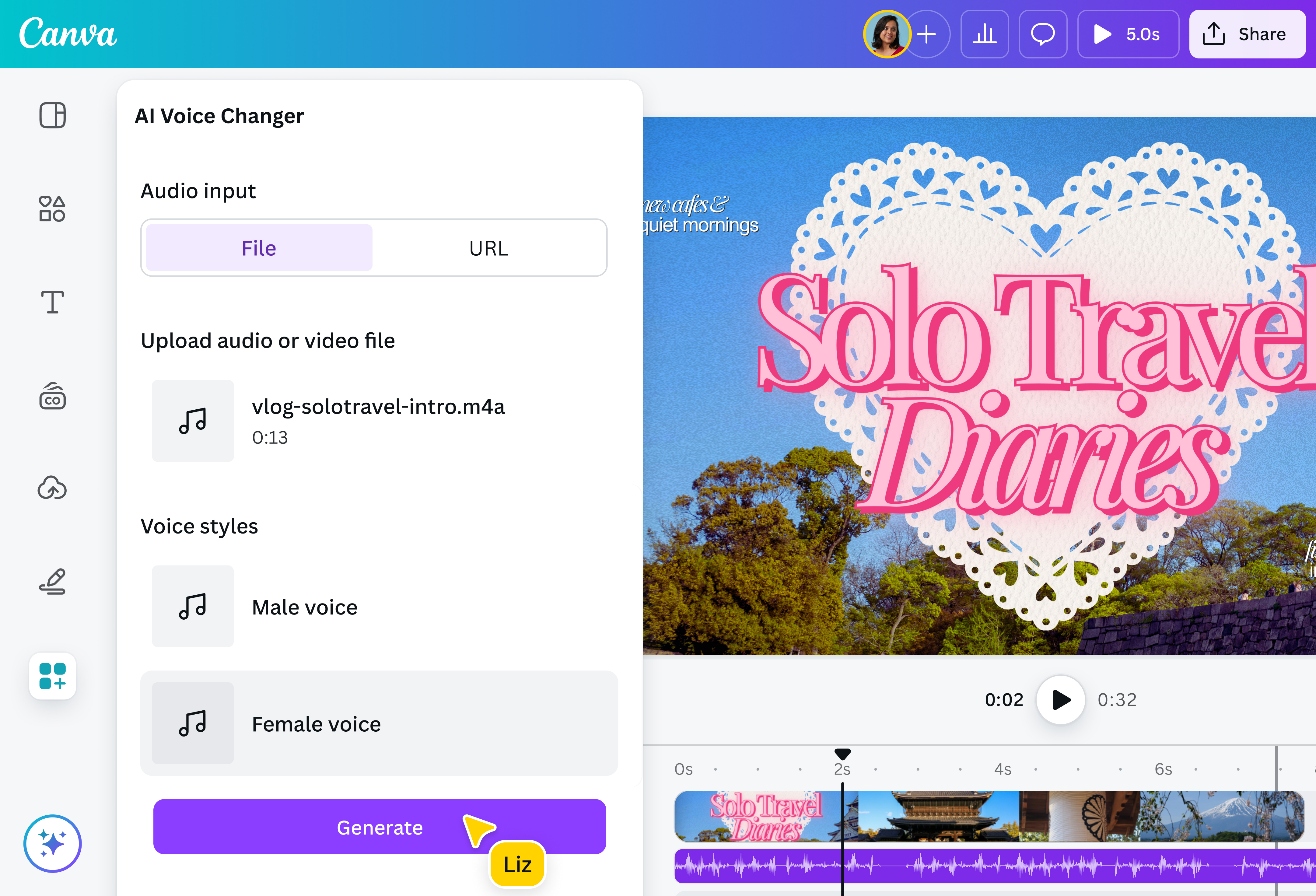
With this free voice changer, you don’t need pricey software or sound engineering experience. Upload your audio or enter an audio URL, then choose from fun vocal styles, pitches, and tones to alter the audio.
More than just a voice modulator

Go beyond changing voices with Canva. Our built-in video editor(opens in a new tab or window) has native audio tools, so you don’t have to switch platforms after modifying your voice.
Split audio tracks. Generate a new AI voice(opens in a new tab or window) in your chosen language. Add a fade effect. Enhance voice recording(opens in a new tab or window) for studio-level sound. Set the right background music by accessing tracks from our sound library, generating songs with AI(opens in a new tab or window), or making your own soundtrack(opens in a new tab or window).
Craft on-brand, professional projects anywhere

Make compelling voiceovers for narrations and podcasts wherever inspiration strikes. Canva lets you experiment with the voice changer app on any device, whether you’re on desktop or mobile.
With Canva Pro, you can access Magic Studio(opens in a new tab or window) and your Brand Kit(opens in a new tab or window) no matter where you are. Use AI tools like Magic Write(opens in a new tab or window) to speed up scriptwriting while keeping every project aligned with your brand.
Privacy and accessibility for everyone

With a voice changer, online content creators can stay anonymous by masking their natural voice for public broadcast or video production. But voiceover artists, gamers, and streamers aren’t the only ones who can take advantage of a voice modulator. People with speech impairments or undergoing gender transition can use the tool to speak in a voice that aligns with their identity.
How to use the voice changer

Frequently asked questions
- You don’t have to purchase expensive voice changer software or learn advanced recording techniques to change voices. To get a voice changer, simply search for the AI Voice Changer app on Canva. This free online tool allows you to alter a vocal track found in your MP3, M4A, WAV, or MP4 file with a maximum file size of 15MB. Users can enjoy one (1) credit a day on the platform, or can top up for unlimited usage and multiple voice types.
- AI voice changers are often used in content creation, social media, gaming, streaming, and character voiceovers. They help creators produce high-quality voice styles for videos and other multimedia projects while keeping branding consistent across platforms.
- AI voice changers work by separating what makes a voice sound unique from how someone speaks. That means keeping emotional cues like rhythm, pitch, and intonation while adjusting, for example, pronunciation to match a different accent. By remapping speech sounds in real time, the technology can create a new voice without losing the feeling or flow of the original speech.
- Yes, many online AI voice changers work in real time, allowing users to alter their voice while doing live streams and gaming sessions. Though the AI voice changer app found in our visual suite does not work simultaneously, you can modify your voice in seconds by recording your voice or uploading a clip.