- AI Video to Shorts Converter

AI video to shorts converter
Repackage your long-form vlogs, video essays, GRWMs, films, and more into bite-sized clips in a snap with our AI-powered long to short video converter.
Shorts, Reels, and more in just a few seconds
Short videos, made quick.
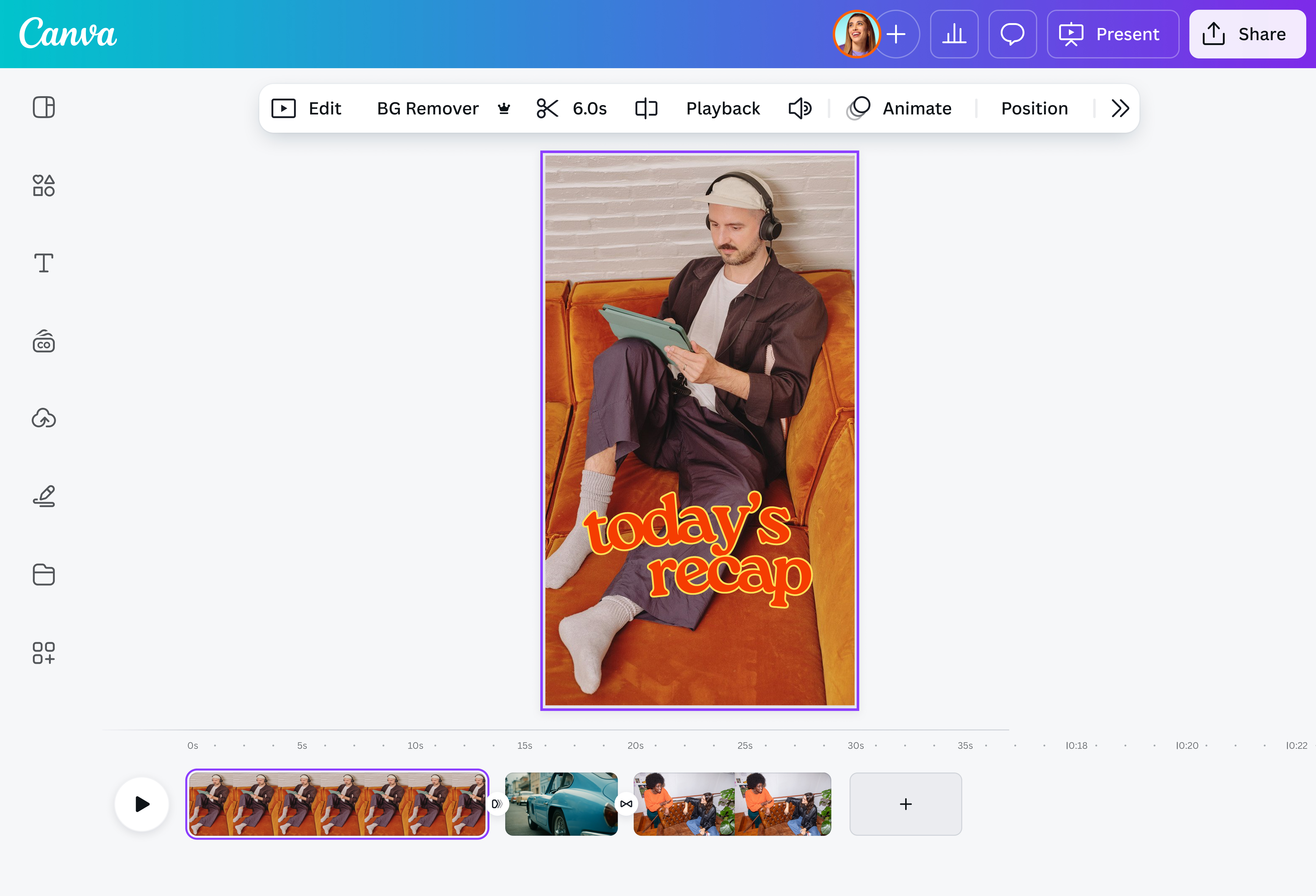
Use our AI-powered video converter to automatically scan long clips for their key moments with Highlights (Pro) or cohesively split them into several, shorter cuts with Auto-trim (Pro). No more sitting through hours of footage and wrestling with clunky, expensive video editing software; Canva does all the heavy lifting in just a few seconds. Create engaging YouTube Shorts(opens in a new tab or window) with our AI tools.
Don’t let good content go to waste

Long lectures, interviews, podcast episodes, short films, and the like don’t have to sit in your drive collecting dust. Repurpose longer videos into short, easily-digestible, and sharable clips for social media. Home in on specific lessons, USPs, product features, or soundbites, then spread your bite-sized clips across your content calendar.
All the tools you need to edit your videos

Why stop at just trimming a video? Why not bring a whole new life to your snippets? On Canva, you can make a slew of edits and changes, like adding transitions and special effects, changing the look through filters, or sprucing your videos up with new elements like text, photos, and background music.
Edit like a pro with AI

Canva’s AI-powered tools make complex edits simple and easy. With Magic Animate (Pro)(opens in a new tab or window), you can add smooth transitions and animations in a few clicks. Resize your videos for any platform with Magic Resize (Pro)(opens in a new tab or window), remove backgrounds in an instant with the Video Background Remover (Pro)(opens in a new tab or window), and auto-match sound effects to footage in a click with Beat Sync(opens in a new tab or window).
How to convert a long video to a short video with AI

Frequently asked questions
Any video editor can be used to split a long video into multiple short clips. With AI, however, the process is significantly easier and faster. Instead of manually watching hours of footage, flagging potential parts that can be repurposed, and trying to decide the best way to cut the original file can be difficult work, especially when you have multiple projects or lengthy videos (or both).
AI can automatically sort through the footage, evaluate its contents, and trim the clip according to what it deems is the highlight of the original video or into multiple segments.
- AI identifies key moments in a long video using a combination of techniques from computer vision, natural language processing (NLP), and machine learning.
Use a video editor that will render your videos in their original quality or a good resolution.
Many free video editors reduce the quality of your output when sharing or downloading, especially to maintain a lower file size. Look for a video editor that keeps the resolution of the original clip or saves your work in high-quality (at least 1080p, minimum).

@navneet4