- Video Resize
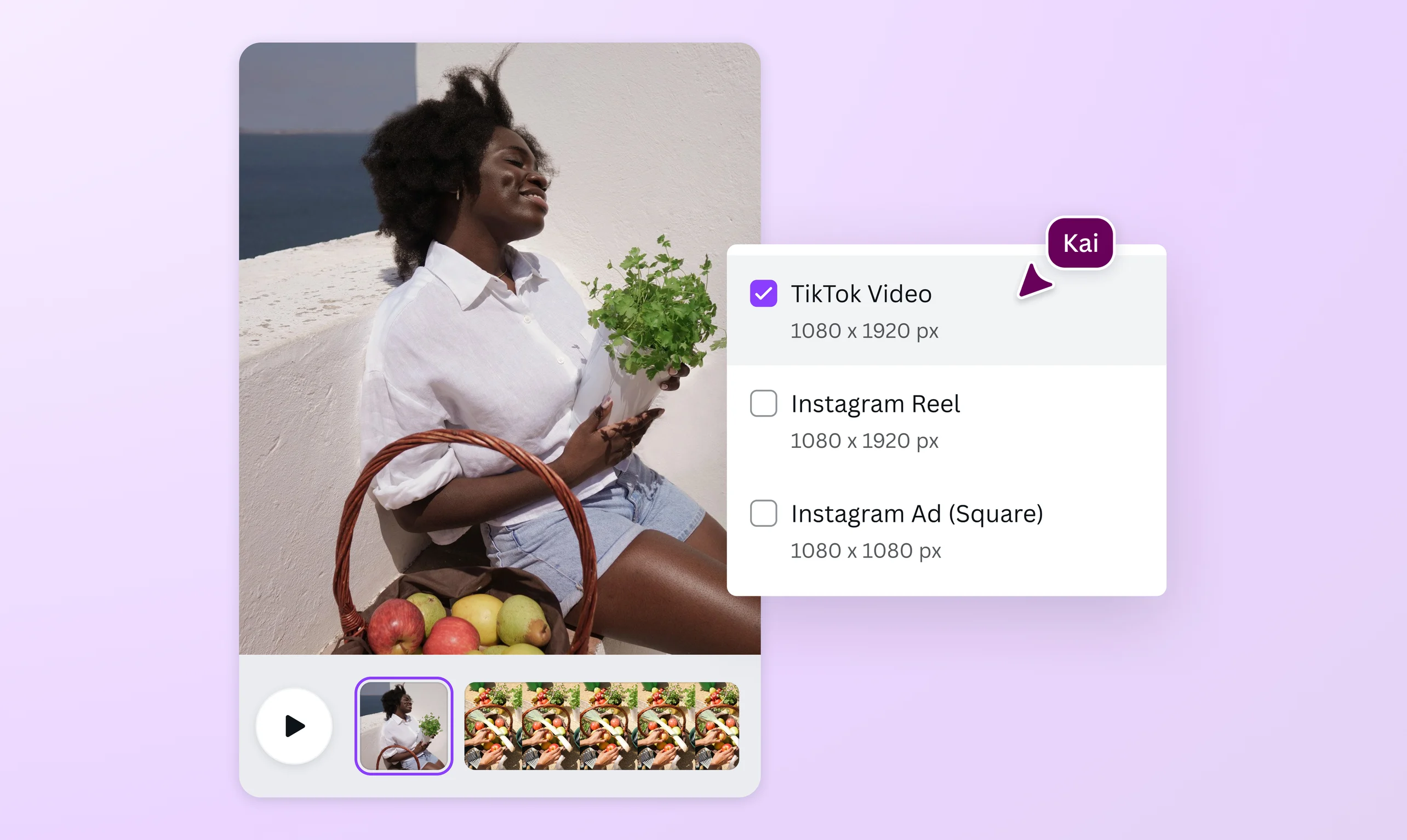

The online video resizer tool that works like magic
Resize a video in seconds using preset sizes for TikTok, IG, Reels, and other social media. Our premium Magic Switch tool instantly makes your video fit any aspect ratio.
or drop it here
Learn about Canva's upload formats and requirements. See how we use your content in our Privacy Policy.
Your go-to video resizer for all social platforms

One video to rule them all. Resize a video for Instagram(opens in a new tab or window), TikTok, IGTV, Facebook video ads(opens in a new tab or window), YouTube, X (Twitter), and more. Choose preset sizes for popular social media or enter custom size dimensions. Use our online tools to change a vertical video file into landscape format and vice-versa. Your video will look good in any aspect ratio, including standard widescreen (16:9), standard portrait videos (9:16), and perfect square videos (1:1).
Preserve video quality

No grainy clips here. The Magic Switch tool resizes your video online without losing its quality. Whatever the aspect ratio, the movements are crisp and the colors are vibrant. Then download the video as an MP4 file without a watermark or share it directly to your social pages. Whether you’re resizing for Instagram or TikTok, your videos will stay sharp and in focus.
Frame your story well

Once you’ve changed the size and dimensions of your video file, it’s your chance to edit and personalize. Crop your video to capture the perfect angle in its new aspect ratio. Use our editing tools to trim the video to meet TikTok’s video length limit or add unique CTAs to Instagram Stories. Customize your video with free templates and add design elements from our rich media library. You can add music(opens in a new tab or window) and sound effects(opens in a new tab or window) to your videos, too. All is possible with our free online video editor(opens in a new tab or window).
How to resize a video

Frequently Asked Questions
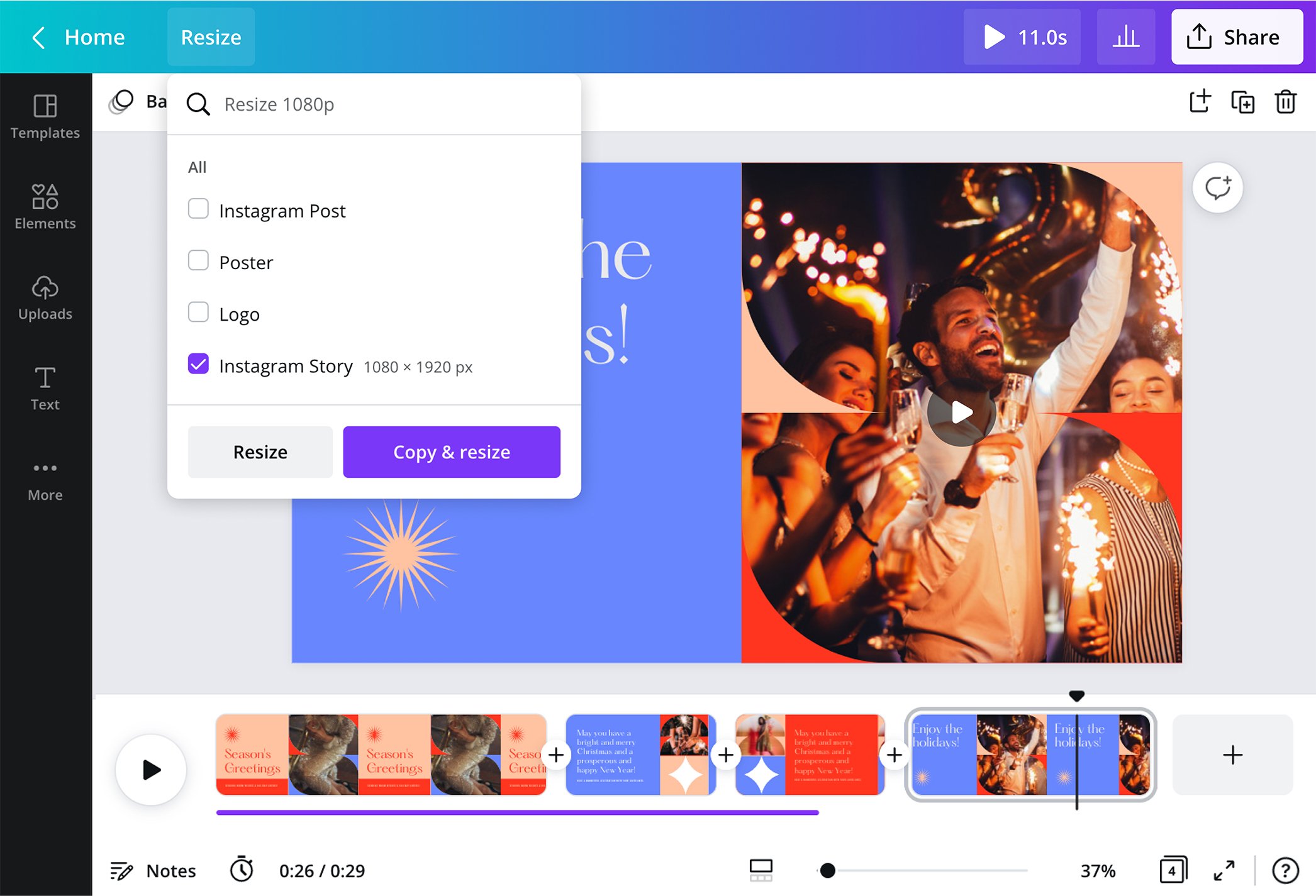
- To resize a video for Instagram, upload your video file, drag and drop it to the editor, and select “Resize” on the toolbar. A search bar will then appear. Type “Instagram” and choose your desired format: Instagram Story, Reels, IGTV, or post. Our online resize tools automatically change the aspect ratio to fit the IG’s size requirements. One click and voilà, your video is Insta-ready.
- Yes, videos with a 1920 x 1080 resolution have a 16:9 aspect ratio. This is the most common aspect ratio in televisions and video players. 16:9 is a preset size in our online video resizer.
- You can resize a video with our easy-to-use iOS or Android app. Download it for free and log in to your account. Upload your video file and click the three-dotted button on the toolbar to see the “Resize” option. Choose preset video sizes to change the dimensions. Then, save it to your gallery or share it straight to social media. With our handy app, you can resize videos for TikTok or Instagram on the go.
- An aspect ratio of 16:9 looks more landscape than 4:3. The aspect ratio is the ratio of a video’s width to its height. This means that videos with an aspect ratio of 16:9 is 78% wider than it is tall. In contrast, an aspect ratio of 4:3 is 33% wider than it is tall.
- Our Magic Switch tool crops videos to fit preset or custom dimensions. Upload your video file and select “Resize” on the toolbar. Select a preset size for social media content or tick the box for Custom Dimensions and enter your desired values. Then, choose whether to resize the current video or create a copy with the new video size. Feel free to use our online editing tools to customize the video further.

@IGchef_andrewb