- Create Pamphlets
Create beautiful and detailed pamphlets online with Canva
Disseminate information with a beautifully crafted Pamphlet

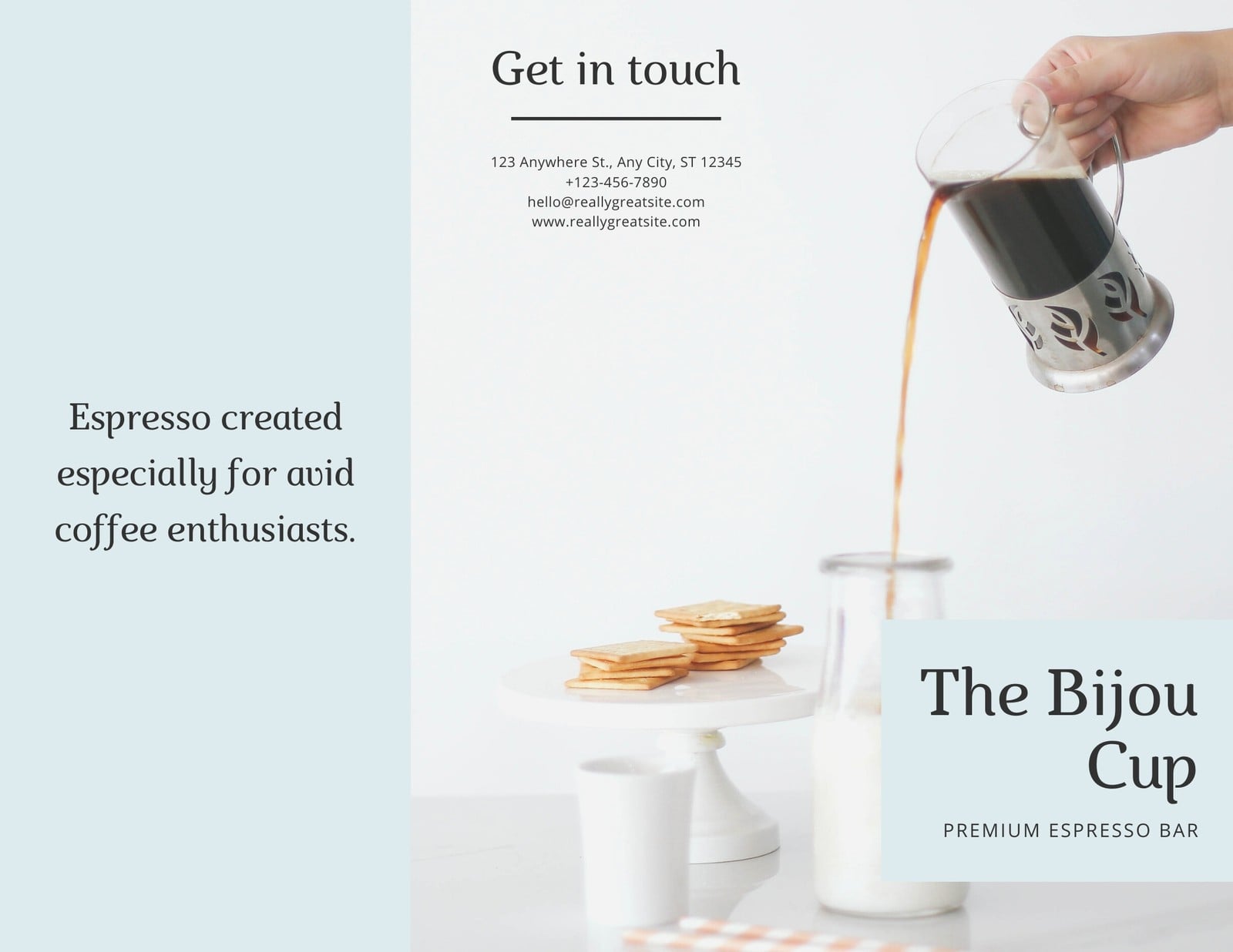
Easy drag-and-drop editor
1M+ professionally-designed templates
Generate content and media with AI
Invite others and design together
Want to set yourself apart from the competition? Build awareness about the subjects you care about by creating eye-catching pamphlets that your audience will want to pick up and keep.

Design an in-depth pamphlet that stands out from the crowd in just minutes
Whether you’re creating a pamphlet to promote awareness about your community’s latest conservation project or to educate an audience, its design can be the difference between being noticed or collecting dust on a shelf. Canva can help you get your pamphlet design right and take it to the next level. In fact, they’ll look so good that you’ll never have to hire an expensive designer or have to worry about your pamphlets ending up in a bin again.
With Canva, you can customize and personalize your pamphlet as little or as much as you like with fonts, images and elements that suit the purpose. In minutes you can have an eye-catching pamphlet that makes your cause and subject something to remember.
How to make a pamphlet

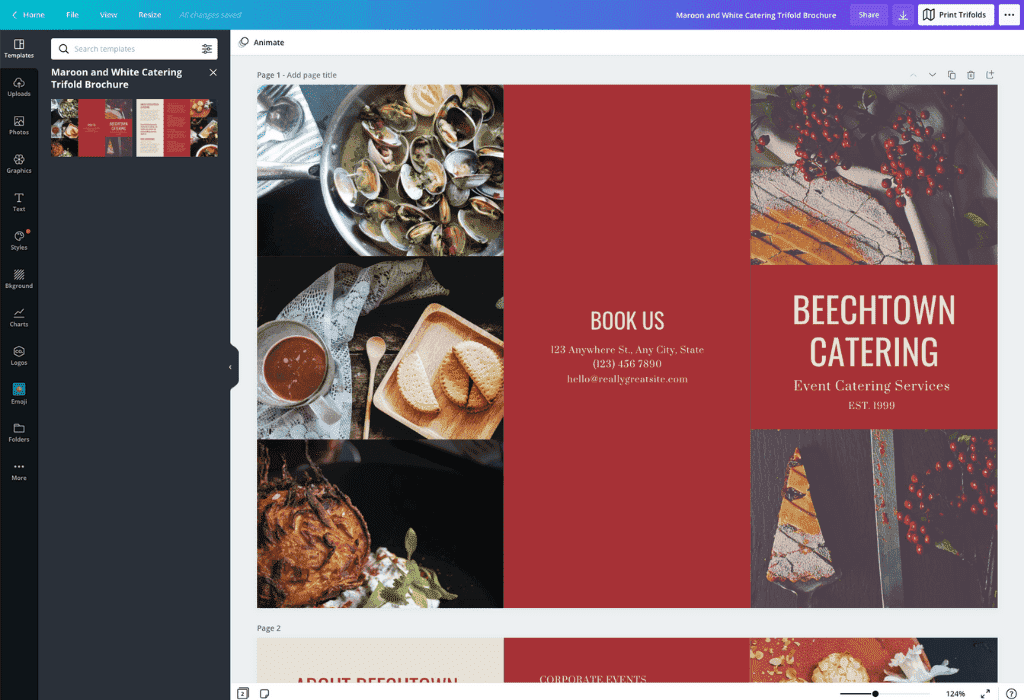
Meet Magic Studio™: All the power of Canva’s AI
Magic Studio™ brings together the best AI-powered tools for you and your team to help you design with more ease, speed, and creativity.


Use custom imagery or professional and stunning stock photography
Your own professional images will look fantastic in a pamphlet designed with Canva, and if they’re not entirely up to scratch, no worries. You can still make a great impression by enhancing your imagery with our powerful and easy-to-use photo editing tools that can help you crop, filter and correct your images until they’re absolutely impeccable.
If you don’t have your own images, that’s no problem. Canva gives you access to an enormous library of over 1 million stock images, illustrations and design elements for your use. If any premium images or elements catch your eye, they only require a small cost, which means that no matter what your budget is, a perfectly designed pamphlet is always within reach.
Share and collaborate with colleagues and friends
Is designing your pamphlet a group effort? Or do you need to get feedback on your design? If you’re working in a team, you might want your colleagues or friends to see what you’ve achieved.
With Canva, even working with a team based in multiple time zones isn’t a problem. Canva’s simple-to-use platform makes it easy for you to collaborate and share your designs. All you really need to do is click the ‘Share’ button to email your design directly to a contact or send a link to whoever needs it. Want to share it on social media? Again, all it takes is a simple click of the ‘Share’ button to get your design out into the world.
Print your pamphlet in stunning high resolution
Once you’re done designing your pamphlet, it’s time to print and distribute it to the right audiences, mailboxes, community centres and more. All you need to do is click “Download” and choose “High quality PDF” to get a high-resolution file that’s ready for printing. The quality is so good that you can print your pamphlets at home, but if you want to send your file to a professional printer, it’s simple to do that too!
FAQ
Leaflets are generally smaller than pamphlets, on a single page rather than folded, and printed on higher quality paper. They’re slightly more expensive and used to target a specific group to market a product or service. Pamphlets are meant to distribute information more widely and more cheaply.
Pamphlets are typically larger than leaflets and smaller than brochures. They include some images but are mostly informational, and so feature a lot of text. They are printed on one side or both sides, folded into multiple sections and printed on standard or high quality paper.
To make your pamphlet pop off the page, use vivid, high quality images and balance them with clear blocks of text. Use as much white space as possible. Keep your font size and style consistent throughout the pamphlet. Add recognizable graphics like social media icons and your brand logo.
You can upload video clips in the MOV, GIF, MP4, MPEG, MKV, and WEBM formats, with a maximum upload size of 1GB. If the video has a transparent background, we suggest uploading it as a GIF.
You can upload photos, too. If you’re uploading JPEG/JPG, PNG, HEIC/HEIF, or WebP images, make sure your file is:
- Under 50MB in size
- Not more than 250 million total pixels (width x height)
- If it’s a WebP, only static files are supported
If you’re uploading SVG images, make sure your file is:
- Under 3MB in size
- Between 150 to 200 pixels wide
- Saved with an SVG Profile of “SVG 1.1”
To learn more about our media upload requirements, check this guide.

@navneet4


