- Create Restaurant Website
Free Restaurant Website Builder


Easy drag-and-drop editor
3M+ free stock photos and graphics
Design from any device
Invite others and design together
Make it easy for customers to find you, browse your menu, and book a table—all in one place. With Canva’s intuitive website builder and AI-powered tools, you can create a restaurant website in minutes even without experience.

A deliciously easy way to build a custom restaurant website
For busy entrepreneurs, food bloggers, and home-based chefs, creating a website can feel like yet another thing to add to the seemingly never-ending to-do list. With Canva’s restaurant website maker, you can easily make a site that looks great and actually works—without the hassle.
Start with our free, easy-to-edit templates, customize your site with our drag-and-drop editor and AI-powered tools, and use a free or custom domain.
How to create a website for your restaurant

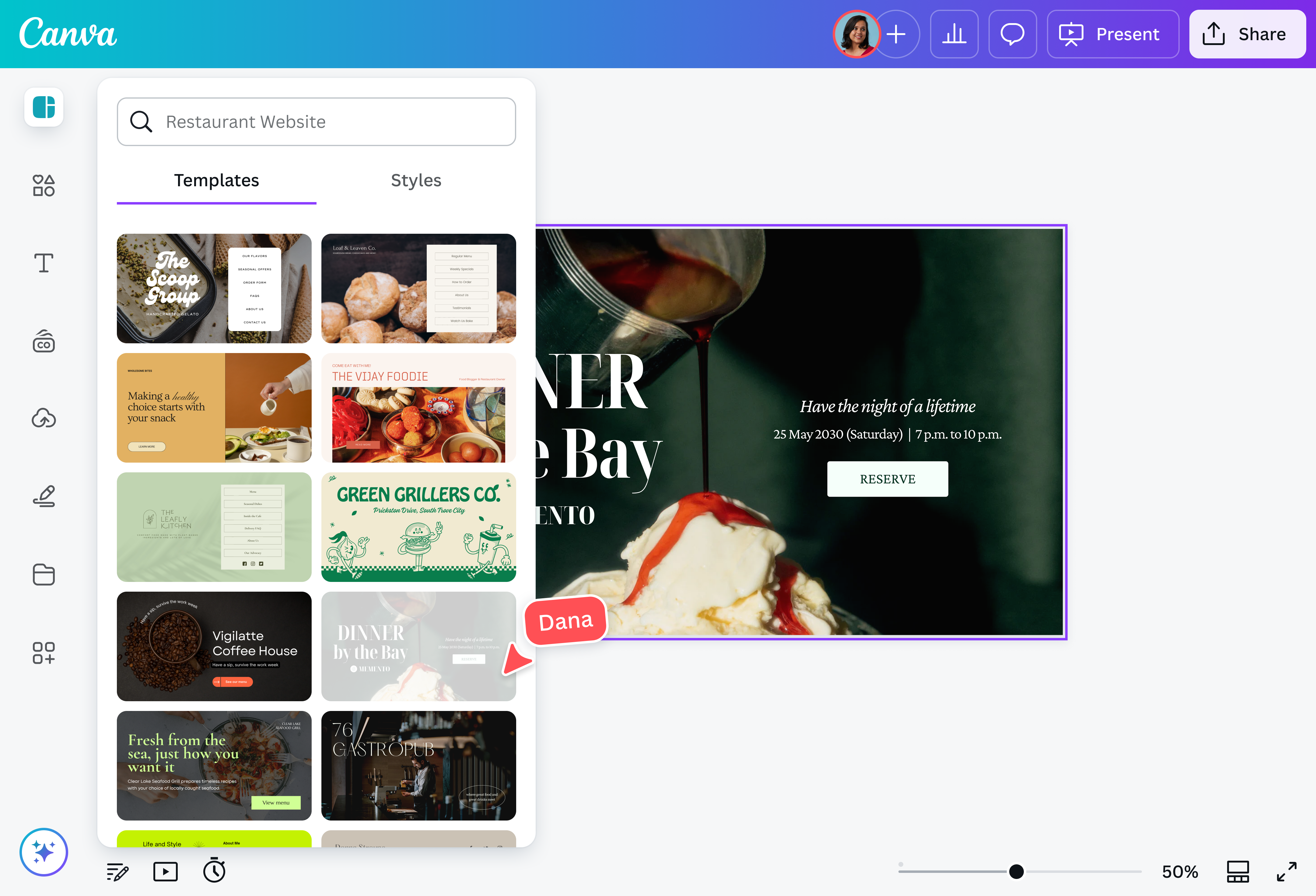
Meet Magic Studio™: All the power of Canva’s AI
Magic Studio™ brings together the best AI-powered tools for you and your team to help you design with more ease, speed, and creativity.


Ready-to-use website designs for every food business
No two food businesses are the same, and your websites shouldn’t be either. Whether you run a cozy cafe, a bustling food truck, or a gourmet catering service, Canva’s restaurant website builder has customizable templates to match your style.
See who’s dropping by—no extra tools needed
Curious about who's checking out your website? With Canva Pro, you can track traffic and engagement(opens in a new tab or window) right from the platform even without those complicated third-party analytics. This allows you to see what’s working, understand what your visitors love, and tweak your site to keep them coming back for more.
One platform for all your design needs
Your website is just the beginning. With Canva, you can design everything your food business needs—logos(opens in a new tab or window), menus(opens in a new tab or window), social media posts(opens in a new tab or window), event flyers(opens in a new tab or window), and promo materials—all on one platform. No more jumping between different tools or struggling with mismatched branding. Everything stays cohesive, professional, and easy to update.
Teamwork, made simple
Whether you’re flying solo or working with a team, Canva makes it easy to collaborate on your restaurant website. Just send a link, and your team can review, comment, and edit your design in real-time. Whether you’re working with a designer, manager, or social media associate, everyone stays on the same page, making updates effortless.
FAQ

@navneet4


