
How to design and print custom products in minutes
6m
Beginner
Learn how to design and print custom products like tote bags, mugs, and posters using Canva. Create gifts, merch, or business materials in minutes.
How to design and print custom products in minutes
6m
Beginner
Learn how to design and print custom products like tote bags, mugs, and posters using Canva. Create gifts, merch, or business materials in minutes.
What you’ll learn
- Why print design often feels harder (and how to simplify it)
- How to use templates to design print products quickly
- How to customize images, text, and layout for print
- How to apply simple effects to create a polished result
- How to turn one design into multiple print products
- How to order and print directly from Canva

Why print can feel harder than it is
Print often feels more high-stakes. Once something is printed, it’s out in the world. That can make it feel like every decision matters more — layout, colors, sizing, everything. But that pressure usually comes from starting in the wrong place. When you’re working from a blank page, it’s harder to know what will translate well to print. That’s what makes it feel more complex than it actually is. A better starting point changes that completely.
Starting with the right structure
High-quality print doesn’t come from doing more work — it comes from starting in the right place. Templates give you that foundation. They take care of: So instead of building everything from scratch, you’re working within a structure that already works. From there, your role is simple: That’s what makes the process faster — and more predictable.
Creating your print design
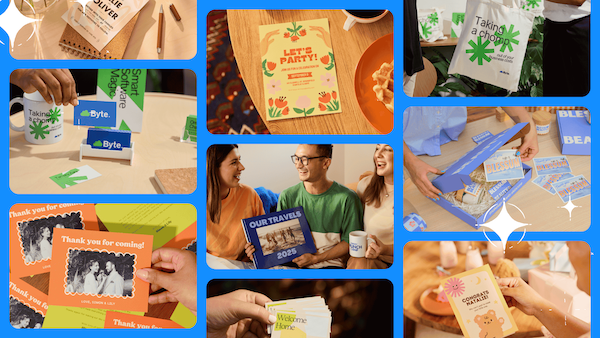
Now it’s time to build your design. You can apply this process to different types of products — from personal projects to business use cases. For example:
Start by swapping the template images for your own.Replace images
Use images that connect to what you’re creating — for example, travel photos, product shots, or personal moments.
Once your images are in place, you can refine how they look. Effects help create a consistent style across your design. For example:Apply image effects
Small changes here can make the design feel more considered and cohesive.
Next, update the text to match your design. A useful approach is to pull colours directly from your photos so everything feels connected.Edit and style your text
You can also use text effects — like curve or shape — to create more visual interest and improve how text sits within the layout.
Refine and align your design
Once your images and text are in place, take a moment to adjust the layout. This is where the design starts to feel finished. You’re not adding anything new — just making sure everything works together.
Turn one design into many
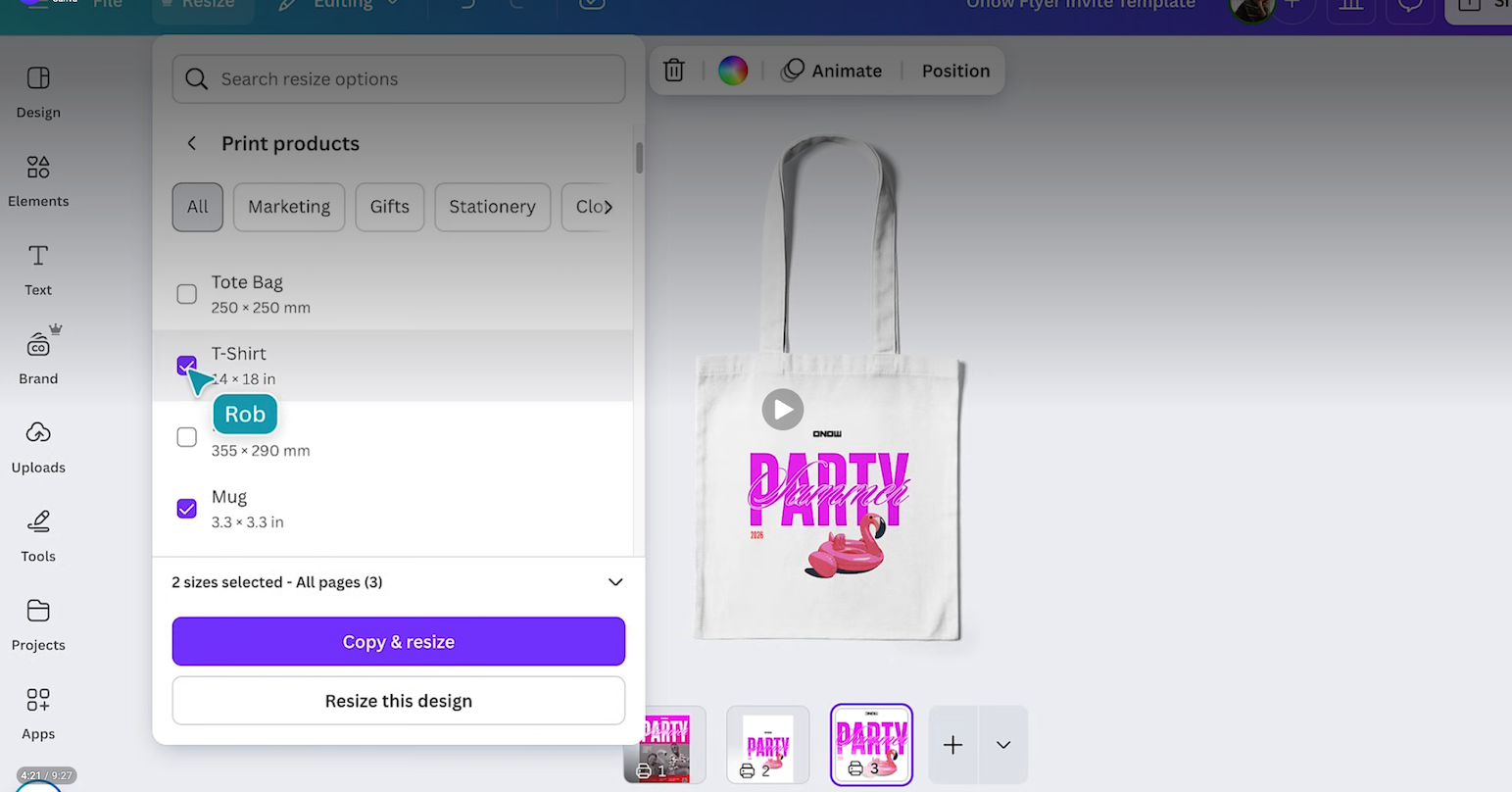
One design doesn’t have to stay as a single product. In Canva, you can apply the same design across multiple print formats. That means: This is especially useful if you’re: It’s a way to extend your work without starting over.
Print directly from Canva
Once your design is ready, you can print it directly from Canva. There’s no need to: You can order your product, have it printed, and get it delivered — all in one place .
This makes it easier to move from idea to finished product without extra steps.
One last thing
Print design doesn’t need to feel complicated. When you start with the right structure and focus on a few key adjustments, it becomes much easier to create something that feels considered and ready to use. From there, you can reuse, adapt, and build on your designs over time.