Free Online Photo Editor
Take your photos further with Canva's free photo editor. Upload, edit, and share instantly from one place.
Learn about Canva’s upload formats and requirements. See how we use your content in our Privacy Policy.
Edit your photo in seconds with Canva's free photo editor

Start editing in a snap
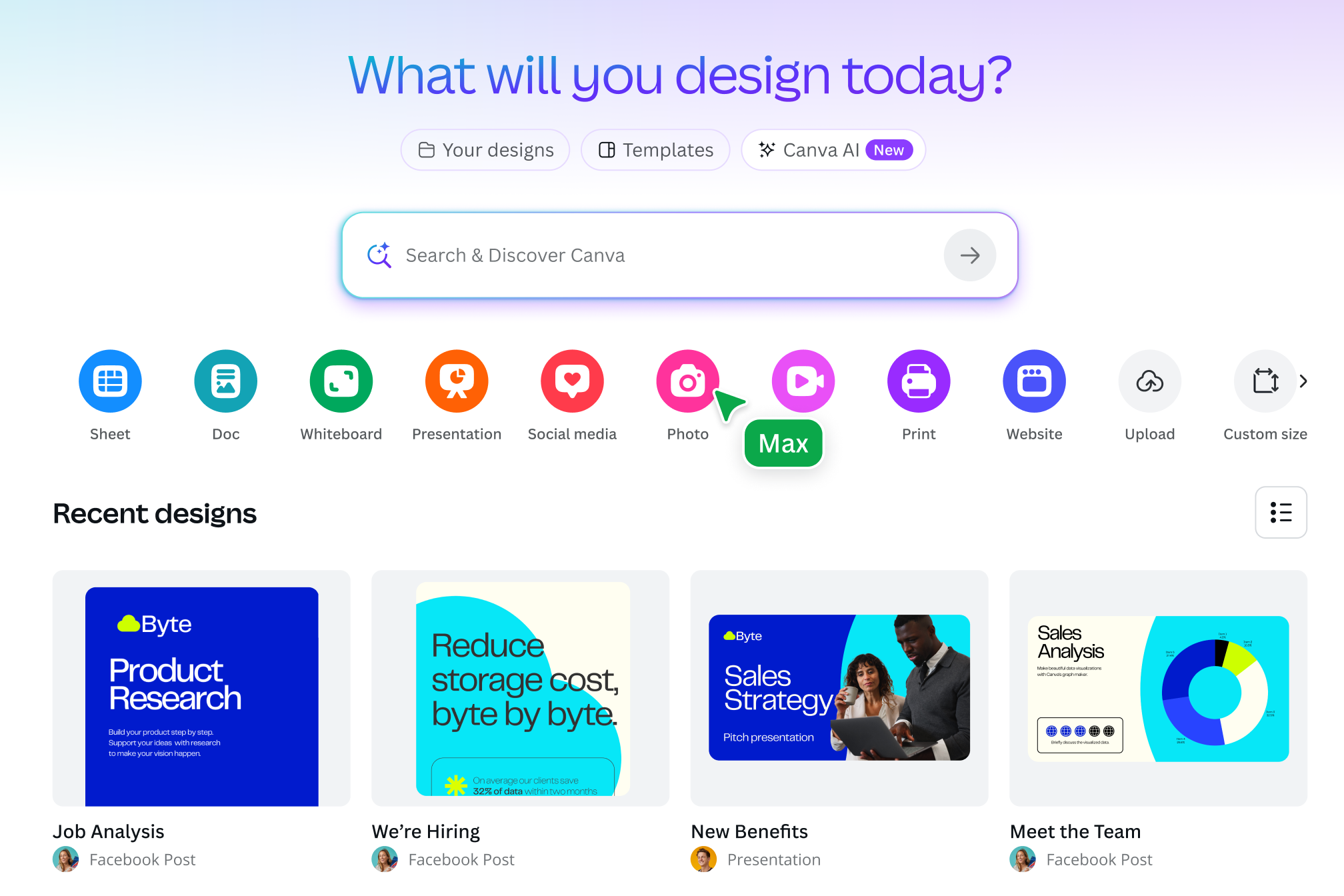
Access your camera roll and uploads straight from the Canva homepage to make instant edits to any photo. Whether you’re on desktop or mobile, it only takes a few taps to upload, adjust, and post your photos.
Polish your pictures
Rotate your images with precision and crop them to any aspect ratio.
Drag and drop design elements to your image
Elevate your photo with millions of icons, stickers, frames, text, and stock images from our free design library.
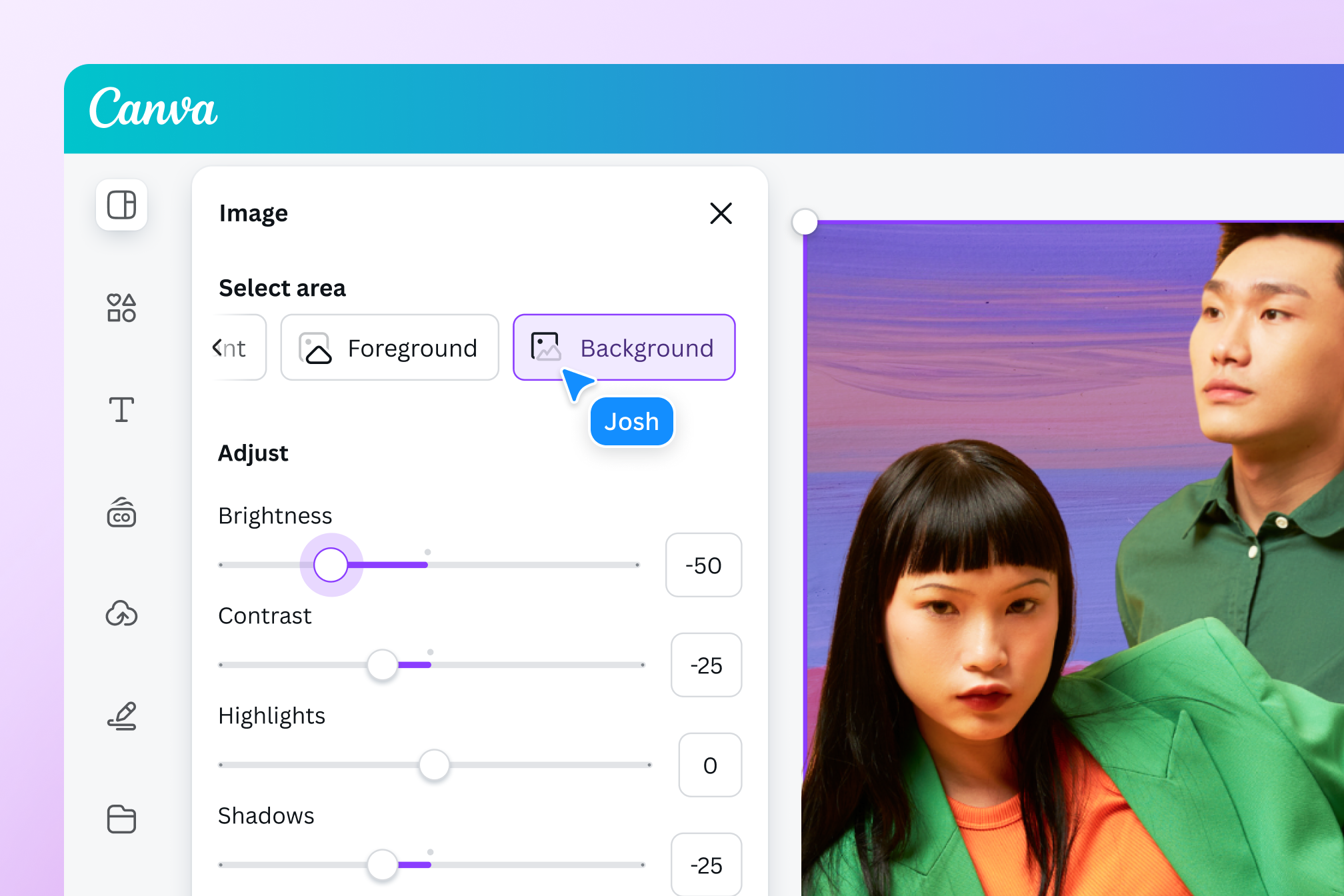
Add stunning effects and filters and adjust any part of your image
Beautiful effects, filters, and adjustments
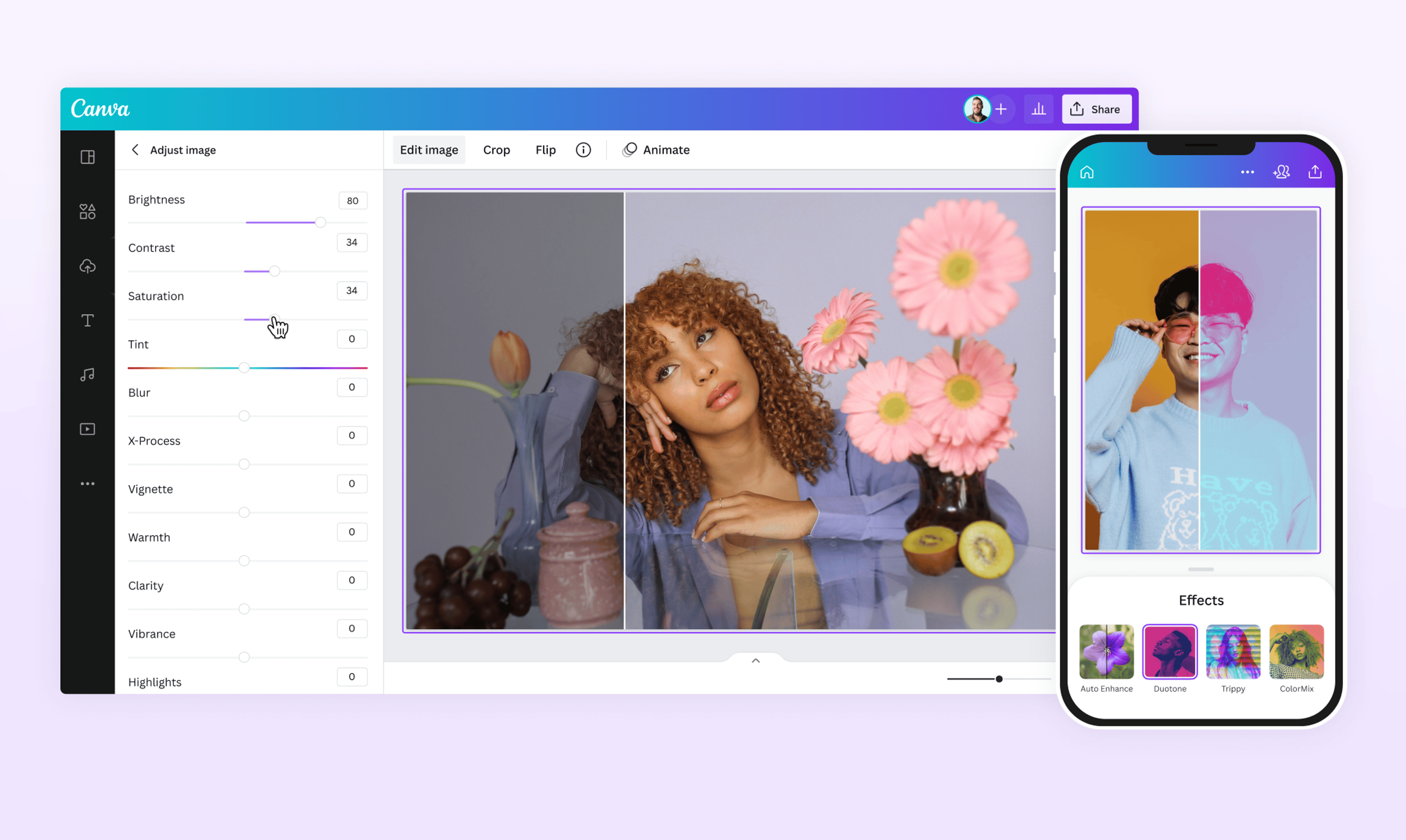
Choose from a range of stunning, adjustable filters for a style that sets your photo apart. Try the trendiest looks, add shadows, or blur the background to instantly add depth to your image.
Refine your photos with precision
Every image is now fully designable. Point and click on key elements to adjust their warmth, brightness, texture, and even color using simple adjustment sliders. Use the color inverter to create photo negatives in an instant, then crop to standard ratios. Use Smart Crop to find the ideal composition, and fix wonky perspectives by adjusting your image’s tilt angle.
Enhance your photos instantly
Strapped for time? Use Auto-adjust to enhance your image with a tap. With Canva’s free photo editor, you can choose to adjust the whole image, the foreground, or the background independently.
As easy as editing a Canva template

Designable images you can transform in a few clicks
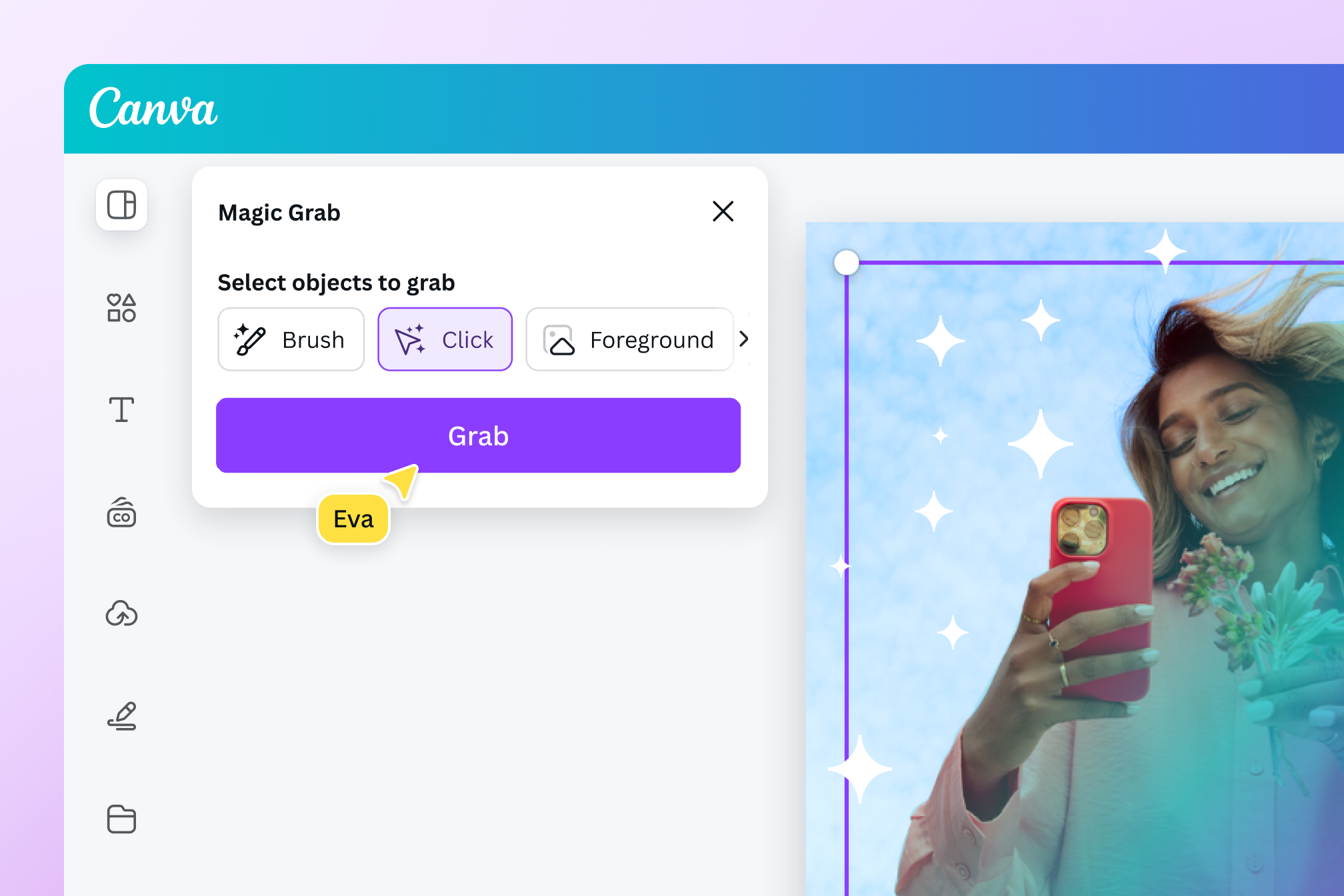
Say hello to playful, intuitive, point-and-click editing. The photo editor detects text, backgrounds, and foreground elements, so you can rework each image with ease and speed. Click anywhere on a photo to grab, move, remove, replace, or make adjustments to any subject or text—just like you would on a template.

Clean up clutter, fast
Remove unwanted distractions with Magic Eraser. Just click on a subject or use the adjustable brush to brush over and delete details—big or small. Clear out entire backdrops in one go—our one-click Background Remover creates a clean, blank canvas in seconds. Need to make precise edits? Use Pixel Eraser to remove or cut around elements with precision. Adjust the brush size, pore over the finest details, erase distractions, and highlight what truly matters.

Generate the right background
Got the perfect idea for a background? Bring it to life with our Background Generator. Simply describe the scene with a text prompt and watch it spring to life. Now, with just one click, you can seamlessly blend objects with each new scene and set the lighting and mood perfectly with AI.
Edit photos, design and print, all from one place
Thousands of ready-made templates
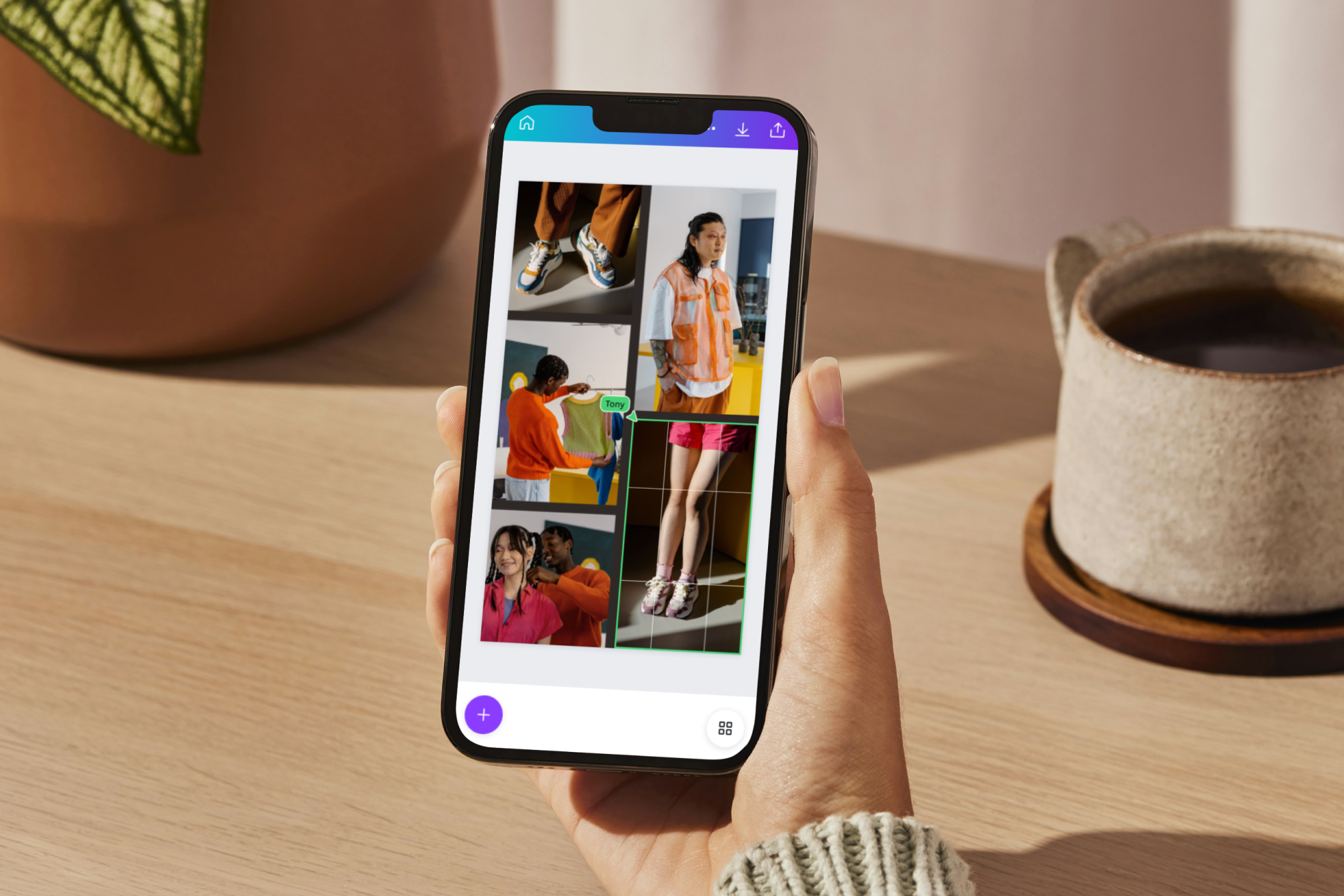
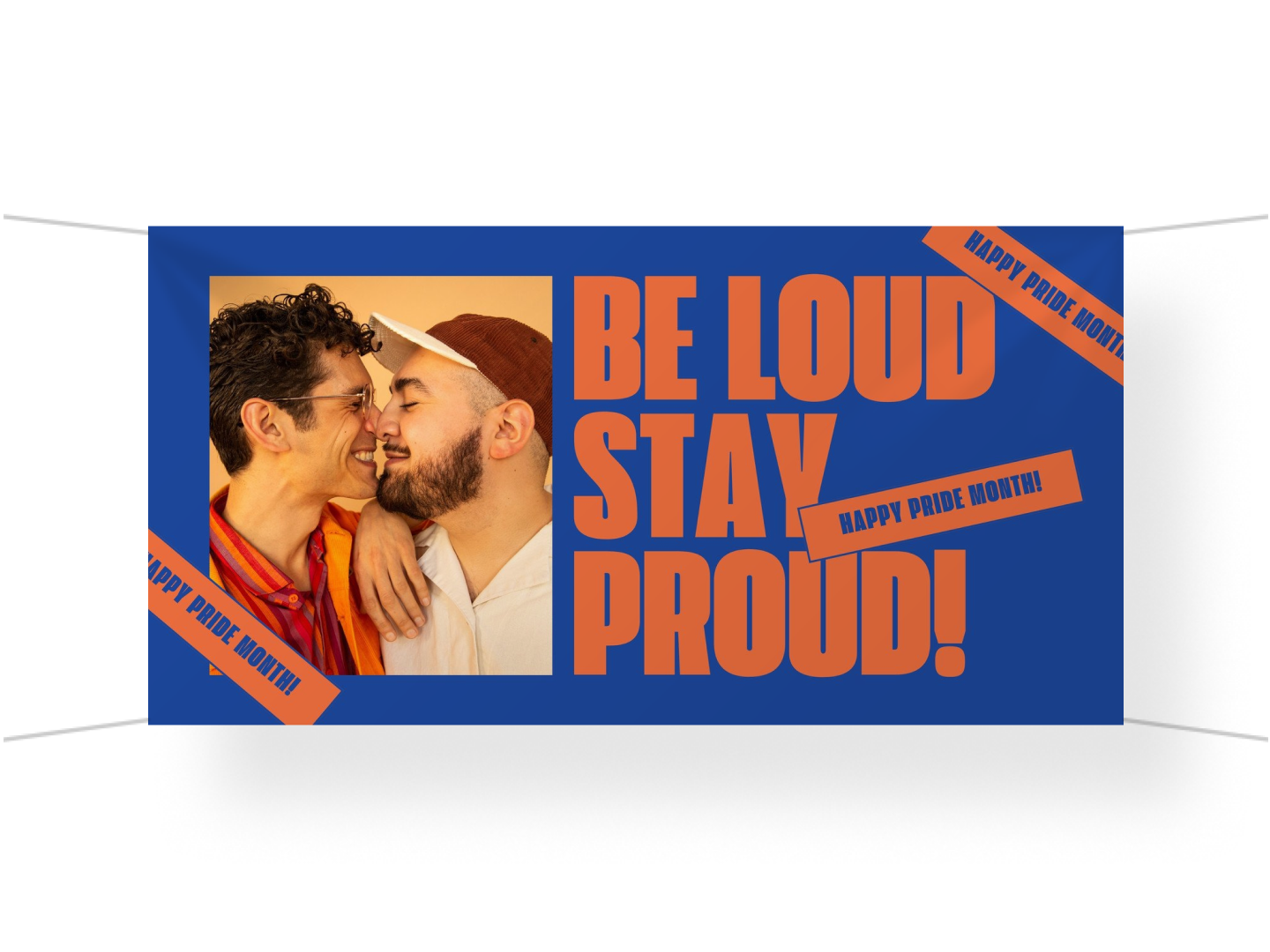
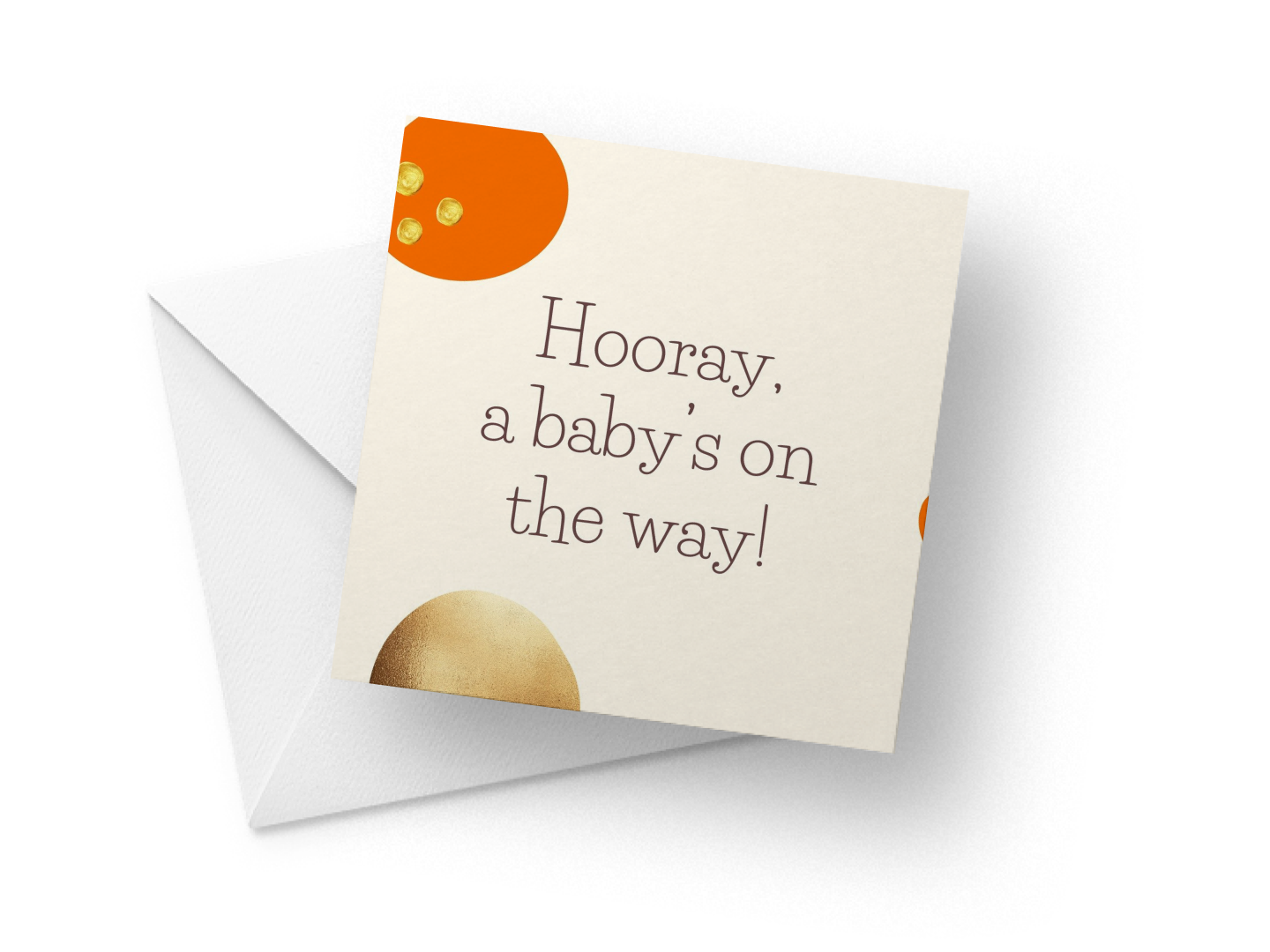
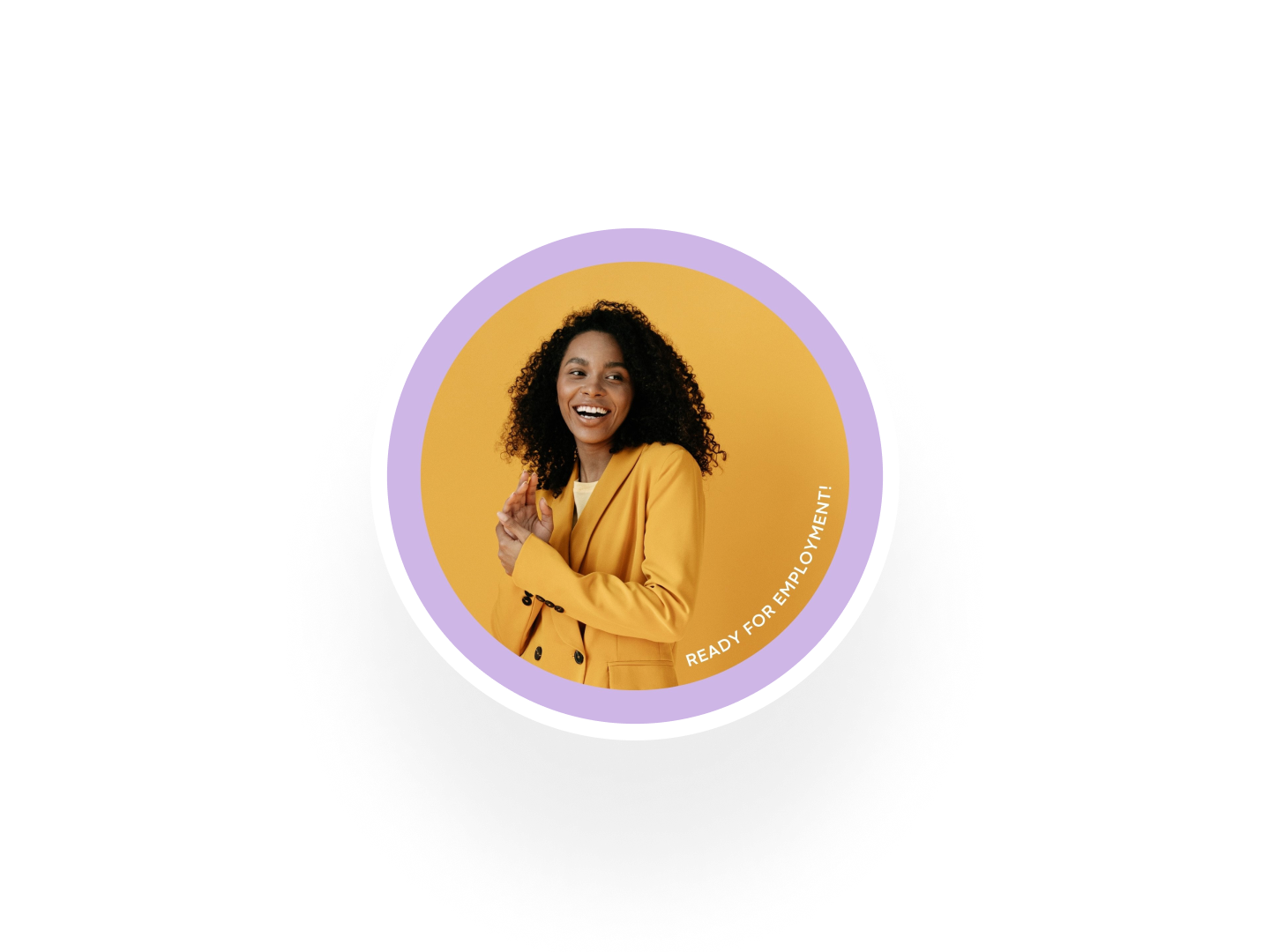
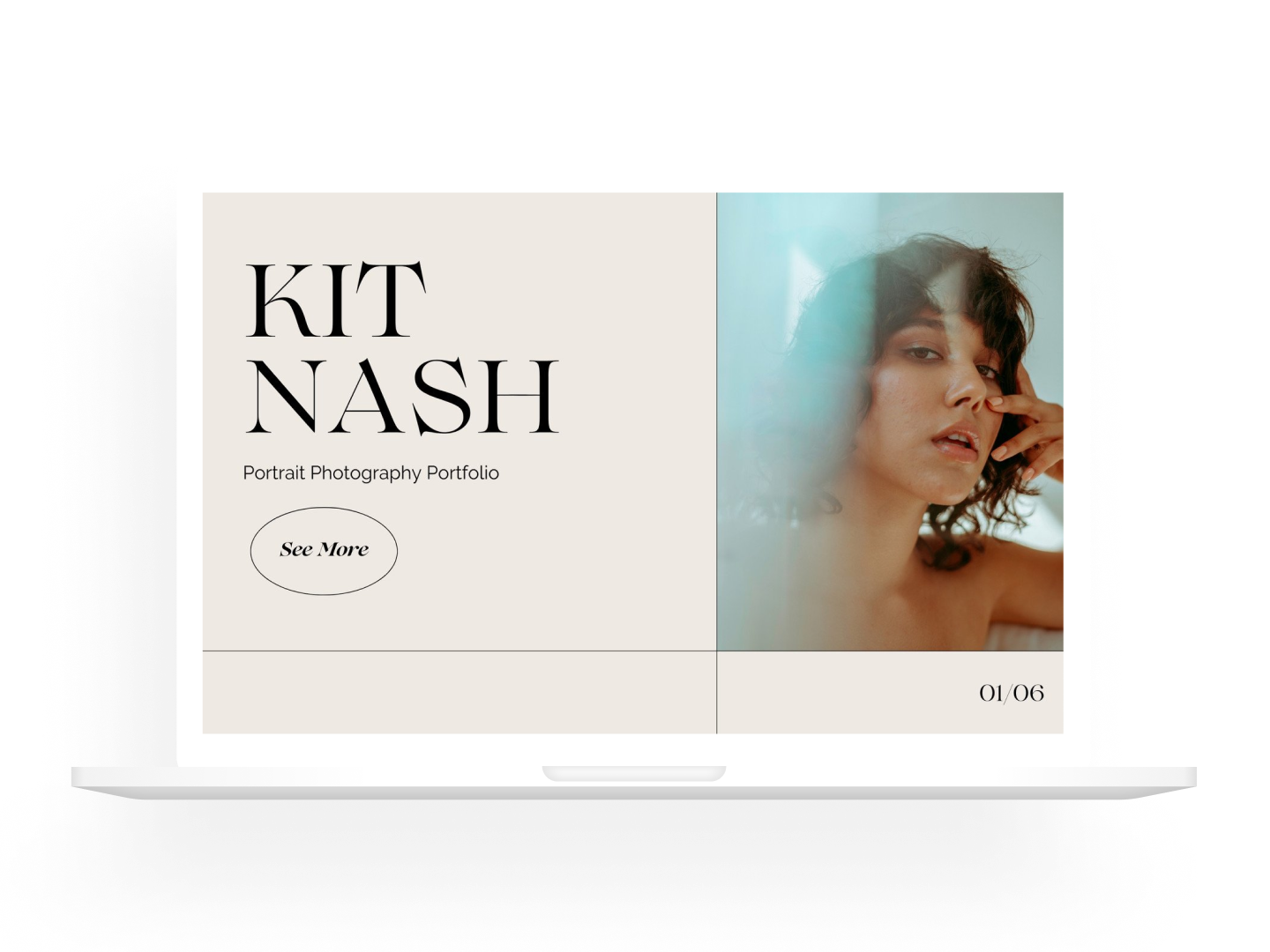
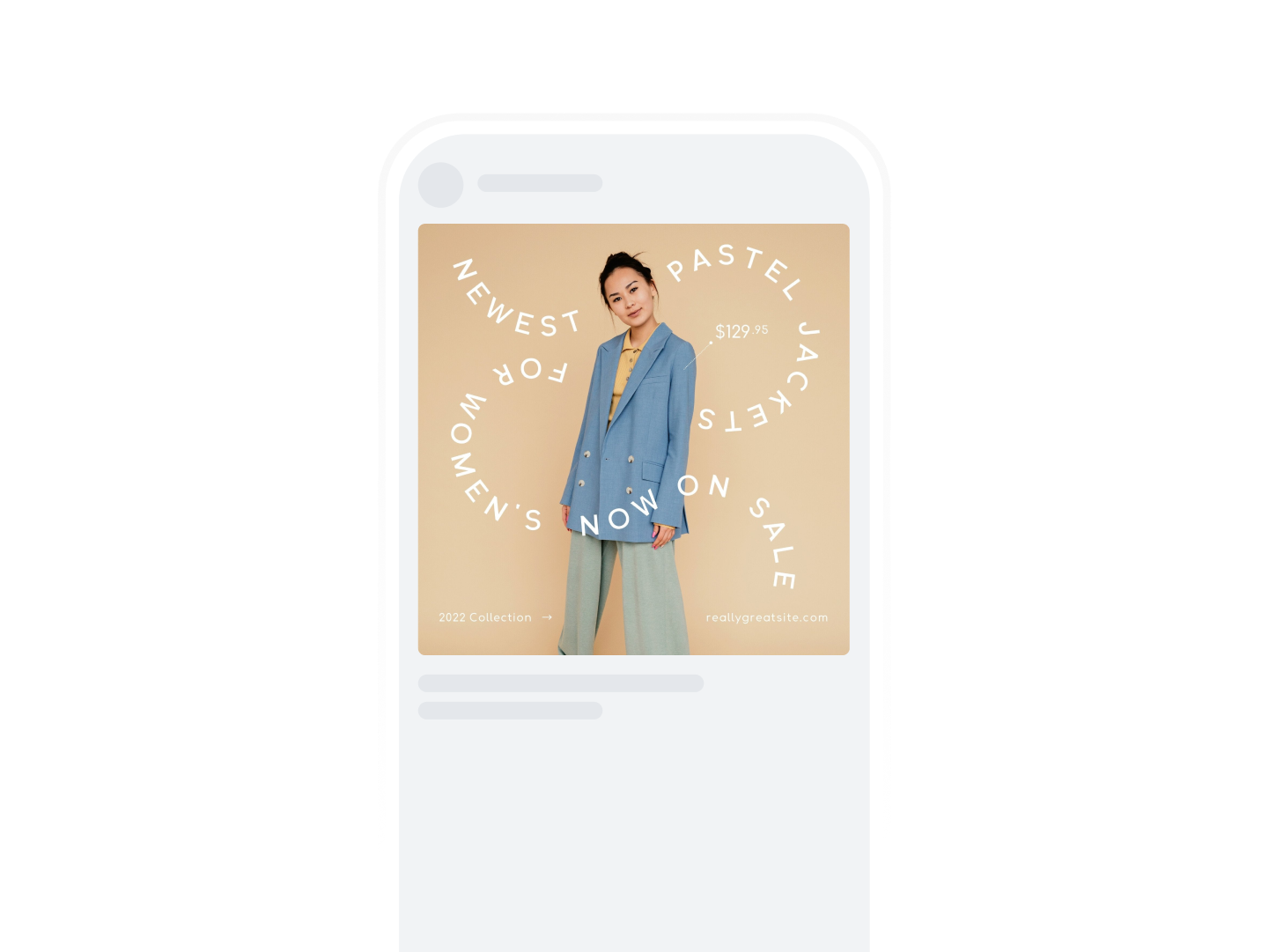
Add your photo straight to any design. Whether that's a photobook you want to print, a profile picture, or an Instagram post, Canva has thousands of templates ready to customize.
Quick product mockups
Imagine how photos can leave a lasting impression in a real-life setting. Simply select from a range of templates to create professional mockups instantly. With AI, Mockups can analyze your images and identify ideal surfaces for product placement, so that you can turn any branded photo into a custom mockup template in seconds.

All the space you need to collaborate
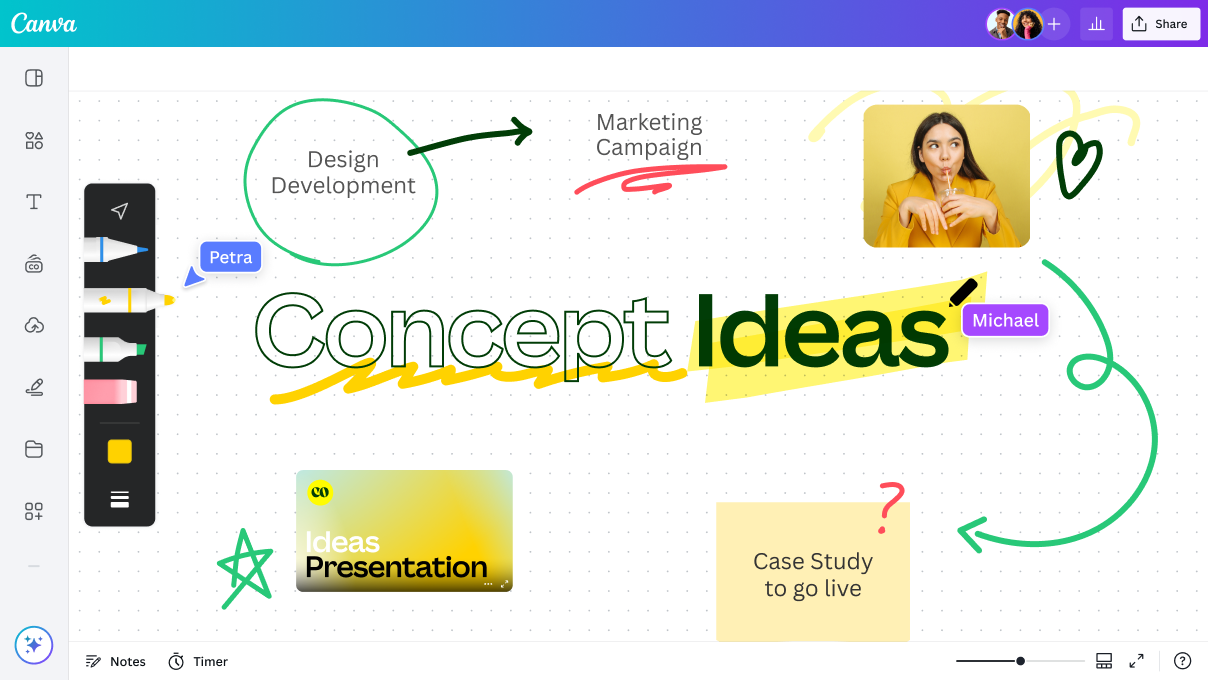
Collaborate with your team in real-time—leave comments and tag members in your designs. If you need more room to develop big ideas, just click Expand to Whiteboard. This turns presentations and social media designs into a whiteboard with infinite space, customizable shapes and connectors, and a handy Draw tool for quickly scribbling notes and ideas whenever inspiration strikes.
How to edit your photos in 3 easy steps
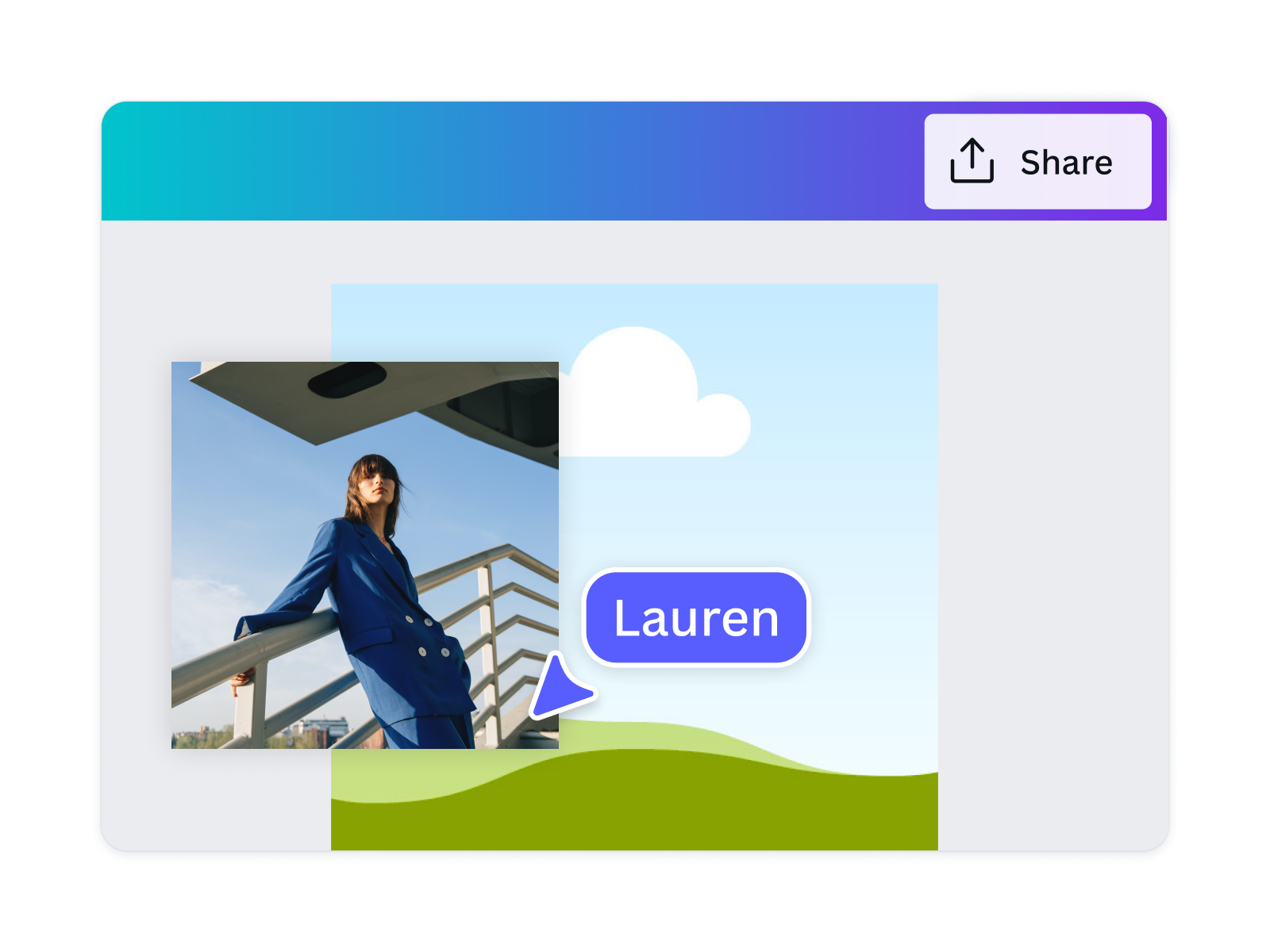
1. Upload your image
On the home page, click Photo editor to upload and edit your photo straight away. Or, open a new or existing design project.
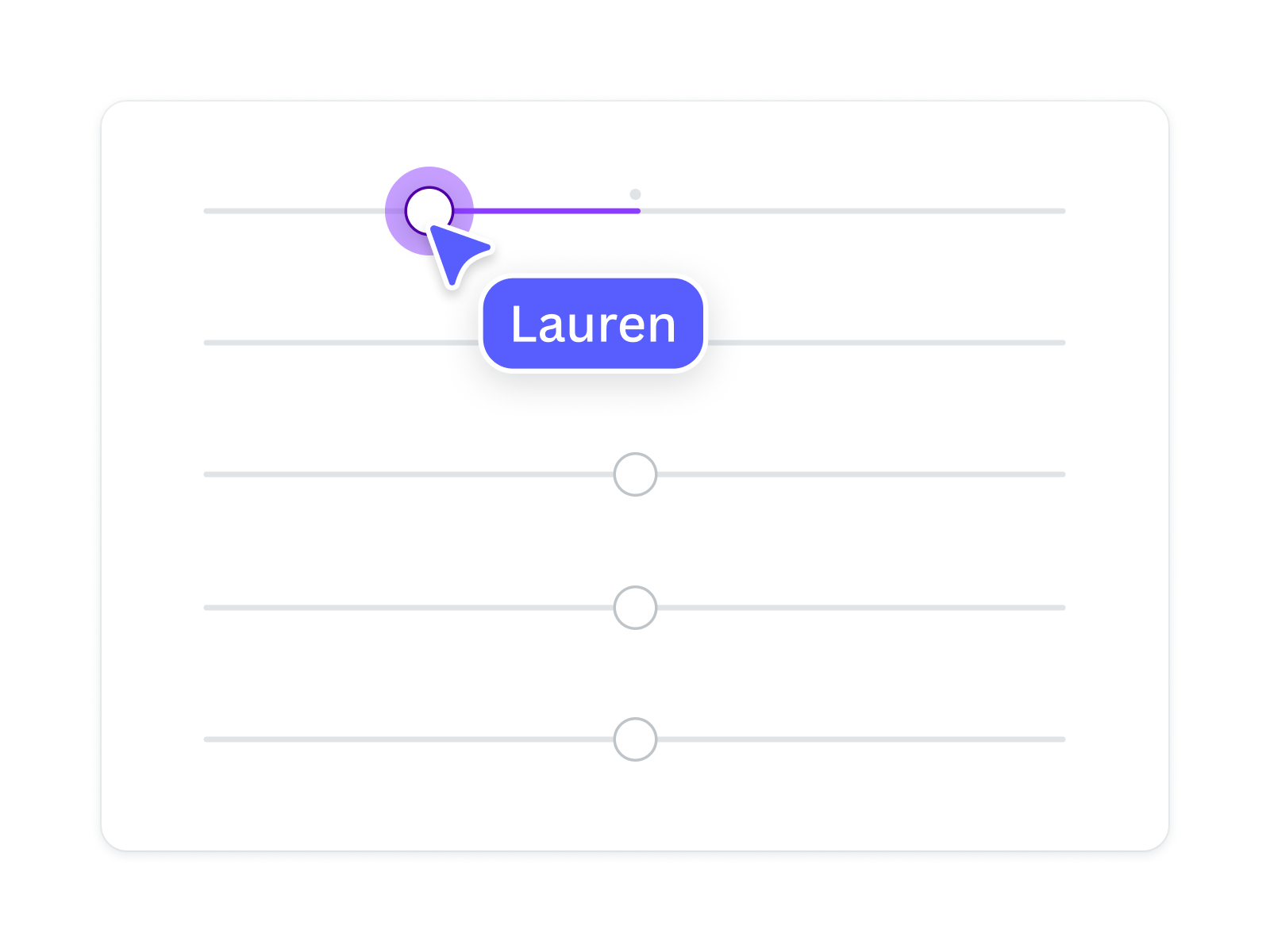
2. Edit your photo
Add filters, effects, adjustments, or customize with frames, text, or stickers.
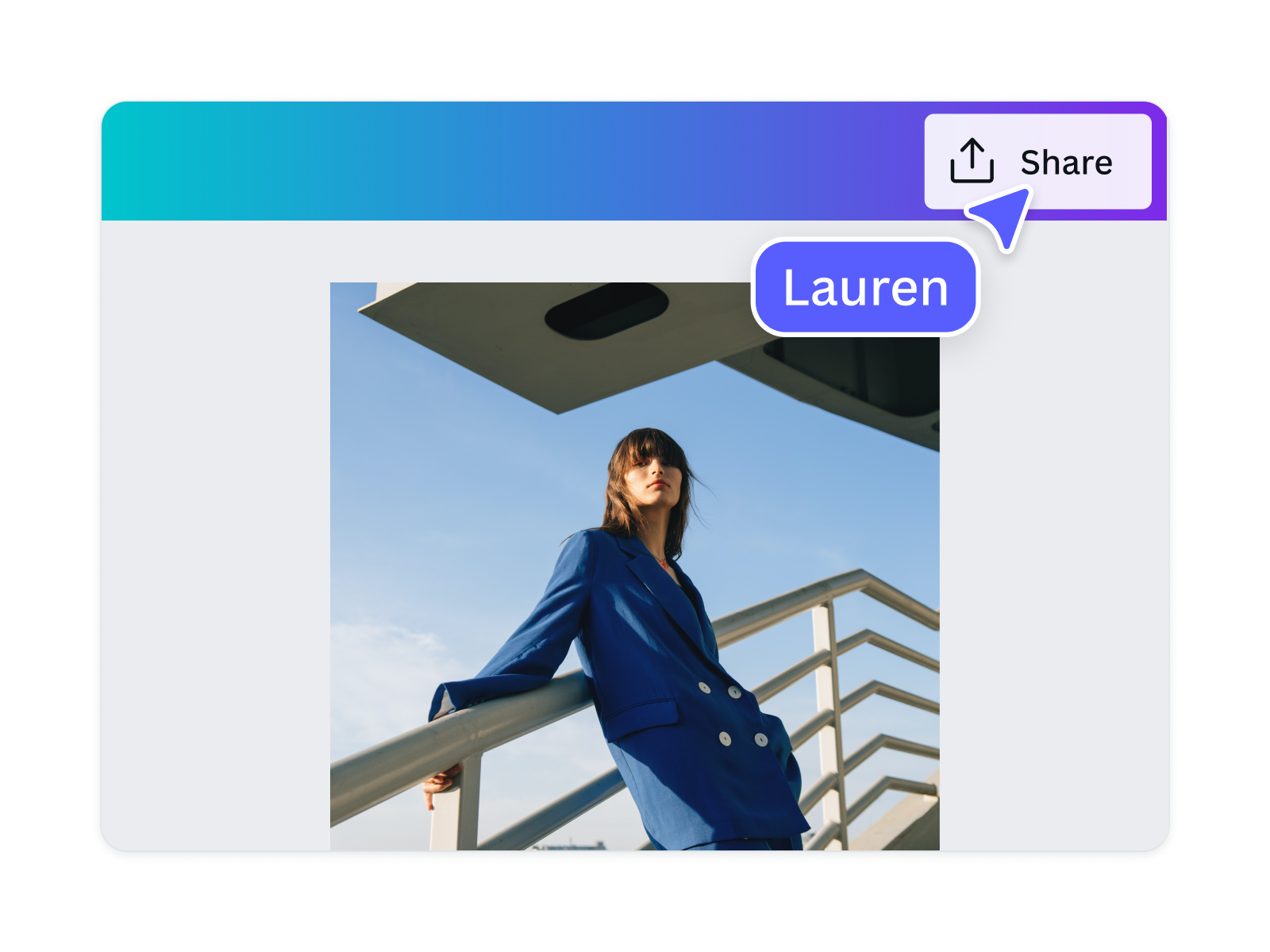
3. Download and share
Download and share your photos instantly to your favorite platforms or save for later.
All the photo editing features you need
Our online photo editor’s drag-and-drop design tools make it easy to edit images and create any design, fast!

AI-powered photo editor
Click on any object and AI will detect key subjects in your images. Instantly recolor, adjust, replace, duplicate, remove, or reposition the elements in your photo.

Background Generator
Generate stunning backdrops with the BG Generator. Describe a new background and watch as your subject blends seamlessly into the new scene.

Perspective correction
Adjust your image’s perspective horizontally or vertically with easy-to-use perspective sliders.
Quick & easy adjustments
Tweak white balance, light, color, and texture in close detail with adjustment sliders.

Photo effects & filters
Choose from our selection of adjustable color filters and fun photo effects to remix your photo.

Photo editing apps
Elevate your photo with AI-powered apps from the Apps Marketplace. Increase photo resolutions, go from black and white to colored, or even convert pictures into sketches.

Magic Eraser
Instantly clean up your image and remove any unwanted distractions with Magic Eraser—no manual editing needed.

Magic Edit
Want to change the color or texture of an object? Or swap the background for something else? Magic Edit lets you add to, replace, or edit your image with a short written prompt.
Add depth with shadows
Add life to your flat image with a 3D shadow effect, so it stands out in your designs.

Draw
Draw, sketch, collaborate in real-time using Draw in Canva. Use our freehand drawing and Shape Assist tool to mindmap and connect ideas, fast!

AI Photo Editing
Quickly erase, add to, edit, and enhance your photos using AI-powered photo editing tools.
Magic Media™
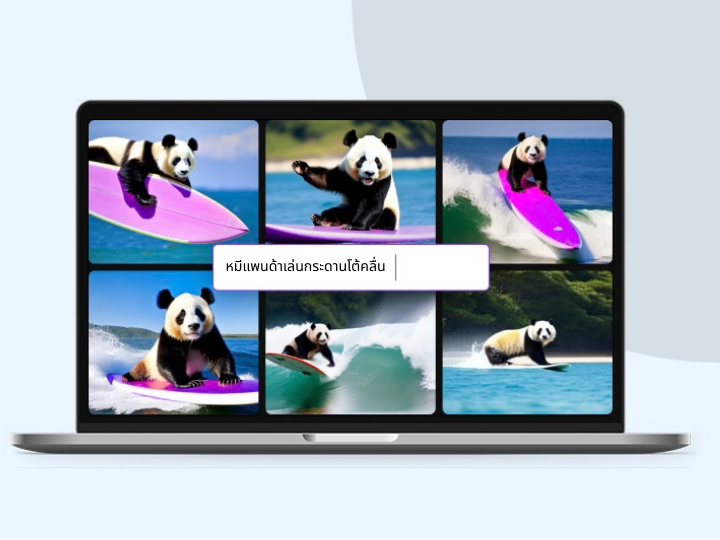
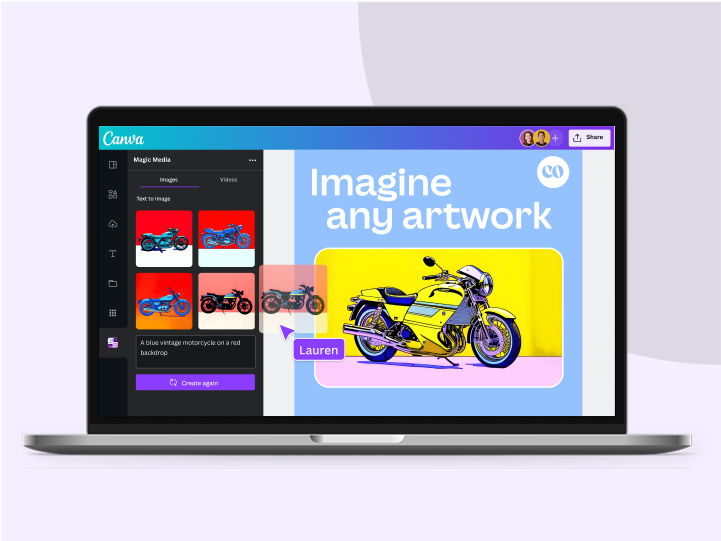
Dream it up, then add it to your design. Watch your words transform into beautiful images and videos with Magic Media.
Focus your image
Adjust your photo's focal point so you can blur out backgrounds and foregrounds easily.
Blur effect
Add a blur effect to your images. Control the intensity with an easy-to-use slider.
Crop to perfect ratios
Crop your image to a preset size or drag-and-drop its corners to a custom aspect ratio.
Precise rotation
Quickly rotate your images to exact degrees with a slider and number input.
Thousands of free photo templates
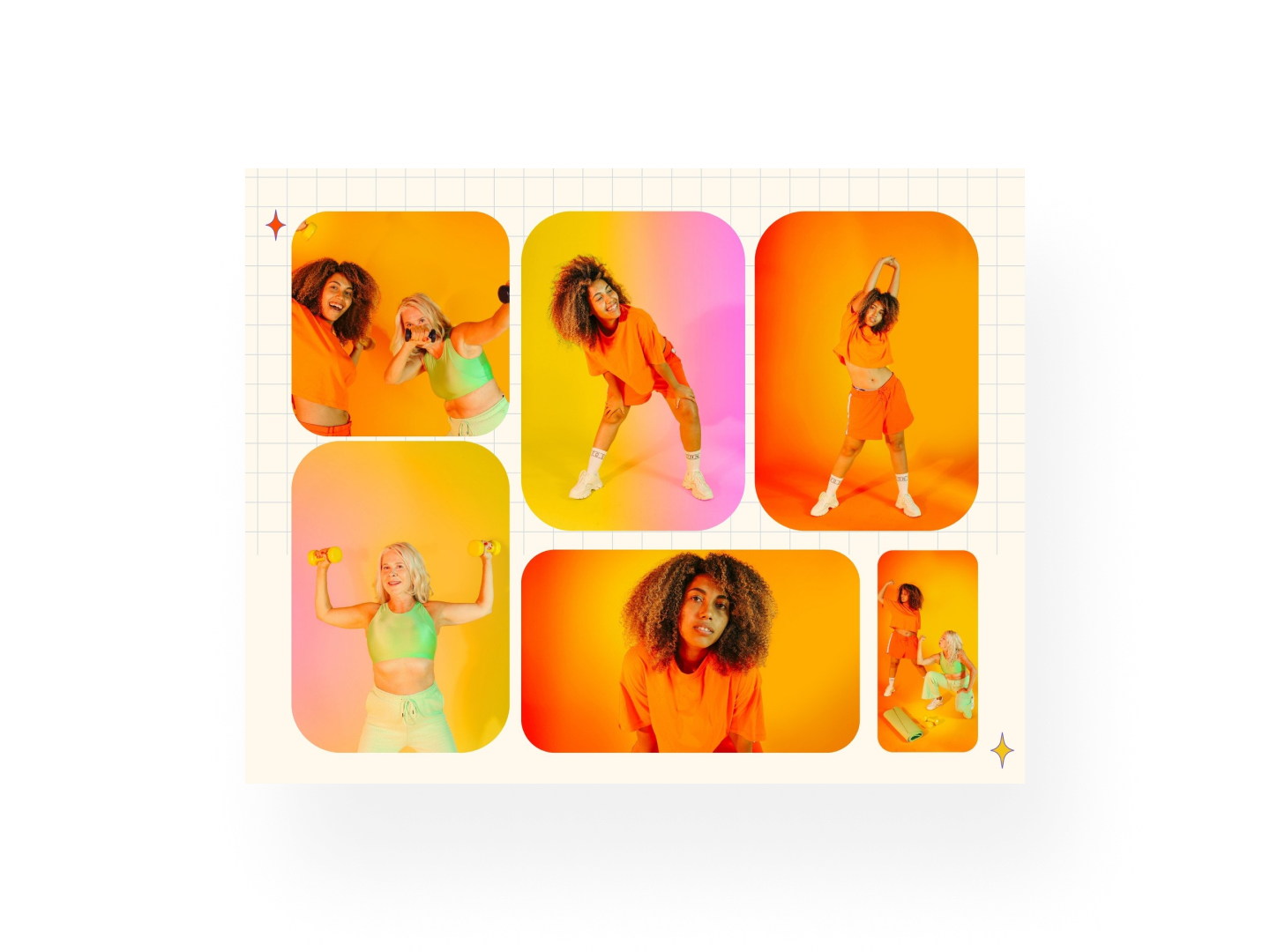
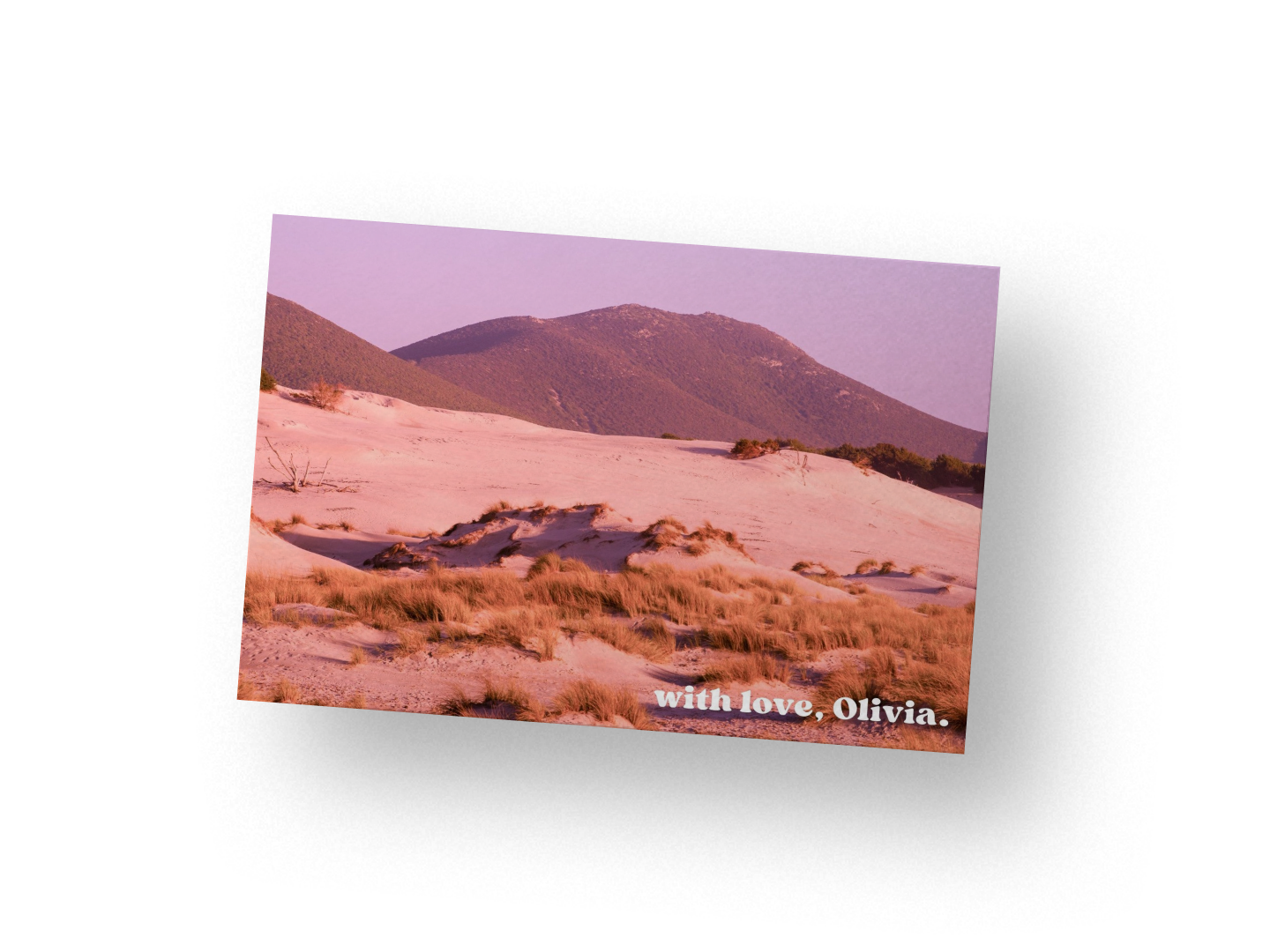
Use your image in a photo collage, postcard, or any other design, with thousands of templates available.
Millions of free graphics, icons, and images
Embellish your image with stunning graphics and images from our free content library.

Add Text to Photo
Easily add text to your photo or image to tell a story. Font combinations, colors, and styles available.

Automatically translate your design
With Translate, quickly change the language of your existing design to as many as 100+ languages.

Image Converter
Convert your image to any format, for free.
Use your photo in a design
Discover how much more you can do with your photos.
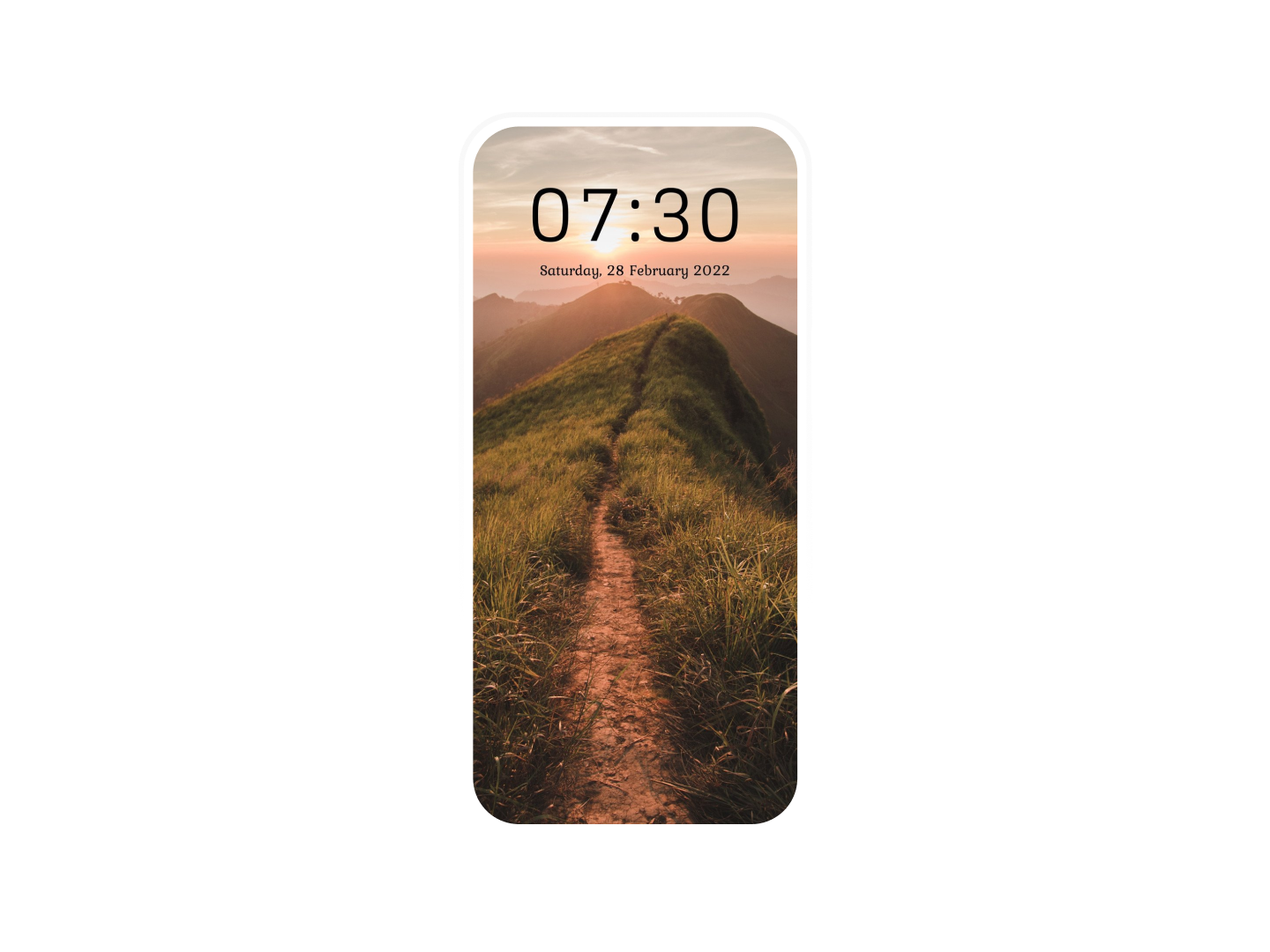
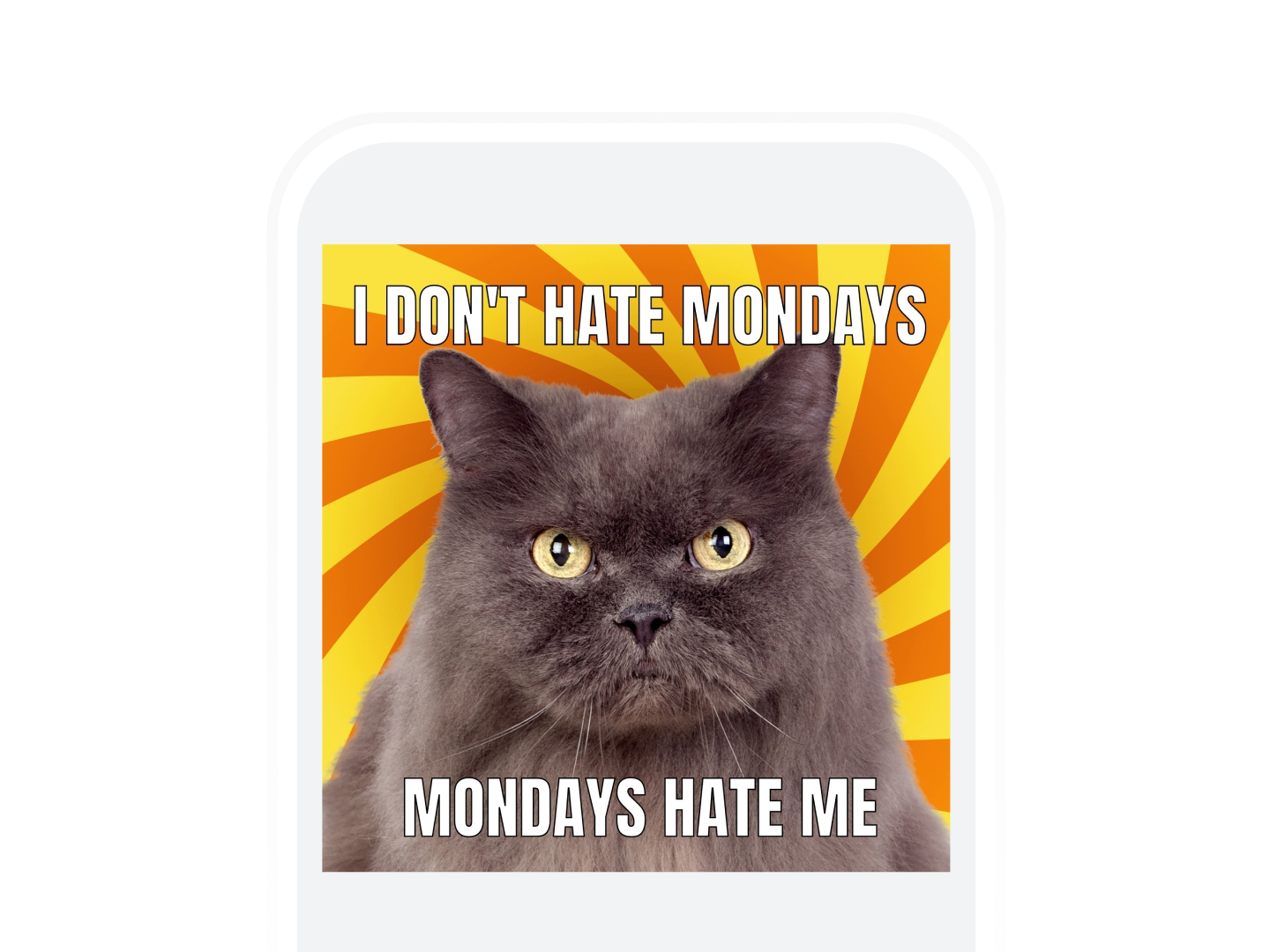
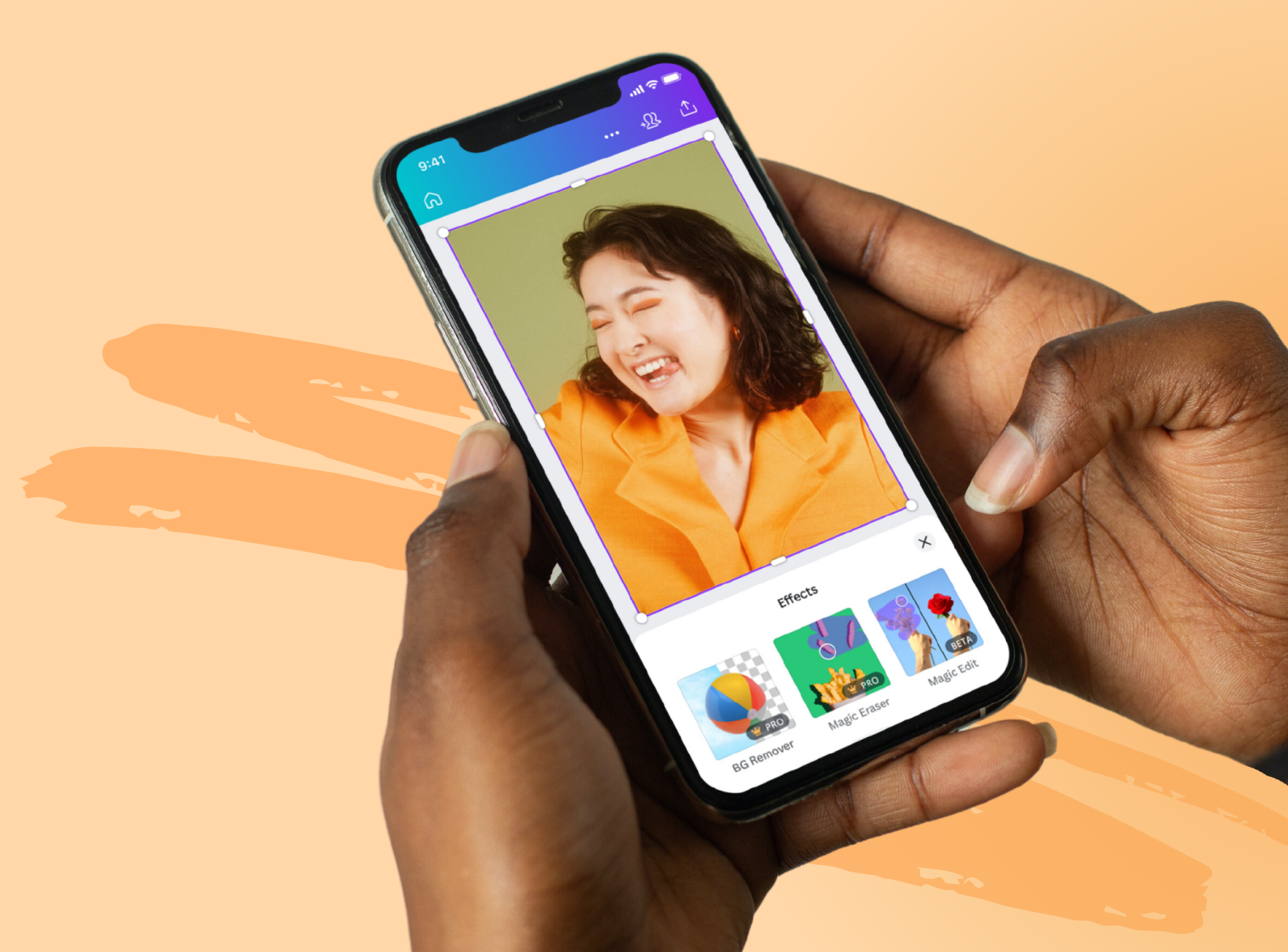
Design on the go from any device
Download the app to design, edit, review, and share your work from any device, any time, anywhere.
Your questions, answered
No. Unlike other photo editors, we don’t leave a watermark on your photo after you’ve edited it. The Canva photo editor is free to use — and there’s no catch.
More resources
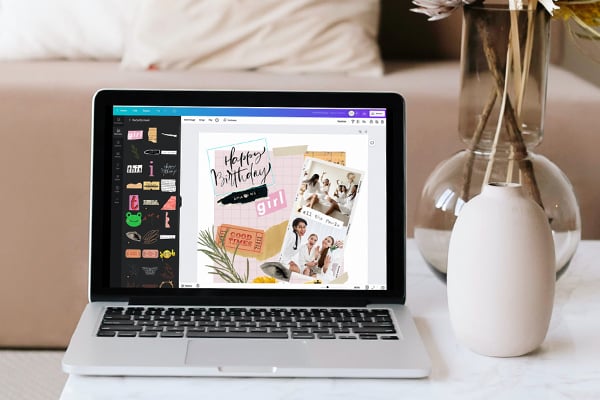
Create a photo collage in Canva
Master, create, and wow with unique photo collages.

Convert images to any format for free.

The complete guide for how to marry text and images in your designs
Explore how to combine text and images in your designs.
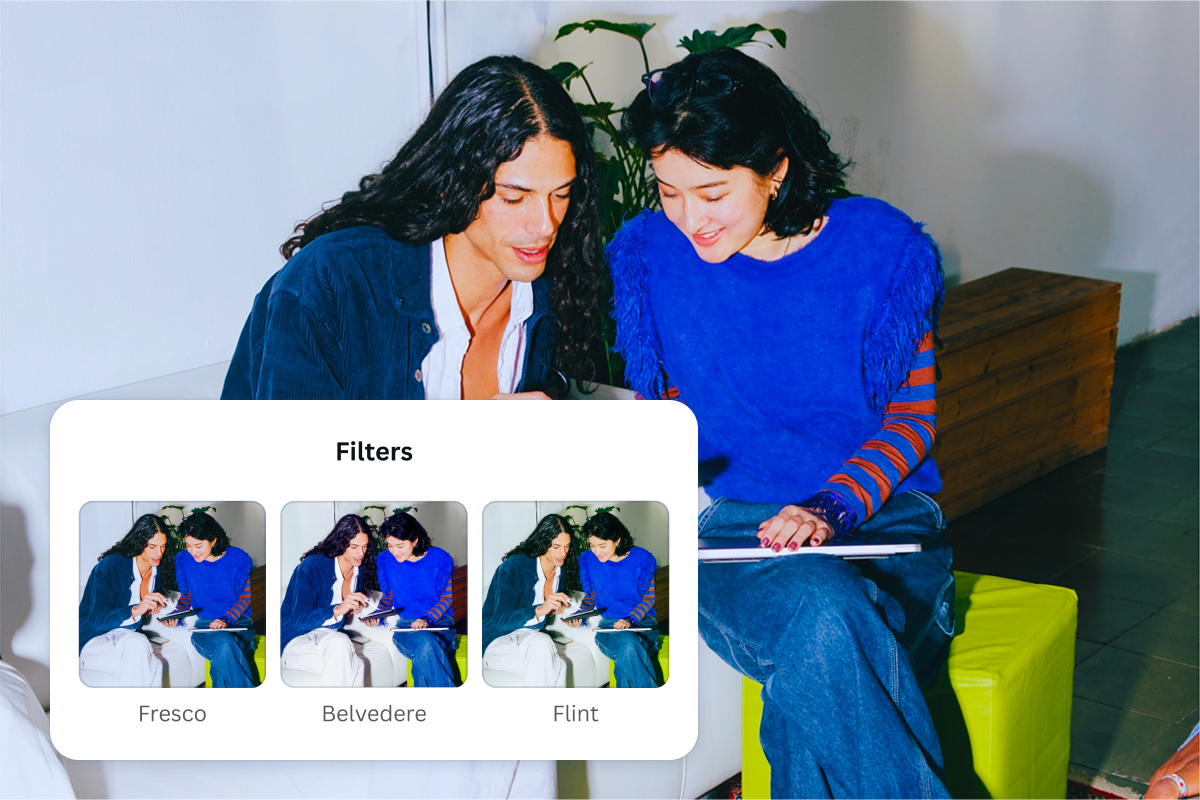
Add free photo effects and filters to images with ease.
Discover more products
Free Online Photo Editor
Take your photos further with Canva’s free photo editor. Upload, edit, and share instantly from one place.