
Crop images for better composition
Try our easy-to-use cropping tools to cut any photo down to size to balance your designs or beautifully reframe your photography.
or drop it here
Learn about Canva’s upload formats and requirements. See how we use your content in our Privacy Policy.
How to crop an image
1
Upload an image
Select the “Upload your image” button or easily drag and drop your files into the section.
2
Crop image
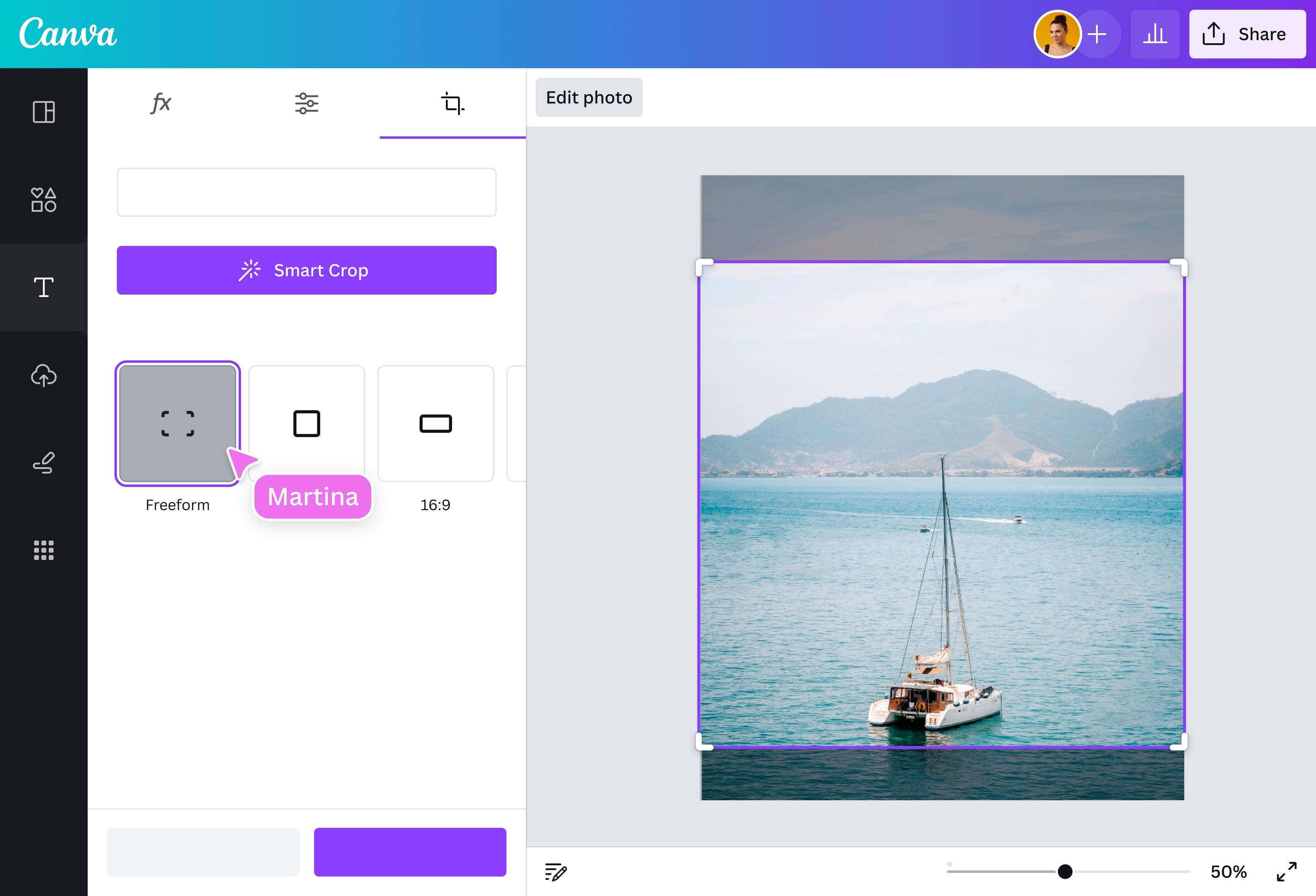
Choose the Crop tool to select and keep a particular part of your image, then enhance it using our photo editor.
3
Download your design
Finally, download your design in high-resolution JPG, PNG, or other file formats or share it instantly online.
Crop, cut, clip
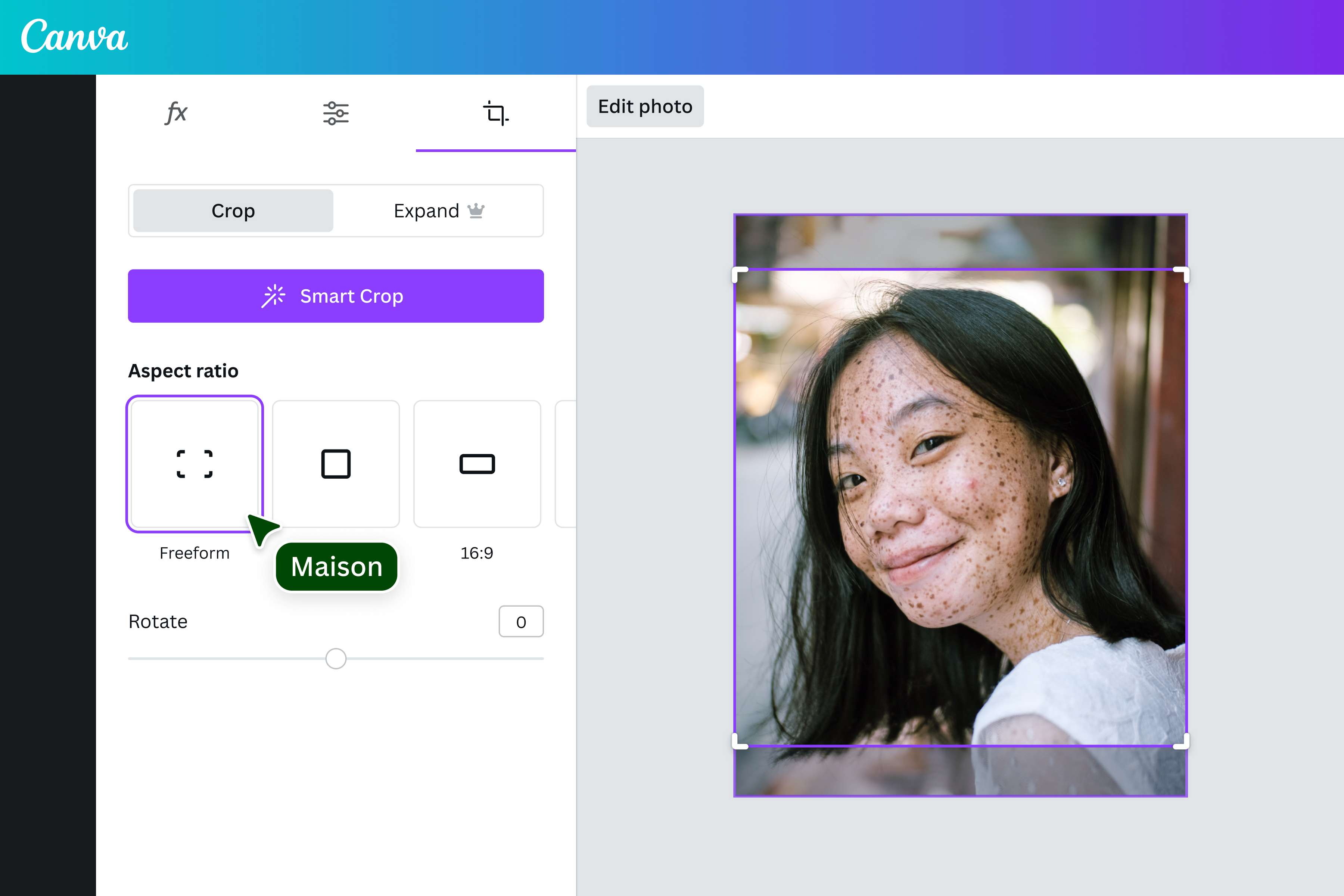
Get flawlessly cropped photos every time with Canva. Skip the guesswork and crop to a range of aspect ratios to effortlessly tailor your images. Make a perfect square clip, go for the classic 3:2, or find your own fit. While you’re at it, quickly rotate your image with a slider or precise degree input to change its orientation. Now, you can nail that perfect Facebook cover or YouTube thumbnail.
A smart way to crop
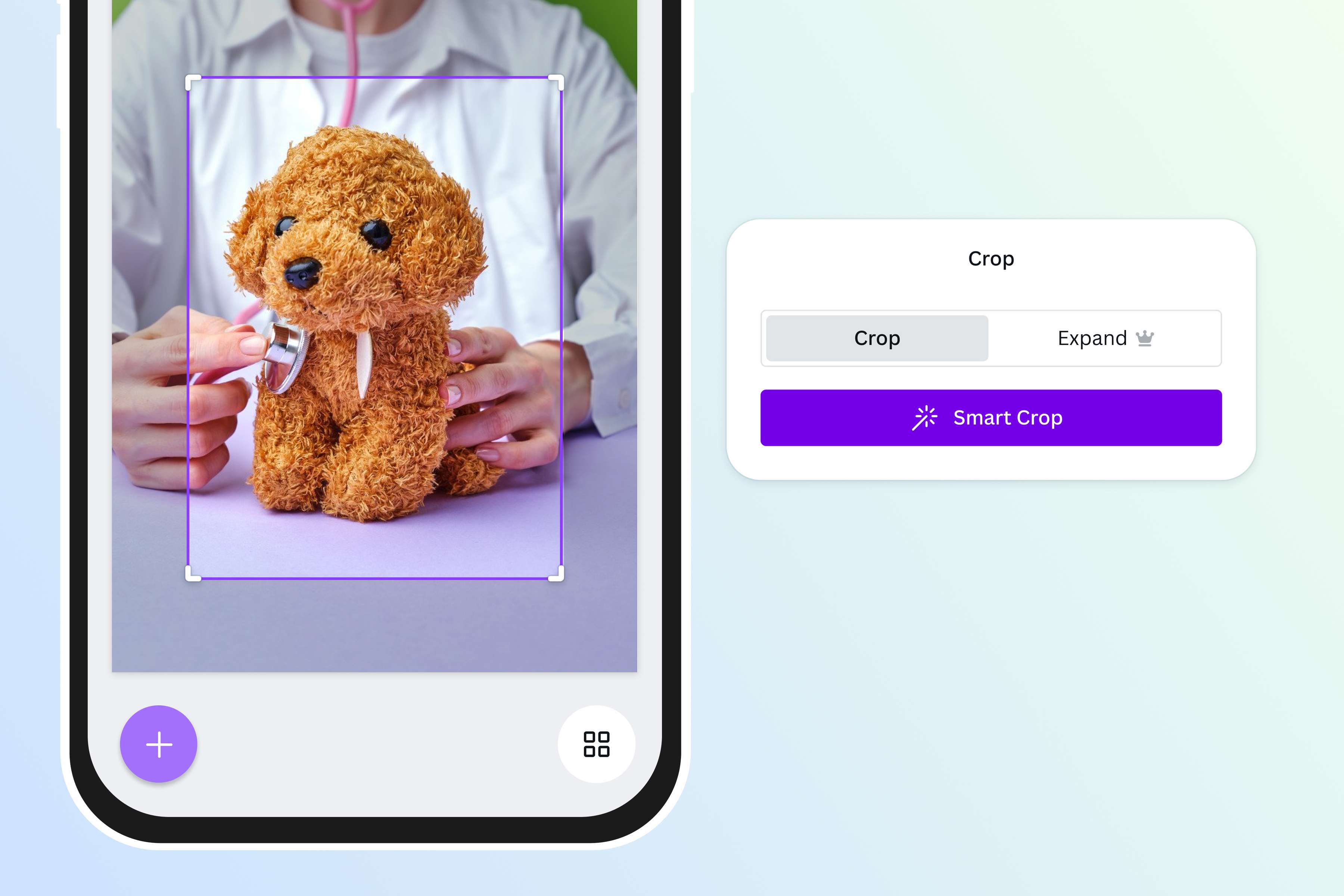
Can’t decide on an aspect ratio? Automatically cut your image down to the most aesthetically pleasing composition with Smart Crop. Whether it’s a portrait, landscape, or any scenario, highlight the most interesting parts with one click and ensure your images are perfectly framed and visually striking. Let Canva’s crop tool do the work for you, saving you time and effort in the editing process.
Every frame tells a story
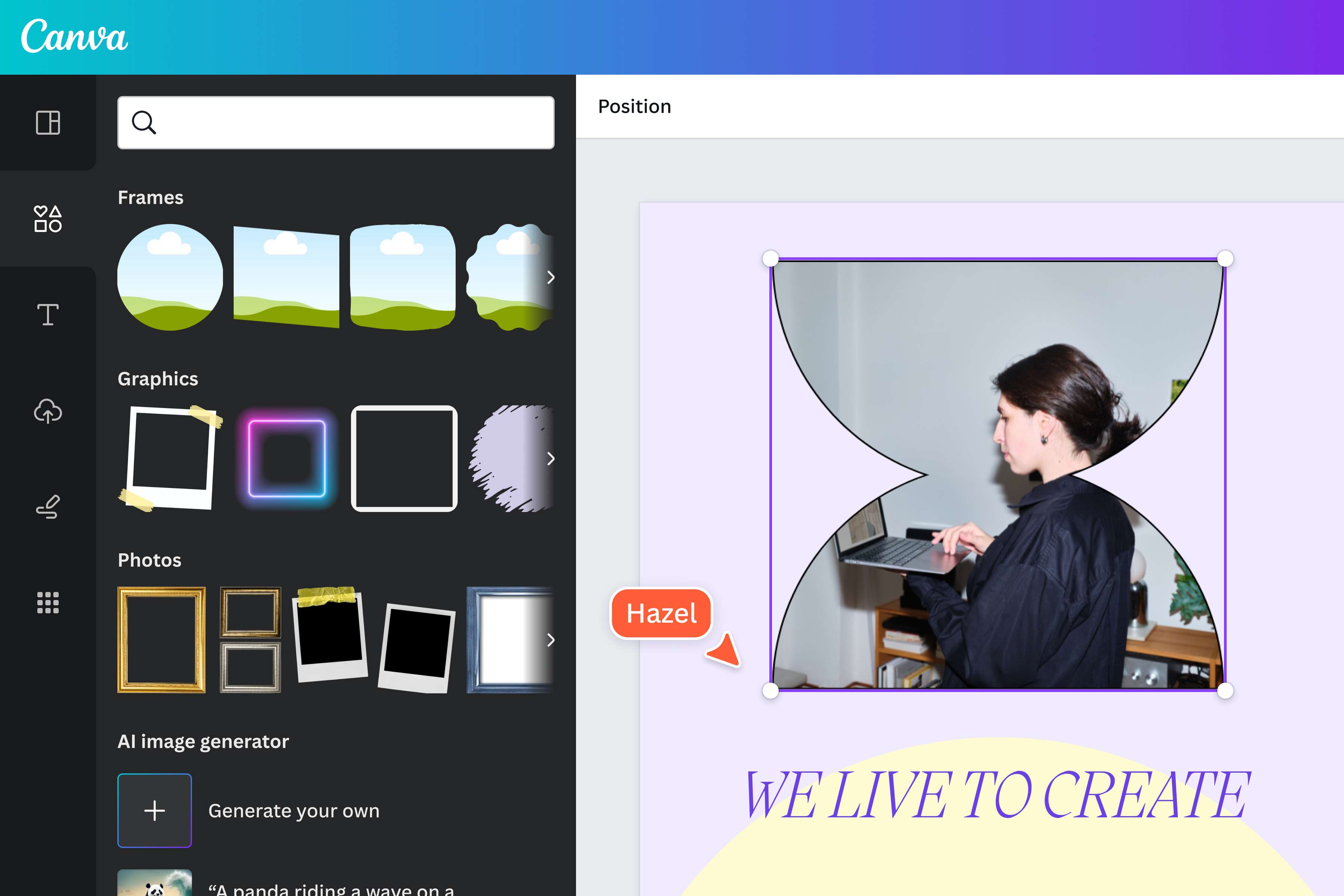
Want to try fancy cropping with heart shapes, curves, and curly Q’s? Create cute scrapbook layouts or craft personal greeting cards with a variety of frames on Canva! Scroll past the conventional rectangular frames to reveal quirky and artful frames, ready for your photos. Add the frame to your design, drag a picture inside, and we’ll crop it just right for your frame, no matter the size or shape.
How to crop an image
Open Canva
Launch Canva on the app or a web browser. Choose a pre-made template or open a blank layout.Upload your image
Upload your image from your device or browse millions of free stock photos (opens in a new tab or window) in our media library.Crop your image
Select your image, then click Edit photo. Navigate to the Crop panel and choose your desired aspect ratio. Or hit Smart Crop to create the perfect crop with one click.Explore more tools
Fine-tune your image with other tools in Canva’s online photo editor. Rotate(opens in a new tab or window) your photo to any angle, add stylish filters(opens in a new tab or window), or apply quick image enhancements(opens in a new tab or window).Download and share
Once you’re happy with the results, download your image in high-quality JPG or PNG format. You can also add it to an existing Canva design or share it on social media.
Frequently asked questions
- To crop an image online, upload your photo to our editor and select it. Type frames on the search bar and choose from various frames, from circles, triangles, and even abstract shapes. Drag your image to the frame and adjust it to fit your selected shape perfectly.