Free XLSX to PDF Converter
or drop it here
Learn about Canva’s upload formats and requirements. See how we use your content in our Privacy Policy.
Easily change your XLSX files to PDFs on Canva, no app installations needed. Our easy-to-use converter turns your spreadsheets into beautiful PDFs, keeping their quality and layout intact.
Try these document editing tools
Edit and convert PDFs and more. All the PDF editing tools you need!
How to convert XLSX to PDF
1
Upload your file
Select the “Upload your file” button or easily drag and drop your files into the section.
2
Edit your design
Make some quick touch-ups on your XLSX file using our beginner-friendly editor.
3
Download your design
Finally, convert your file from XLSX to PDF for free by downloading your design as a PDF document.
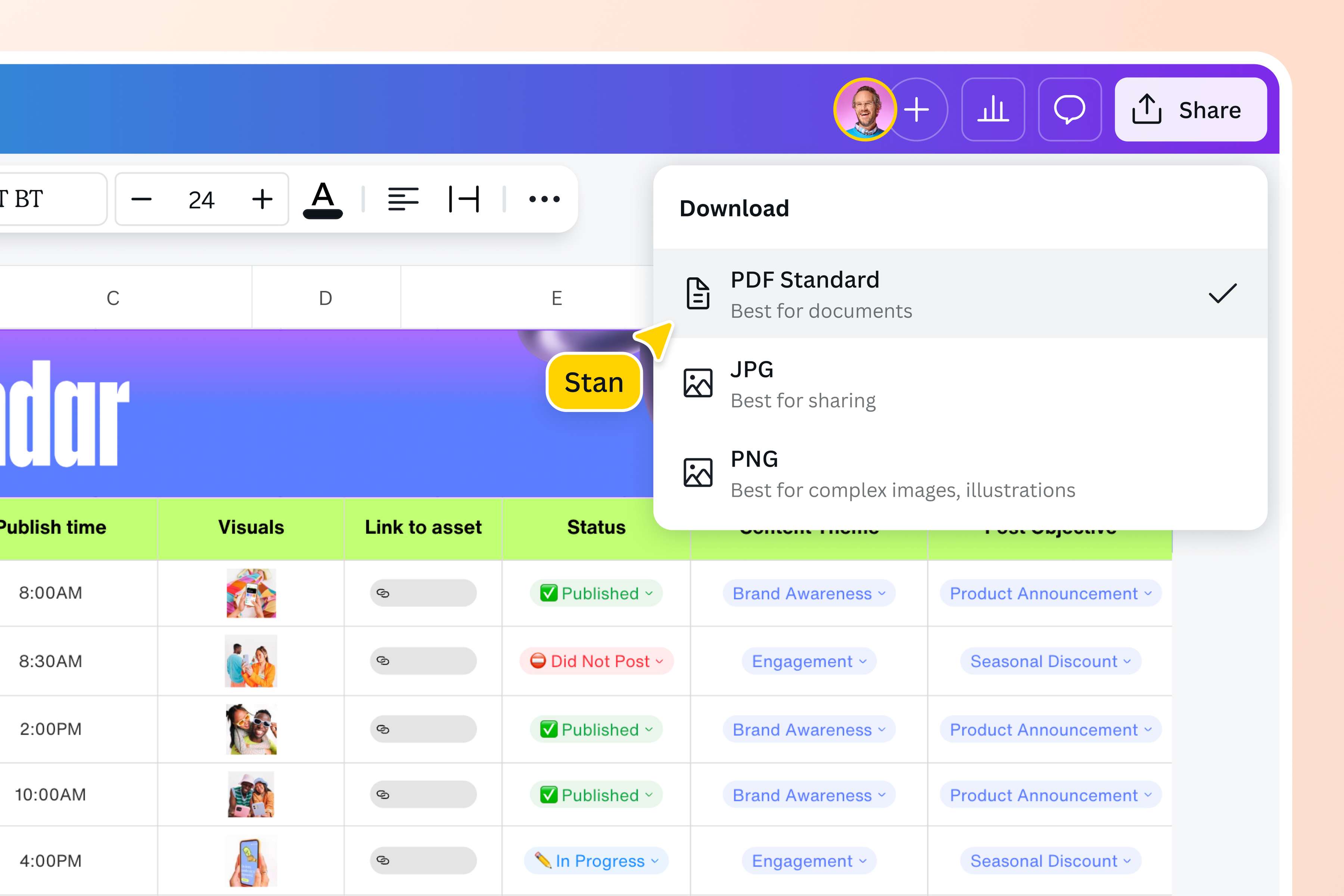
Instantly transform your XLSX file to a PDF
Changing your XLSX file to a PDF is easy with Canva's XLSX to PDF converter. It's quick, simple, and free–no complicated software or expensive tools needed. Simply upload your file, tweak it however you like, and save it as a PDF. In just a few clicks, you get a high-quality file that's easy to share and view across different platforms. You can even flatten PDFs or organize your PDFs so you can share them across various platforms. Perfect for research documents, sales reports, and company invoices.
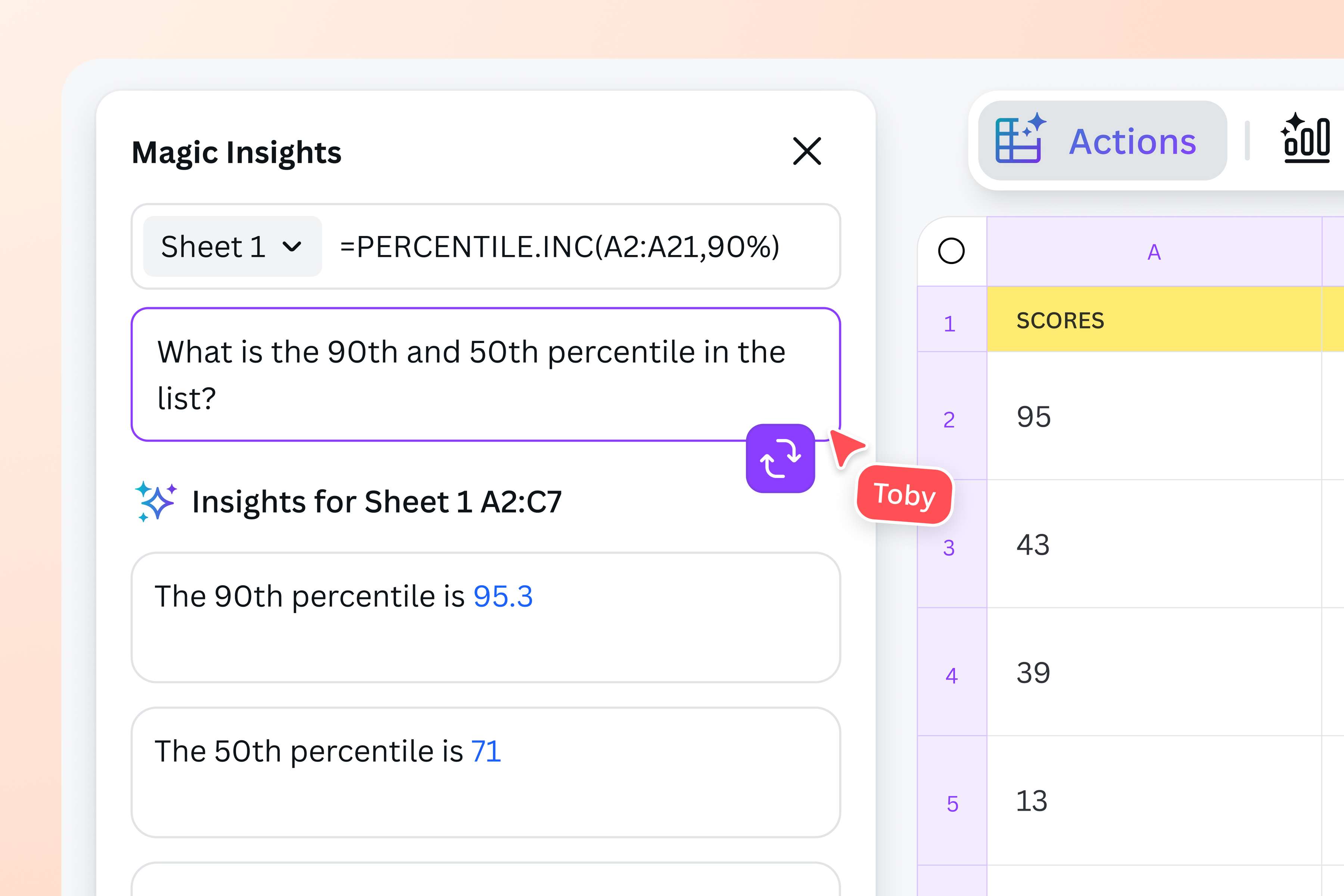
Spruce up your spreadsheet
You’ve crunched the numbers and organized your spreadsheet. Now it’s time to bring your data to life. Before you convert your XLSX file to a PDF, use Canva Sheets to enhance your file, and leverage its AI-powered functions for insights and visuals.
Try Magic Insights to spot patterns and key takeaways from the available data in just one click, or use Magic Charts to directly embed a chart onto your design. With Canva, you can get as creative as you want with your sheet.
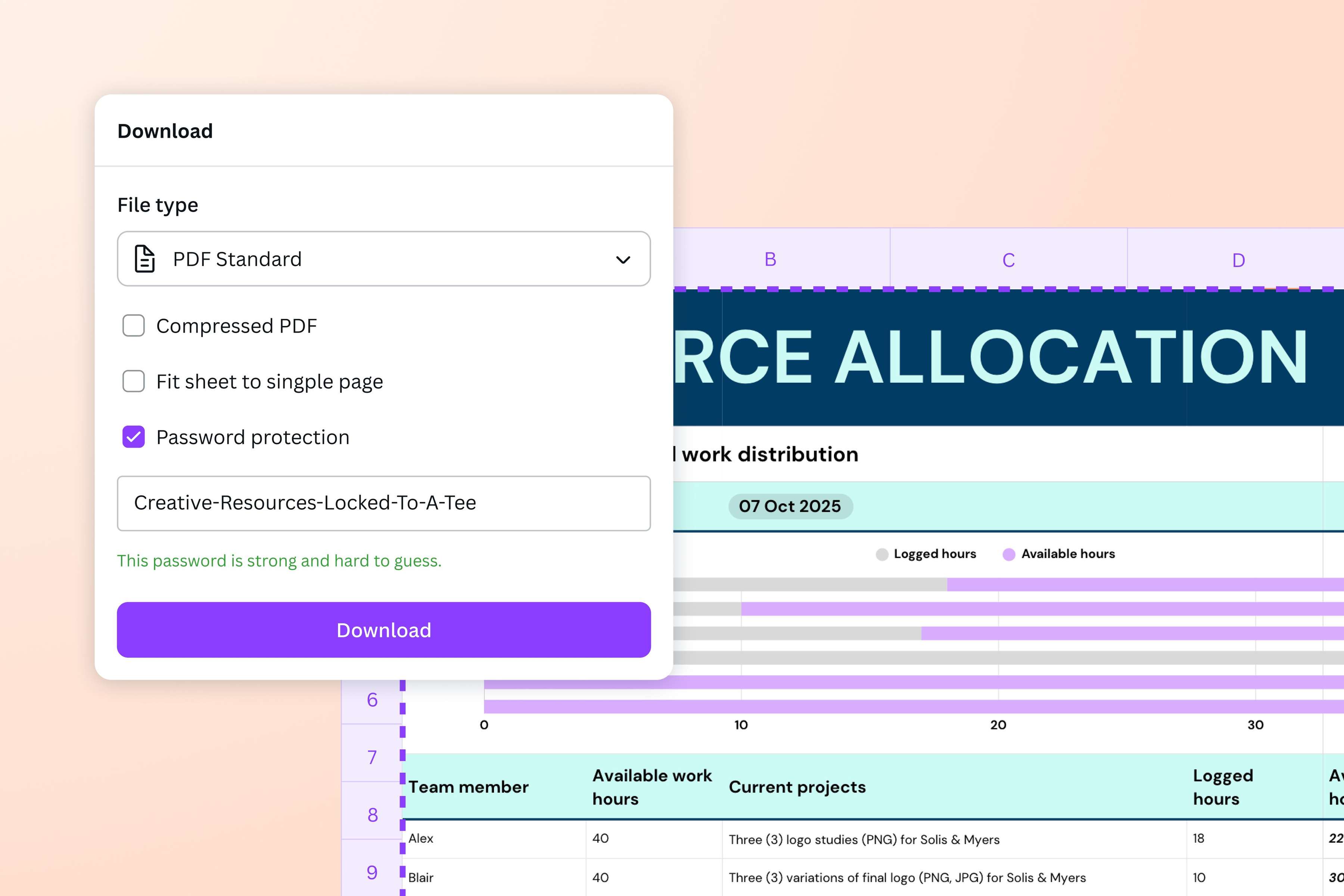
Secure and organize your documents
Protect key documents such as financial statements, budgeting spreadsheets, and grade computations from being altered without permission. Use Canva’s XLSX to PDF converter to save data in a static, read-only format. These converted files are also easier to archive for long-term storage and software compliance.
Need to print your data? Simply choose “PDF Print” when you download your file to ensure that you get crisp results.
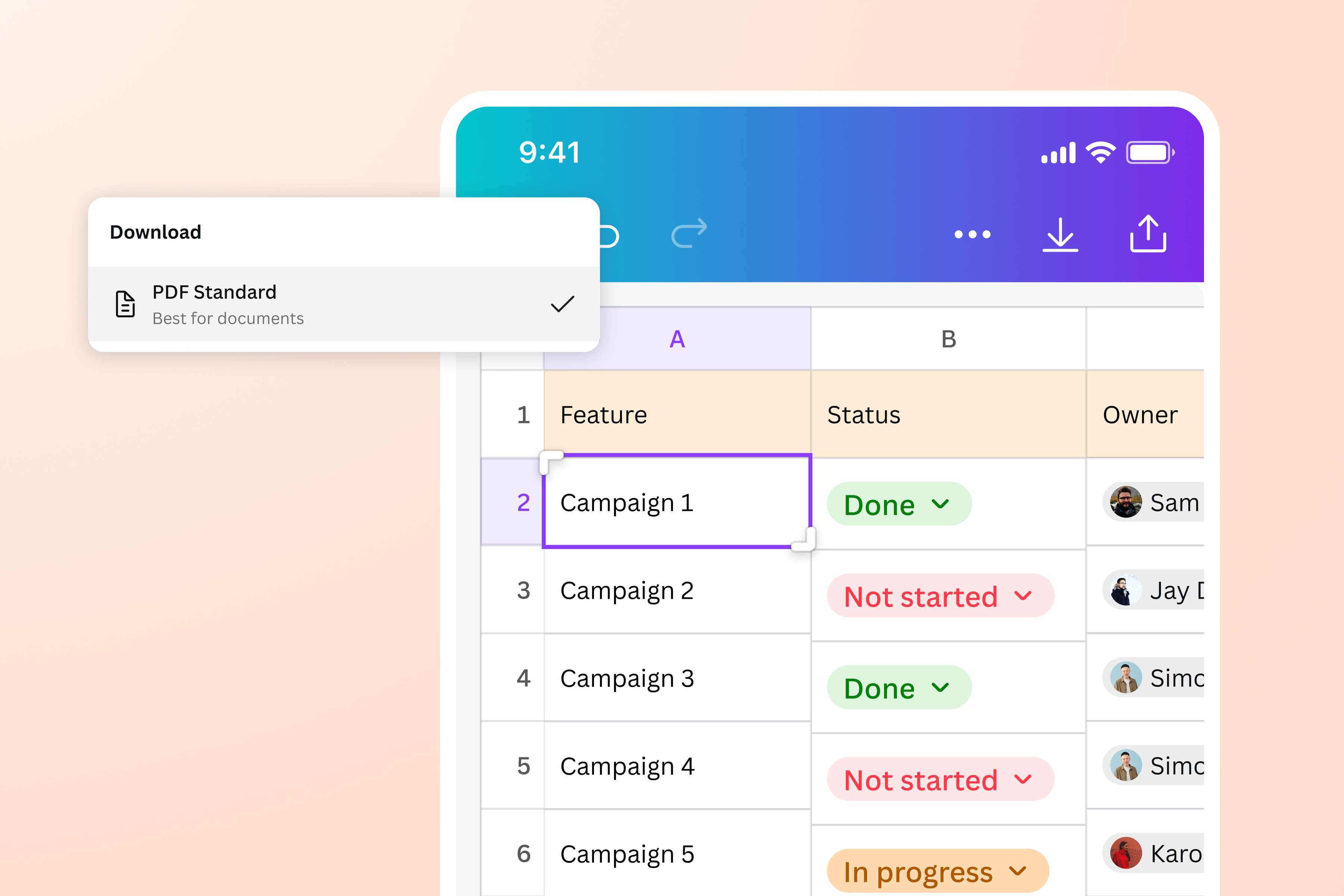
Convert XLSX to PDF anytime, anywhere
Access our XLSX to PDF converter from any device whenever you need it. Whether you're a student on-the-go who needs to print survey results or a marketing specialist presenting data to stakeholders, creating a PDF from your XLSX file is a breeze. You can also share it however you want—through a link, as an offline file, or as an email attachment. Once converted, you can even sign PDFs online for free.
How to convert XLSX to PDF
Open Canva
Launch Canva on the app or your preferred web browser to access our XLSX to PDF converter.Upload your Excel file
Select the XLSX file you want to convert from your device, or quickly drag and drop it onto the page. Canva will automatically create an editable design out of your file.Customize your file
Make tweaks to your XLSX file if necessary. Add filters and effects to images, re-write text, or visualize data by creating colorful graphs(opens in a new tab or window) and charts.Convert XLSX to PDF online
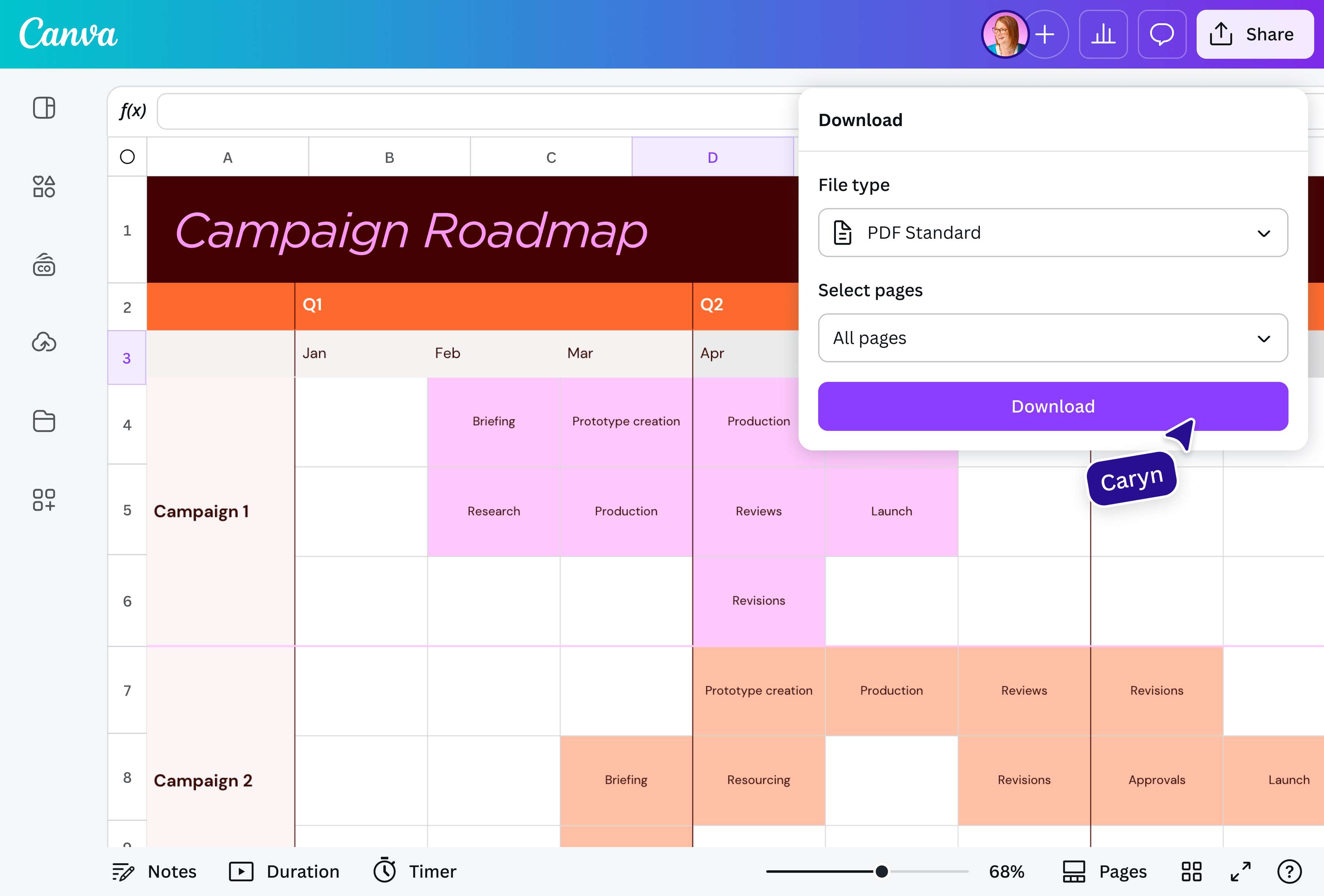
Once you’re happy with your file, click Share on the upper-right corner of the editor. Select Download, then choose between PDF Standard or PDF Print before downloading your file.Share your PDF
You can now share your newly converted PDF file. Present it straight from Canva, send it as an email attachment, or store it on your device for easy offline access.
Frequently asked questions
You can convert XLSX to PDF right on Excel or Google Sheets by exporting or saving the file in PDF format, with the option to save only select sheets or the whole document.
However, for a quick conversion that also lets you make some last-minute design edits, use the XLSX to PDF converter on our platform. Add impact to your data presentation with shapes and graphics from our rich library of elements. Highlight columns in custom colors, draw connections between numerical fields, and underline important figures with our free Draw tool. You can even use Magic Write to insert engaging copy that complements your data.
Our platform lets you easily transform your plain XLSX file to a stunning visual-first sheet before converting it into a shareable PDF.