- Mermaid Diagram
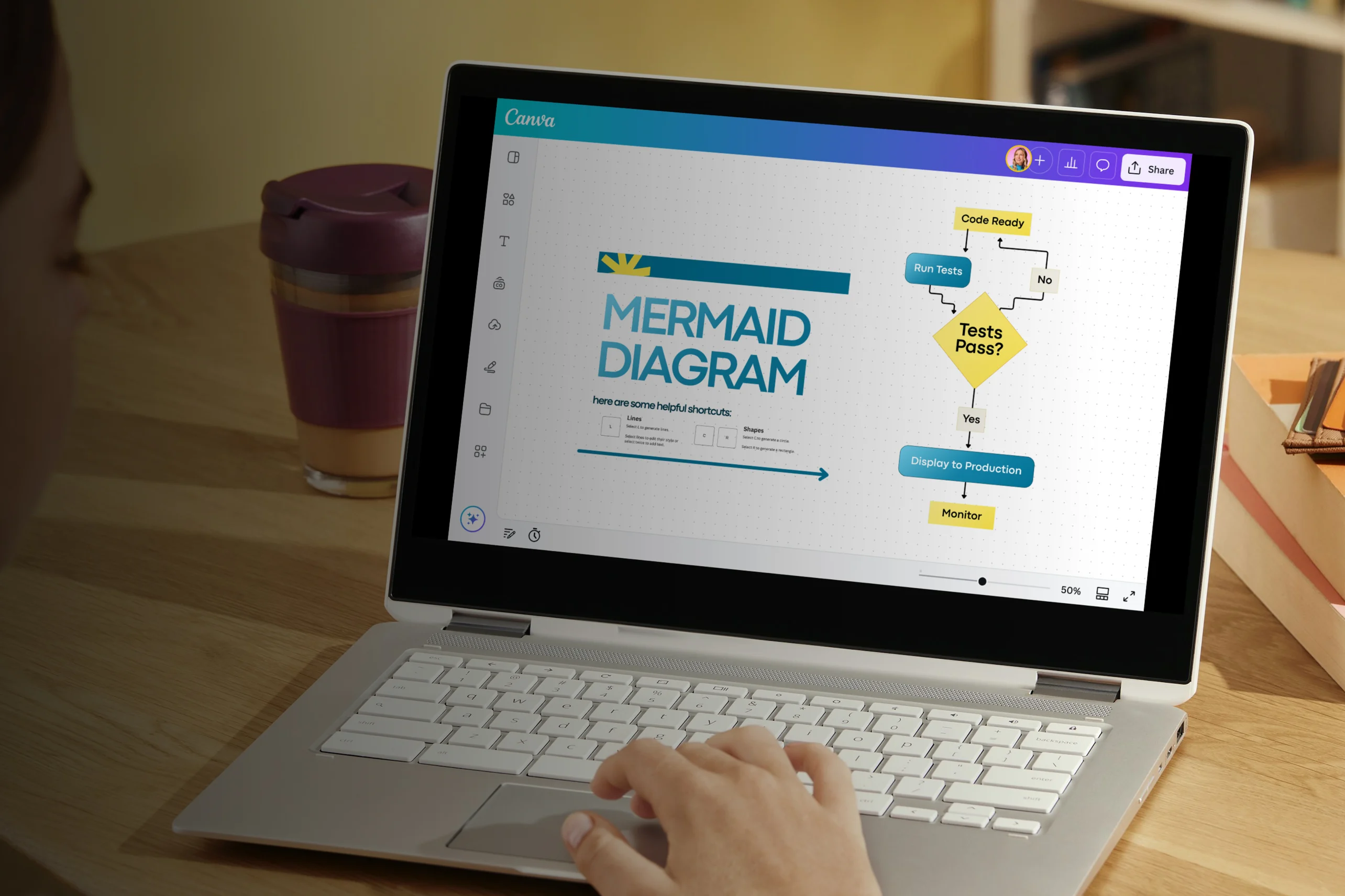
Create stunning Mermaid diagrams with ease
Mermaid diagram maker features
Design clear, structured workflows with our Mermaid diagram editor. Whether you’re mapping a product flow, outlining a system interaction, or planning a release timeline, you can build a professional Mermaid flowchart in minutes — no need to write or manage syntax. Use Canva Whiteboards’ visual diagramming tools to turn complex processes into polished, easy-to-understand visuals.
Infinite space made for unlimited ideas
Professionally designed templates to fast-track your workflow
Share and ideate with anyone, anytime, on any device
Run a workshop with whiteboard elements, sticky notes, and a timer
Embed your Mermaid diagram in Docs, presentations, and more easily
Easy online whiteboard tools and data visualization
How to make a Mermaid diagram

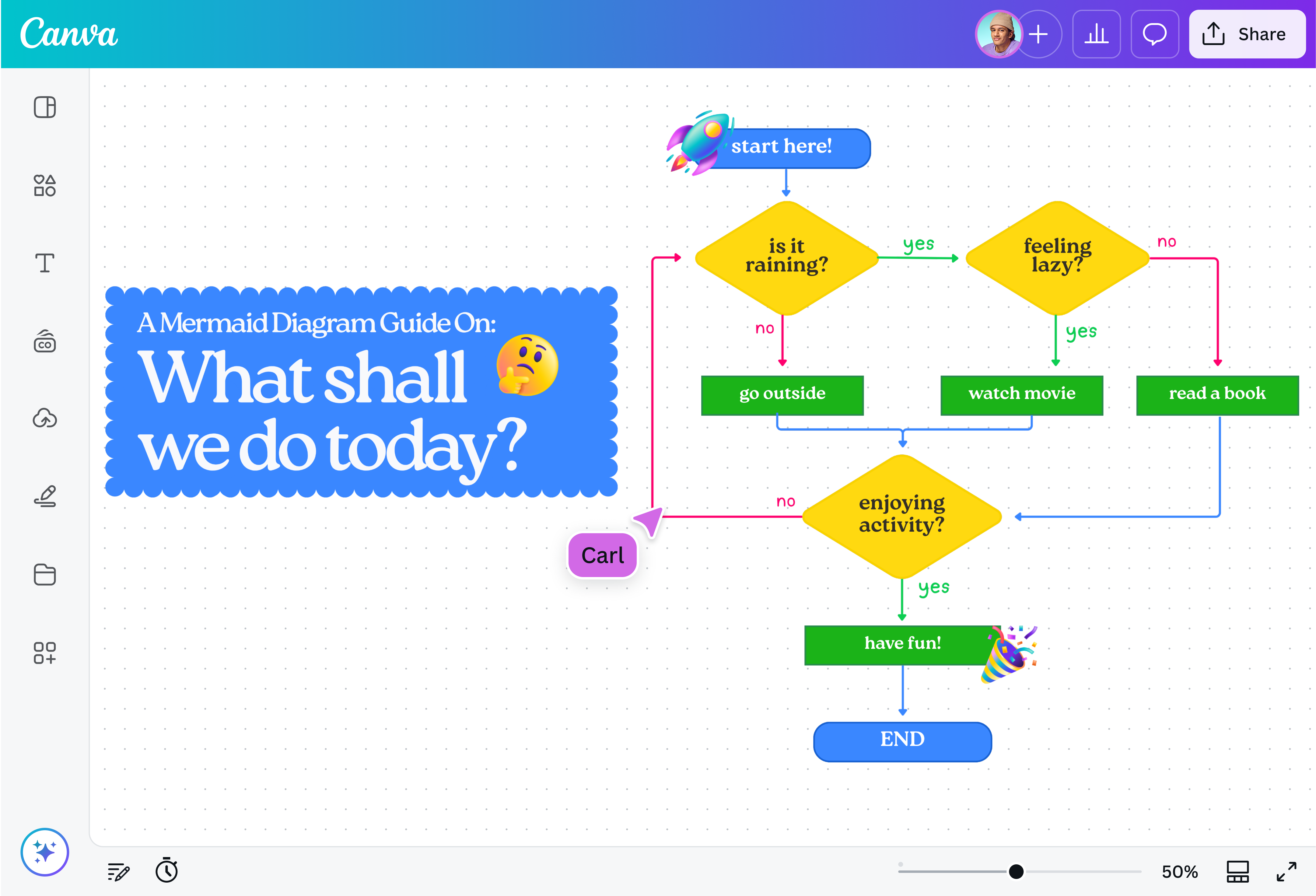
What is a Mermaid diagram?
A Mermaid diagram is a method of visualizing a process, system, or timeline. Using the dedicated Mermaid charting software, it’s created with Markdown-like, structured text that automatically turns written instructions into diagrams like flowcharts or Gantt charts. These diagrams are commonly used in software design, technical documentation, and project planning to clearly show how steps, roles, or phases connect.
Canva's intuitive editor makes it simple to generate simple Mermaid diagrams through pre-made professional templates.
Why use Mermaid diagrams?

Mermaid diagrams help teams break down complex processes into visuals that are straightforward and easy to follow. Because they follow a consistent structure, workflows stay clear and organized even as projects grow or change. They’re especially helpful for collaborative work where multiple people need to understand and contribute to the same evolving plan, like journey planning or cross-functional alignment.
No code required

Create structured diagrams visually without worrying about writing syntax. Build your workflow by just dragging and dropping elements into your design. Sketching your diagram? You can use our Draw(opens in a new tab or window) tool's Shape Assist to convert your rough sketches into clean, polished shapes instantly.
Smart templates and AI tools

Rather than creating a Mermaid diagram from scratch, select from our ready-to-use, professional Mermaid templates that already provide you with a structured foundation. If you’re thinking of a specific template for your project, you can also use the AI chart maker(opens in a new tab or window) to generate one based on your detailed text prompt.
Infinite whiteboard canvas

Canva's extensive online whiteboard grows with your project — you can map out entire systems, layered processes, and multi-phase workflows without the hassle of space and page limits. With easy navigation, too, you can zoom in and out to refine details or see the bigger picture.
Real-time collaboration

Invite teammates or stakeholders to edit, comment, and contribute. Canva's Mermaid diagram maker allows real-time collaboration and automatically saves all updates in the cloud — no more juggling multiple file versions, and no more confusion.

Assem A
Frequently Asked Questions
Mermaid supports several types of diagrams used for technical and project documentation. The most common include:
- Flowcharts for processes and decision trees
- Sequence diagrams for interactions over time
- Gantt charts for timelines and project planning
- Use case diagrams for user and system interactions
- Class diagrams for object-oriented system design
- State diagrams for modeling system states
- Entity relationship diagrams for database structures
- Journey diagrams for user experience mapping
- Yes. While traditional tools rely on text syntax, you can create a Mermaid flow diagram visually using shapes and connectors in our editor. This makes it accessible for project managers and teams who want clarity without technical setup.
- Our tool focuses on visual diagram creation and does not convert Mermaid syntax into diagrams. Instead, it provides an intuitive way to design flowcharts, sequence visuals, and project timelines using drag-and-drop features and templates.
- A Mermaid diagram is often generated from structured text syntax, while a regular flowchart is usually built visually using shapes and connectors. Functionally, they can represent similar processes. With Canva, you create Mermaid-style diagrams visually, giving you full control over layout and branding without writing code.
- No. While Mermaid originated in technical environments, the diagram types it supports are widely used by project managers, product teams, operations leaders, and technical writers. Flowcharts, sequence visuals, and Gantt charts are valuable for planning, documentation, and stakeholder communication across teams.