Prep custom lesson activities with Canva AI
5m
Beginner
Turn any topic into a full set of standards-aligned lesson activities instantly with Canva Learn Grid's AI-powered generation, built around your students, ready to teach.
Prep custom lesson activities with Canva AI
5m
Beginner
Turn any topic into a full set of standards-aligned lesson activities instantly with Canva Learn Grid's AI-powered generation, built around your students, ready to teach.
What you’ll learn
- How to turn one topic into a set of custom activities using Learn Grid's AI-powered generation
- How to build an activity where students explore a new topic
- How to build an activity where students apply what they've just learned
- How to close with a review that checks it's landed.
- How to tailor every activity to your class using Make it relevant

Covering one topic properly can mean late nights spent hunting for the right resources. With Canva Learn Grid's AI-powered generation, you can create a full set of activities tailored to your students in one sitting. An introduction. An activity to apply it. A check for understanding, each one turning static content into something students actively do, not just read. Built to support the teaching you're already doing, not replace it. Bring each one into your classroom however it fits: back-to-back or spread across the week.
Start with your grade and subject
Set your Country, Grade, and Subject once, and they'll follow you into every activity you create from here.
Adding your Country here means the topic options you see later will be mapped to your curriculum, making it easier to customize each activity for your class.
Introduce the topic
A Digital worksheet is a great way to introduce a new topic, building critical thinking and literacy skills as students respond to a short reading, key terms, and reflection questions right in Canva. This worksheet uses Think-Pair-Share, which includes a discussion prompt to help students compare their thinking with a partner. For this example, we'll focus on the water cycle as our topic.
Treat it like a starting point, not a final draft. Select any text box to change the wording, or rework the structure to fit your class.
Want more on assigning and reviewing student work in Canva? Check out our guide on How to plan and teach with Learn Grid.
Apply learning
A Whiteboard activity gives students an infinite space to showcase their learning visually, building, organizing, or mapping out ideas as they apply what they've learned. This whiteboard uses Create a Storyboard, which breaks a process into sections students fill in and organize themselves. In Make it relevant, we'll swap the drawing instructions for selecting images from our Elements library, opening another way for students to respond in Canva.
Make it relevant is where you shape the activity to your class, not just what it covers, but how students respond, too.
Check for understanding
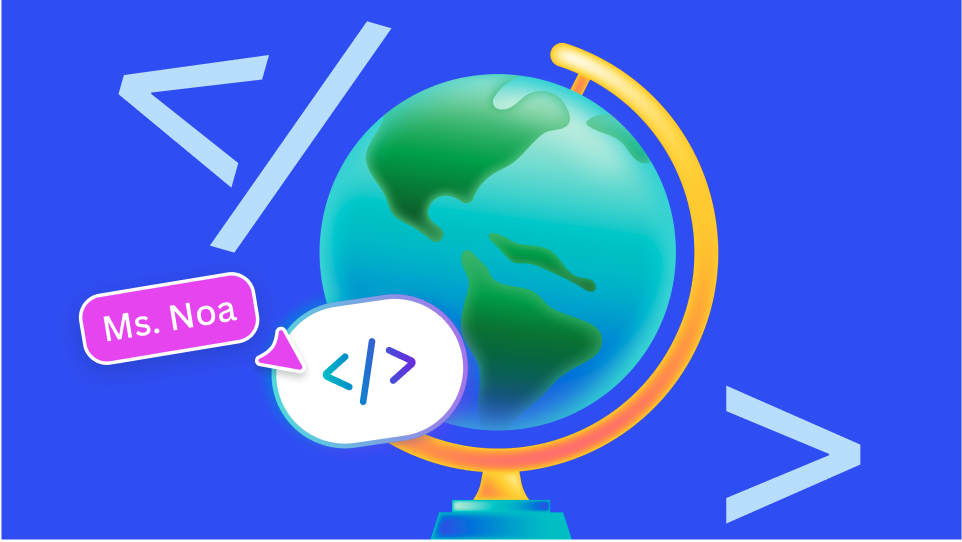
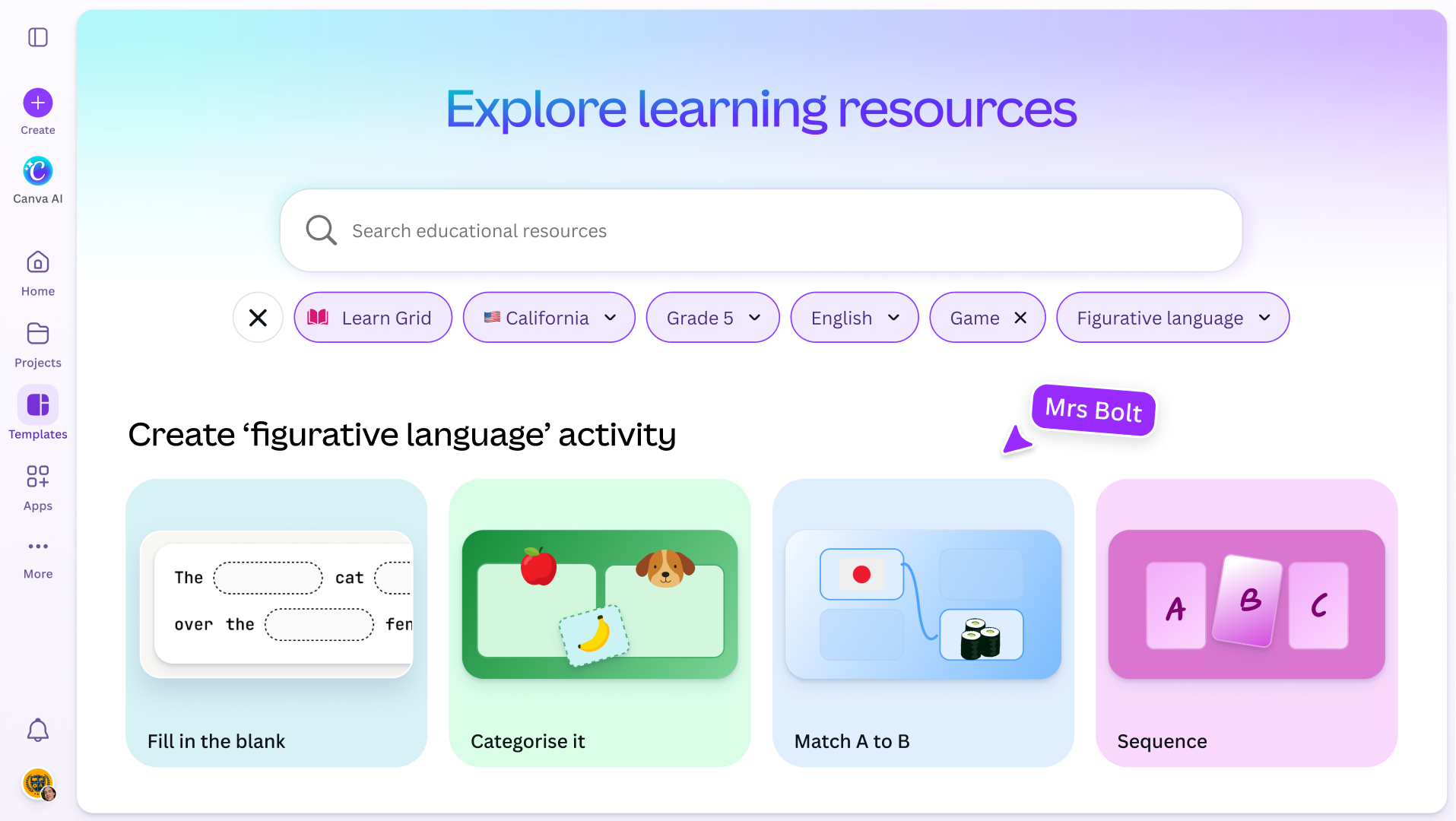
A Canva Code activity brings built-in interactivity, so students engage on-screen and check whether a concept has landed with them, solving, matching, or sequencing right in Canva. This activity uses Sequence, which has students drag the stages into the correct order for instant feedback. In Make it relevant, we'll personalize it around a topic students are interested in, like storms.
That's a full set of activities, ready to teach, built around one topic, in one sitting. Once you've run through the flow, you can repeat it for any topic, any time you need it.