- AI Headshot Generator
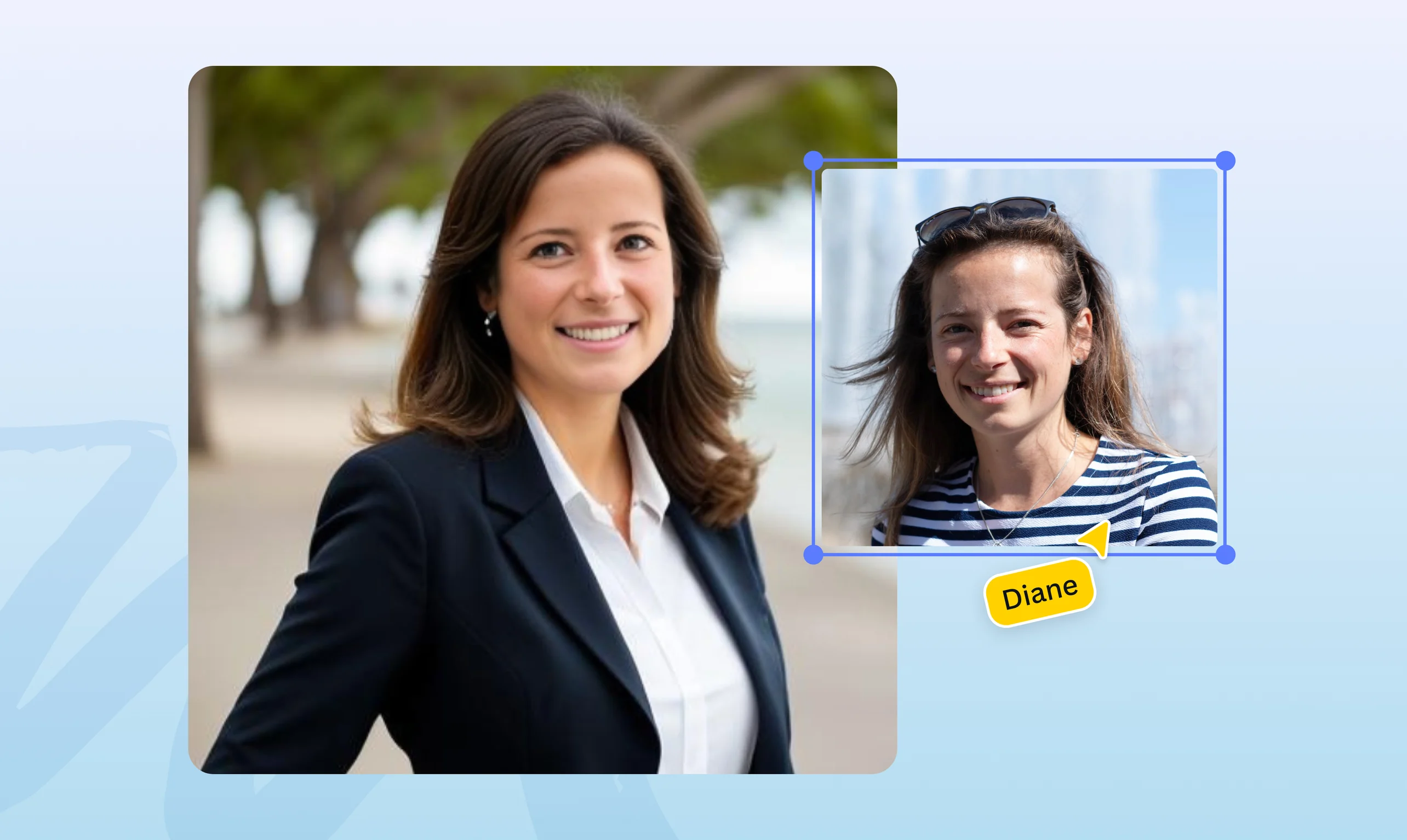
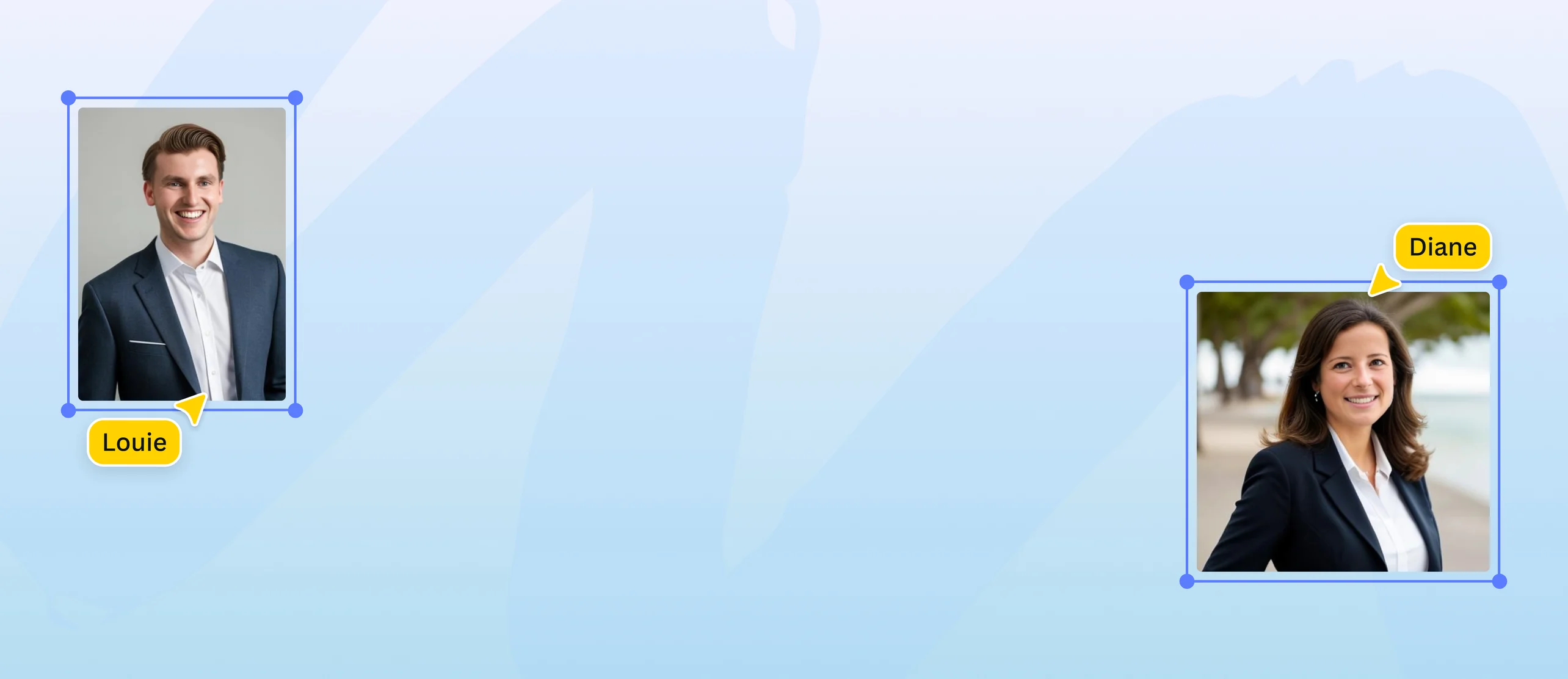
Turn selfies into studio shots with the best AI headshot generator
Instantly transform candid selfies into polished photos. Create AI-generated headshots to enhance your image and build your professional network with just a few clicks on Canva.
or drop it here
Learn about Canva's upload formats and requirements. See how we use your content in our Privacy Policy.
Turn snaps into professional photographs

Thinking of updating your LinkedIn profile or resume? Use the AI professional headshot generator to turn your ordinary selfies into polished headshots in minutes. Upload your picture, select your gender identity—whether female, male, or non-binary—and let AI enhance it with perfect lighting and a professional background. Now, you can put your best foot forward when job hunting or networking.
Give your selfies an instant makeover

Forget the hassle of scheduling appointments and long turnaround times for studio headshots. Just upload any selfie and use AI to make professional headshots for your personal portfolio or brand website. No need for any photography skills or design background—with the AI headshots app on Canva, you can quickly generate a polished photo with just a few clicks, similar to the results you’d expect from online face smooth(opens in a new tab or window) tools. Perfect for those last-minute needs.
Say adios to expensive photography

Enhance your business profile and impress potential clients without spending a dime. Maximize AI for professional headshots and create a cohesive image without expensive photo shoots. Create studio-worthy headshots with the free AI professional headshot generator on Canva. It perfects lighting, enhances backgrounds, and delivers stunning image quality to help you make a great first impression.
Craft your digital persona

Do more than generate AI headshots for free. Maximize Canva’s powerful photo editing tools(opens in a new tab or window) to refine every detail of your image. Apply creative filters to express your personality on Instagram, or change your photo to black and white for the ideal model or actor headshot. You can even create fun avatars(opens in a new tab or window) or stand-out profile pictures(opens in a new tab or window) for social media, elevating your online identity with style.
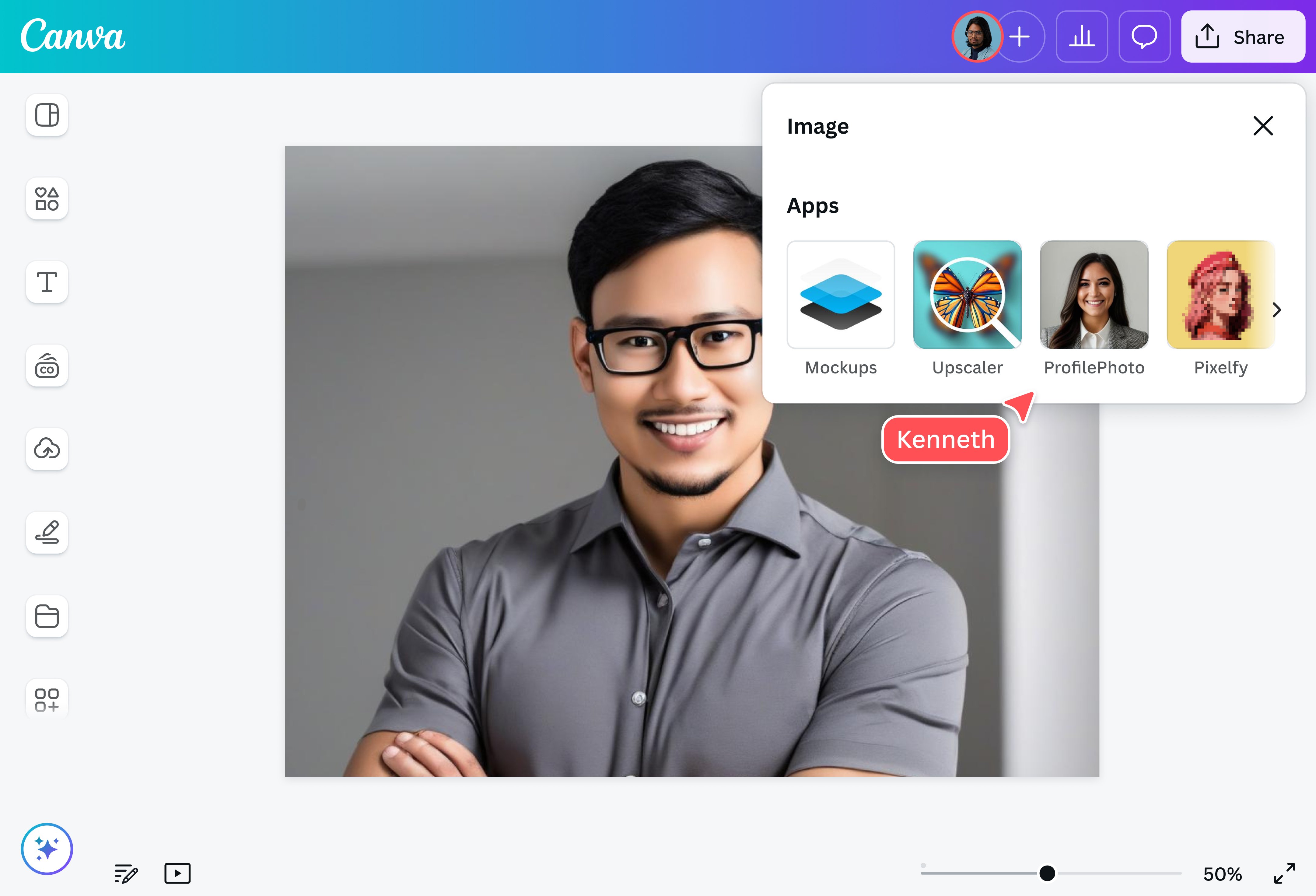
How to make AI headshots

Frequently Asked Questions
- For a realistic headshot, choose a well-lit photo where you have a neutral expression and calare directly facing the camera. Ideally, the photo should show your head and shoulders. You can enhance your photo using the Background Remover (Pro) to remove distractions.
- The AI headshot generator offers two free credits to create professional AI headshots. Once you’ve used both credits, you’ll need to wait 24 hours before you can generate more headshots for free. To purchase additional credits, click the link at the bottom of the app page within the online editor.
- You can use any clear and well-lit photo for your headshot. Make sure your face is centered in the picture for a more professional look. Additionally, choose selfies where your face is clear of obstructions (e.g., hats, scarves, or sunglasses). If you don’t have a good selfie, you can ask a friend to take your photo.

@curlyfrosista