- Transcribe Audio to Text

Transcribe in seconds with a free audio to text converter
Make transcription easier and faster with the free audio to text converter on Canva. Save a lot of time and instantly generate accurate transcripts from your audio files and recordings.
or drop it here
Learn about Canva's upload formats and requirements. See how we use your content in our Privacy Policy.
Cut down on your transcription work

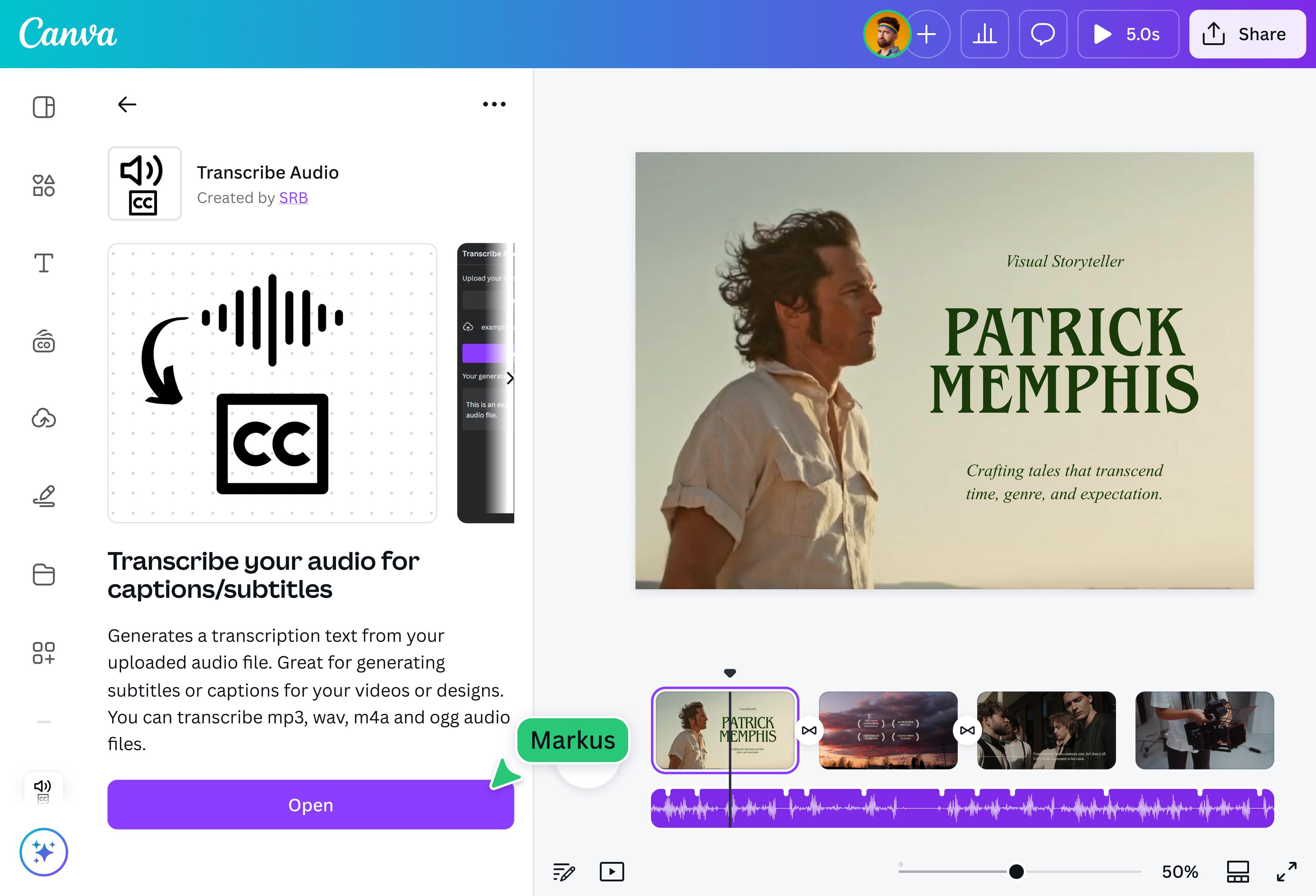
Say goodbye to hours of listening to recordings and typing transcripts. Make quick work of your transcription tasks with Transcribe Audio, a free, AI-powered audio to text converter on Canva. Simply upload your audio file, and it will generate text transcripts and captions that you can add to any document(opens in a new tab or window) or design.
Get accurate captions for viewers

Make your videos accessible and ensure that they display correct captions. Leave no room for misunderstanding and transcribe audio snippets to text with Transcribe Audio. Add the captions(opens in a new tab or window) directly to a video project and customize the font, size, and color for readability.
Put things in writing

Document the crucial points raised during team meetings or discussions. Convert the audio recording to text and add the transcript to your minutes. Transcribing interviews? Make your article, report, or online post more credible with direct quotes and verbatim information. You can add the transcript to a doc and share it with your teammates.
Auto-translate transcripts for subtitles

Reach out to audiences worldwide without getting lost in translation. After transcribing the audio to text, auto-translate the transcript with Translate(opens in a new tab or window), Canva’s built-in, AI-powered online translator. With over 100 languages to choose from, going global has never been easier.
How to transcribe audio to text

Frequently Asked Questions
In manual transcription, a transcriber listens to an audio file and types down what they hear. For most people, it's a time-consuming task. They have to pause the recording frequently to create an accurate transcript.
Thankfully, AI audio to text apps have made things faster and easier. Simply upload an audio file, and the app converts it to text in seconds. For live recordings, you can also use our speech to text tool. All that's left to do is proofread the transcript and ensure it's error-free. If you use the free AI audio to text app on our platform, you can edit the look and layout of the transcript, add it to an existing design, and even auto-translate it. For video content, you can also use AI dubbing to translate and re-voice your videos into different languages. You can also do the reverse with our AI voice generator.
- When using the audio to text converter on our platform, your audio file must be in MP3, WAV, M4A, or OGG format. It should also be less than 4.5MB, which is an adequate file size for recordings that will help you write captions, subtitles, and interview excerpts. Lastly, the file you plan to convert from audio to text shouldn't be a song.
Converting audio to text is essential for record-keeping. It helps you document information that was shared verbally and makes it available for later access. It also makes videos more accessible. Viewers find it easier to watch a video with captions and subtitles, especially in cases of poor audio quality.
An audio to text converter makes this task easier. With the transcription done, you can concentrate on reviewing the transcript and adding it to the doc or video that needs it.

@curlyfrosista