- Audio to Video Converter

Free online audio to video converter
Easily convert MP3 files to MP4 clips in seconds with Canva’s user-friendly audio to video converter. Transform your sound bites into engaging videos that are perfect for different platforms.
Don’t just tell – show

If you want your message to be heard, you need it to be seen, too. Converting your MP3 files into a video is just the beginning. Use them to make social media clips to trending sounds. Drive your campaign message home with eye-catching visuals. Turn your personal anecdotes into an engaging vlog—whether it's a heartfelt story, a comedic skit, or even bars from an AI Rap Generator(opens in a new tab or window) bringing the heat.
With Canva, you can convert audio files to videos in just a few clicks, and even turn spoken audio into editable text for your video using the audio to text converter(opens in a new tab or window).
One-stop-shop for creativity

In addition to being an audio to video generator, Canva gives you access to a powerful and user-friendly platform to take your newly-converted video to the next level.
From high-quality templates to a variety of free stock videos(opens in a new tab or window), and even AI-powered editing tools like the Video Background Remover (Pro)(opens in a new tab or window), Canva has everything you need to create stand-out videos.
Effortless audio-to-video editing

If you have a long audio file but only need a specific clip for your project, turning your audio into video may be an easier process.
Doing this saves you time because our platform lets you edit both your audio file and the resulting video. So whether you’re a content creator, professional editor, or a design student, you can effortlessly produce stunning videos.
Tune out the distractions

If you’ve ever tried to use a random audio to video converter only to accidentally click on an ad disguised as the Download button, you’re not alone. Luckily, you won’t ever have that problem with Canva. Here, converting MP3 files to MP4 is quick, easy, safe, and free. No misleading ads or complex conversion processes.
How to convert audio to video

Frequently asked questions
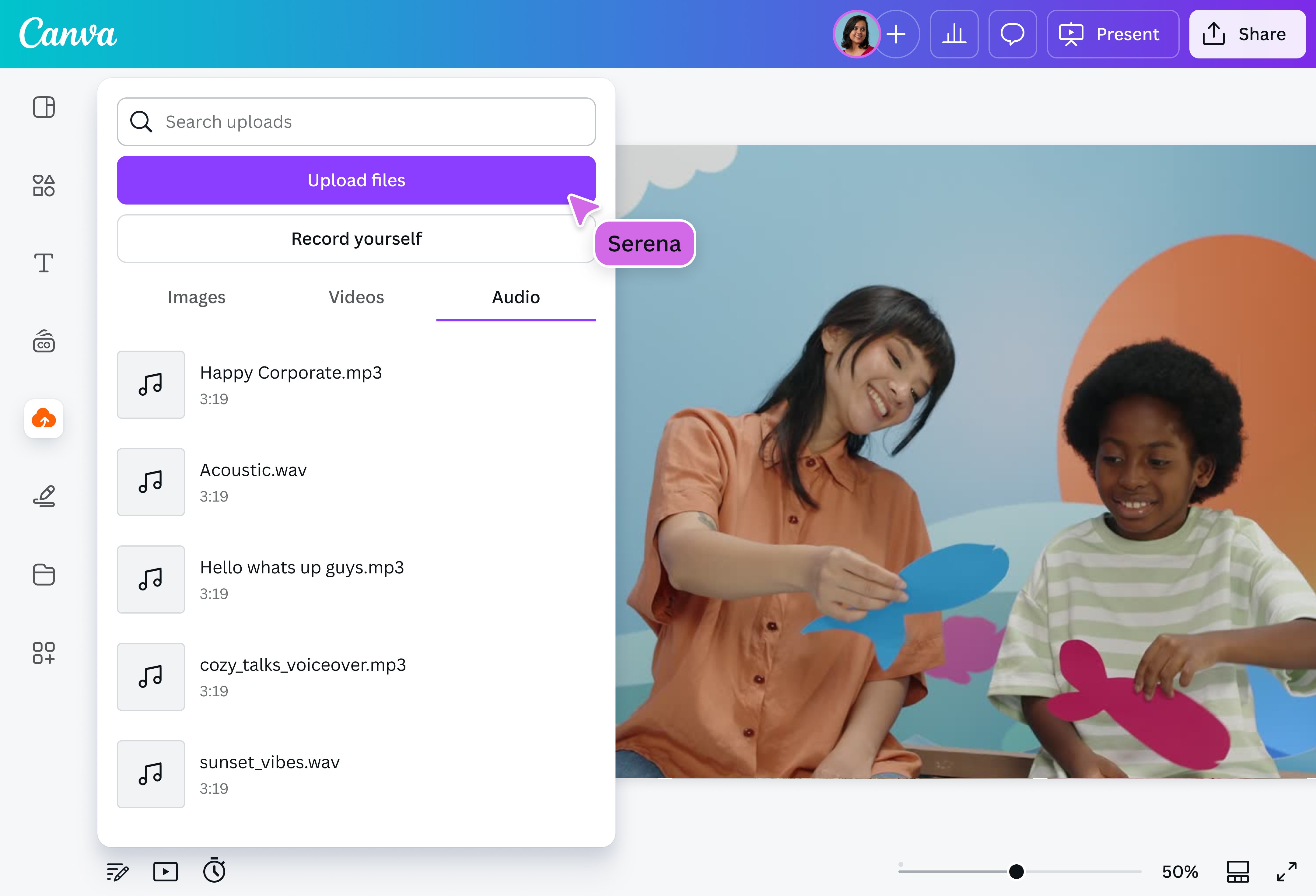
Converting an audio file to a video file is as simple as uploading your original MP3 file on our platform and saving it as an MP4.
There are several websites that offer a straightforward file conversion. But if you’re working on a bigger creative project, like in cases where you’re overlaying the audio over another video and need to make sure the two are in sync, it may be better to use a video editor with a built-in audio to video converter. This saves you time and effort, and also gives you more creative freedom to make edits to your video.
- If you’re looking for a converter tool that’s safe, easy to use, and free, our platform is your best option. Aside from getting an MP3 to MP4 converter, you also get an intuitive video editor on our platform – one that empowers you to go beyond just audio to video conversion.
In general, MP3 files do not lose quality when they are converted into MP4. However, many video editing platforms do give you the option to change the quality of the converted file in case you want a smaller file size.
This ability to set your preferred quality and file size is useful if you’re uploading your newly converted video on a platform with file size restrictions.

@navneet4