- Sign Documents Online
Sign documents online
or drop it here
Learn about Canva's upload formats and requirements. See how we use your content in our Privacy Policy.
Say goodbye to printing and signing papers in person. Canva’s document signer tool helps you draw and add a signature to any electronic file.
How to sign a document online
Upload your doc
Select the “Upload your file” button or easily drag and drop your files into the section.
Sign your document
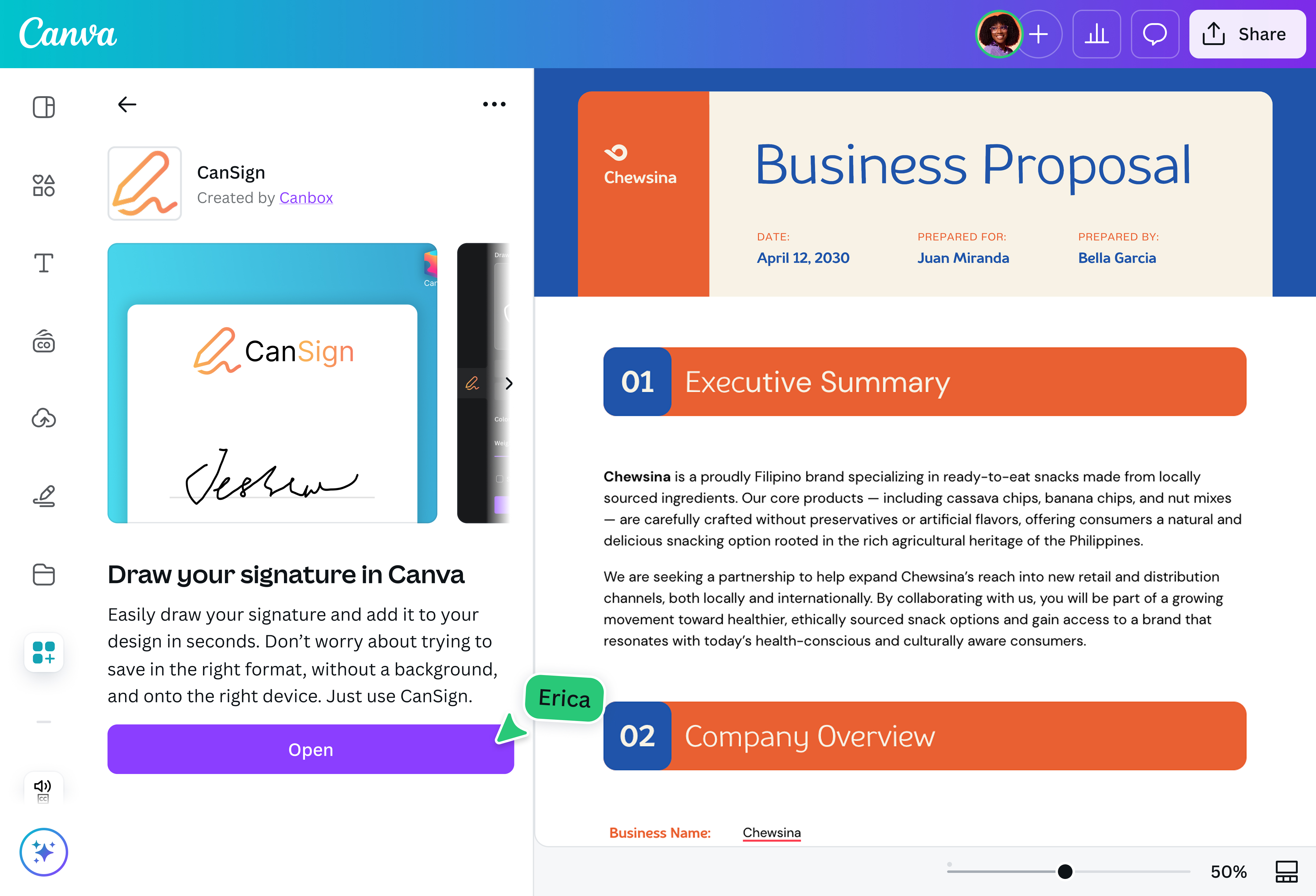
Access our Signature creator by typing “/” and searching for “Signature”. Type or draw your signature, or upload an e-sig image.
Download your file
Finally, download your signed document as a high-quality PDF.
Effortlessly create an e-signature

You don’t need any design skills to sign documents online. Our beginner-friendly tool helps anyone create an electronic version of their handwritten signature in seconds, then affix it on any file type.
Please note: It is the user's responsibility to ensure that the generated signature meets the legal requirements for signing a binding document.
Approve documents on the go

Transform how you handle paperwork. Whether you’re reviewing multiple DOC files or adding branding to images, Canva’s document signer tool allows you to sign off on digital files from anywhere in the world and on any device. With Canva, you can even convert signed files into PDFs(opens in a new tab or window) without changing its content or compromising its quality.
Seamlessly collaborate with your team

Streamline your workflow by inviting team members via link or email. Grant them viewing, commenting, or editing access. Assign tasks by tagging people, and track comments from approvers.
Improve on the design together using Canva’s AI-powered Magic Studio(opens in a new tab or window) (Canva Pro). From generating new copy and graphics to removing elements(opens in a new tab or window) and backgrounds(opens in a new tab or window), there’s so much you can do to speed up the process.
Download or share signed papers easily

Once you’re done signing documents online, download or save your free file as a high-quality PDF. You can also organize your PDFs(opens in a new tab or window) to keep all your signed documents in order, or flatten your PDF(opens in a new tab or window) to lock in signatures and prevent further edits. Share it directly via email or link from the Canva editor.
Need to swap the signed paper’s format, dimension, or language? Try Magic Resize(opens in a new tab or window) (Pro). Instantly reformat your design for multiple platforms or different doc types. Auto-translate your file to over 100 languages without leaving the platform.
How to sign documents online

Frequently asked questions
You can sign a document online for free using our platform's signature tool. With it, you can draw, type, or upload your signature and affix it on any design. Additionally, you can also make tweaks to your online document after adding your signature to it.
However, note that the signatures created on our platform may not be legally binding. It is the user's responsibility to ensure that the generated signature meets the legal requirements for signing a binding document.
- Generally speaking, it is legal to sign documents online. Many countries recognize electronic signatures, but regulations and exceptions vary significantly by nation and document type. That said, it is the user’s responsibility to determine whether an electronic signature meets legal requirements.
- Short for electronic signatures, e-signatures are used to sign digital documents. Since the signee won’t need to print, sign, and scan the documents before sending them back, e-signatures are a time- and cost-efficient option for many.

@navneet4