- Proofreader
AI Proofreader
Make every piece of copy clear and error-free. Use Canva’s Magic Write™ as your online proofreader to instantly correct grammar and spelling in your articles, papers, and docs.
How to proofread text with AI
Enter your text
Open a new or existing doc or design, then type or paste your content onto the page.
Proofread text with AI
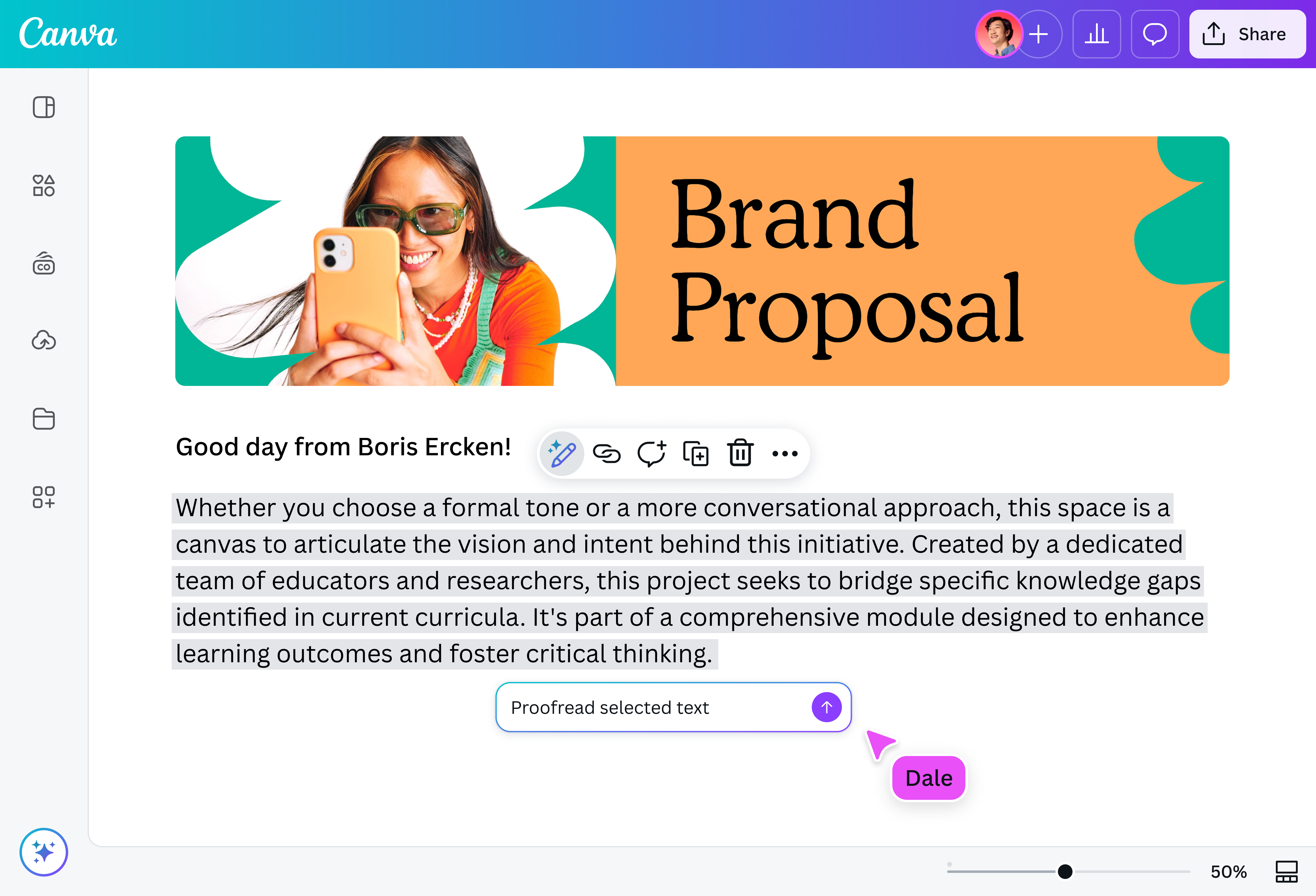
Highlight your text, tap “Magic Write,” and choose “Fix spelling” to quickly correct grammar, punctuation, and spelling errors.
Download or share
Finally, download your updated doc or design, or share it directly from Canva.
Flawless writing, every time

Quickly proofread, edit, and refine your text with Canva’s Magic Write(opens in a new tab or window). Our AI proofreader spots and corrects errors in spelling(opens in a new tab or window), grammar(opens in a new tab or window), and punctuation(opens in a new tab or window), so you can be confident in every word you write. Polish your manuscript to a publishable standard or catch typos in your business plan before you hit send. Speed up your editing process, then use your final judgment to make every piece truly yours.
Words as good as your visuals

Mixing up who’s and whose? Not sure when to use a dash or hyphen? Canva’s online proofreader catches what you miss, so your writing always looks as polished as your design. Fix capitalization before your presentation(opens in a new tab or window) is shared, smooth out tense before your reel(opens in a new tab or window) goes live, and keep every ad(opens in a new tab or window) clear and on-brand. Working with a team? Easily send your draft for feedback and keep everyone on the same page.
Your personal AI editor

Go beyond proofreading and take control of how your writing flows, sounds, and connects with your audience. Rewrite sentences(opens in a new tab or window) to improve clarity, turn dense text into bite-sized summaries(opens in a new tab or window), or adjust your tone to suit all kinds of readers—whether fun, formal, or anything in between. You can also apply your brand voice from your Brand Kit (Pro)(opens in a new tab or window) to keep every piece consistent with your voice and style.
How to proofread your text

Frequently asked questions
- A proofreader reviews written content to make sure it’s ready for publication. They correct spelling, punctuation, and grammar errors, and check for consistency in formatting, layout, and style.
- Proofreading comes at the last stage of the writing process, so it only looks for surface errors. Editing, on the other hand, is done as soon as your first draft is done. Editing typically involves major revisions to help improve the copy’s overall content, structure, clarity, style, and language.
- You’ll get the best results by using both. An AI proofreader is great for quickly catching basic errors and speeding up your workflow, while a human proofreader adds a deeper layer of review by refining tone, context, and nuance. Start with an AI proofreader to handle quick fixes, then follow up with a human review to polish and refine your work.
- Using an online proofreading tool allows anyone to receive immediate feedback on their written work. A proofreader helps people save time while improving writing skills, giving anyone a chance to produce error-free content that’s clear, concise, and professional.

@navneet4