- Add Watermark to PDF
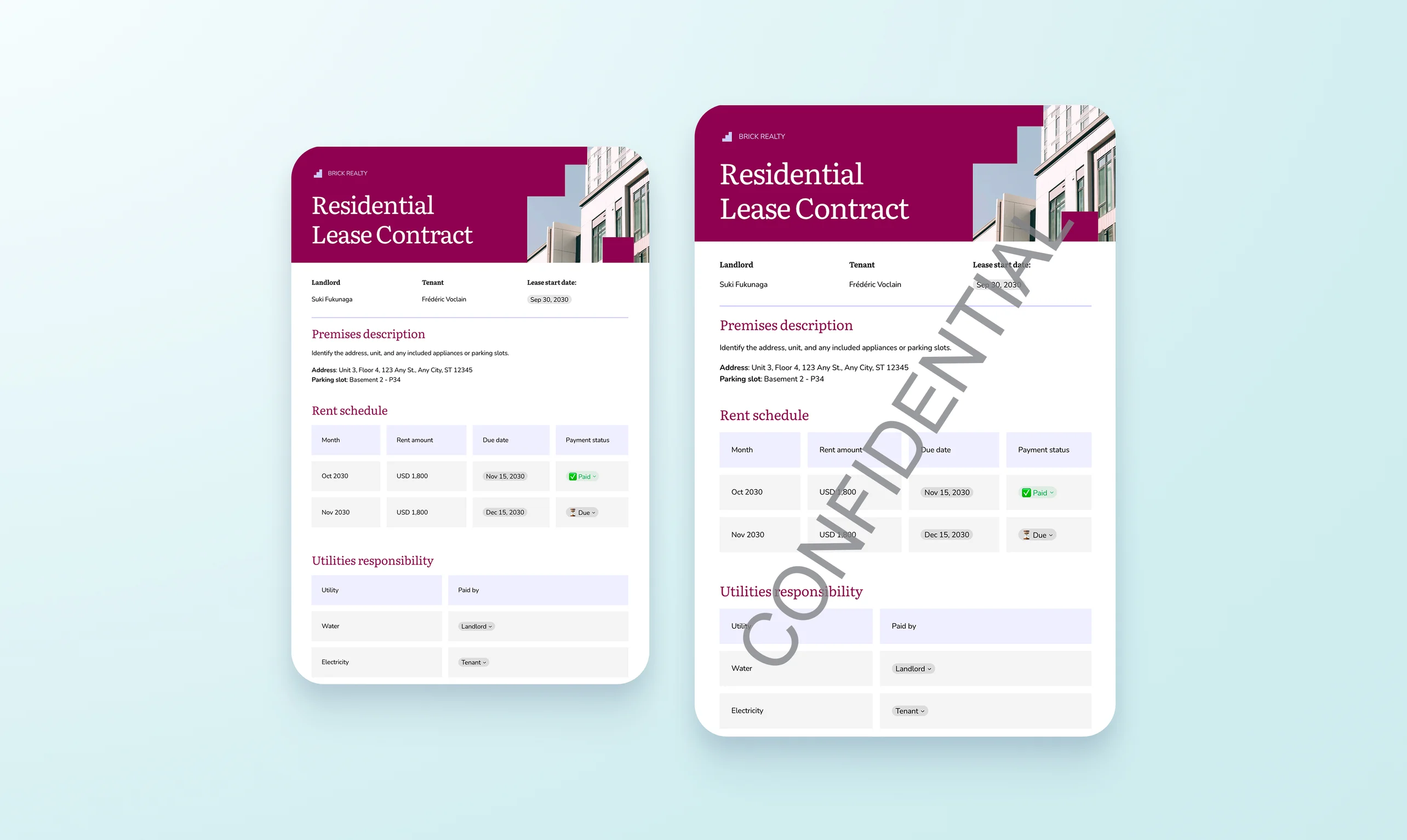
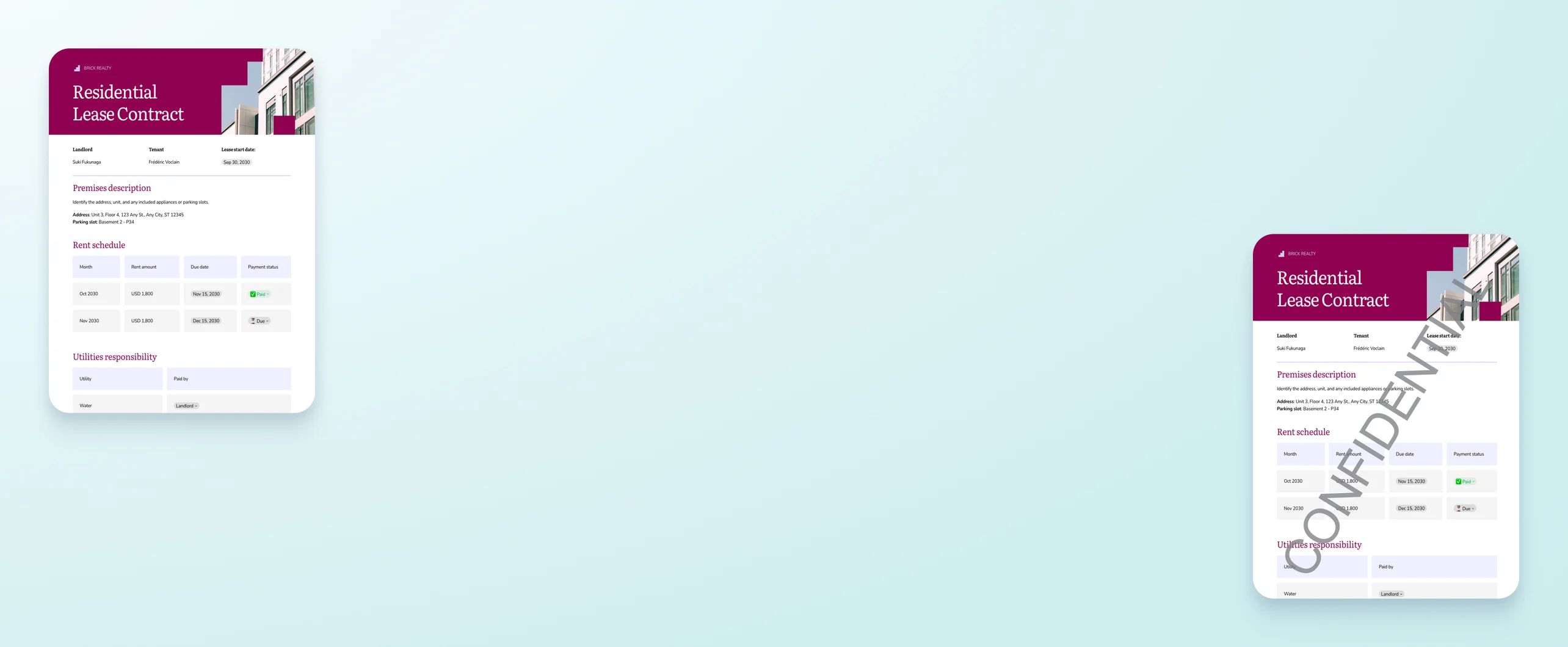
Add a watermark to a PDF
Easily add a watermark to a PDF to secure your documents and designs. Upload your file on Canva and use the watermark maker app to insert a custom text or logo in an instant.
or drop it here
Learn about Canva's upload formats and requirements. See how we use your content in our Privacy Policy.
Try these document editing tools
Edit, organize, translate PDFs and more. All the PDF editing tools you need!
How to add a watermark to a PDF
Upload your PDF
Select the “Upload your PDF” button or easily drag and drop your files into the section.
Edit your design
Open the watermark maker app. Type your watermark text or upload your logo.
Download your design
Finally, get your watermarked document by downloading your design as a PDF.
Secure your professional work with ease

Want to protect your portfolio, authenticate a legal document, or avoid the distribution of a confidential file? Add a watermark to a PDF with the watermark maker app on Canva. Enjoy the option of typing a text or using your logo as a watermark, customize its opacity and layout, and get your watermark generated in a few seconds.
Protect your branding

Adding a watermark helps you assert your branding on any design with ease. For everything else, set up your Brand Kit(opens in a new tab or window) (Pro) so that you and your team can stay consistently on brand with your choice of assets whenever you generate a new design.
Transform your PDFs with ease

With the PDF Editor(opens in a new tab or window) on Canva, you can do more than just watermark your PDF. You can draft on-brand copy with Magic Write(opens in a new tab or window) and generate visual ideas with Magic Studio(opens in a new tab or window) (Pro). You can also take full control of your file with all the document and design tools at your fingertips—all on the same platform.
Translate in more ways than one

Canva empowers you to create designs and documents that are accessible in several ways. For visual learners, translate your text into images with Canva’s freehand drawing and Shape Assist tools(opens in a new tab or window). Want to distribute your PDF to a global audience? Quickly translate the content of your PDF with Canva’s online PDF translator(opens in a new tab or window).
How to add a watermark to a PDF


Frequently asked questions
- To add a logo as a watermark to a PDF, upload your file to Canva and access Apps on the left sidebar of the online editor. Find the watermark maker app and under watermark type, choose ‘logo’. There, you have the option to upload a JPG or PNG of your logo to use as a watermark.
Adding a watermark to a PDF helps secure the file. This is important if you need to share confidential documents or drafts with people outside your organization and want to prevent unauthorized use or distribution.
If you’re a creative professional, you can protect your intellectual property on proofs, portfolios, and design samples to avoid unlawful use of the materials.
- Yes, adding a watermark can increase the size of a PDF, as it adds a new layer to the file. Using a high-resolution image as a watermark may result in a higher increase than text.

@navneet4