- 5 key lessons from Docusign on scaling a global brand
5 key lessons from Docusign on scaling a global brand

For many marketers and creatives, the thought of rebranding a global company in just four months might sound impossible—but global software company Docusign(opens in a new tab or window) did it, and without breaking the bank.
Scaling a rebrand requires more than a new logo or color palette—it’s about ensuring brand consistency across thousands of assets, empowering teams to adopt the new brand identity seamlessly, and doing it all under tight deadlines. Here’s how you, too, can manage a global rebrand with efficiency, confidence, and cost-effectiveness.
Summary of Steps:
- Reduce brand inconsistencies by centralizing your brand assets: Docusign ensured teams had easy access to brand assets and saved $300K+ in design hours with Canva Enterprise.
- Eliminate bottlenecks with ready-to-use templates: Docusign created 2,000 self-serve templates and cut battle card production time from 7 to 1.5 days.
- Safeguard your brand at scale with controls: Canva fast-tracked Docusign’s rebrand, scaling it across thousands of assets in four months.
- Prioritize visual content: Visual content revolutionized Docusign’s marketing and sales team collaboration and increased sales engagement by 50%.
- Measure and optimize for long-term rebrand success: Docusign analyzed its workflows, and its creative team unlocked three months of additional capacity.
Step 1: Reduce brand inconsistencies by centralizing your brand assets
Creating consistent, on-brand content across teams is no small feat—especially when brand assets are scattered, and non-designers may unknowingly deviate from guidelines. This lack of scale and consistency can lead to brand inconsistencies that undermine customer trust and reduce the effectiveness of your marketing campaigns.
By centralizing all your essential brand assets(opens in a new tab or window)—logos, fonts, colors, and design elements—you can ensure that every team, from marketing to HR to Sales, has instant access to the correct materials. This approach not only reduces the time spent searching for assets but also safeguards brand integrity across every touchpoint, empowering your teams to create cohesive, on-brand materials at scale.
Here’s how Docusign did it: When Docusign rebranded, they used Canva’s Brand Kit to unify their visual identity. Teams could instantly access and apply the right fonts, colors, and logos to any asset, making brand consistency a breeze.
Tip: Create and store a comprehensive Brand Kit with Canva Enterprise(opens in a new tab or window), include clear guidelines for how to use each element, and make sure you set the right controls so it’s accessible to all teams

Step 2: Eliminate bottlenecks with ready-to-use templates
A common bottleneck in large organizations is the overreliance on a small creative team to execute and handle all design requests. Pre-designed templates offer non-designers across departments to independently create high-quality, on-brand content. Developed by your brand's creative team, these templates include locked logos, fonts, colors, and other key elements to ensure brand consistency.
Templates can be tailored for various needs, such as social media posts, marketing campaign briefs, or sales decks. By equipping teams with these ready-to-use assets, you not only save valuable time but also maintain consistency across departments. This approach empowers everyone to produce professional, on-brand materials, relieving the burden on your creative team and accelerating your organization's ability to deliver impactful content.
Here's how Docusign did it: During their rebrand, Docusign created 2,000 templates(opens in a new tab or window) that empowered employees to self-serve on Canva, minimizing creative requests. From ad campaigns to web design, large events, and customer interactions, teams produced visually appealing materials independently, reducing reliance on the creative team and significantly scaling their output.
Tip: Start by identifying the assets your teams use most frequently, such as sales decks, social media posts, or employee handbooks(opens in a new tab or window). Build easy-to-use templates(opens in a new tab or window) for these in Canva Enterprise, complete with locked brand elements to maintain consistency.

Step 3: Safeguard your brand at scale with controls
After all the hard work that goes into a rebrand(opens in a new tab or window), the last thing you want is for outdated or off-brand materials to slip through the cracks. Inconsistent branding not only confuses customers but also undermines the trust and credibility your rebrand aims to build. For many organizations, this challenge arises when decentralized teams lack clear boundaries or access to up-to-date brand assets, leading to deviations from guidelines and inefficiencies in content production.
A platform with robust back-end controls can address this by limiting access to critical design elements like fonts, colors, and logos. These controls ensure that only approved assets are used, safeguarding brand integrity while still allowing teams to work efficiently.
Docusign success: Docusign relied on Canva’s Brand Controls to ensure their new branding was implemented consistently across thousands of assets. By locking down core design elements, they prevented outdated logos or incorrect colors from being used, streamlining their global rebrand without sacrificing quality or consistency.
Tip: Set up approval workflows(opens in a new tab or window) to ensure all designs meet your brand guidelines before they’re published or shared. This helps maintain quality, consistency, and adherence to your brand standards at scale.

Step 4: Prioritize visual content
In today’s attention economy, visuals are key to capturing and retaining your audience’s interest. In fact, 91% of business leaders(opens in a new tab or window) say visual communication makes them more efficient. Transforming text-heavy documents into visually engaging content doesn’t just improve comprehension—it also boosts engagement and drives better outcomes. Incorporating data visualization, such as graphs and charts, adds an extra layer of clarity and impact, making complex information easier to understand and more compelling.
Docusign success: Docusign turned their dense, text-heavy battle cards into visually compelling assets. This shift not only made the information more digestible for their sales teams but also contributed to a 50% increase in sales engagement.(opens in a new tab or window)
Tip: Equip your teams with the tools to master effective visual storytelling(opens in a new tab or window) by focusing on clarity, simplicity, and alignment with your brand identity. Use intuitive visual communication platforms to create engaging visuals and incorporate dynamic data visualizations. These tools make it easy for even non-designers to produce professional, on-brand materials with confidence and efficiency.

Step 5: Measure and optimize for long-term rebrand success
The key to a successful rebrand isn’t just launching—it’s ensuring the changes resonate and remain effective over time. Many organizations struggle to measure impact, such as whether teams are adopting new assets, how much time is being saved, or where inefficiencies persist. Without clear insights, inconsistencies can creep back in, undermining the rebrand’s success.
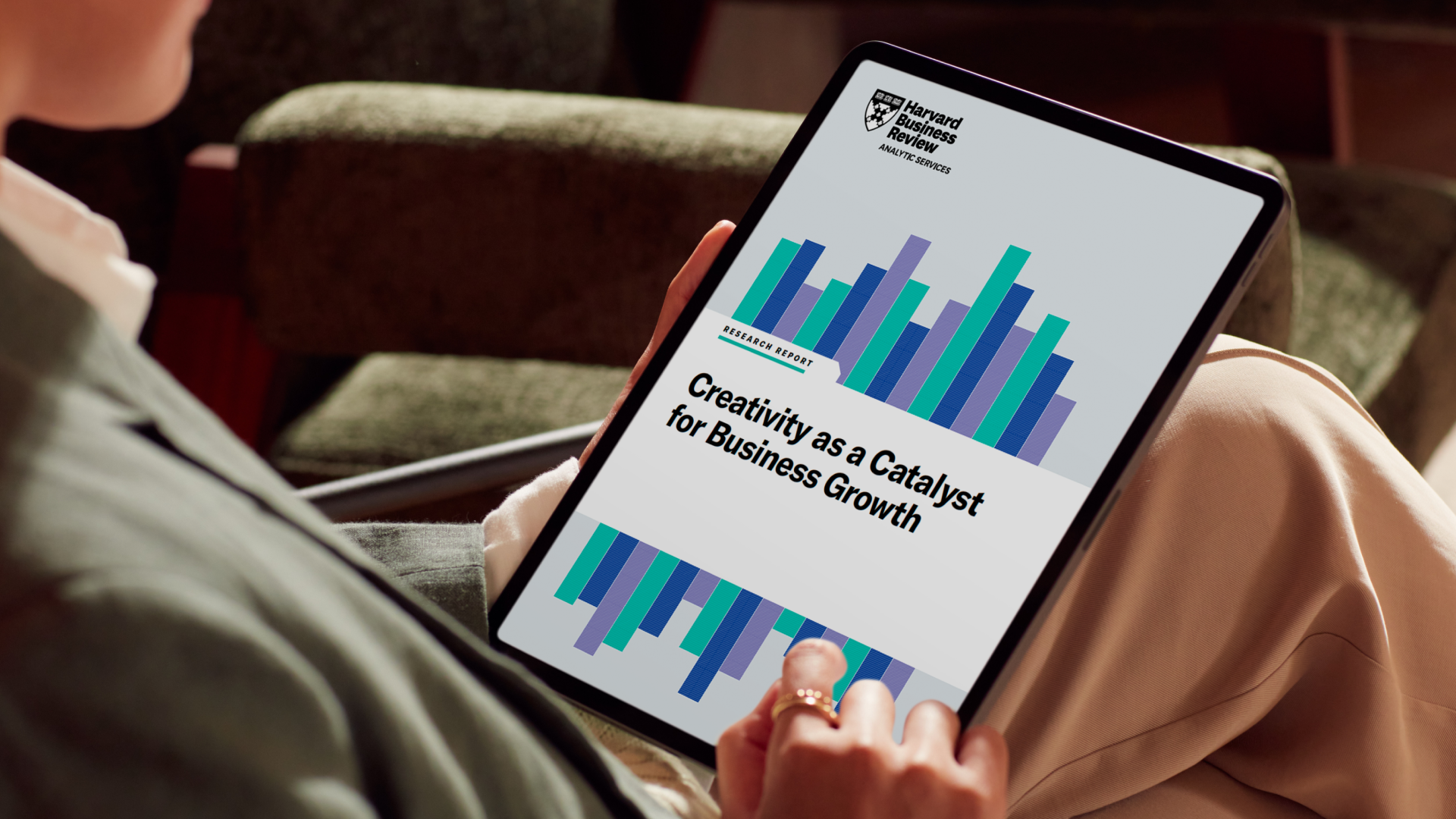
Tracking metrics like time saved, asset adoption rates, and employee feedback is crucial for refining workflows and identifying areas for improvement. These insights help address gaps, optimize processes, and ensure your rebrand remains impactful and aligned with organizational goals. For a deeper dive into how creativity fuels long-term business success, check out Canva’s Creativity as a Catalyst for Business Growth(opens in a new tab or window) report.
Docusign success: By analyzing their workflows, Docusign’s Creative team unlocked three months of additional capacity. These insights allowed them to focus on high-impact projects, ensuring their rebrand not only succeeded but continued to deliver long-term benefits.
Tip: Use analytics tools to measure performance and engagement. Collect feedback from your teams to understand their pain points and iterate on your processes regularly.

Docusign’s successful rebrand showcases how the right tools can simplify even the most complex branding challenges. In just four months, they unified their visual identity across thousands of assets, saving over $300K in design hours. Using Canva Enterprise(opens in a new tab or window)’s branding tools like Brand Kits and Templates, they empowered teams to create consistent, on-brand content independently, ensuring efficiency and quality at scale. Read Docusign’s full story(opens in a new tab or window)
Whether you’re managing a global rebrand or scaling your content creation, discover how we can help your business save time, empower your teams, and ensure consistent, on-brand results every time. Watch our 6-minute demo video(opens in a new tab or window) to see Canva Enterprise in action.

Written by
Canva Team