- How to improve design skills and visual literacy at work
How to improve design skills and visual literacy at work
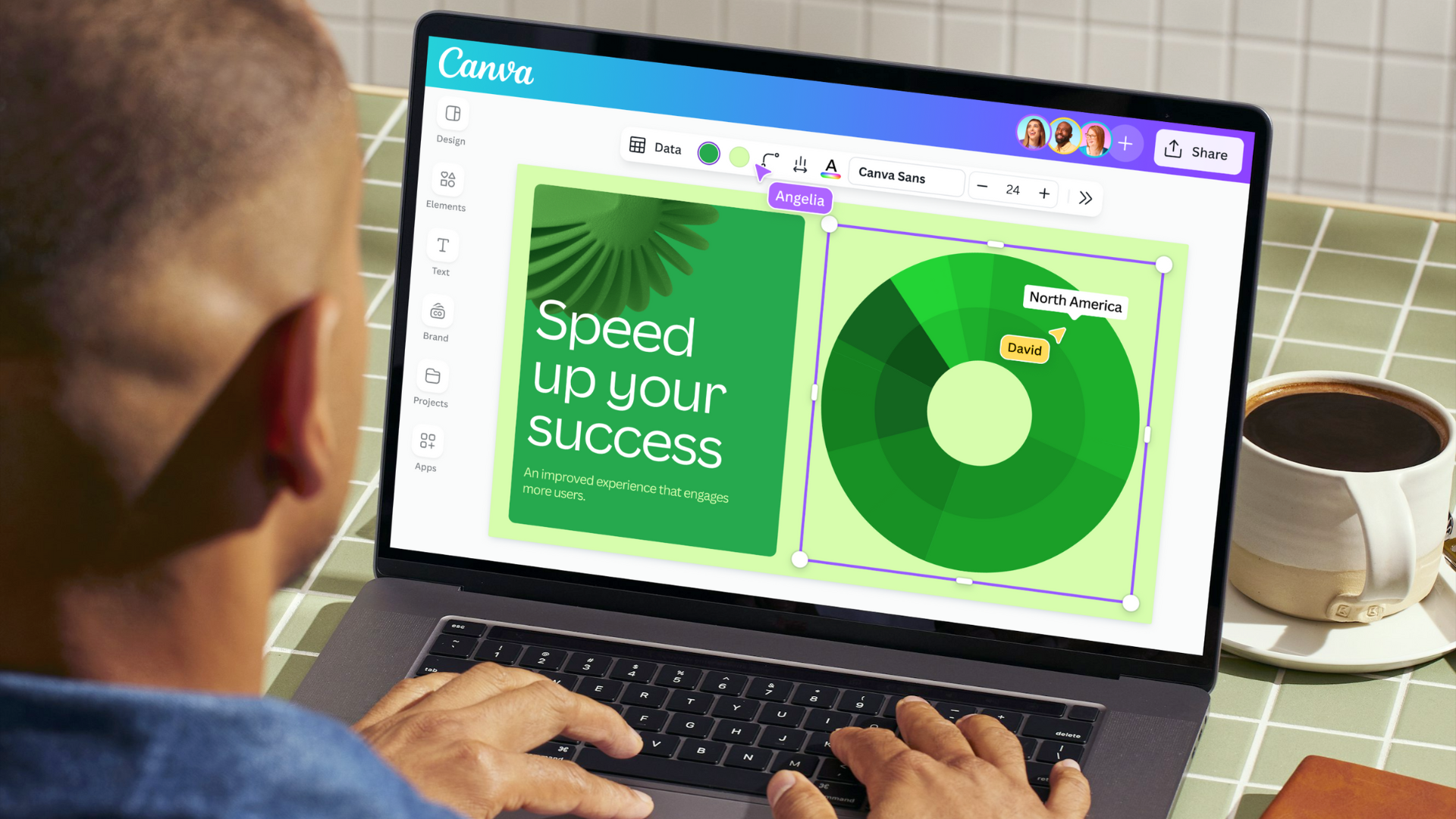
Working in a large organisation with over 100+ employees? Learn how to communicate visually, boost productivity, and stay on brand, at scale. Get in touch(opens in a new tab or window).
Every business is now in the content business(opens in a new tab or window). Visual communication is taking the world of work by storm, emerging as the driving force behind successful organizations.
The Visual Communication Report(opens in a new tab or window) reveals 92% of business leaders expect employees in non-design roles to have design skills and knowledge.
Visual literacy is the new workplace standard. But for anyone starting from scratch, the learning curve feels steep – and understandably so. Professional designers spend years honing their craft.
How can organizations help teams improve their visual literacy? Let’s start with the basics.
What is visual literacy?
Most of us navigate a daily stream of images, videos, and other visual stimuli. And guess what? Visual literacy is at play, whether you’re flicking through Instagram or finessing a customer journey flow chart(opens in a new tab or window). You’re practicing the ability to interpret, analyze, and communicate effectively using visual elements. It’s a mix of creative skill and critical thinking – core competencies for any business.
Why is visual literacy important?
We’re operating in a visual economy. Visual strategies can be found anywhere in the workplace – from breaking down software logic with data flow diagrams(opens in a new tab or window) to brainstorming(opens in a new tab or window) big picture ideas with mind maps(opens in a new tab or window). Visuals are the currency of communication, crucial for connecting audiences, articulating ideas, and driving business growth.
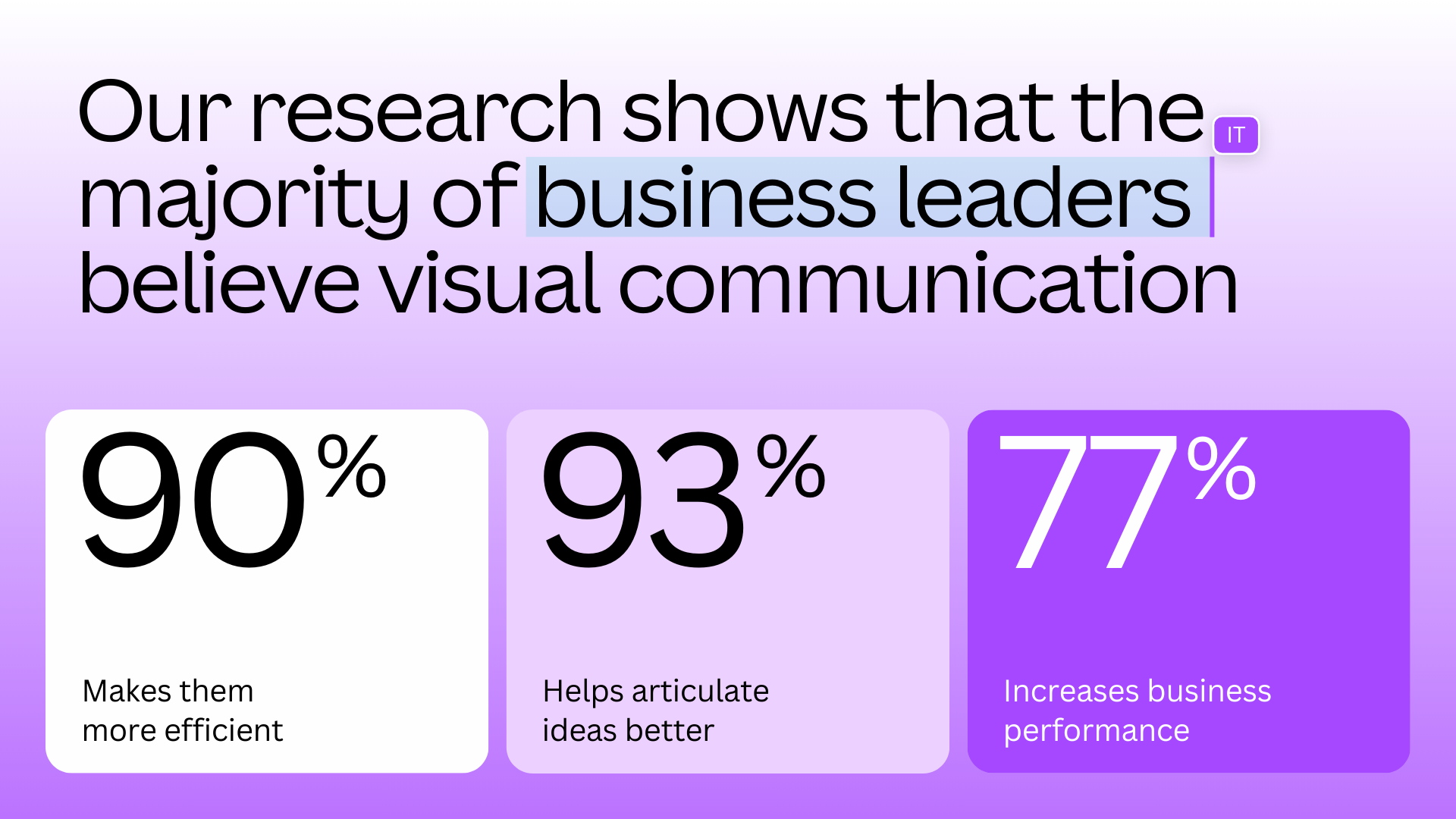
Our research shows that the majority of business leaders believe visual communication(opens in a new tab or window):
- Makes them more efficient (91%)
- Helps articulate ideas better (93%)
- Increases business performance (77%)
There’s a clear business imperative for improved design skills. With the right approach, you’ll empower everyone in your organization to create compelling and effective visual content, regardless of their role.
How to improve design skills across your organization
Set up brand basics
Learning a new skill takes time, but there are ways to fast-track the process. Like most things, it starts with locking in the basics.
Work with your creative team to set up brand guidelines(opens in a new tab or window) and simplify content creation(opens in a new tab or window) procedures. For employees without design experience, guidelines help reduce the mental load and time spent creating something new.
Here are a few examples of what these basics could look like:
- Create a home for your brand: Store your logos, colors, fonts, and icons in one place for teams to easily access. Provide context on how to use your branding(opens in a new tab or window), through guidelines or setting up brand controls(opens in a new tab or window) to limit fonts, colors, and templates teams can use.
- Get ahead with templates: Build branded templates(opens in a new tab or window) for frequently used content formats, so your teams get a head start on the design process. Why not try Canva's professional template library(opens in a new tab or window)?
- Draw on best practice: Use a content management system(opens in a new tab or window) to centralize already created assets and templates. No more endless searching for brand-approved assets. Now, your team can create faster.
Scale with AI
Business leaders across functions are leaning into AI in the workplace.

90% agree the quality of visual communication has been improved by AI.
AI is helping teams meet the growing demand for visual content, making it easier and quicker to create branded assets at scale.
Here’s three ways organizations are using AI to level up their visual communication:
- Craft captivating presentations: From sales pitches(opens in a new tab or window) to marketing strategy decks(opens in a new tab or window), generative AI(opens in a new tab or window) is helping to create presentations at speed. Why not kickstart the design process with Canva's AI-powered Magic Studio(opens in a new tab or window)?
- Get to your first draft, faster: Across every department, teams are using AI-powered writing tools(opens in a new tab or window) to brainstorm concepts, draft outlines, and research ideas.
- Make complex edits simple: AI editing tools are streamlining previously time-consuming design tasks. With Canva, you can remove backgrounds(opens in a new tab or window) and erase objects(opens in a new tab or window) in just a few clicks.

Tune into our webinar(opens in a new tab or window) for more insights on how CIOs and IT Leaders harness the power of AI.
Invest in design education
Tooling does plenty of heavy lifting, but training has a role to play too. The visual world moves quickly, especially as organizations bring AI tools into the workplace.
Consider training courses that cover the foundations of design(opens in a new tab or window) and visual communication, and advocate for the responsible use of new technology. This way, teams can create with confidence from the get-go.
Here’s how Canva can help make training an ongoing initiative:
- Upskill with training courses: Check out Design School(opens in a new tab or window), with a range of tutorials catering to different industries and channels.
- Ask the experts: Access ongoing design support from Canva’s Professional Services(opens in a new tab or window), available with Canva Enterprise(opens in a new tab or window) subscriptions of 100+ seats.
Use the right tools
As the visual economy grows, the demand for content will increase. Visual communication tools(opens in a new tab or window) need to enable efficiency and scale, while safeguarding brand identity.
The solution doesn't lie in more design tools but in the right ones. All-in-one platforms like Canva(opens in a new tab or window) can supercharge your organization’s visual content, boost productivity, and reduce costs. From Canva Docs(opens in a new tab or window) to interactive virtual whiteboards(opens in a new tab or window), Canva’s Visual Suite(opens in a new tab or window) has visual communication tools for any work style.
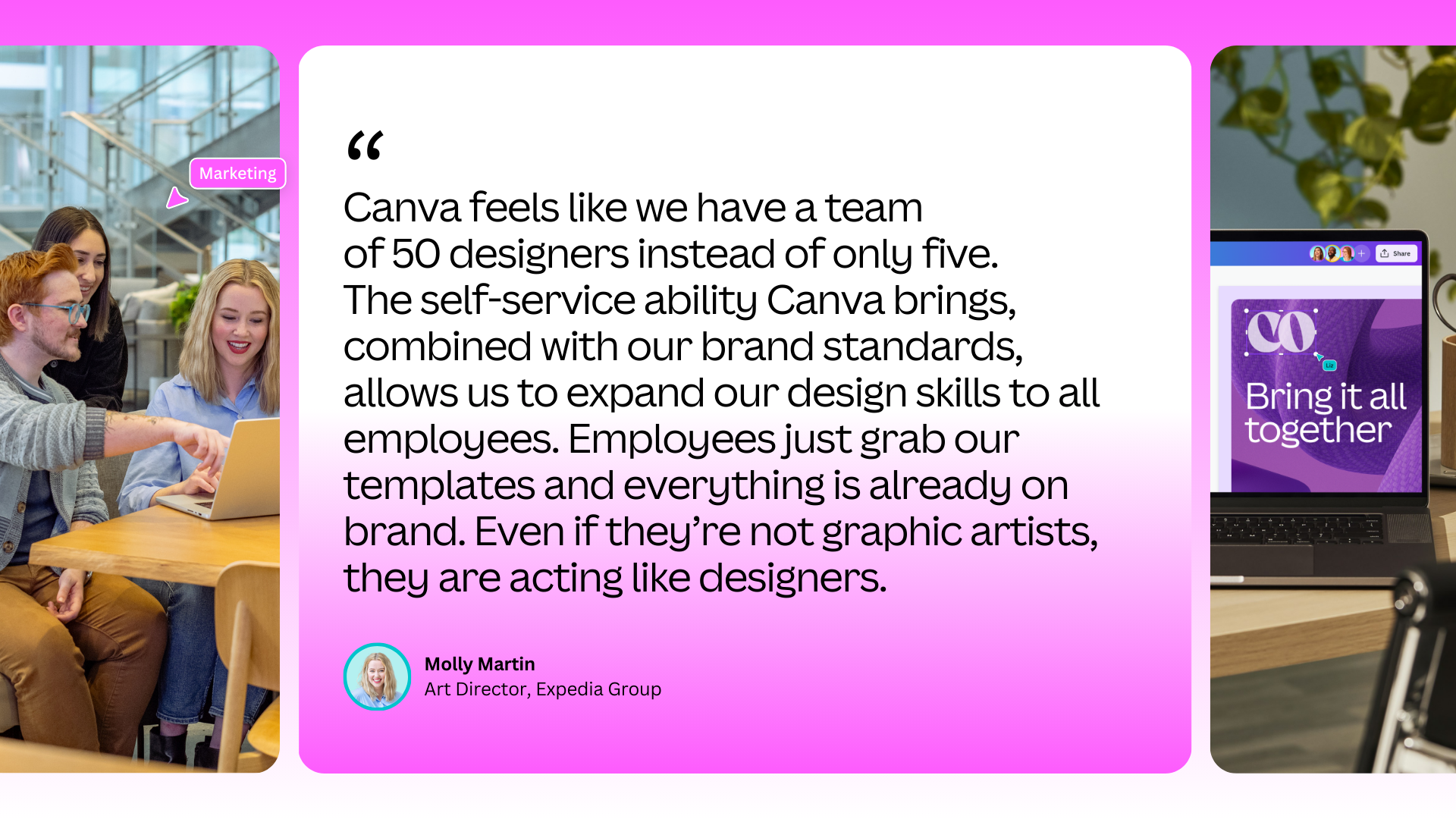
Expedia Group saves over 160 design hours per week with Canva. Here’s how they do it.(opens in a new tab or window)
Ready to unlock the full potential of visual communication for your organization? Let’s get started.(opens in a new tab or window)

Written by
Canva Team