Canva Tips: Create charts for teaching and learning
10m
Beginner
Canva Tips: Creating a class
Creating widgets for the classroom
2m
Canva editor shortcuts cheatsheet
Canva Tips: Whiteboards
Student Activity: Create an infographic
20m
Canva Tips: Canva Code prompts to spark inspiration
5m
Add videos to the timeline
Choose your template
Create and customize a presentation with AI
A teacher’s guide to the AI skills for students course
Review student work and give feedback
Presenting in Canva
9m
The graphic organizer
1m
Set up and manage your Classroom
6m
Kickstart lesson planning with Canva
Deep Dive: Video Editing
Back to School teacher guide for Canva Education
Introduction to Canva AI for students
What’s new in Canva for Education: Canva Create 2026
1h 1m
How to create student learning journals
Meet your video editor
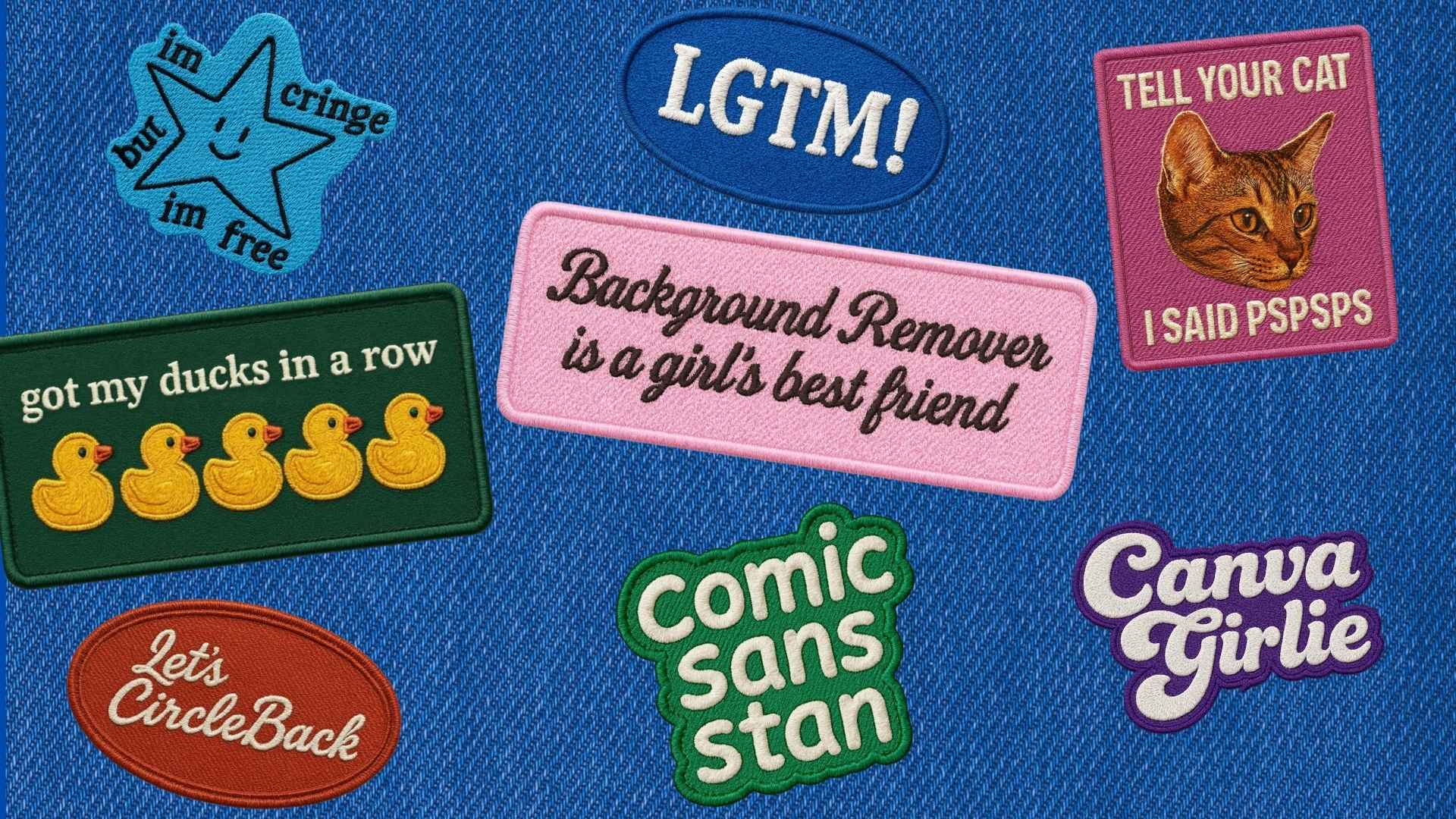
How to create embroidered patches in Canva
Meet Canva AI
4m
Try Magic Layers in class
16m
Delivering lessons and activities
How to design and print custom products in minutes
How to create a Canva vision board for your goals, brand, or next project
100 creative prompts for AI-generated visuals
How to create animations using one simple technique
8m
How to login to Canva Education
Create videos for the classroom
Design a vision board for what's next
How to turn a flat image into an editable design with Canva’s Magic Layers
Get to know Canva Code
3m
Create your own Forms
Bulk Create personalized student activities
Deep Dive: Get started with Live learning
Find, create and adapt teaching resources
Create videos with Canva
21m
Navigating your Canva Education homepage
Spark creativity with AI
How to plan and teach a lesson with Learn Grid
How to edit videos like a pro using a simple process
Canva Tips: Presentations
Engage students with Canva
2h 7m
Shareable certificate
Canva essentials
1h
AI-powered activities
Prep custom lesson activities with Canva AI
Skip to end of footer
Skip to start of footer