- Text Effects
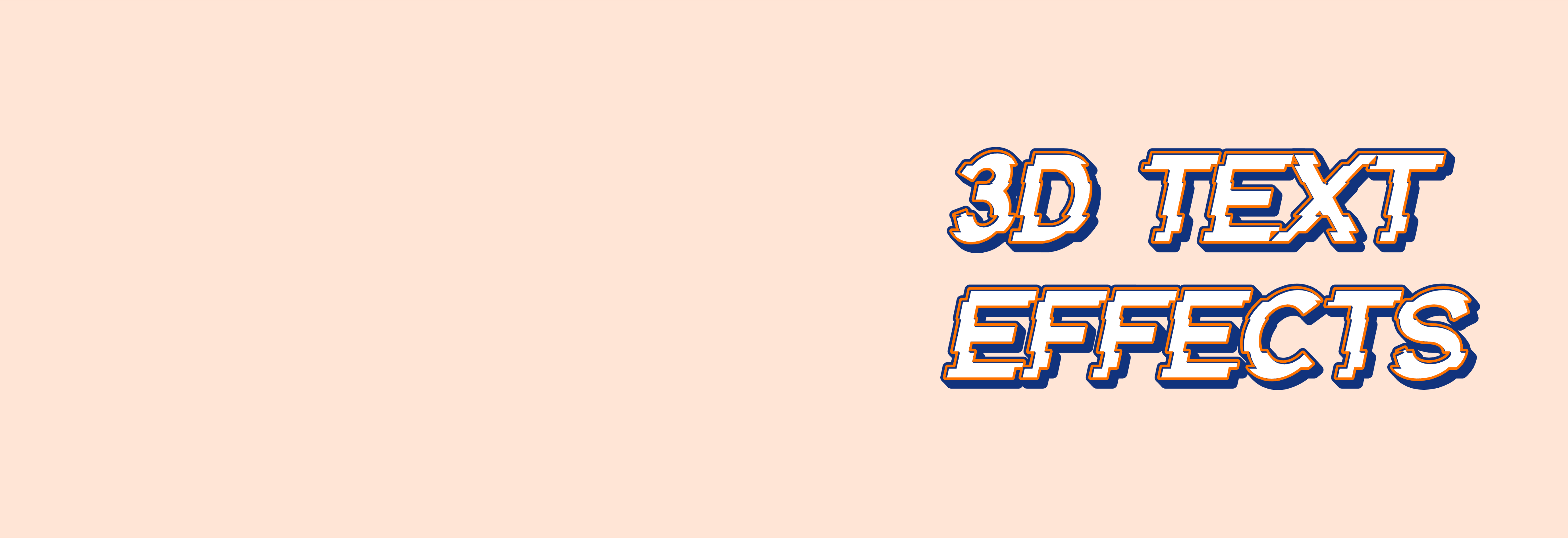
Add visual depth to your text with 3D text effects
Make your typography come alive by adding some extra dimension. Easily apply 3D extrusion to your text and make it a visual point of interest in just a few clicks.
Elevate your typography

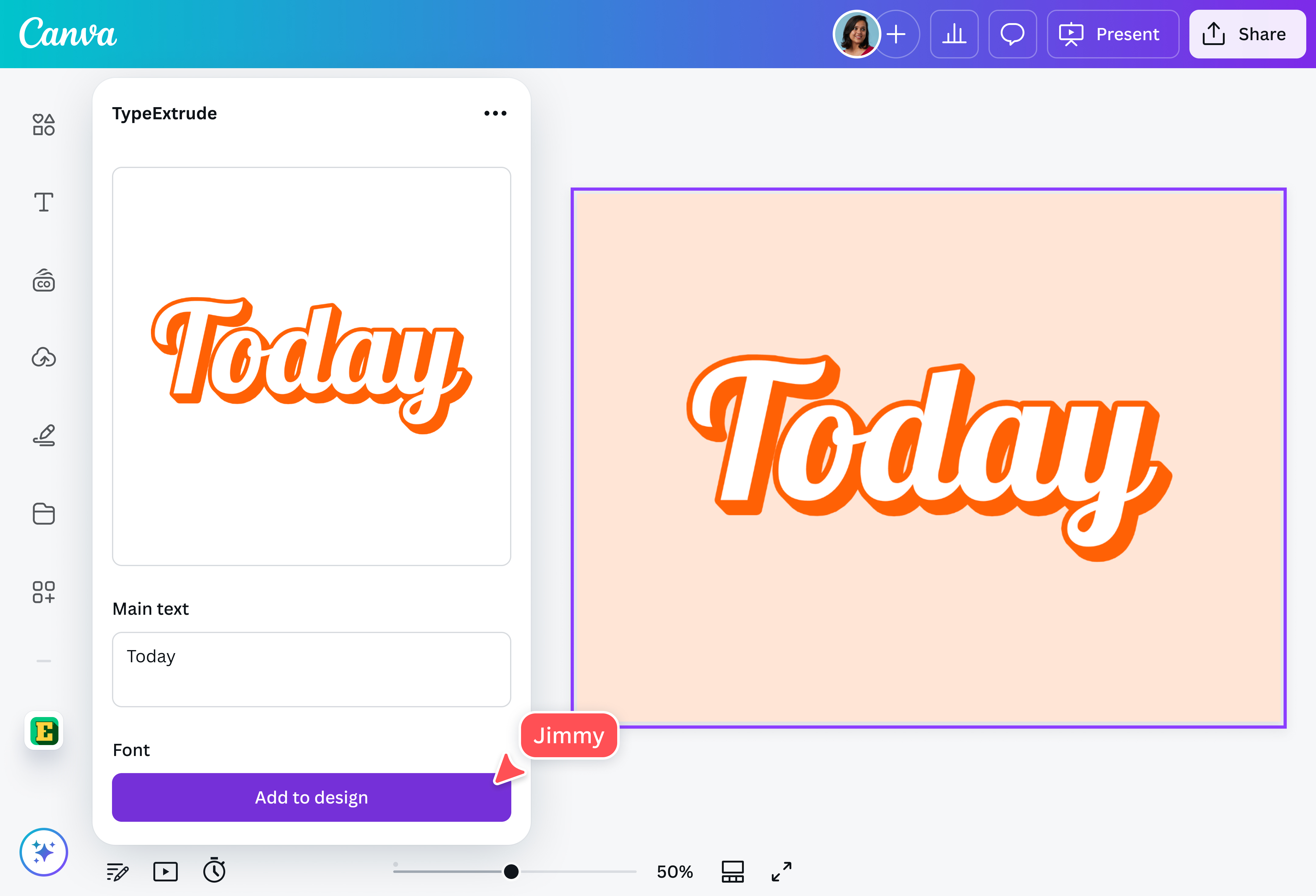
Transform your typography from flat to dynamic with TypeExtrude. Easily add depth to highlight your text. You get complete control of your design by adjusting the text properties, such as extrude length, angle, and outline thickness. Customize the 3D extrusion to create unique logos(opens in a new tab or window) and graphics for your projects.
Add depth to your text with ease

There’s no need to install complicated software to add visual interest to your design. With the TypeExtrude app, you can experiment with a variety of font styles and colors, combined with different extrusion colors, angles, and lengths. Whether you want to go for a retro 3D effect or just a simple font enhancer, express yourself easily without the fuss.
Play around with more text effects

Explore other text effects and take your design to the next level. Curve, splice, outline, or lift your text with Canva’s text effects(opens in a new tab or window). Make your text eye-catching and customize it using a dynamic font enhancer. Add some shadow, glitch, or background. No matter the design goal, you can do more with Canva.
Refine your visuals with AI

Achieve more design magic using Canva’s AI-powered tools(opens in a new tab or window). Try Magic Animate (Pro)(opens in a new tab or window) to add the perfect animation and transitions to your designs. Extend your design quickly in any direction with Magic Expand (Pro)(opens in a new tab or window) and use Magic Edit (Pro)(opens in a new tab or window) to add or replace any element in your image.
How to add text effects

Frequently asked questions
- 3D extrusion is converting a 2D object or text and making it three-dimensional by adding depth. The TypeExtrude app on our platform does this in just a few minutes with no complicated software.
Text effects are visual modifications that enhance text. They can range from simple text formatting to intricate text effects like 3D extrusion. These effects are used to convey mood or draw attention to your text. They are also important in making your text visually appealing in different design projects.
Font customization can be achieved in different ways. In the most basic sense, it involves customizing fonts to suit a specific design requirement. Modifying fonts includes adjusting the size or color and adding text effects like shadows.
Platforms like ours can let you customize text through simple formatting or more advanced techniques like generating text effects, creating curved texts, and even adding text animations through a simple and user-friendly editor.

@navneet4