- Mirror PNG
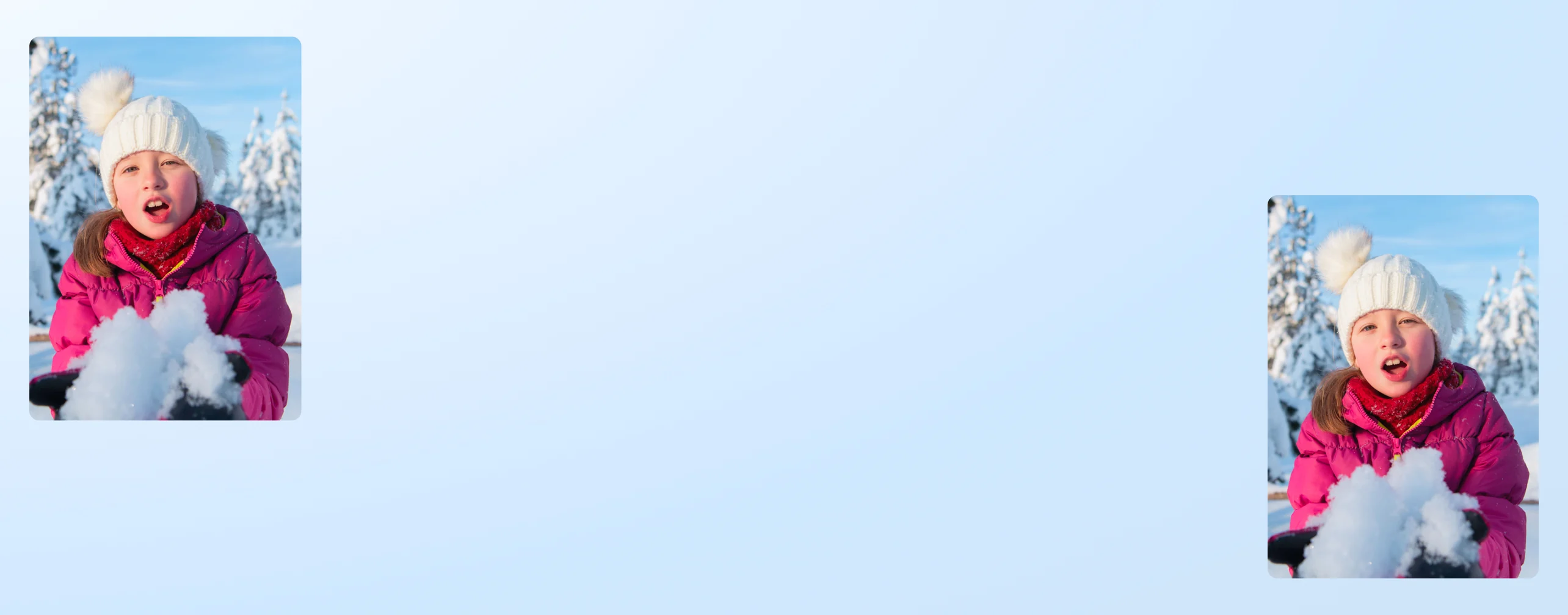
Mirror PNG images for free
Flip PNG images quickly and easily with Canva and get visual balance for your designs. No complicated steps and no quality loss; mirror PNG images in just a few clicks.
or drop it here
Learn about Canva's upload formats and requirements. See how we use your content in our Privacy Policy.
How to mirror PNG images
Upload your PNG
Select the “Upload your image” button or easily drag and drop your files into the section.
Edit your design
Select "Flip" on the toolbar to mirror your image horizontally or vertically. Make some quick touch-ups using our beginner-friendly editor.
Download your design
Finally, download your design as a PNG file or share it online instantly.
Symmetry that works for everyone

From professional creatives to non-designers, the mirror PNG tool makes flipping images convenient for everyone.
Create visual symmetry with mirrored graphics. Adjust incorrect image orientations, like selfies taken with the front camera. Enhance product shots or mockup visuals by creating “reflections” of the assets. Build creative graphics and patterns with repeated, mirrored designs.
100% visual balance for half the work

Ever seen the joke/meme, “Now draw the other eye?”
Anyone who’s drawn or designed one-half of something perfectly only to completely fumble the second half might appreciate having a tool that lets you get the perfect mirrored carbon copy of your design every time. From simple pattern repetitions to complex vector arts, getting the perfect symmetry now only takes you half the time with the mirror PNG tool.
Quick and easy—with room for more

Designing on Canva gives you flexibility. On one hand, the mirror PNG tool lets you flip visuals quickly and easily with just a few clicks.
On the other hand, if you do want to do more with your designs, you absolutely could. Making a logo for your website? You can make—and host—your entire website on Canva. Designing cute stickers to add to your social posts? You can design one sticker or your whole social calendar!
Always on-brand, all in one place

Store your newly mirrored assets as part of your Canva Brand Kit and allow for easier, brand-aligned access to your designs across different teams and users. Instead of downloading the files individually and keeping them in a disparate drive, uploading them onto your Brand Kit folders is much more consistent and sustainable, especially in the long-term when team members eventually rotate.
How to mirror PNG images


Frequently asked questions
- Yes. A simple PNG mirroring just means flipping the position of the pixels without any changes to the original data. This means the size, colors, resolution, and overall quality of the picture remains the same.
- Strictly speaking, “mirroring” an image is to turn it horizontally so that what was originally on the right goes to the left and vice versa, while “flipping” reverses the image so that up goes down and down goes up. Most image mirroring tools, however, don’t make this distinction; they allow you to flip pictures (and other design elements like videos) horizontally and/or vertically.
- Yes, as long as the image is transparent to begin with and you also download the mirrored version as a PNG.
If you mirror a PNG file and the downloaded result is not transparent, it is usually one of two things:
- You downloaded in a non-transparent format like JPG or BMP.
- There is a background layer in your working file. Some platforms already have an initial, blank layer (usually a simple, solid white background), and simply adding a PNG, even if transparent, and saving the file as-is means you’re also saving this background. Check how you can delete or hide this first layer so that there is nothing visible under your PNG when you download it.

@mahimagirdhar