Free JPEG to PNG Converter
or drop it here
Learn about Canva’s upload formats and requirements. See how we use your content in our Privacy Policy.
Transform your JPEG files in just a few clicks with Canva’s online JPEG to PNG converter. Elevate your designs with high-quality PNG images that look great on any digital device or printed material.
Try these image editing tools
Convert your images files into JPG, PNG, SVG and more like magic. Turn your photos into a format suited to your platform or project, without worrying about losing image quality.
How to convert JPEG to PNG
1
Upload your image
Select the “Upload your image” button or easily drag and drop your files into the section.
2
Edit your design
Make some quick touch-ups on your image using our beginner-friendly editor.
3
Download your design
Finally, convert from JPEG to PNG for free by downloading your design as a PNG image.
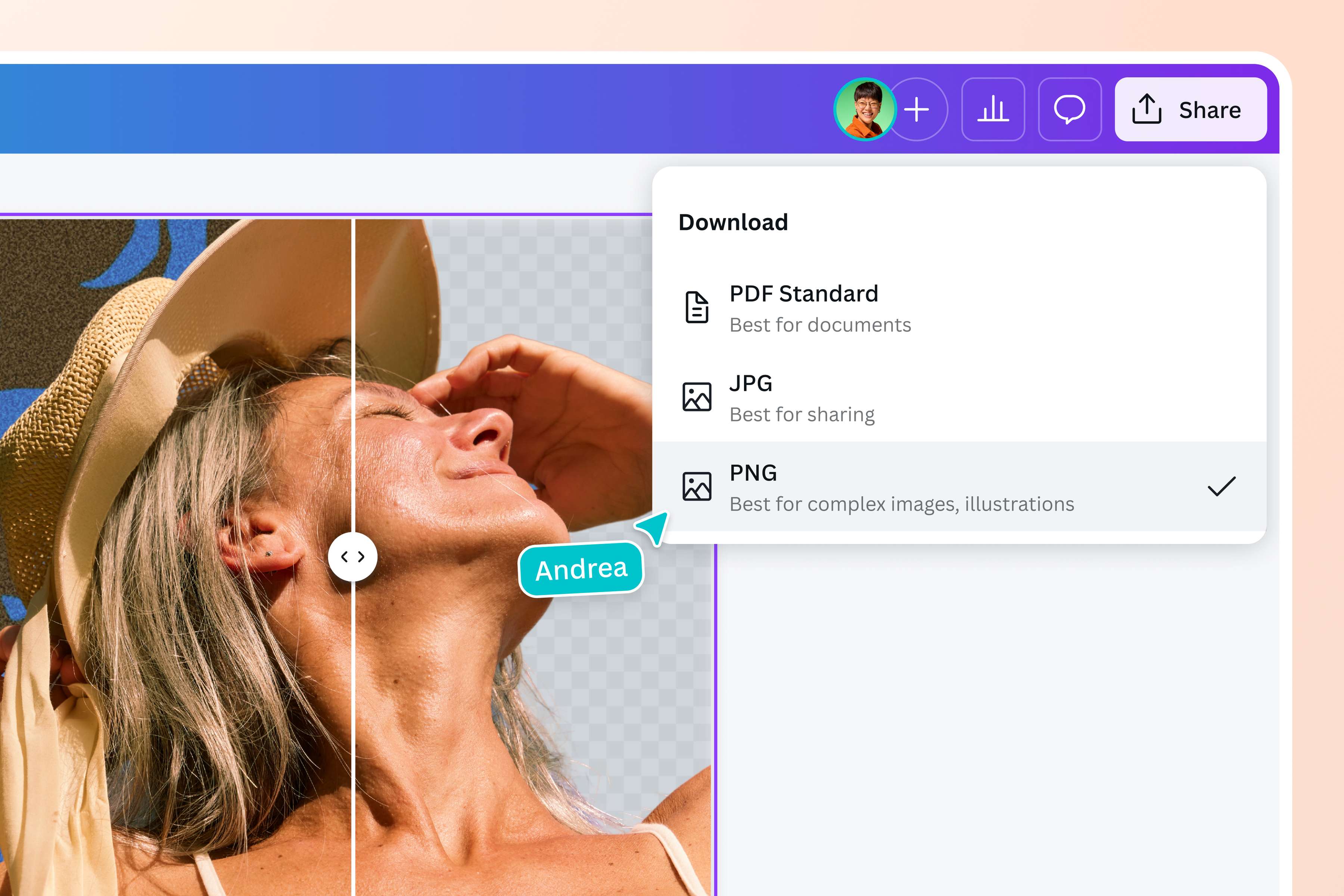
Convert JPEG to PNG without compromising quality
Change JPEG files into PNG with our easy-to-use image converter—no complicated tools or design skills necessary. Just upload your JPEG file on Canva and select PNG when you download it.
The best part? No matter how many times you edit or resize it, your converted PNG file retains its quality, making it perfect for personal and professional use.
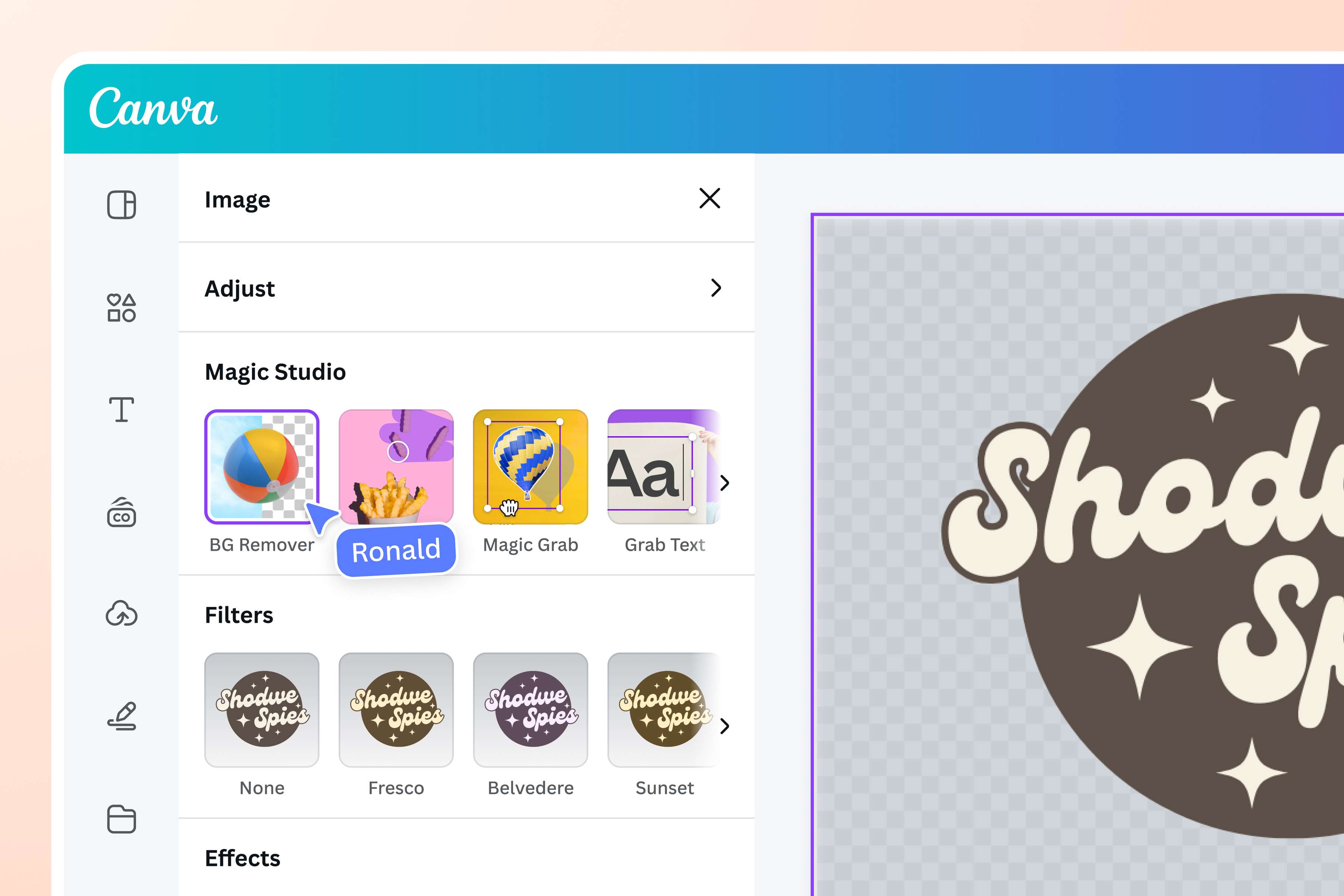
Unlock your photo’s full potential
Produce stunning images for repeated use. In addition to applying effects and filters from our photo editor, use AI-powered tools to enhance your work before you convert your image into a PNG. Create a transparent brand logo with our one-click Background Remover, add or replace an element in your photo with Magic Edit (Pro), use Magic Expand (Pro) to extend it in any direction, or unpixelate images to improve clarity.

Feature versatile PNG images on different projects
The PNG format keeps your photo’s vibrant colors, sharp edges, and intricate details, making it ideal for multiple design projects.
Whether you’re a graphic artist converting JPEG files to PNG for a digital project, or a small business owner transforming JPEG images to PNG for transparent logos and product photos, our image converter ensures that you get high-resolution results every time.
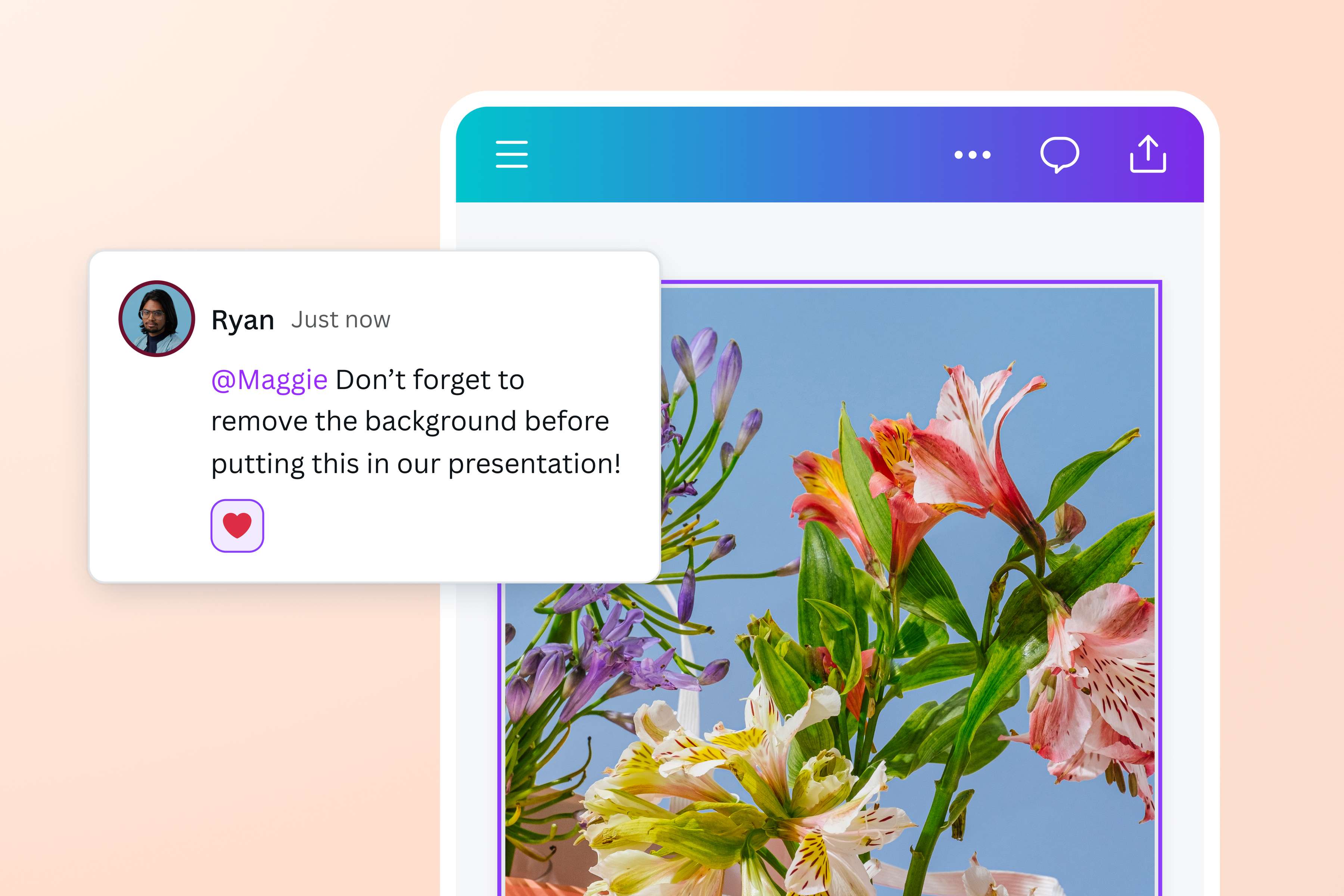
Collaborate anytime, anywhere
You can access our JPEG photo converter anywhere from any device, making collaboration quick and easy. Invite your team members to work on your design, and turn JPEG into stunning PNG files together. Assign tasks, leave comments on particular elements, and resolve suggestions once they’re addressed.
How to convert JPEG to PNG
Launch Canva
Open Canva on your desktop browser or mobile device to access our JPEG to PNG converter. Start your design project from a blank canvas or customize a pre-made template.Upload your JPEG image
Select the JPEG photo you want to convert from your device or drag and drop it onto the page.Edit and personalize the image
Make impressive changes using Canva’s intuitive editing tools(opens in a new tab or window). Apply your brand colors using our Brand Kit (Pro)(opens in a new tab or window), easily crop(opens in a new tab or window) your photo, and explore our library of design elements.Convert JPEG to PNG online
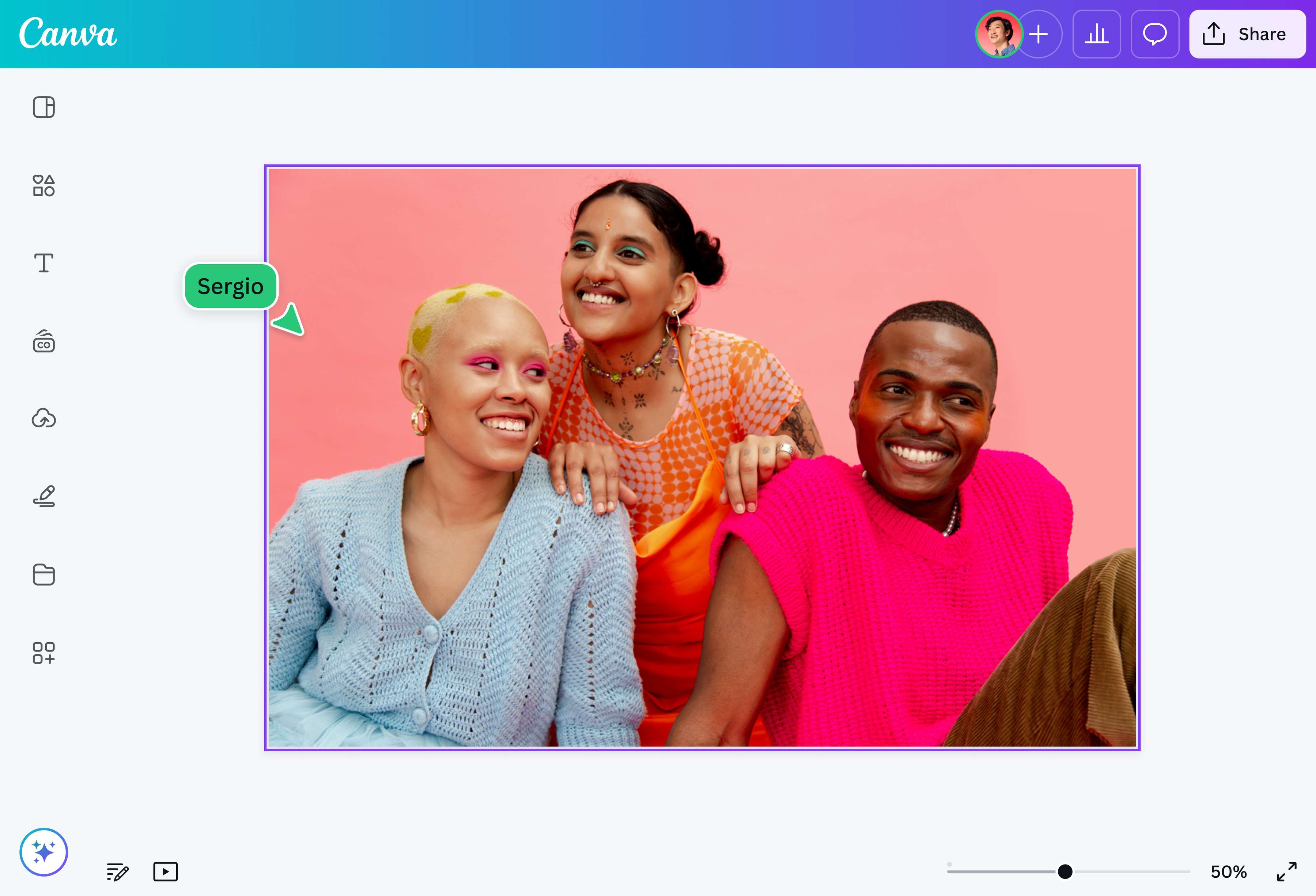
Once you’re done, click the “Share” then “Download” button found in the upper right corner of the editor. Select PNG as the file type to save it as a high-quality file.Share your PNG image
Use your newly converted PNG image however you want. Add it to your Docs(opens in a new tab or window), Presentations(opens in a new tab or window), or Whiteboards(opens in a new tab or window). Download it to your device, or send it directly via link or email(opens in a new tab or window).
Frequently asked questions
- Yes, JPEG is the same as JPG. There's technically no difference between the two, except for the file extension (image.jpeg vs. image.jpg). Short for Joint Photographic Expert Group, JPEG is a popular image format that compresses its file size for quick sharing and easy transfer.