

Flip Images to Get a Perfect Shot
Transform your photo from a simple snap to a work of art using Canva’s free image flip tool. Flip your image horizontally or vertically, then download or share online.
or drop it here
Learn about Canva’s upload formats and requirements. See how we use your content in our Privacy Policy.
How to flip an image
1
Upload an image
Select the “Upload your image” button or easily drag and drop your files into the section.
2
Flip image
Choose the Flip tool to flip your image horizontally or vertically, then enhance it using our photo editor.
3
Download your design
Finally, download your design in high-resolution JPG, PNG, or other file formats or share it instantly online.
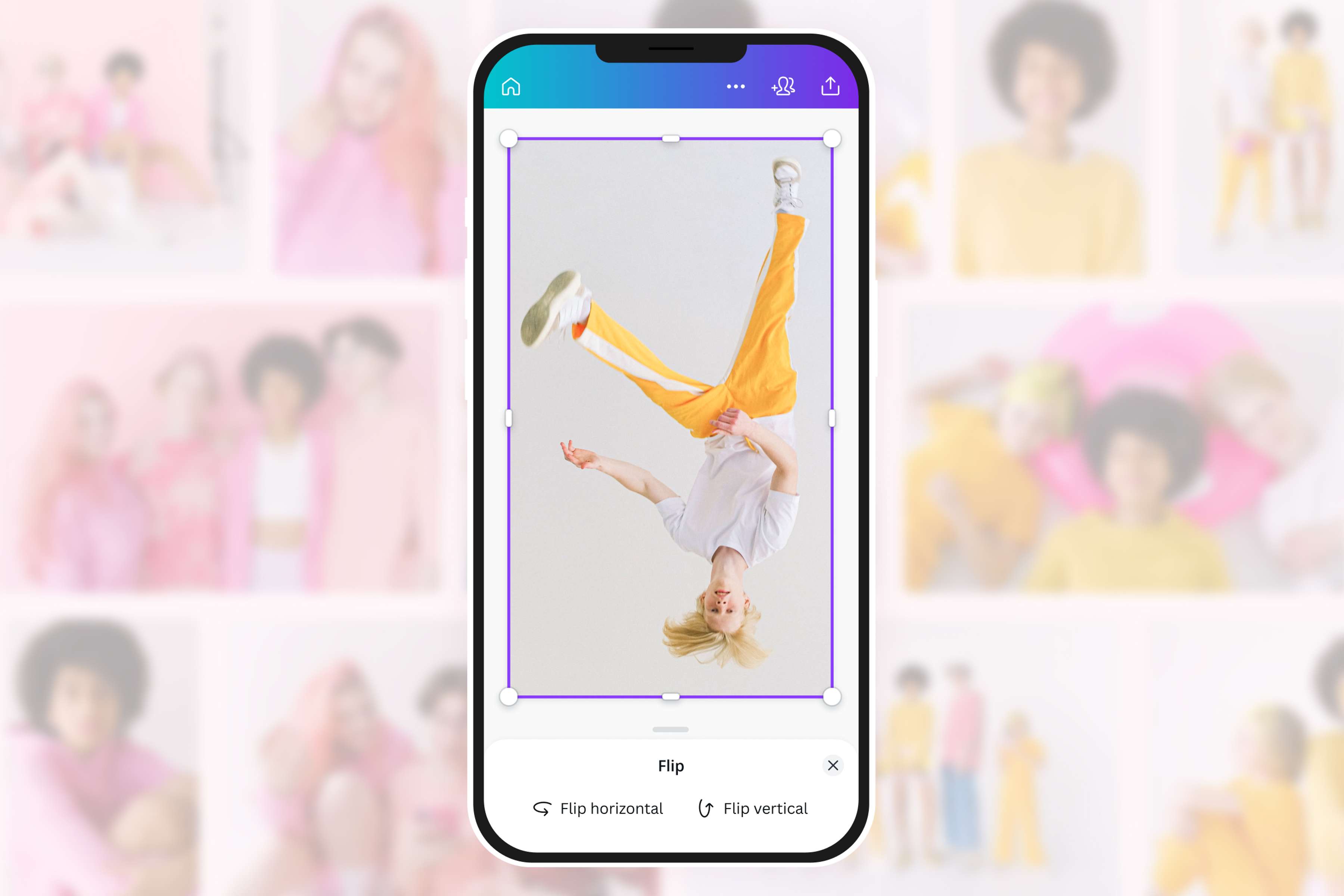
Flip images in a few simple clicks
Spent hours trying to nail the perfect shot but not quite happy with how it turned out? Simply flip the image to make it more interesting. Flip vertically to create an upside-down image that will spice up your design. Or flip the image horizontally to achieve a mirror effect. Upload your photo on Canva, and give it a go.
Edits as minor as a mirror flip on an image don’t have to be a complicated affair—and we make sure it stays that way.
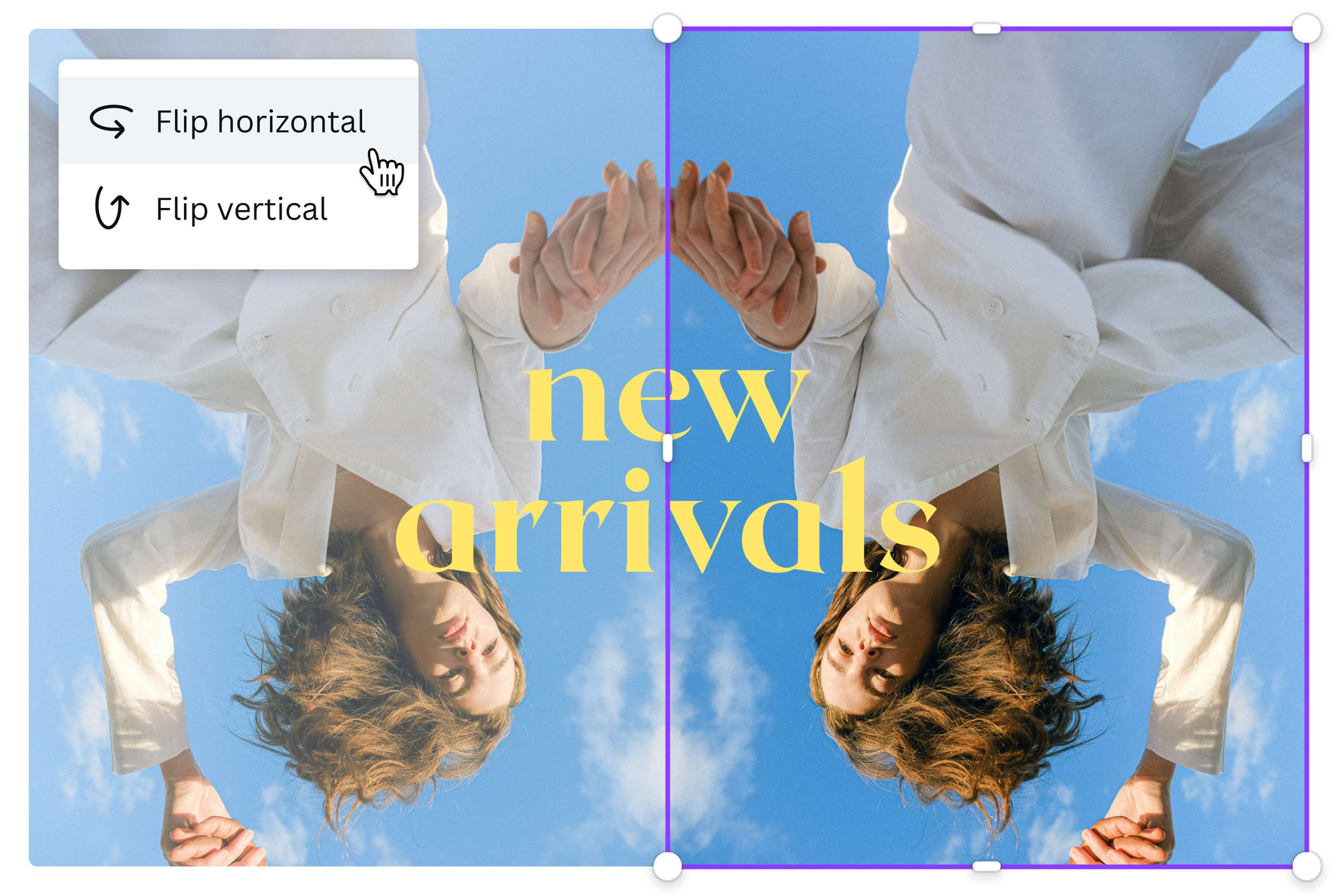
Tell a story with flip imaging
Flipping images online isn’t just about making quick edits. It’s also a way to add graphic pizzaz to your presentations, newsletters, and marketing campaigns. After all, a simple flip can better express a photo’s intended story. Flip an image horizontally to place the photo elements left to right. This creates a natural flow to direct the viewer’s eyes. Looking for something more dramatic and surreal? Flip an image vertically to draw in viewers and leave them searching for clues.
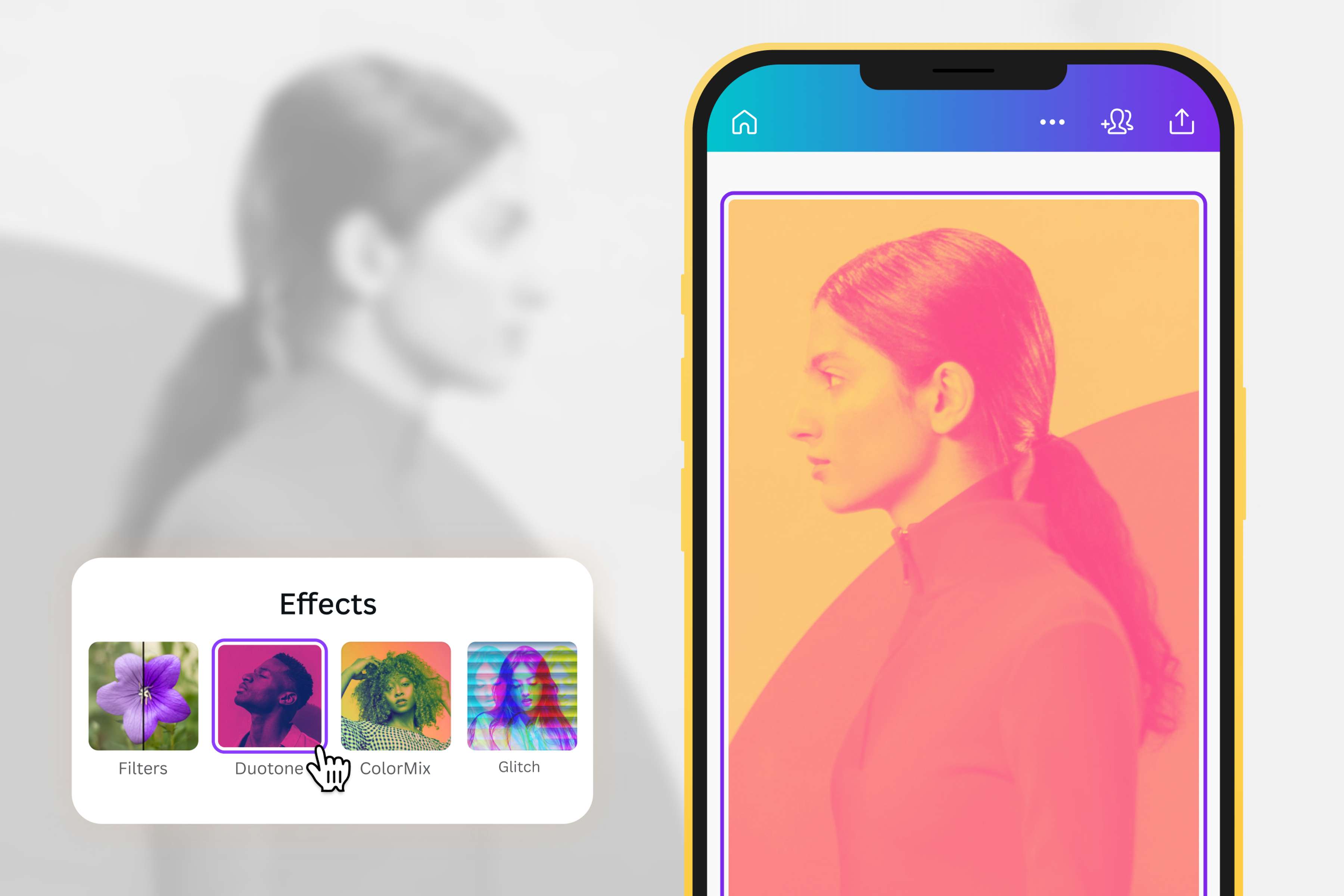
Polish to perfection
All that’s left after you flip and mirror your image is to add final touches. Explore Canva’s intuitive, easy-to-use editor and see what else you can do. Resize or crop your image to fit your photo collage, or add fun filters and effects to create an Instagram-worthy shot. Once you’re satisfied with your work, immediately share it on your socials or add them to your existing design project.
How to flip an image
Get started
Go to Canva and select any ready-made template. If you’re working on a custom project, click File then Create new design to open a blank layout.Upload your image
Upload your file via the Uploads tab, then drag and drop the image onto the template.Flip your image
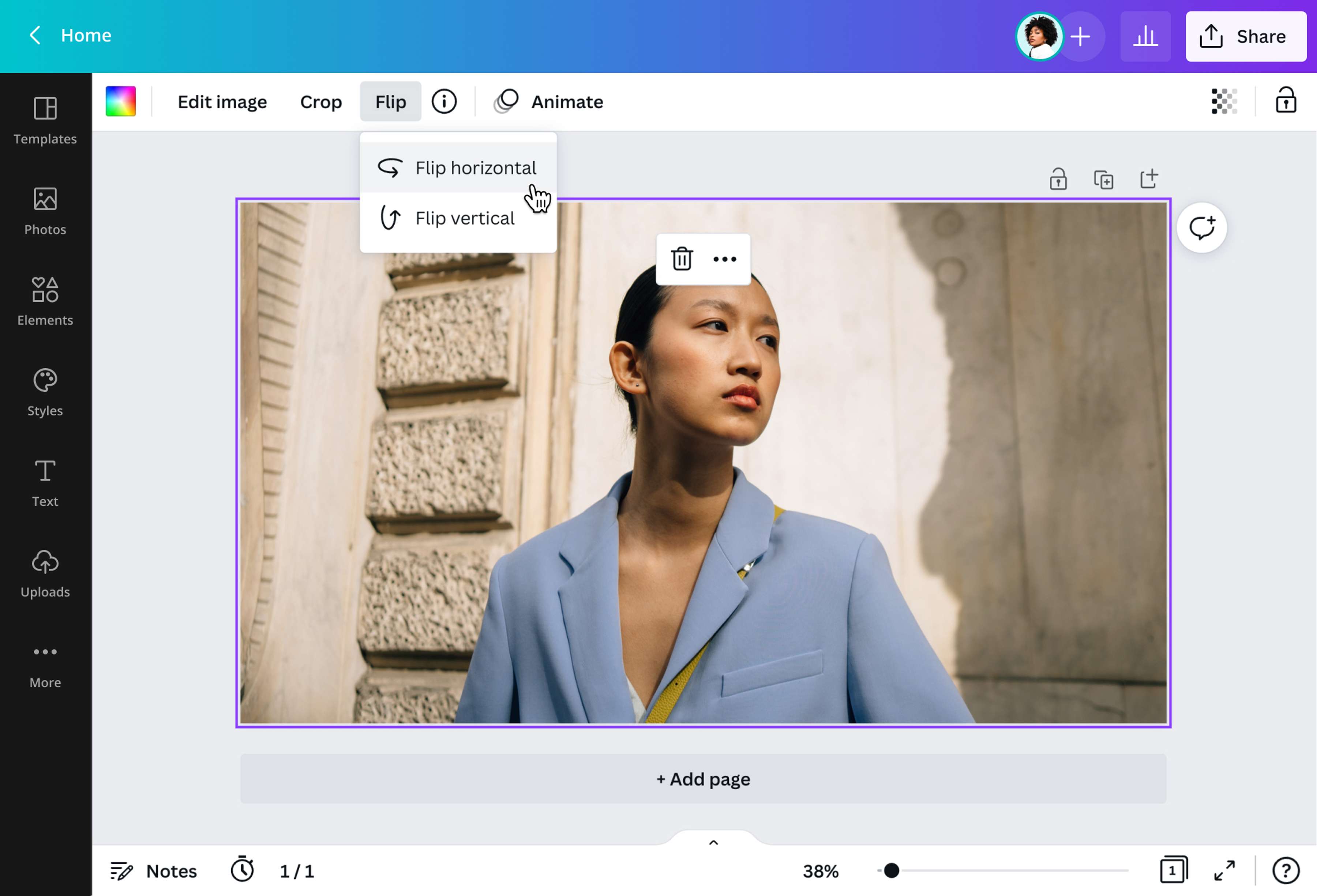
Click on the image to activate the image editing menu bar. Select Flip then choose whether to flip the image horizontally or vertically.Edit your image
Edit your photo to achieve your desired effect. Adjust the size, add filters, or put borders(opens in a new tab or window) and frames(opens in a new tab or window). You may also include text(opens in a new tab or window), graphics, and other design elements from our media library.Save changes
Once you’re happy with the final image, download it to your device or share it on social media.
Frequently asked questions
- Go to the App Store and download our iOs app to flip your phone images. Upload your image, then select it. On the toolbar, click Flip (arrow circling back icon). Click Flip horizontal or Flip vertical. Once done, tap outside the layout to hide the toolbar and save your flipped image. That’s it; no hidden controls or secret keyboard shortcuts necessary with our convenient app.