Free WebP to PNG Converter
Convert from WebP to PNG without signing up or downloading new software. Use Canva’s free WebP to PNG converter to get crisp, high-res PNG photos, remove distracting backgrounds, and do away with compatibility issues.
or drop it here
Learn about Canva’s upload formats and requirements. See how we use your content in our Privacy Policy.
Try these image converter tools
Edit and convert images and more. All the photo editing tools you need!
How to convert WebP to PNG
1
Upload your image
Select the “Upload your image” button or easily drag and drop your files into the section.
2
Edit your design
Make some quick touch-ups on your images using our beginner-friendly editor.
3
Download your design
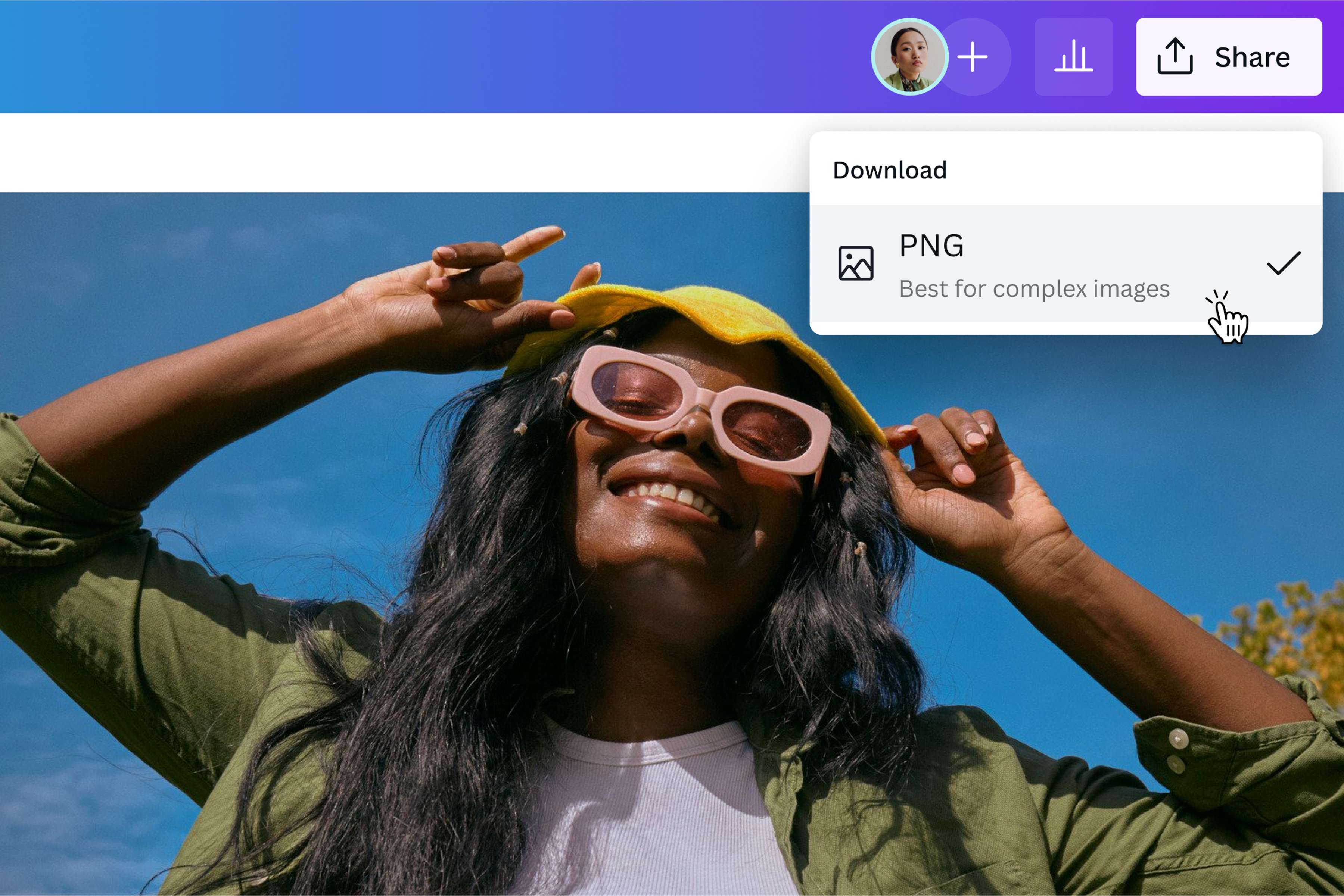
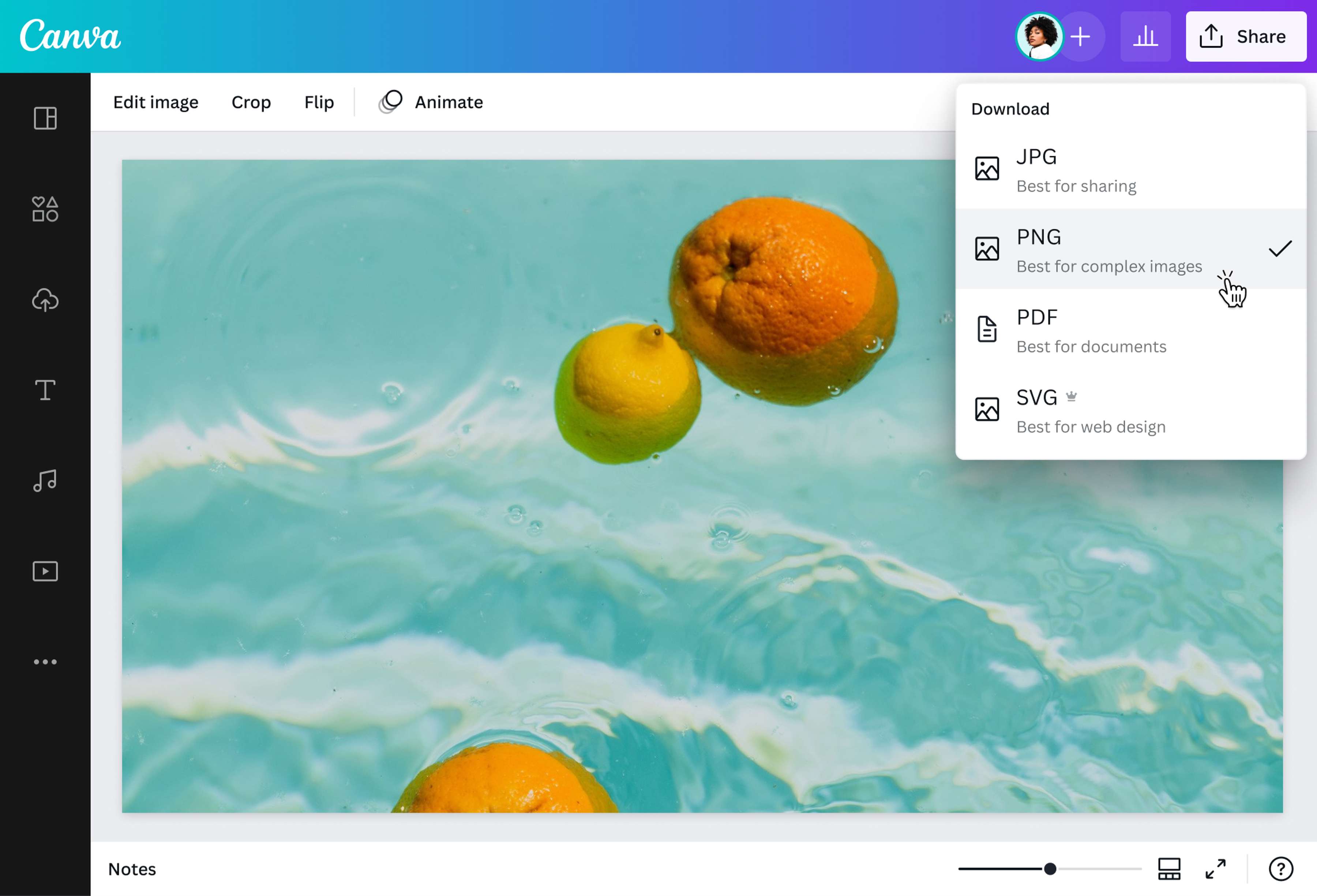
Finally, convert from WebP to PNG for free by downloading your design as a PNG image.
Get high-quality PNGs in a snap
Save time and effort looking for the right app or browser that can open WebP files. Use our WebP to PNG converter or image translator to produce photos you can view, edit, and use for any project you have in mind. When you convert your WebP files to PNG, you make your images compatible with more devices, browsers, tools, and image viewers. Plus, you get vibrant, lossless photo resolution for any application under the sun.
Edit your photo like a pro
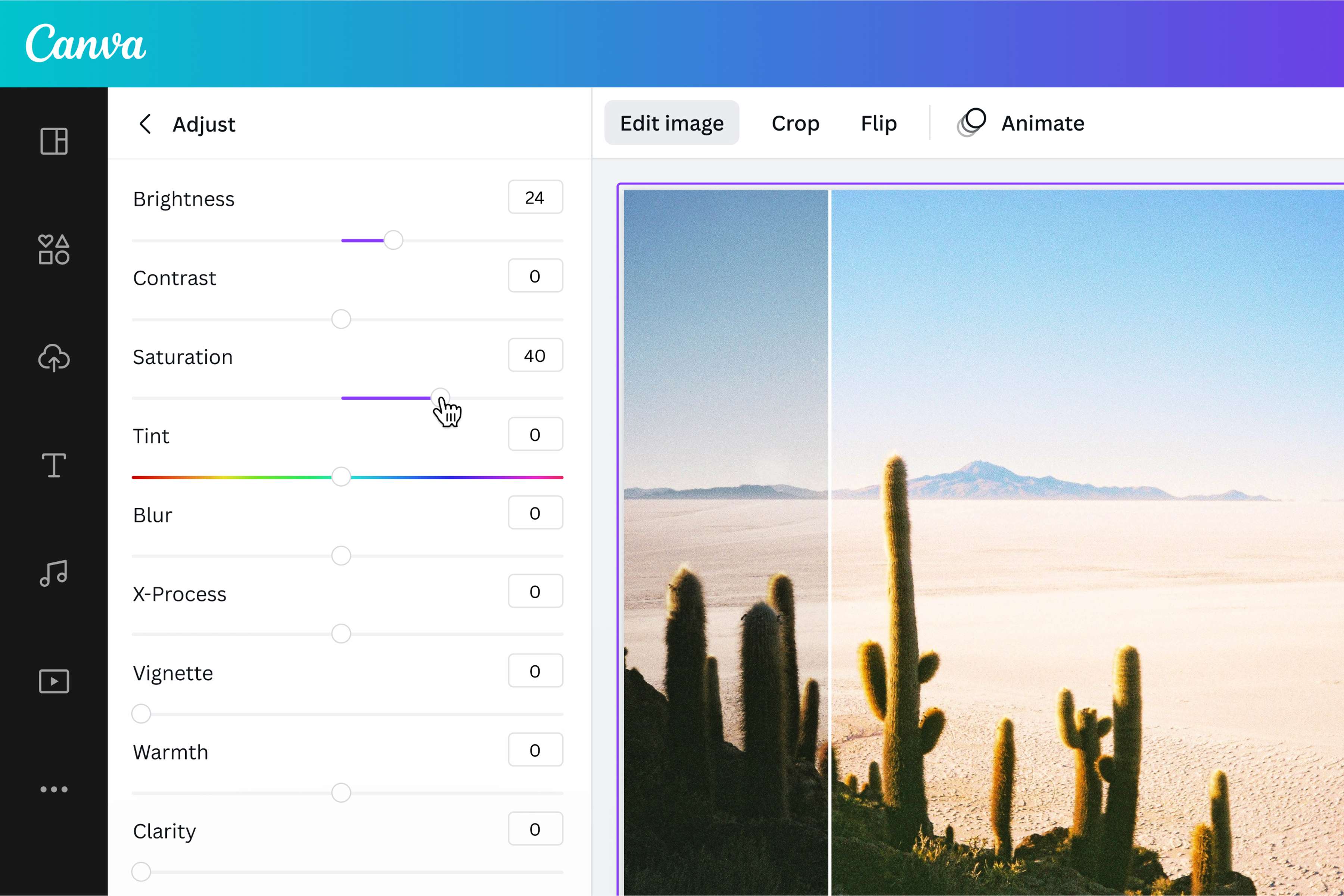
Enhance your WebP files before converting them to PNG format. With our free photo editor, you can crop, flip, rotate, and resize your image. You also have the option to adjust the brightness, saturation, contrast, and more. Make your images pop by adding filters and effects, borders, text, and other graphic design elements. Produce high-quality logos and professional-looking graphics for any and all design projects.
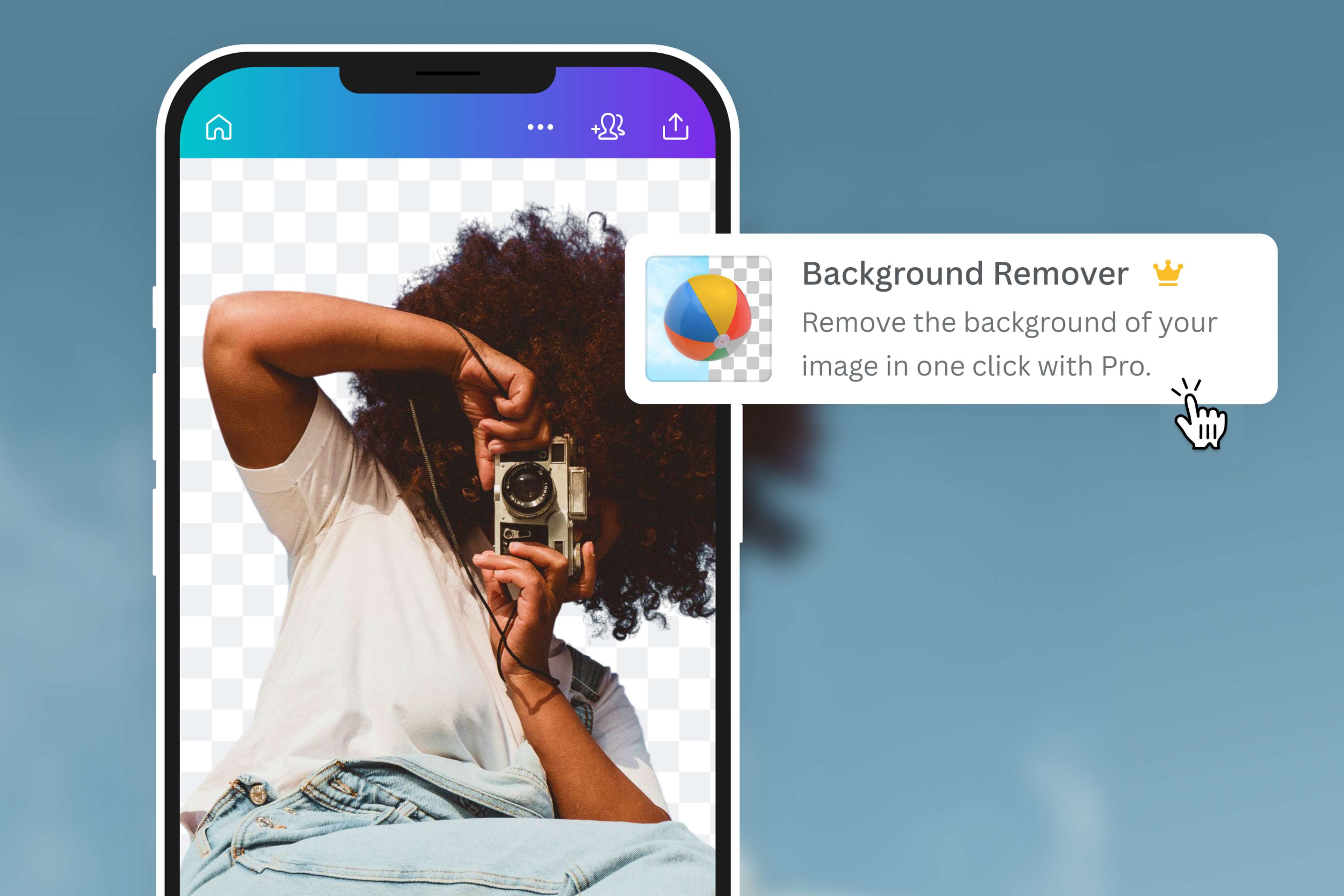
Say bye to the background
With the premium Image Background Remover tool, you can download your PNG with a transparent background—that's a whole lot more flexibility. Save backgroundless graphics for your branding toolkit, or remove the background from your logo for versatile use across platforms. Replace the backdrop with a white background for the perfect headshot. Or use pictures with transparent backgrounds for your print collateral. With our WebP to PNG converter or PNG Maker, you can do a lot more with your photos.
How to convert WebP to PNG
Open Canva
Launch Canva on browser or open the app to access our WebP to PNG converter.Upload your WebP image
Upload the WebP file you want to convert or drag and drop it onto the page. Our converter will upload your image to the editor and have it ready to be downloaded.Customize your photo
Use our built-in photo editor to polish your photo. Apply graphics like illustrations, icons(opens in a new tab or window), or borders to make them more visually appealing. Add compelling text to the image. You can also crop(opens in a new tab or window), rotate(opens in a new tab or window), flip(opens in a new tab or window) or use our premium Image Background Remover tool.Convert WebP to PNG
Once finished with your edits, click Download then select PNG as the file type. If you’re on Canva Pro, you can convert your WebP to a PNG file with a transparent background.Share your image
You can now share your new PNG photo. Embed them on a website, share it directly to your social media platforms, or add them to any of your new and ongoing works.
Frequently asked questions
- The best way to change WebP to PNG is to use a converter. Simply upload your WebP images, make your changes, then download it in the PNG file format. Keep your upload file size under 25MB and dimensions less than 100 million total pixels to keep the conversion easy, quick, and effortless.