Free WebP to PDF Converter
or drop it here
Learn about Canva’s upload formats and requirements. See how we use your content in our Privacy Policy.
Turn WebP images into a PDF you can easily share, print, and edit with Canva’s free, online WebP to PDF converter.
Try these document editing tools
Edit and convert PDFs and more. All the PDF editing tools you need!
How to convert WebP to PDF
1
Upload your WebP file
Select the “Upload your file” button or easily drag and drop your files into the section.
2
Edit your design
Make some quick touch-ups on your WebP file using our beginner-friendly editor.
3
Download your design
Finally, convert the WebP file to a PDF for free by downloading your design as a PDF.
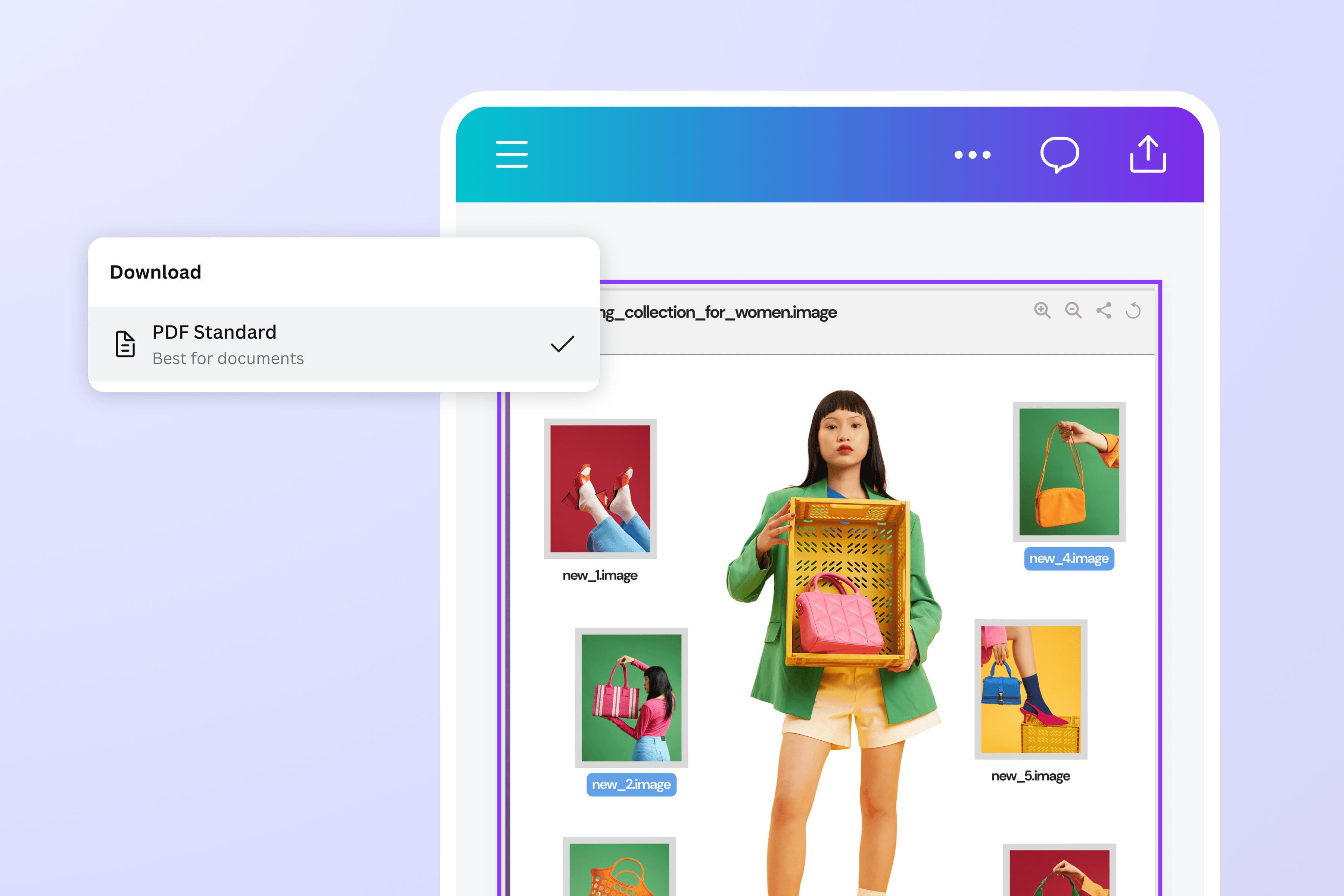
Quickly convert web images into editable PDFs
Converting your WebP images to PDF, and vice versa, is instant, easy, and free on Canva. Simply access the converter on our platform, upload your image, and with a few clicks you have a PDF at your fingertips — no complicated software necessary.
With our PDF editor, you can easily edit the newly converted file. Add or delete text and images; draw lines, shapes, and signatures, and merge files and organize pages with ease. You can also use our image to text converter to transform image content into editable text.

Edit your images before converting
Open up our photo editor to customize your WebP images. Crop, flip, rotate, cut out, and resize your images, adjust the brightness and saturation, add filters and effects, and drop in text and graphic elements.
Rework your images without the heavy lifting using our AI photo editing tools. Remove unwanted distractions with our Background Remover, select and move elements around with Magic Grab (Pro), and extend images in any direction with Magic Expand (Pro).
Access, share, and collaborate anytime, anywhere
Get feedback and approvals instantly — share a link to your converted PDF with friends and colleagues and let them comment, make suggestions, and edit your file, no matter what device they're on.
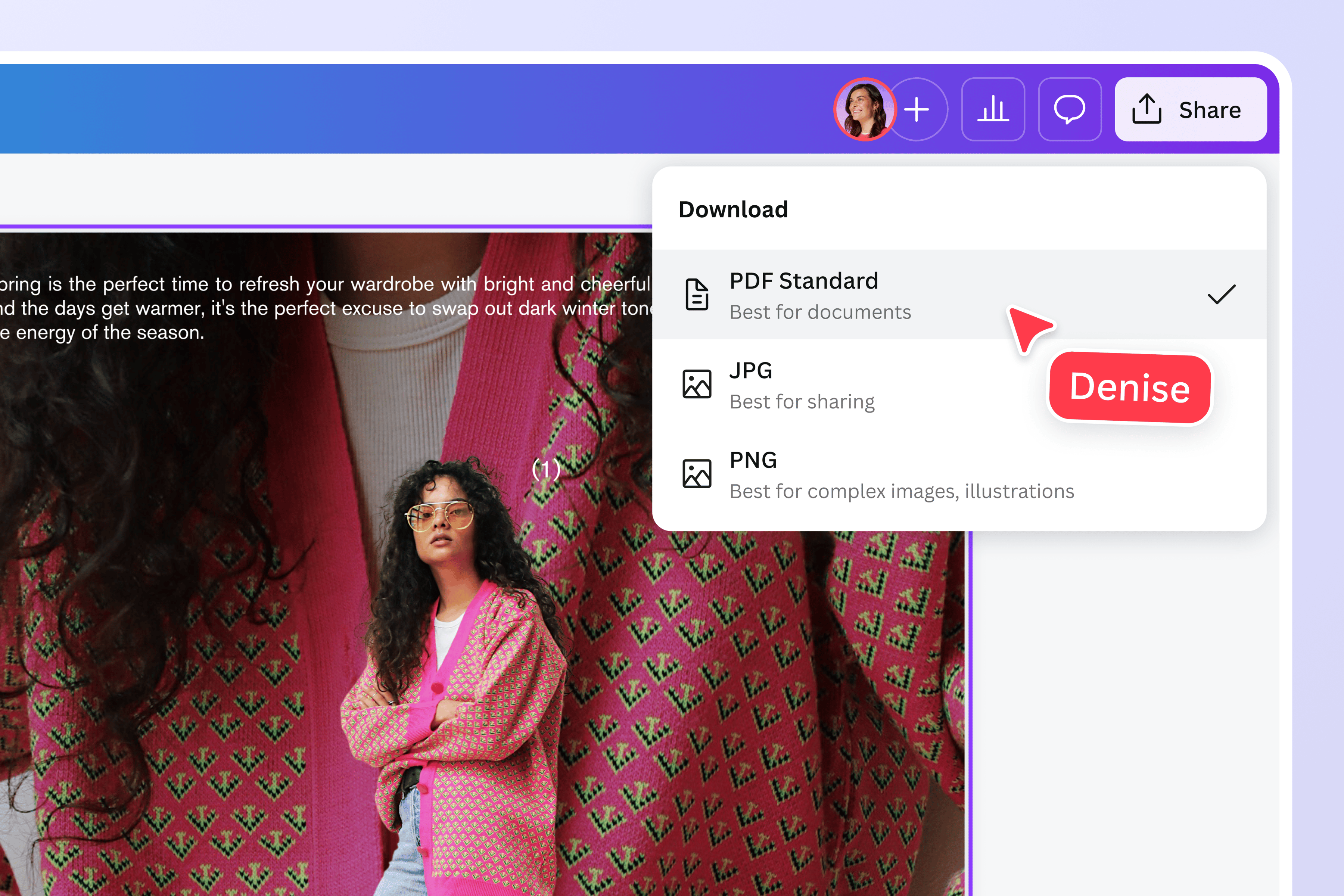
Once you're happy with your PDF file, simply download it or print it straight from the editor. When downloading a PDF file, you can choose to include crop marks and bleed, flatten the PDF, sign PDFs, and include notes.
How to convert WebP to PDF
Open Canva
Launch Canva on your desktop or the app on your mobile device. Then, start a photo editing project or work on a template.Upload the WebP file
Click Upload or drag and drop your WebP image from your library into the design. To convert multiple WebP images into one PDF, compile them in one layout or add multiple pages to your design.Customize your file
Edit your image/s by adding photos, icons, text, and illustrations from our extensive graphic library. Then, use our AI-powered tools to remove backgrounds, resize, and polish your work.Convert WebP to PDF
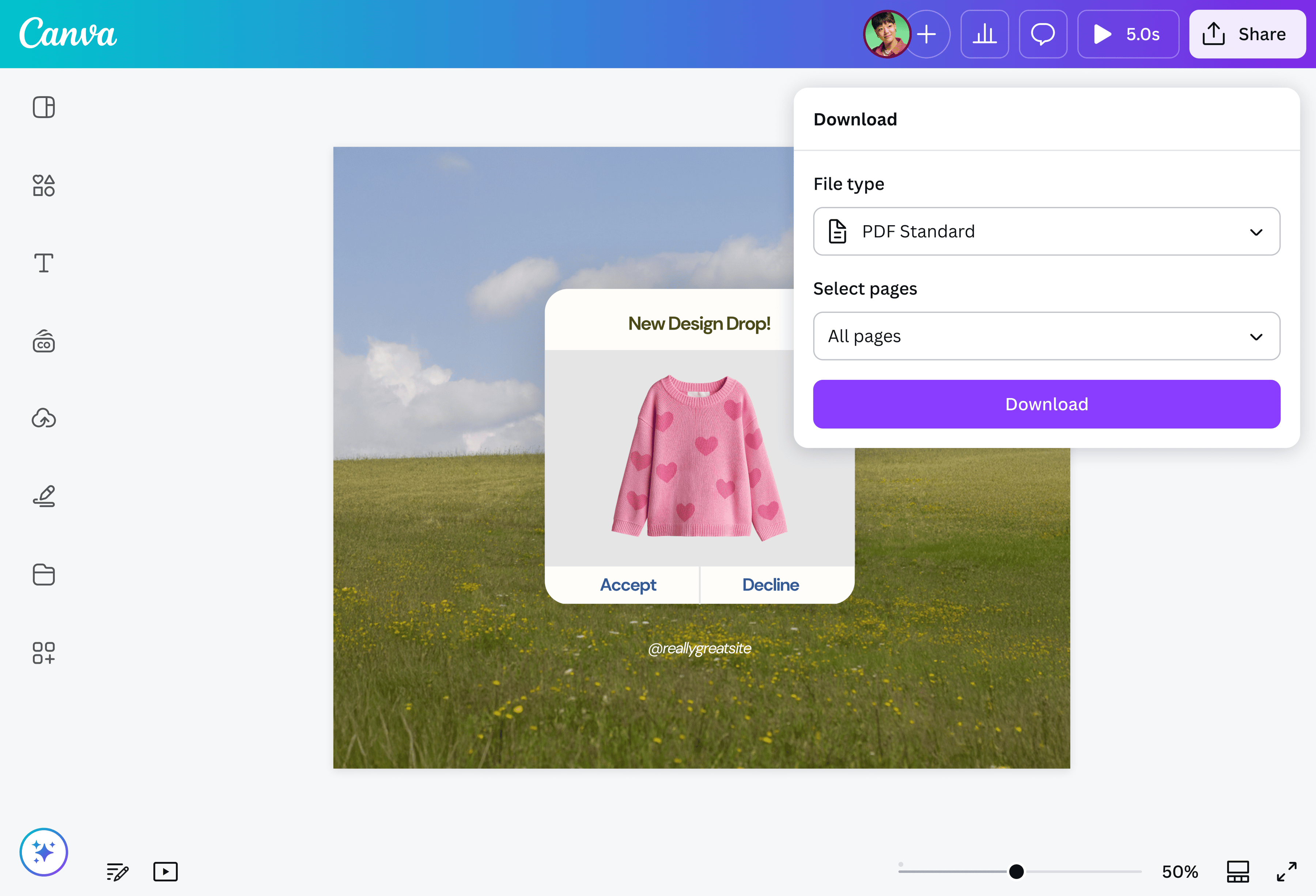
When you’re happy with your design, convert WebP to PDF by clicking Share, then Download. Select a format — PDF Standard or PDF Print — according to your needs.Store or share your PDF file
Use your newly converted file in multiple ways. Store it or share it with others by sending a link to your design project or granting access via email.
Frequently asked questions
- Converting a WebP image to a PDF makes it easier to share, view, and print the file, since PDFs can be viewed and edited on most devices. It also lets you combine multiple images into one document without sacrificing quality, especially for printing.