- Vectorizer
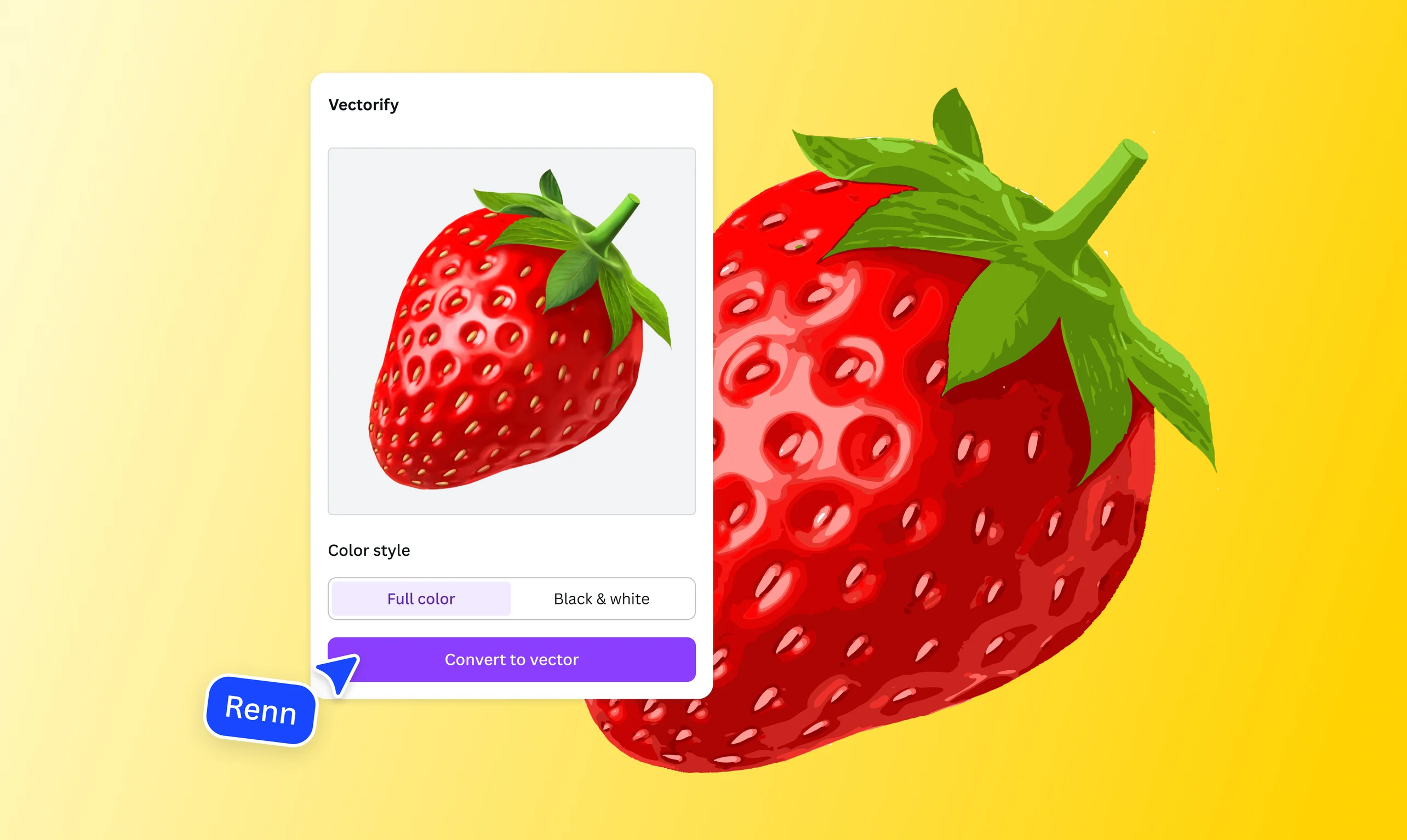
Turn raster images into editable vectors with our AI vectorizer
Quickly convert your JPG and PNG files into crisp, scalable vectors with the image vectorizer on Canva. Create stunning logos, illustrations, and artwork that look sharp at any size.
or drop it here
Learn about Canva's upload formats and requirements. See how we use your content in our Privacy Policy.
How to vectorize an image
Upload your image
Select the “Upload your image” button or easily drag and drop your files into the section.
Convert your image
Use the “Vectorify” app to convert your raster image into a scalable vector graphic.
Download your image
Finally, download your new image in high-quality SVG format.
Give your images a scalable upgrade

Convert and trace images into scalable vector graphics (SVG) while preserving quality with the AI vectorizer on Canva. No need to switch between apps—just upload a JPG or PNG, vectorize the image in seconds, and turn it into editable colors and shapes you can customize at any size. Create a sleek logo for your food or fashion brand or a cute illustration for a friend (or for you), with no detail lost.
Get versatile vectors for any project or purpose

Keep your SVG images high quality, wherever you use them. Create colorful icons for your e-commerce website, simplify data with a clean diagram for your pitch deck, or design a polished poster for your next conference or workshop. Enjoy infinite scalability when you convert images to vectors, so you can produce striking visuals that stay crisp across everything from social posts to print materials.
Go from vector to final design in one place

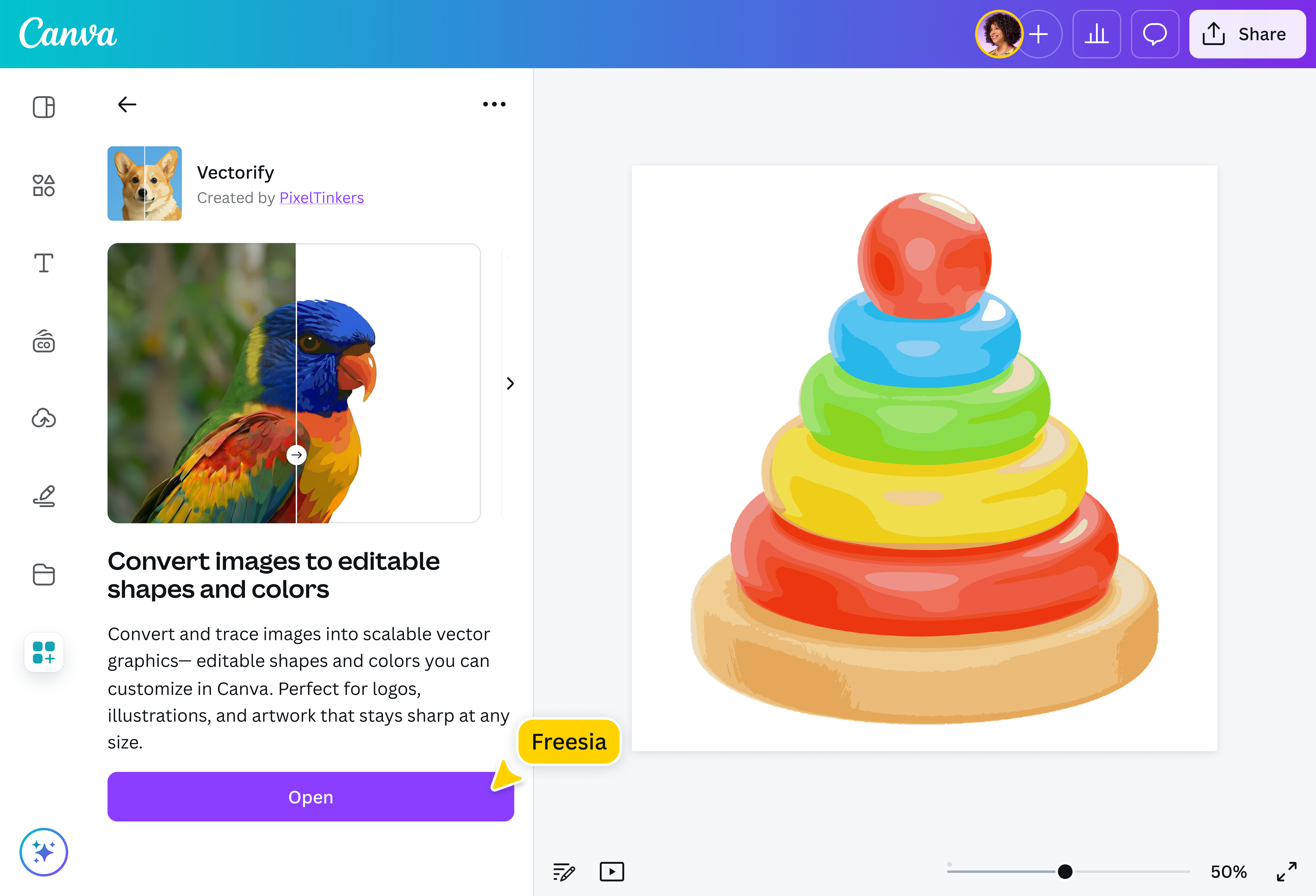
Vectorize an image, then edit your SVG(opens in a new tab or window) with Canva’s range of powerful photo editing tools. Draw(opens in a new tab or window) shapes and lines in multiple colors, or add labels and text using fonts from your Brand Kit (Pro)(opens in a new tab or window). Want to remove clutter and make your subject shine? Remove the background(opens in a new tab or window) in one click. Fine-tune your vector images, then download, print, or add them to your next design, all without breaking your flow.
How to vectorize an image

Frequently asked questions
- A vectorizer is a tool that converts raster images, such as JPGs or PNGs, into scalable vector graphics (SVG) that you can edit and use across digital and print materials. Vector images are composed of points, lines, and curves defined by mathematical formulas, so they remain crisp, sharp, and high-quality at any size.
- An image vectorizer uses AI to detect colors and edges in an image, then converts them into anchor points and smooth curves. These paths recreate the image as a scalable vector graphic that you can edit without losing quality.
- Vector graphics are made of paths and can be scaled indefinitely without losing quality, making them ideal for logos and illustrations. Meanwhile, raster images are composed of pixels and can lose quality or appear pixelated when enlarged. They’re commonly used for photography and often have larger file sizes because each pixel stores more data.
- Yes, you can turn most images into vectors using vectorizer AI apps like the one on our platform. Simply upload a JPG or PNG file, then convert it into an SVG in seconds.
- Yes, you can edit your converted SVG using a wide range of tools and features in our powerful photo editor. No need to use multiple apps. You can upload, convert, design, and share, all in one seamless platform.