Free HEIC to JPG converter
Convert HEIC to JPG so you can share your photos with everyone, no matter what platform or device they're on. Use Canva's free HEIC to JPG converter to get your high-quality image in an accessible format you can instantly use in any of your projects.
or drop it here
Learn about Canva’s upload formats and requirements. See how we use your content in our Privacy Policy.
Try these image converter tools
Edit and convert images and more. All the photo editing tools you need!
How to convert HEIC to JPG
1
Upload your image
Select the “Upload your image” button or easily drag and drop your files into the section.
2
Edit your design
Make some quick touch-ups on your image using our beginner-friendly editor.
3
Download your design
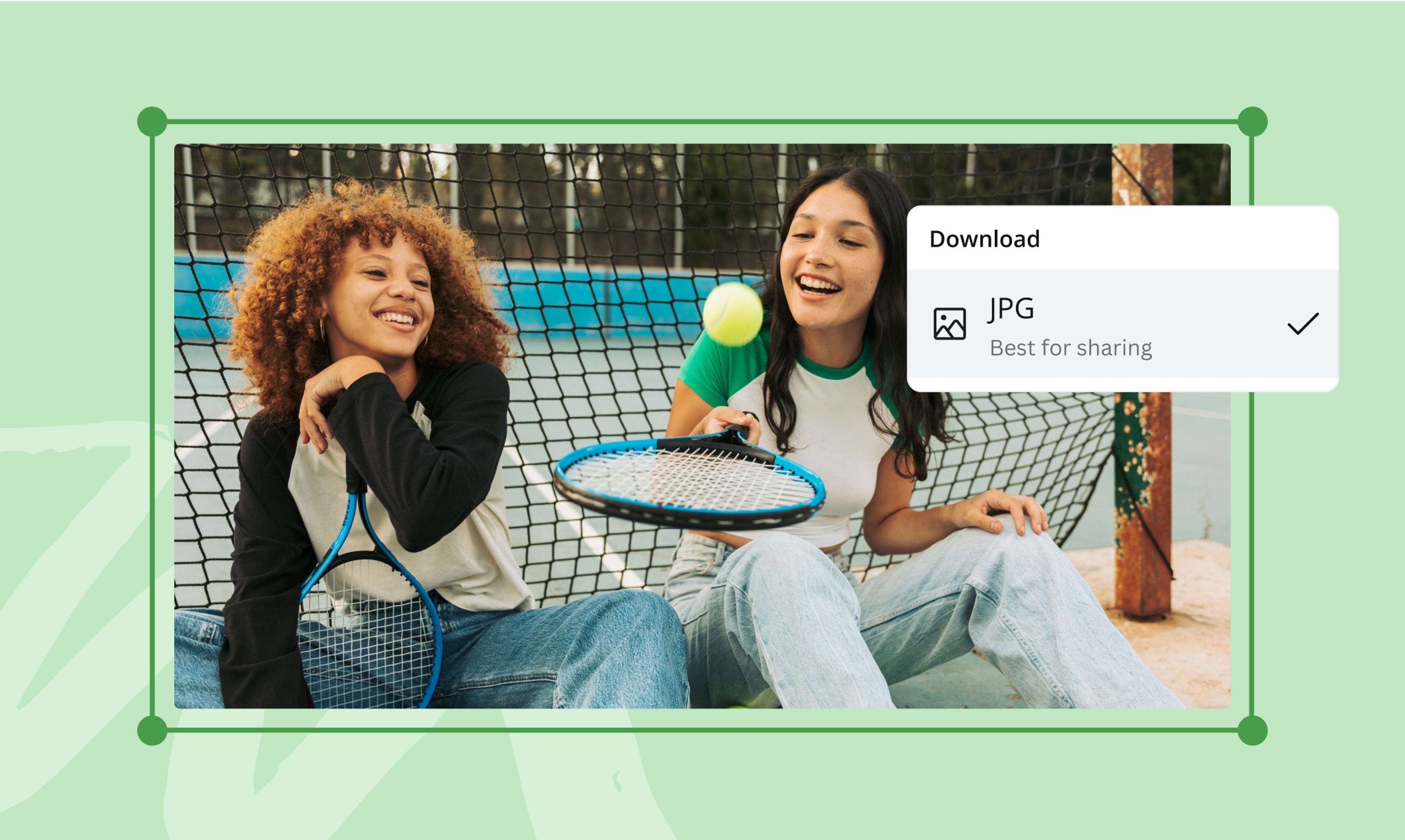
Finally, convert HEIC to JPG for free by downloading your design as a JPG.
Simplify image sharing
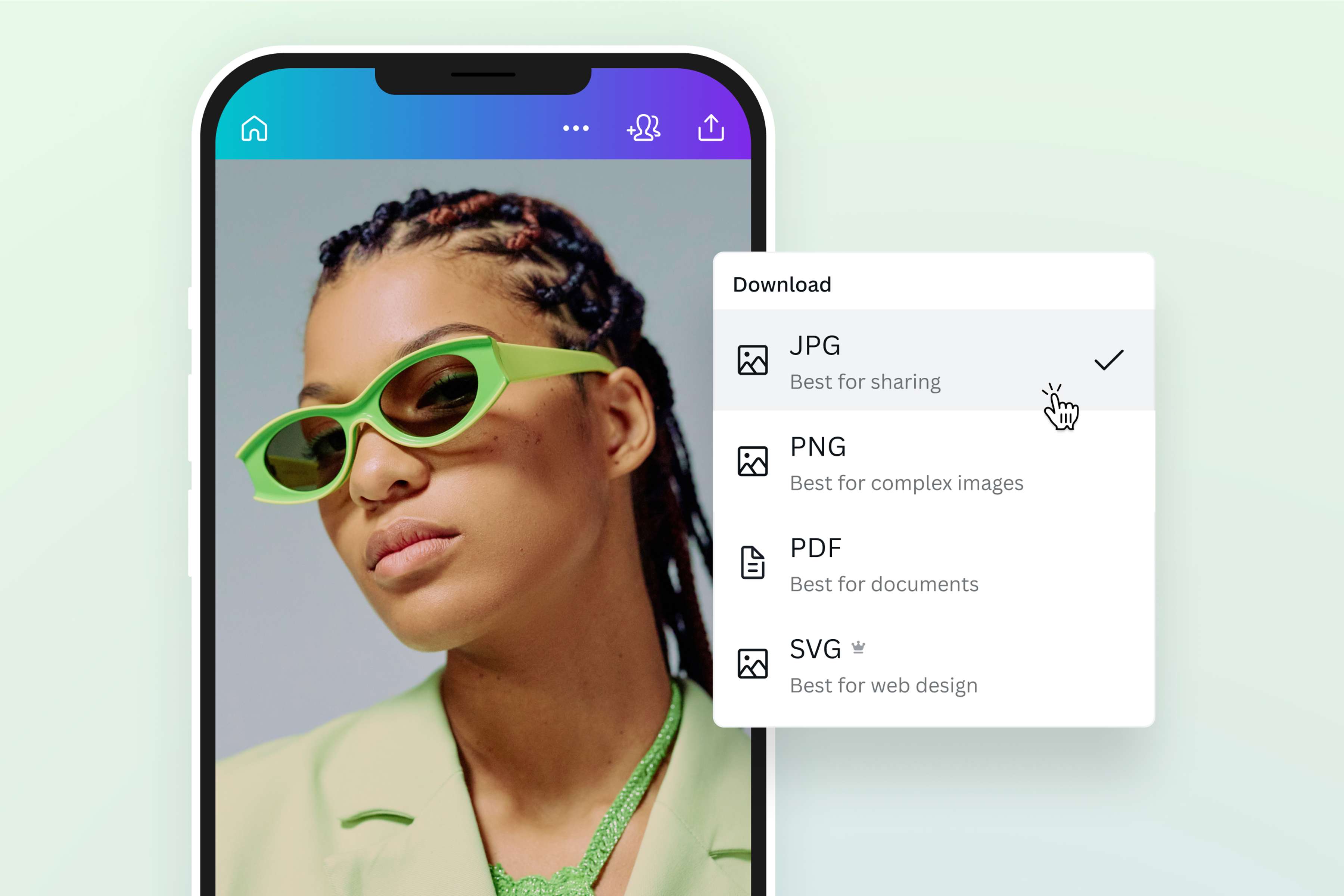
Your beautiful photo deserves a wide audience. Don’t keep it to yourself. Make your iOS photo easily shareable by converting HEIC to JPG. Simply drag and drop your HEIC image onto the page, and voilà! Canva will automatically turn it into an editable file ready for download as a JPG. It’s the same photo with the same high image quality – only in a format recognized by all apps and image software.
Transform your image from good to great
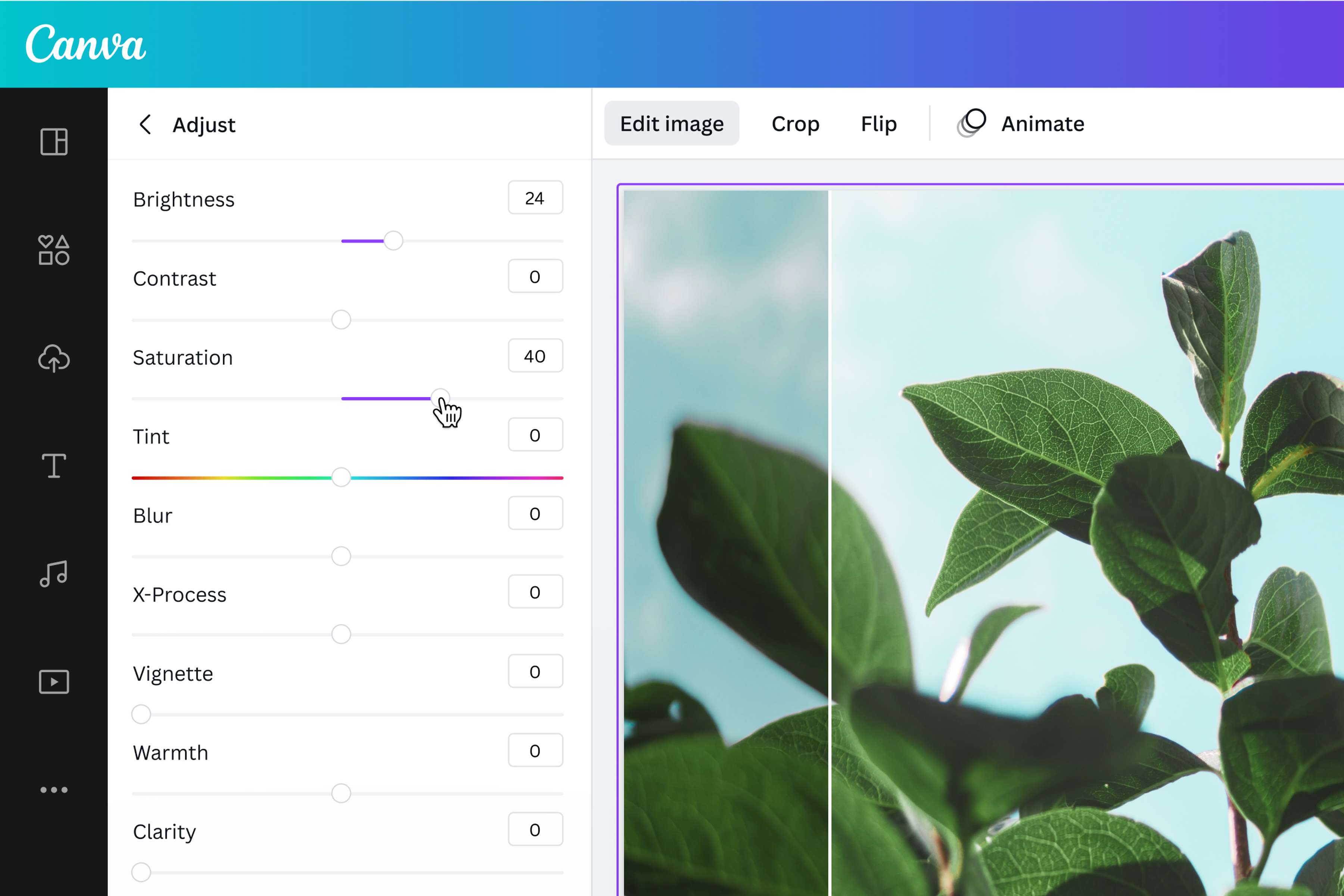
Edit and enhance your photo before sharing it with the world. Canva's powerful photo editing tools let you crop, flip, rotate, and resize before you convert HEIC photos to JPG or translate image. Adjust the saturation, brightness, and clarity, then level up with filters and effects—all from your project dashboard. You can also add text or drag and drop icons, stickers, and illustrations from our media library to create visual interest and turn your photo into something truly special.
Use your photo in all your creative projects
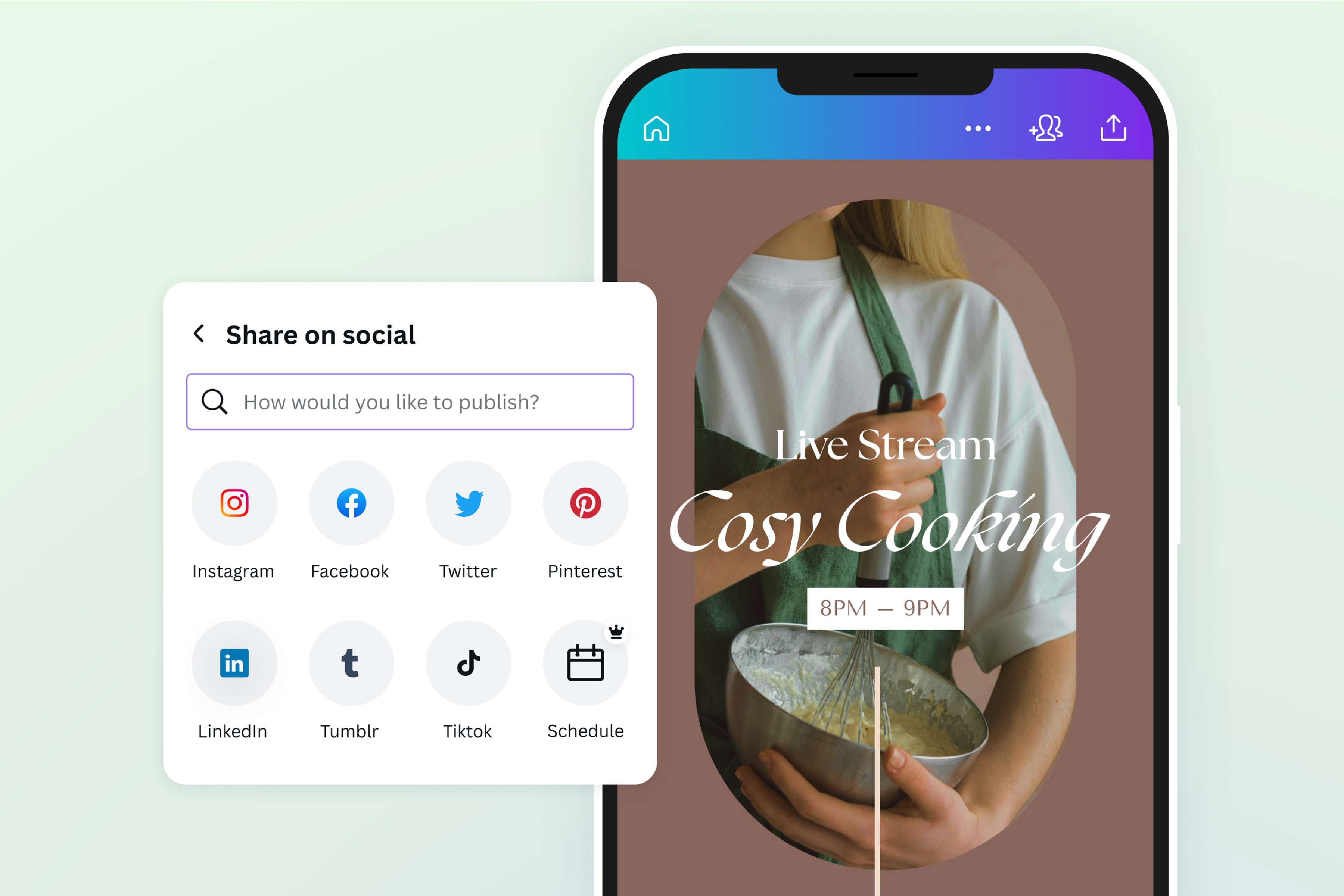
Working on a poster for your business? Want to share your best shots on your web portfolio? Or maybe you need pitch-ready product mockups for your slide deck. Convert HEIC files to JPG and easily use your high-quality image on any digital or printed material. Think business cards, websites, email newsletters, social media—the list is endless. And the best part? You can design these and more, all in one place, with Canva.
How to change HEIC to JPG
Launch Canva
Open Canva on the app or any web browser to start your HEIC to JPG conversion.Upload your HEIC image
You can upload your HEIC two ways: drag and drop it onto the converter page or directly onto your Canva project. Need to convert multiple HEIC to JPG files? Upload and convert each image on a separate layout.Enhance your image
Make some tweaks to your image using the photo editor(opens in a new tab or window) before converting. Use the brightness(opens in a new tab or window), saturation, or blur(opens in a new tab or window) sliders to adjust the overall quality of the image. Resize or crop your image to cut out the unnecessary, or insert text and creative elements. Play with different effects(opens in a new tab or window) and filters to enhance your image and bring out your personal style.Convert HEIC to JPG
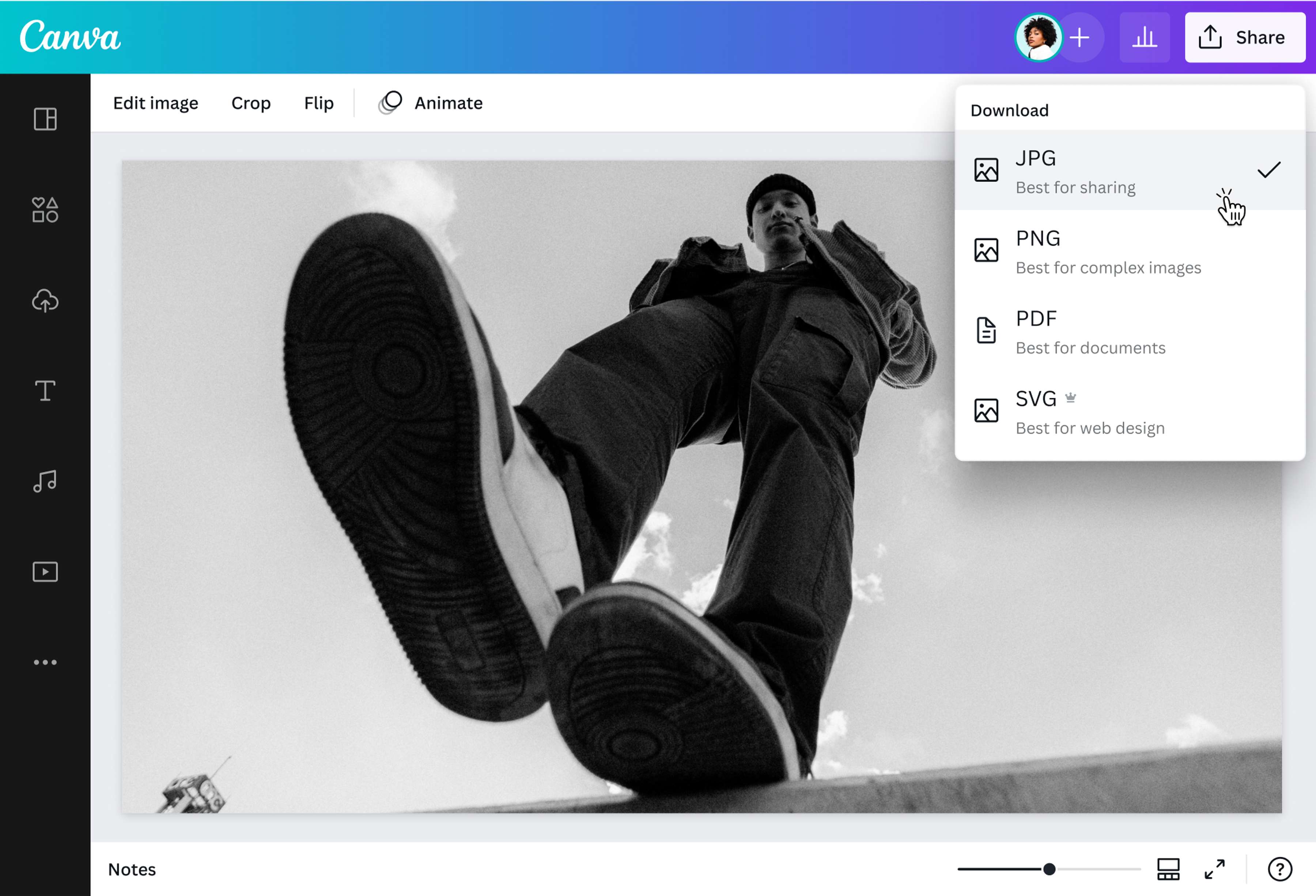
Convert your image to the JPG file extension by clicking Share > Download in the upper right corner of the editor. Choose "JPG" as your final image format before saving it to your device.Share your JPG image
Use your freshly converted JPG in different ways. Incorporate it into any Canva creative project, or use it on your social media posts, website, or printed materials.
Frequently asked questions
- Convert HEIC to JPG online by accessing our free converter on any web browser or via the desktop app for Macs. To change HEIC to JPG, select your image from your device or drag and drop it onto the converter. Once you're in the editor, your HEIC image should be uploaded and ready for download as a JPG. Here's a tip: use our photo editing tools to enhance your image before converting it into the final JPG format.