- Create Wine Labels
Personalize your Vintage with a Stunning Label from Canva

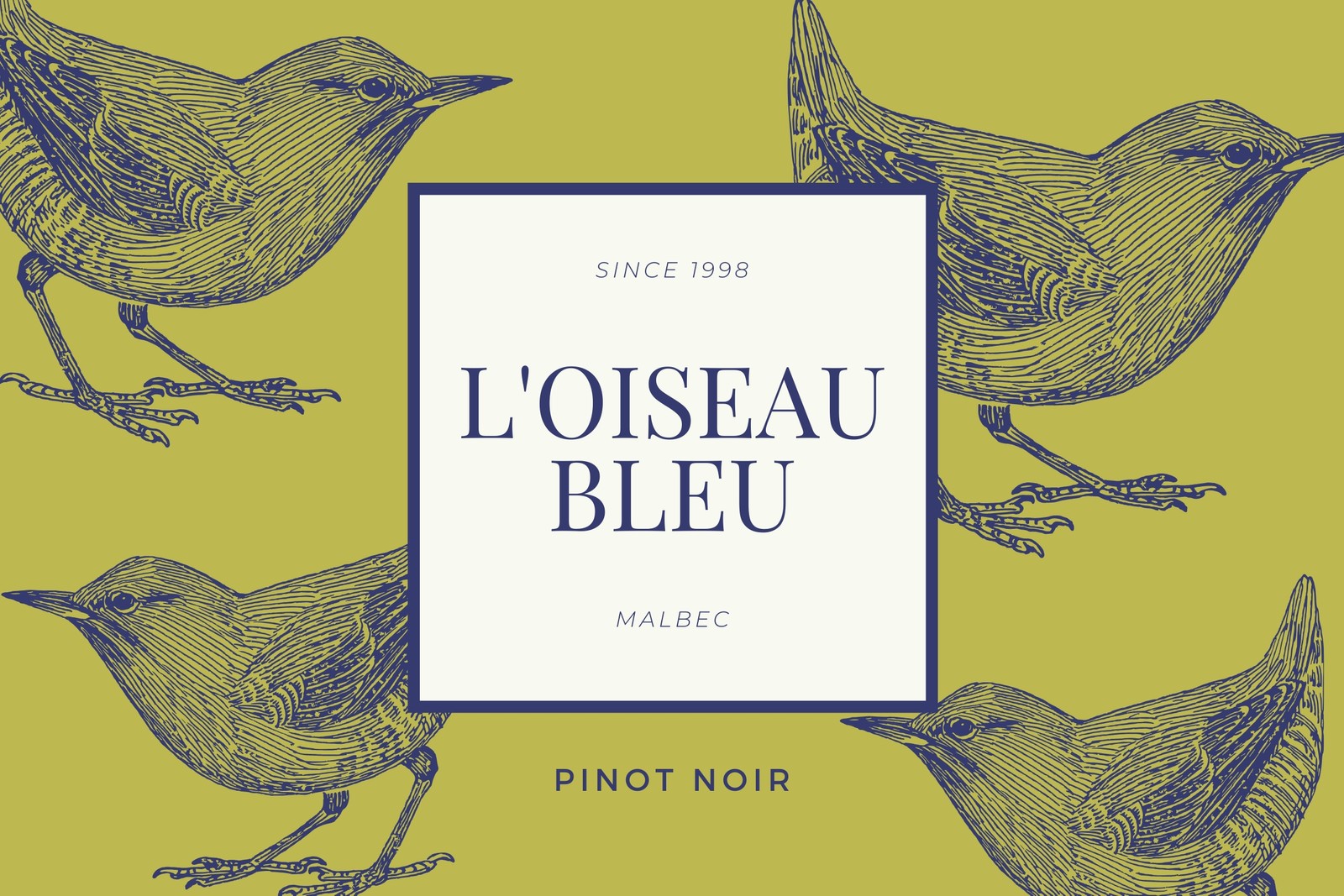
Easy drag-and-drop editor
1M+ professionally-designed templates
Try our design and work apps
Invite others and design together
Let Canva help you think outside the bottle and design a label that connects your vintage to your personal brand.

Design your personal vintage
No matter what style of wine you are – red, white, light, full-bodied, or bubbly, Canva can help you get your wine label design right. And if all great design starts with a great concept, then our beautifully designed wine-themed labels are there to get you going.
Our drag-and-drop design tool means you can also customize your label as much – or as little – as you like! Choose complementary fonts to create an ornate, classically themed design inspired by Old World wine labels or maybe go for something altogether more funky and fun. Use Canva’s drag and drop design tools to create a design that reflects your personal vintage.
How to make a wine label

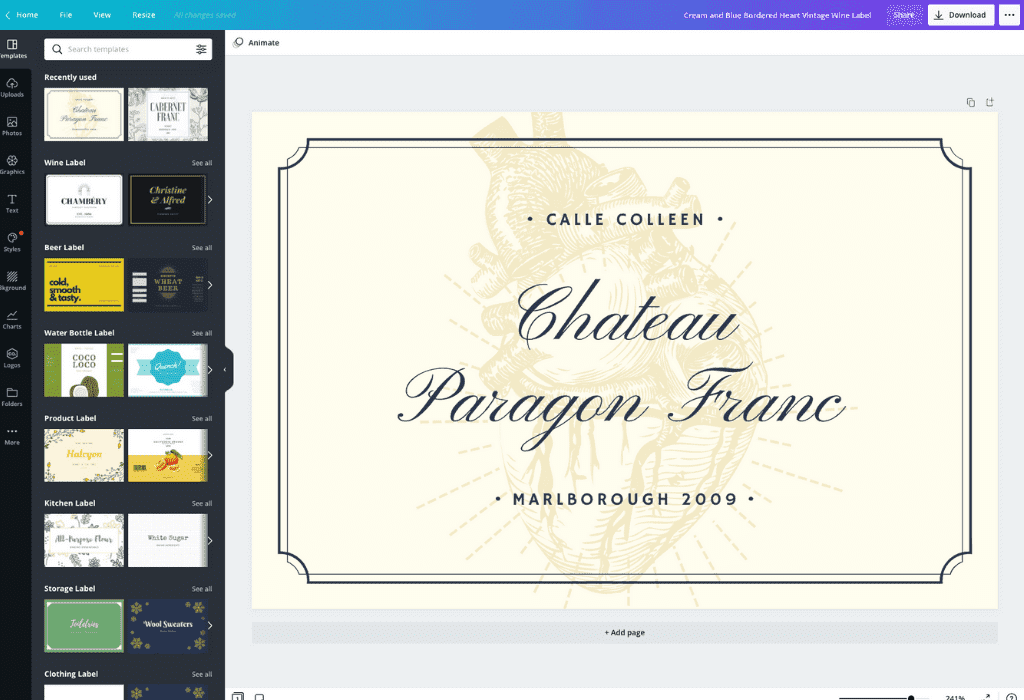
Choose from our library of 1 million+ images and design elements
Choose among the many amazing label templates to put on your wine bottle by customizing the various design elements within the layout. Our library of over a million stock photos, images and design elements makes it easy to add your own touch. If the free images are not doing it for you, our premium ones are available for only a small cost for each one time use.
You can also upload your own logo, photo, or even one of your own illustrations. Whatever it is, just drag and drop them into your design and tweak away until it looks spectacular.
Share, show off and collaborate
When you are done, don’t stop there. Tell the world, or at the very least your friends and family. If you are a budding wine entrepreneur you might want your fellow oenophiles to see what you can do.
Even if you’re working with a team on the other side of the world, Canva makes it easy to collaborate on designs. Click ‘Share’ to email it directly to a contact or send a link to anyone who needs it. You can even ask for comments on your masterpiece. And if you really want to share your design with the world, then getting it onto X (Twitter) or Facebook takes just another click on the ‘Share’ button.
Print your wine label in stunning high resolution
Getting your design off the screen and onto your bottle is as easy as clicking the ‘Download’ button. Save your design as a high-quality PDF to print at home or at a professional printer. And you’re all done! All that’s left will be to celebrate and raise a glass to your newly labeled wine – cheers!
FAQ
The most common wine bottle label size is 3.5 inches wide x 4 inches tall. For smaller bottles, go for 2 x 3, 3 x 2 or 3 x 3. The right size will depend on the type of wine bottle you’re labeling, so print and test out a mock-label first.
Wine labels should have:
- a colorful or otherwise eye-catching background
- the wine company logo and tagline
- the name of the wine
- the location of the vineyard
- the website of the company
- the ABV
- the year the wine was produced
The back of the label contains more details like the company address and government warning.
After you’ve designed your wine bottle label, you can load some label paper into the printer and print your designs onto them. Be sure to let the labels dry completely and let the wine bottles come to room temperature before handling.

@navneet4


