Add nostalgic charm to your photos with a vintage filter
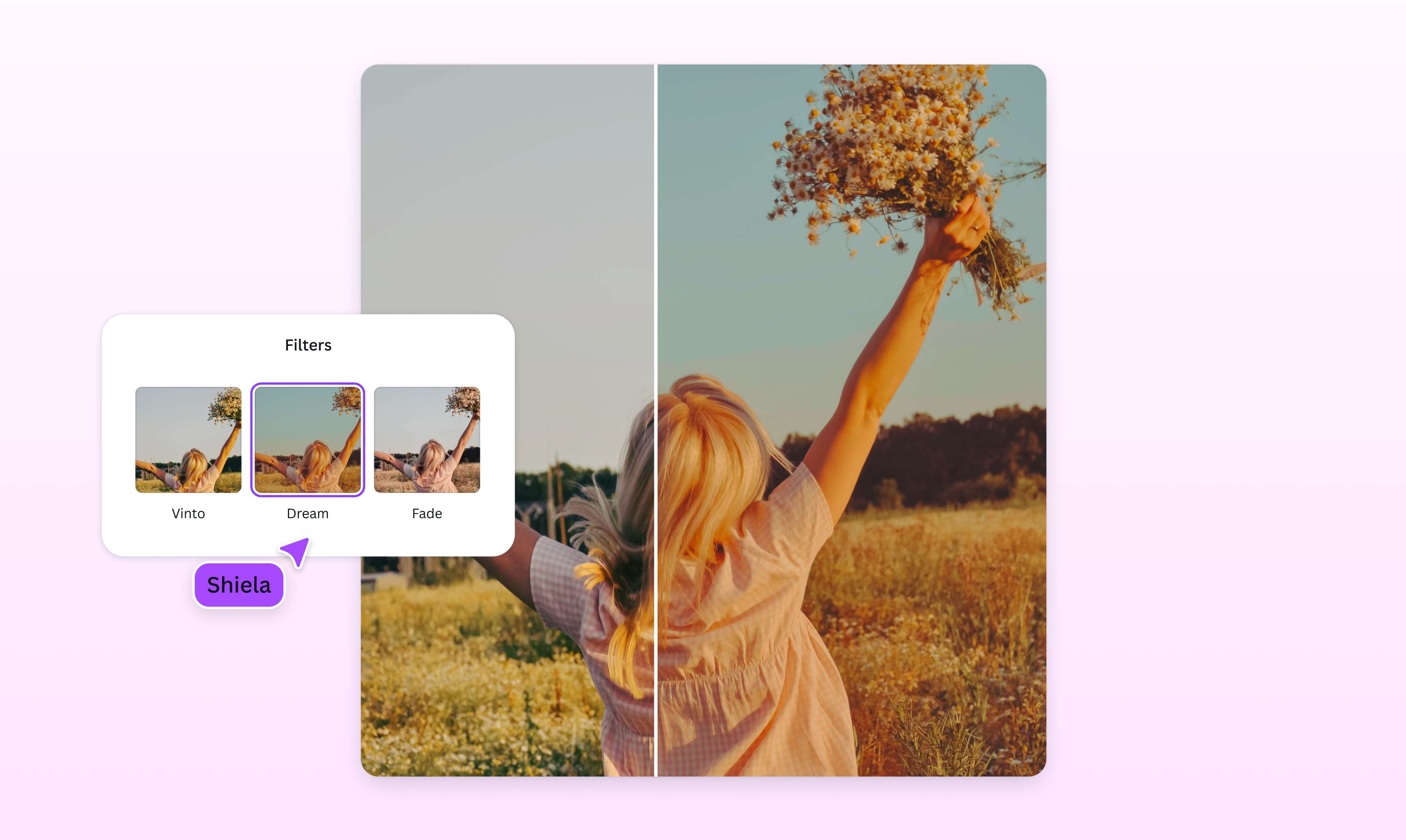
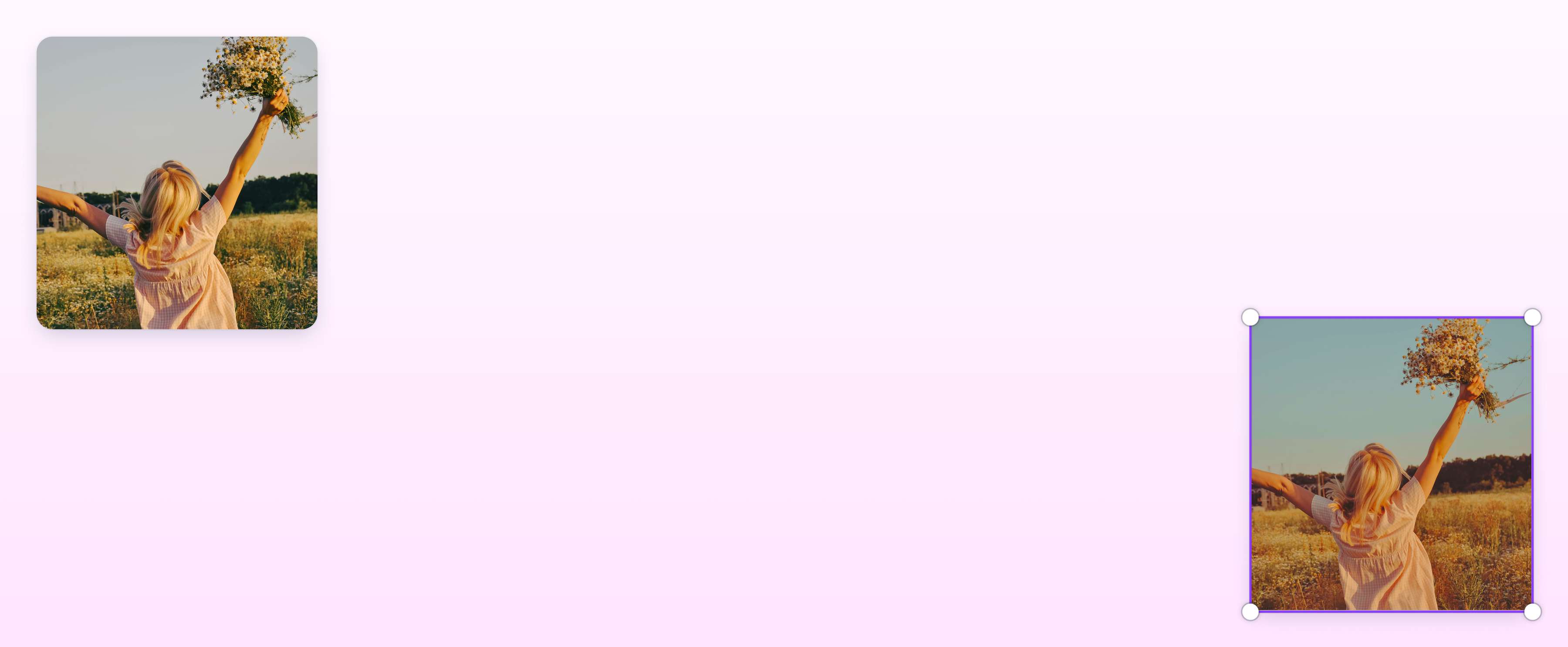
Give your images that classic or retro vibe with Canva’s collection of vintage photo filters. Whether it’s a travel snap or a simple selfie, use our online photo editor to apply a striking vintage effect that lends a unique flair to your visuals.
or drop it here
Learn about Canva’s upload formats and requirements. See how we use your content in our Privacy Policy.
Step back in time
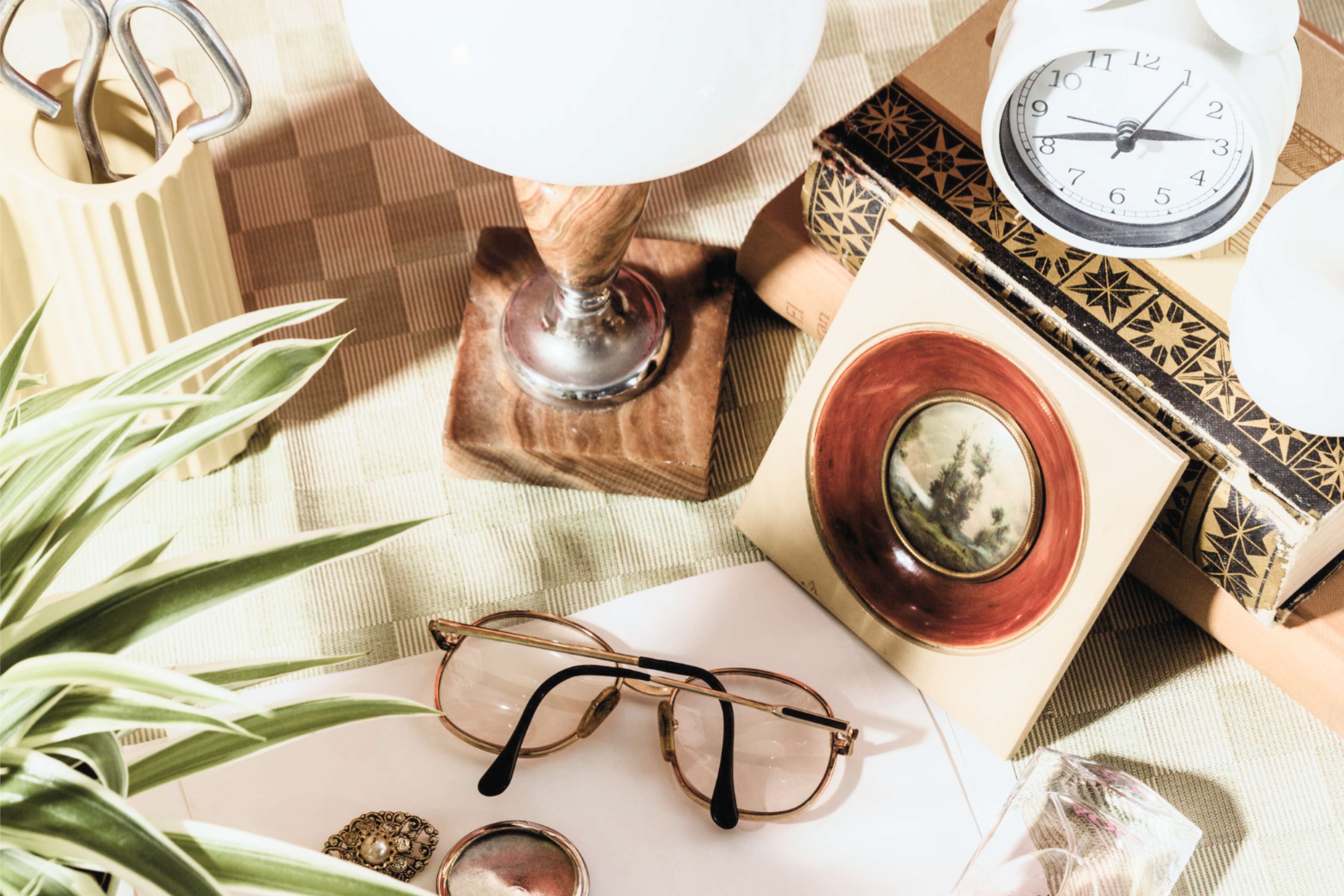
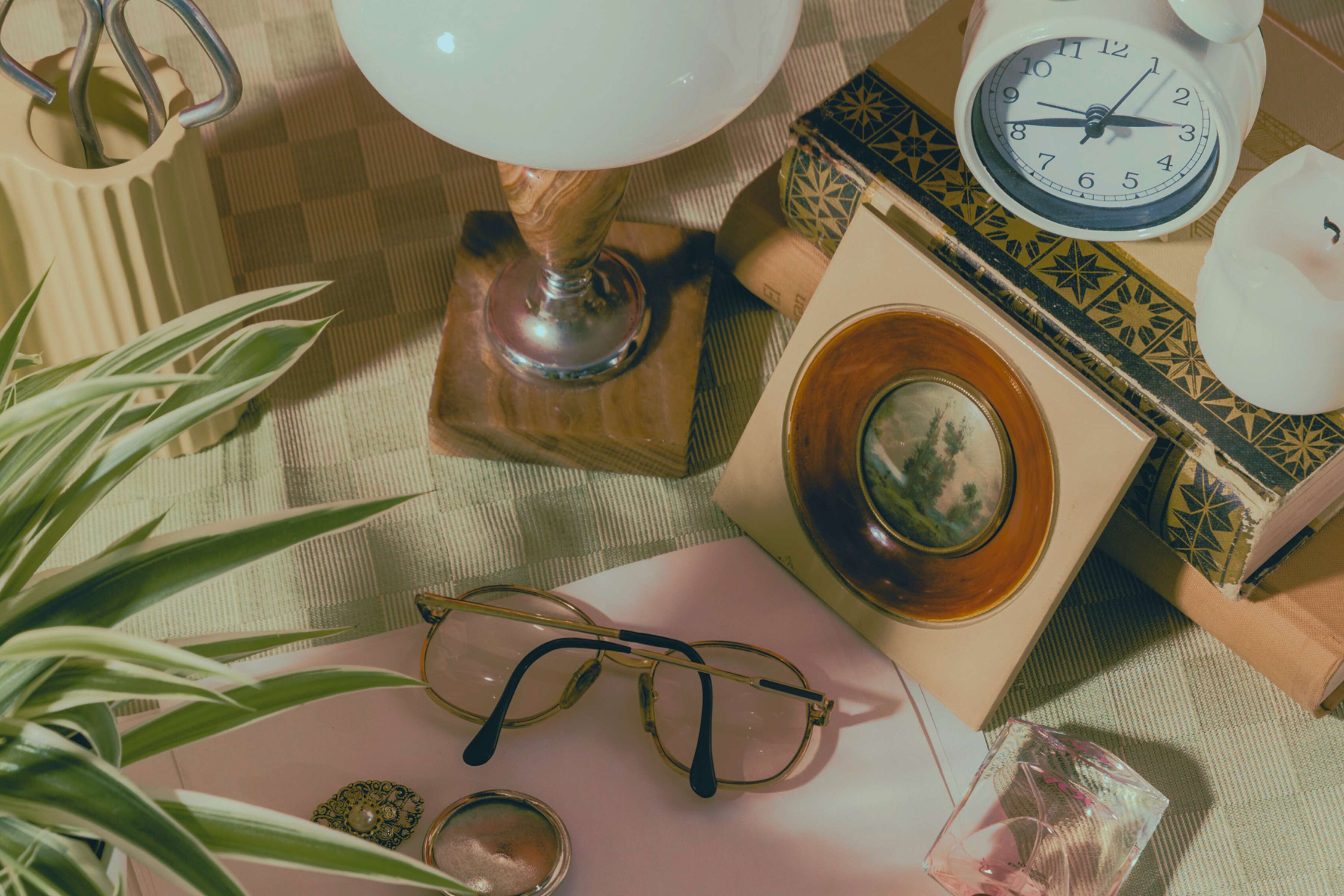
Bring the timeless appeal of old-school imagery to your pictures with a cool vintage camera effect. Explore our collection of vintage-inspired filters and craft gorgeous images you'll be proud to share anywhere. Whether you're a content creator, brand, or simply love the old, retro look, apply a vintage filter online using Canva’s free photo editor and turn your pictures into an instant classic.
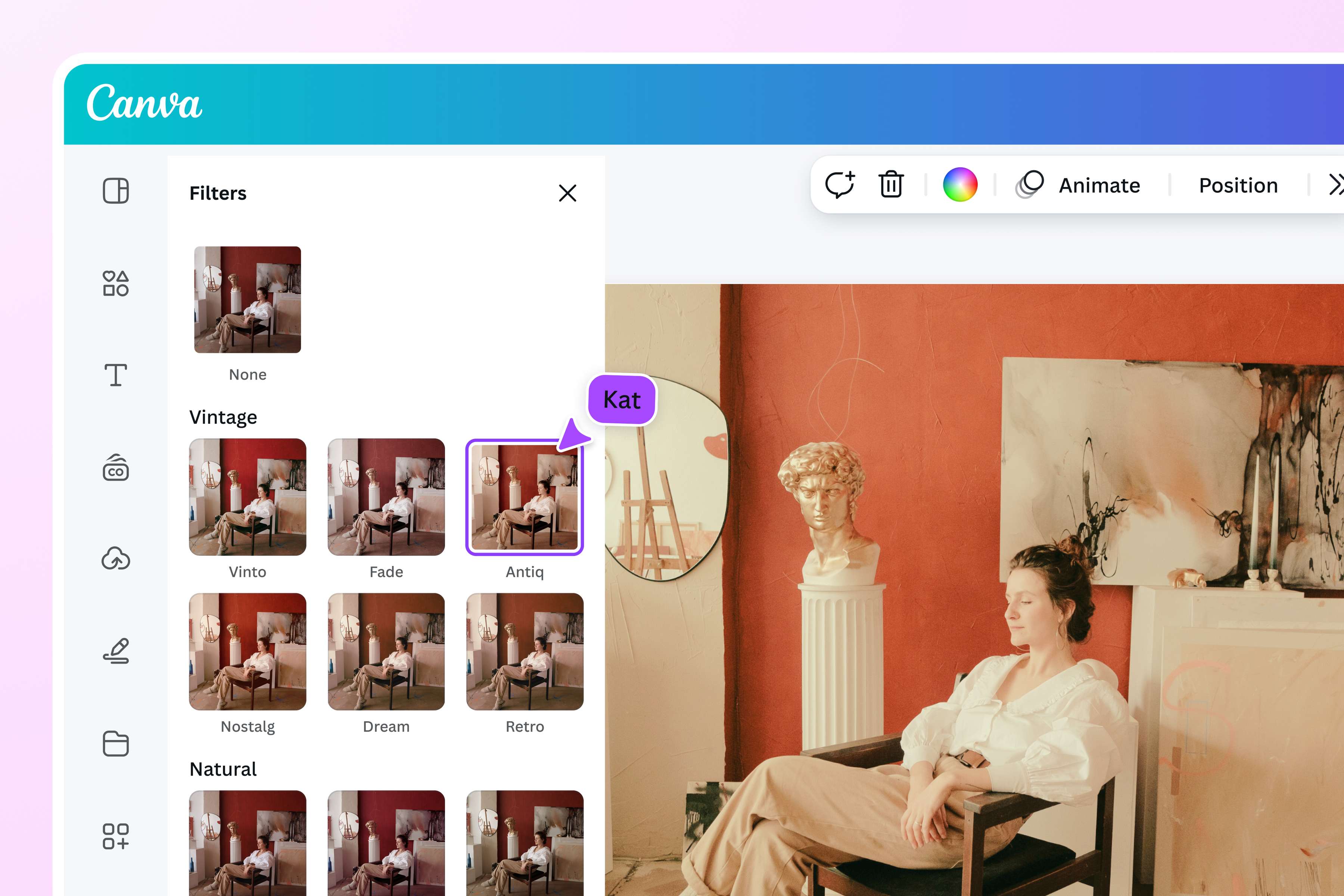
Create drama and mood
Add a layer of depth to your images with a photo vintage effect. Our image filters come with distinct hues and styles, so you can quickly achieve your desired look and feel. You can customize the intensity of each filter, giving you control over your visuals. From warm sepia tones to a heavy vignette, use an old photo filter from Canva to transform your ordinary image into a dramatic work of art.
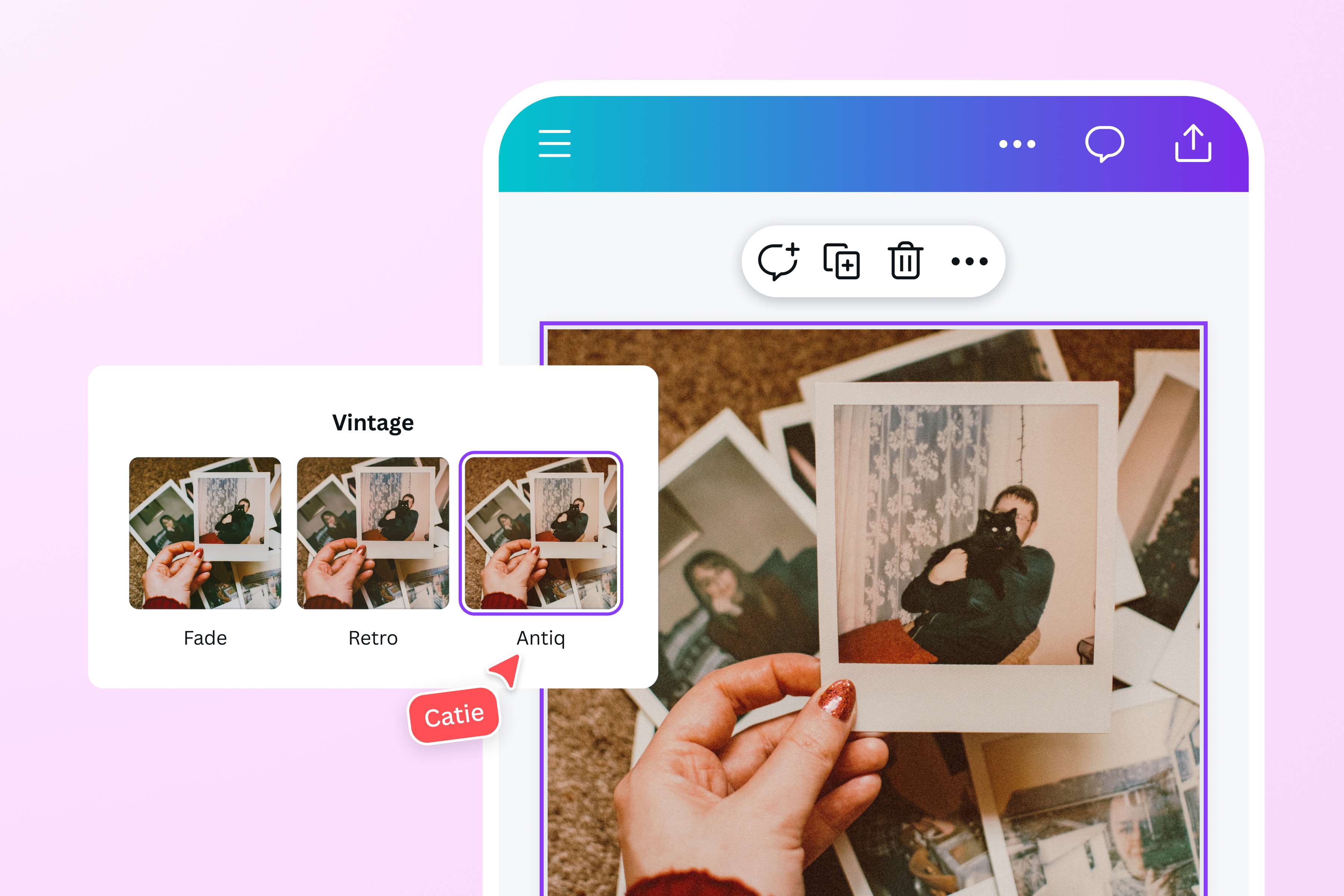
Charming visuals for any project
Our intuitive editor has all the tools to produce stunning images for any design project. Infuse nostalgia with our vintage camera filter, then enhance your image by retouching, changing the image background, and adding other graphic elements from our media library. Want to post aesthetic travel snaps on your feed or work vintage headshots into your portfolio? use our transparent image maker once for free to fine-tune every detail of your image. Do them all and more with Canva’s powerful photo editor. Use Canva to convert PPTX to PDF and keep the integrity of your creative work untouched.
How to get vintage photo effect
Launch Canva
Open Canva on the app or your preferred web browser. Begin your design project by choosing a ready-made template or opening a blank layout.Upload your photo
Use the Uploads tab to upload the photo or collection of photos you want to edit with a free vintage filter. You can also pick from the millions of stock images(opens in a new tab or window) available in our library.Add vintage effect to photos
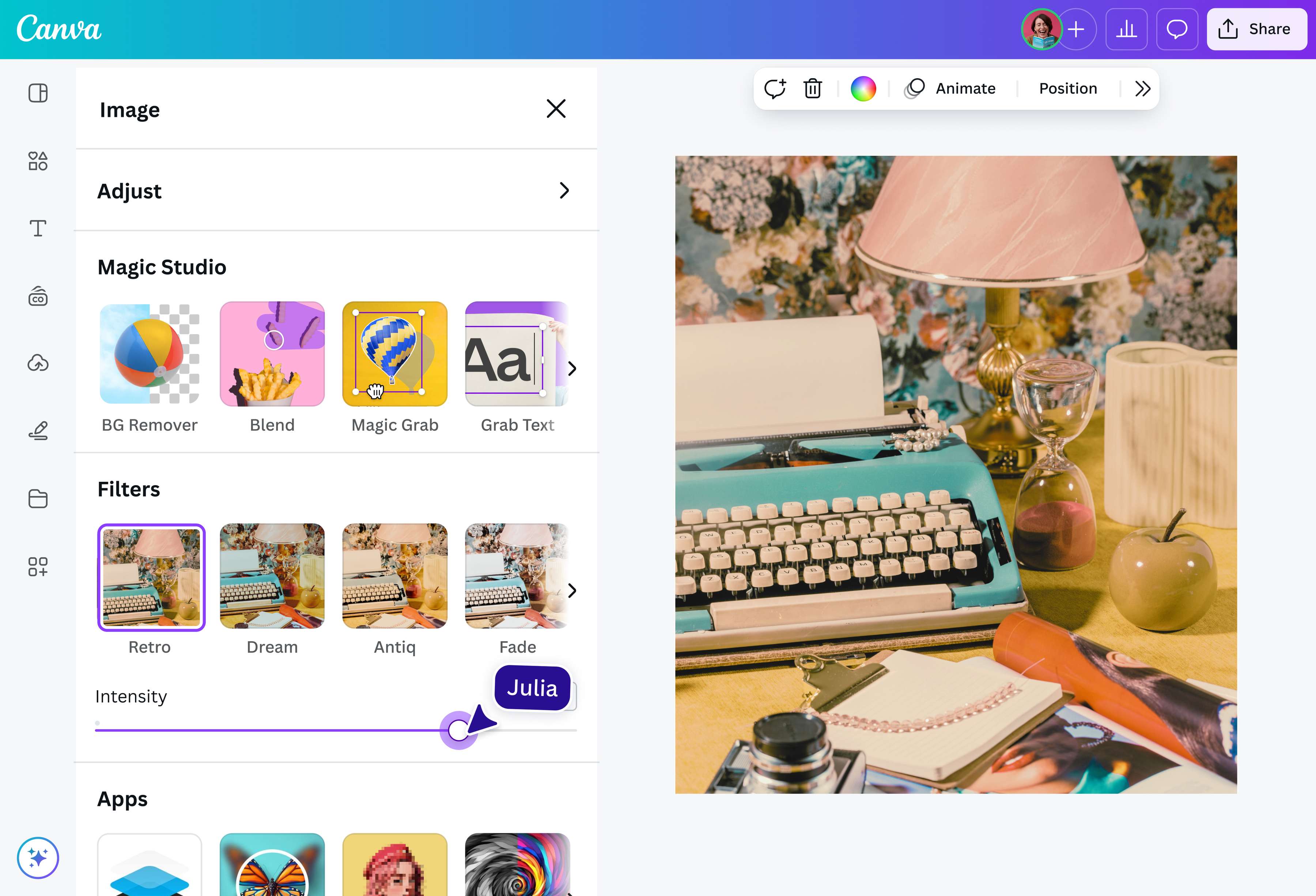
Select your image, then click Edit Photo. Under Filters, select Vintage, and choose Vinto, Fade, or another vintage film filter. Afterward, you can drag the slider to your desired intensity.Enhance your image
Tweak your design further with our beginner-friendly tools. Add captions(opens in a new tab or window). in stylish fonts, play with various color schemes, and resize or crop your image(opens in a new tab or window). to the recommended aspect ratio.Download and share
Satisfied with the final outcome? Download your photo as a high-resolution JPG or PNG image output file or share it to your social media feeds right from the Canva editor.
Frequently asked questions
- A vintage photo filter is a digital filter that replicates the output of a film camera, adding an aged look and a nostalgic feel to images. Each vintage image filter has a different characteristic and style, but all add a layer of effects to a photo. It can create a faded look, add a vignette effect, or adjust the image brightness, among other things. A vintage filter adds depth and dimension to any photo.