- AI Replace
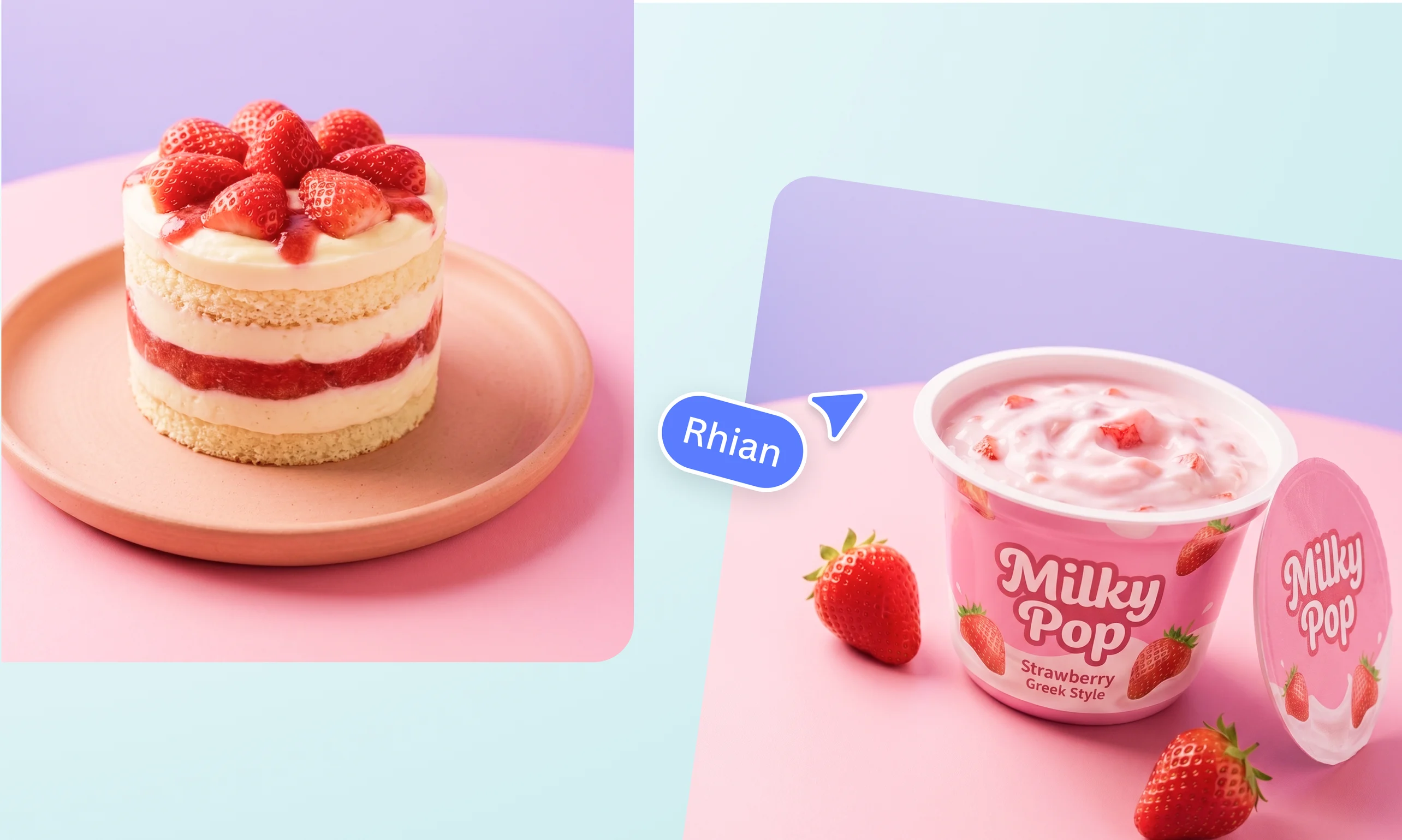
Replace objects in photos with our powerful AI Replace tool
Reimagine any photo without expensive reshoots or complex editing. Use AI to replace elements, remove distractions, and fine-tune details from a simple text prompt.
or drop it here
Learn about Canva's upload formats and requirements. See how we use your content in our Privacy Policy.
Replace any part of your image in seconds

Create scroll-stopping images for your online store, social media, or simply for keeps. Use Canva AI to erase or replace anything in your image that looks out of place. Change the color of a dress, remove a distraction in the background, or swap a cozy mug for a steaming coffee cup. Just enter your text prompt, describe what you’d like to see instead, and let AI replace elements in seconds.
Seamlessly edit for any purpose

Transform your photos from good to great for any purpose. With AI replace, you can replace a cloudy sky with a golden hour glow, swap a t-shirt for a suit for a more professional headshot, or turn a cluttered countertop into a clean, minimalist backdrop for your product shots. Achieve seamless, realistic edits that blend naturally into your image while preserving the original lighting and shadows.
Explore more tools to get the job done

Refine and replace elements in photos to match your vision, then open Canva’s AI-powered photo editor(opens in a new tab or window) to enhance them further. Extend your image in any direction with Magic Expand(opens in a new tab or window), or remove clutter with Magic Eraser(opens in a new tab or window). Short on time? Improve image quality in one click with the AI Image Upscaler(opens in a new tab or window). Get the job done faster with all the tools and features you need in one seamless workflow.
How to replace objects in images with AI


Frequently asked questions
- AI replace lets you edit specific parts of an image with simple text prompts. Simply upload your photo, and enter your text prompt describing what you’d like to see instead. The AI then generates a realistic replacement that blends naturally into your image while preserving the original lighting, shadows, and overall look.
- You can replace a wide range of elements in your photo, including people, objects, backgrounds, clothing, hairstyles, and accessories. For best results, use clear and detailed prompts so the edits blend naturally into your image.
- The exact time depends on the complexity of your image and your internet connection, but it usually takes just a few seconds.
- If you’re not satisfied with the replacement, enter a new text prompt with more detail to generate a result that better matches what you have in mind.